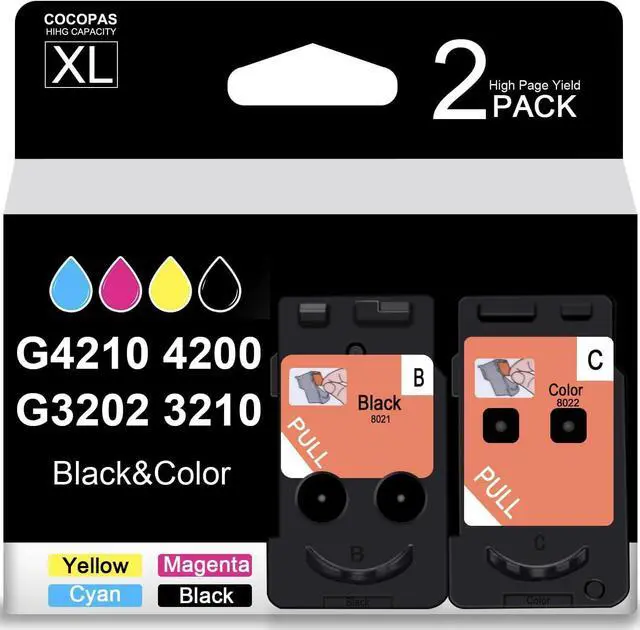
Package includes: 1 User Guide and 2 Pack (1 Black + 1 Tri-color) remanufactured Canon PG-8021XL 8022XL ink cartridge.
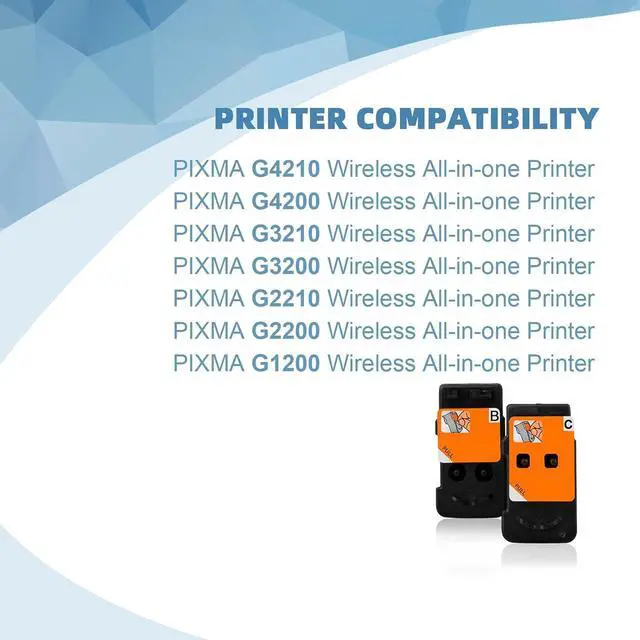
Compatible for: PIXMA G4210 G4200 G3210 G3200 G2210 G2200 G1200 MegaTank Printers.
BLACK:8021XL ink cartridge Up to 5000 pages
COLOR: 8022XL ink cartridge Up to 5000 pages
Warm :
A:Please confirm your Printer Model before placing order.
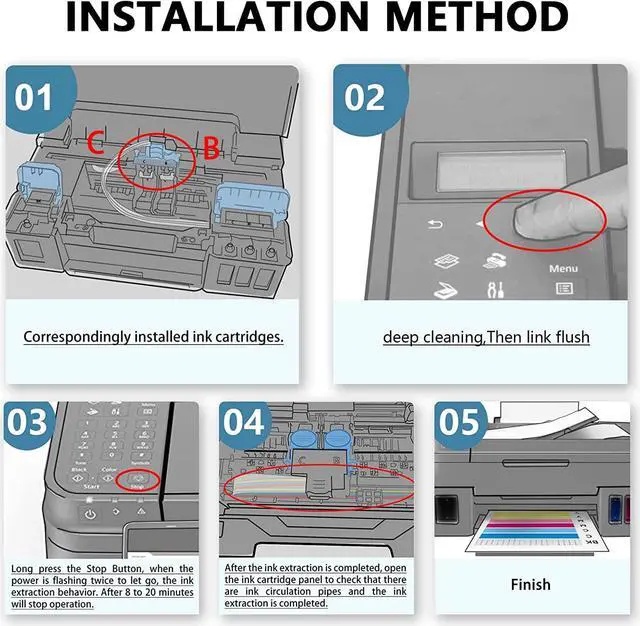
B:Please tear the tape off before you install the ink cartridges.
C:We use imported ink: Bright color Saturation and exorbitant fidelity
D:Strictly test Leakproofness
E:Easy to Install and Use: All compatible printers instantly recognize Smart Ink cartridges and work flawlessly
F:
If your printer displays a "Non-Genuine" message, press "Proceed"/"Continue"/"Accept" or "OK" to continue.
If you receive the error "Ink Cartridge not recognized" or "Missing or damaged ink," remove the indicated cartridge. Then use a dry, lint-free cloth to gently wipe the copper-colored contacts on the cartridge and carriage to remove any buildup. Replace the cartridge and make sure that it clicks securely into the corresponding slot.
If you get "Ink out/Empty/Low Ink" error, remove and reinstall indicated cartridge until it firmly seats into the slot. If all the cartridges are correctly installed, press "OK" or "Continue" to clear the message, and resume printing.






 We‘re shipping as usual! The Canada Post strike only affects certain remote deliveries and PO Boxes. Details
 Holiday Shipping Details & Extended Holiday Returns


