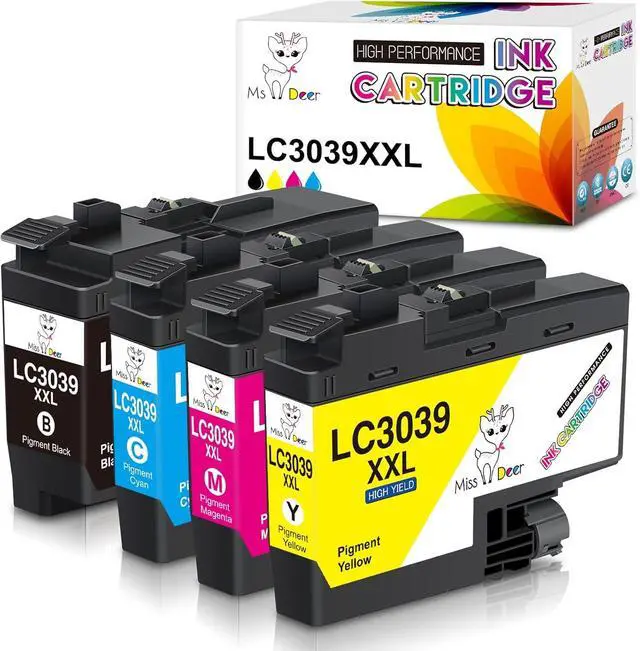
Miss Deer LC3039XXL Compatible Ink Cartridges for Brother LC3039XXL LC3039 XXL LC3037 LC3037XXL with Latest Chips (Non-OEM)
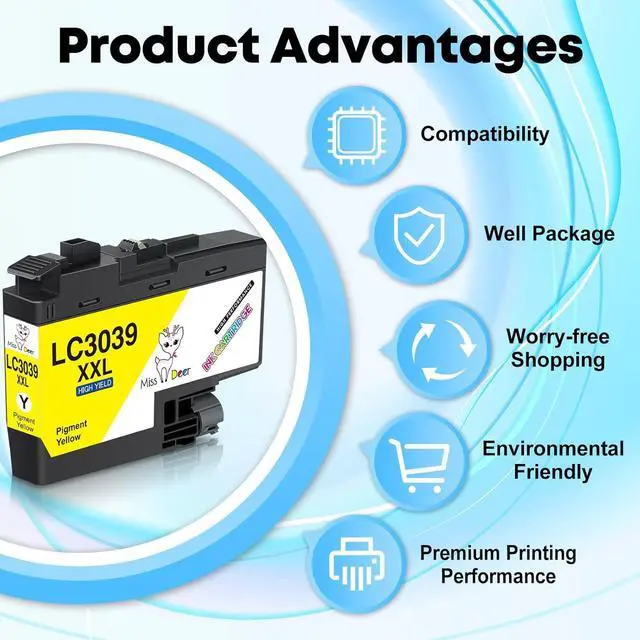
Advantages:
Strict Quality Control
Brilliant Printing
First-class Chips
Package Included:
1 x LC3039BK XXL Black Pigment Ink Cartridge
1 x LC3039C XXL Cyan Ink Cartridge
1 x LC3039M XXL Magenta Ink Cartridge
1 x LC3039Y XXL Yellow Ink Cartridge
High Page Yield:
Up to 6,000 pages for black cartridge, 5,000 pages for each color cartridge. (5% coverage of A4/Letter Paper)
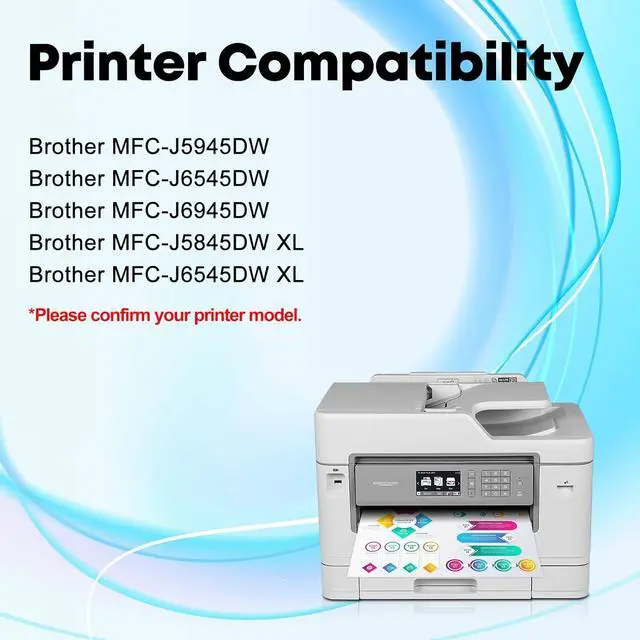
Compatible Printers:
Brother MFC-J5845DW XL
Brother MFC-J5945DW
Brother MFC-J6545DW
Brother MFC-J6545DW XL
Brother MFC-J6945DW
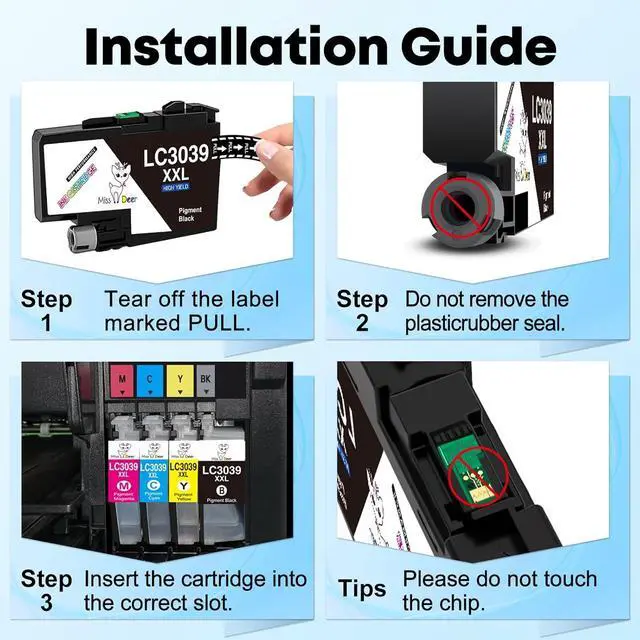
Installation & :
1. Tear off the yellow sealing tape marked "PULL", and then insert it into corresponding slot until it clicks into place.
2. Please do NOT touch the ink chip to avoid the unrecognized issue during installation.
3. If the printer shows "?" after installed the new catridge, please ignore it and go on printing. It means that the printer has recognized the ink tank.
4. For the best printout color, it is better to clean the printhead and nozzle check 1-2 times at the first time.





 We‘re shipping as usual! The Canada Post strike only affects certain remote deliveries and PO Boxes. Details
 Holiday Shipping Details & Extended Holiday Returns


