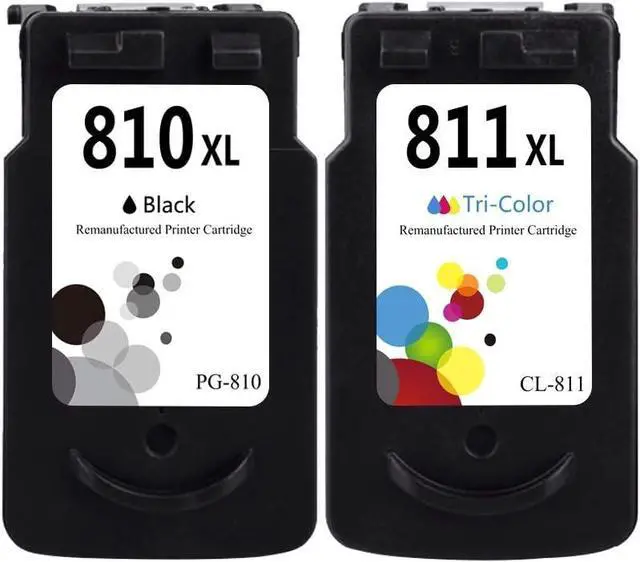
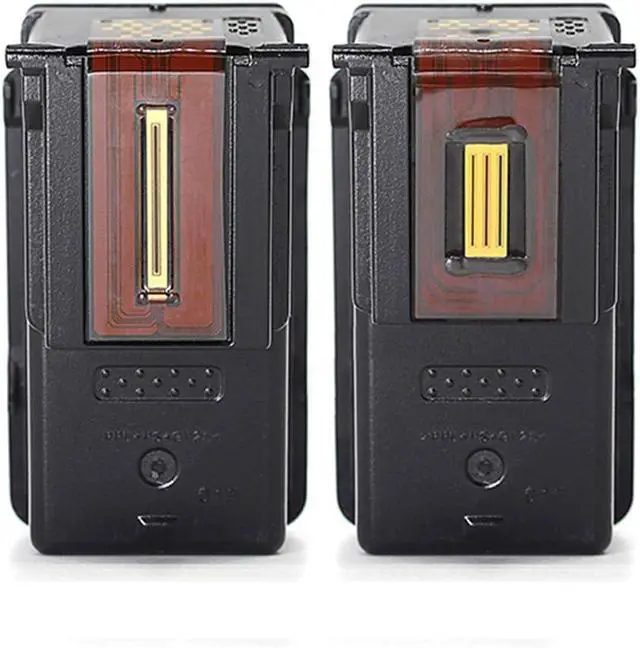
For Canon ink package with pg-810 black, cl-811 color ink cartridges
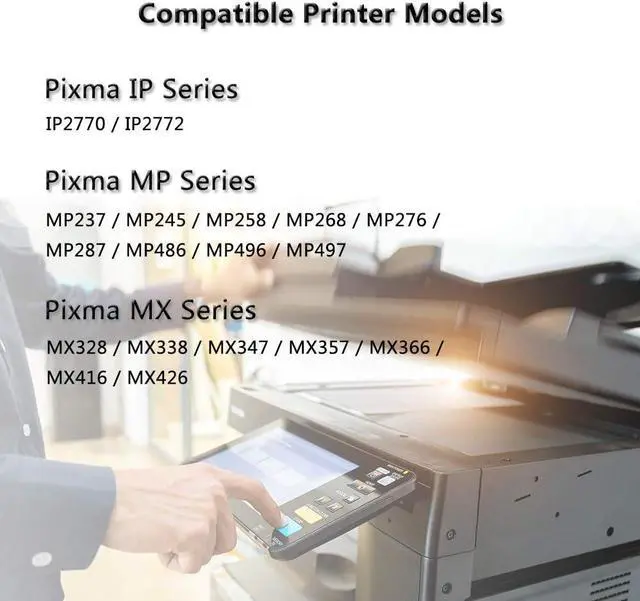
Printer Compatibility
For Canon Pixma iP2770, iP2772 Printers
For Canon Pixma MP237, MP245, MP258, MP268, MP276, MP287, MP486, MP496, MP497 Printers
For Canon Pixma MX328, MX338, MX347, MX357, MX366, MX416, MX426 Printers
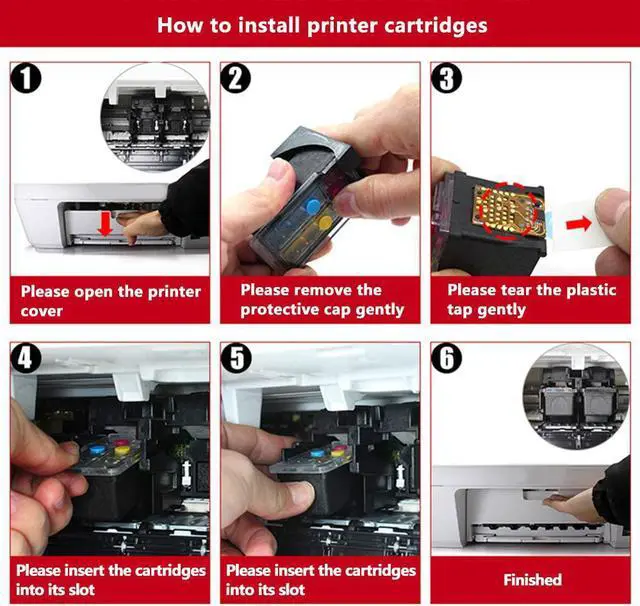
How to install
1. Remove the protective cover before installing
2. Tear off the plastic tape
3. Insert the ink cartridge into your printer
If cartridges are not recognized, please follow the below troubleshooting steps
1. Turning off the printer with the cartridges installed
2. Unplug printer and leave everything off for 2 minutes
3. Turn on printer and attempt to print again
Ink Quality Control
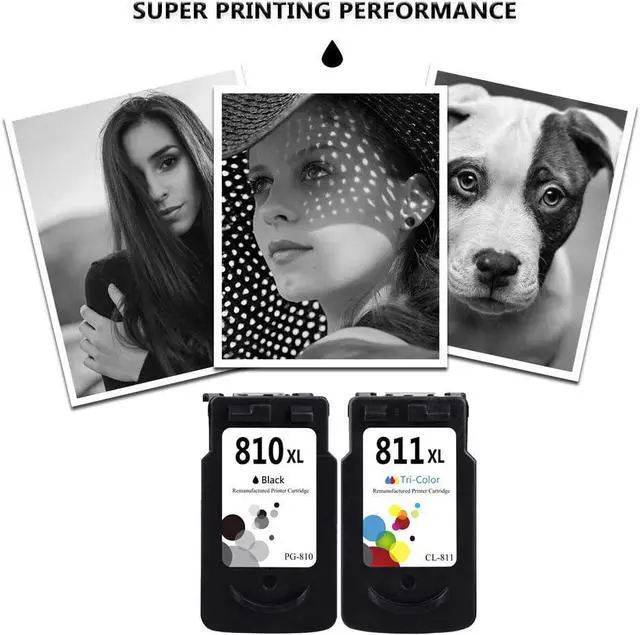
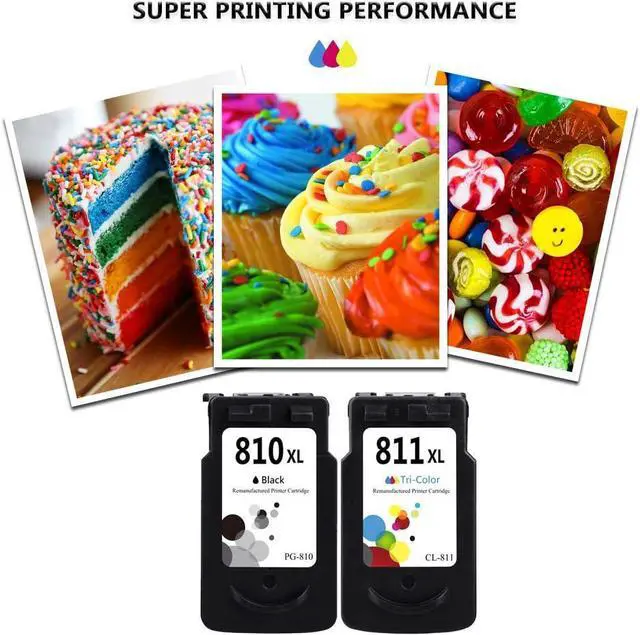
Print sharp text and vivid colors
Patented formula provides crisp and clear results for all your printing needs
Professional Packaging
Fully stress tested packing design with multiayer shockproof standards
to ensure the security of your cartridges during transit
Meet Printing Needs
We treasure you and pay more attention to your printing needs
With our professional assistance, you can expect the best value



 We‘re shipping as usual! The Canada Post strike only affects certain remote deliveries and PO Boxes. Details
 Holiday Shipping Details & Extended Holiday Returns


