shippingWe‘re shipping as usual! The Canada Post strike only affects certain remote deliveries and PO Boxes. Details
shipping Holiday Shipping Details & Extended Holiday Returns
  • $804.99
  • Free 30-day Returns
  • Ships from China.
    Price alert
    Shop it at NeweggBusiness.

    Meet Your Seller

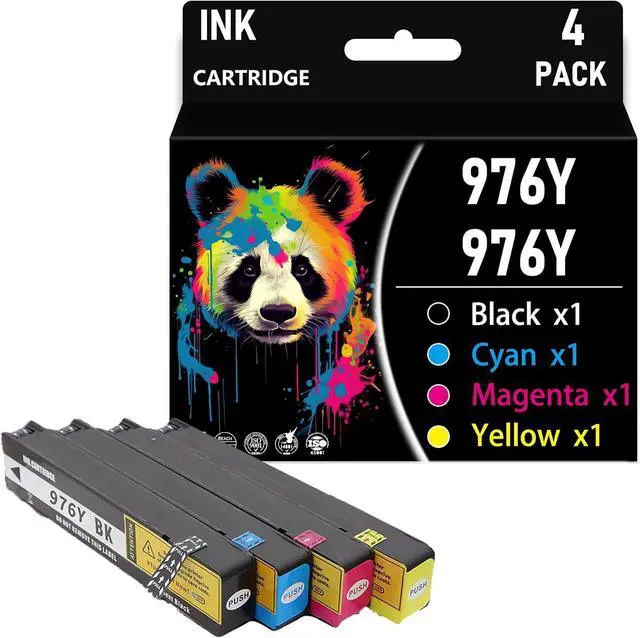
    976YXL 976Y XL Compatible Ink Cartridge Replacement for HP 976Y for HP Pagewide pro 552dw dn 577dw z PageWide Managed P55250dw P57750dw,Combination Pack×4

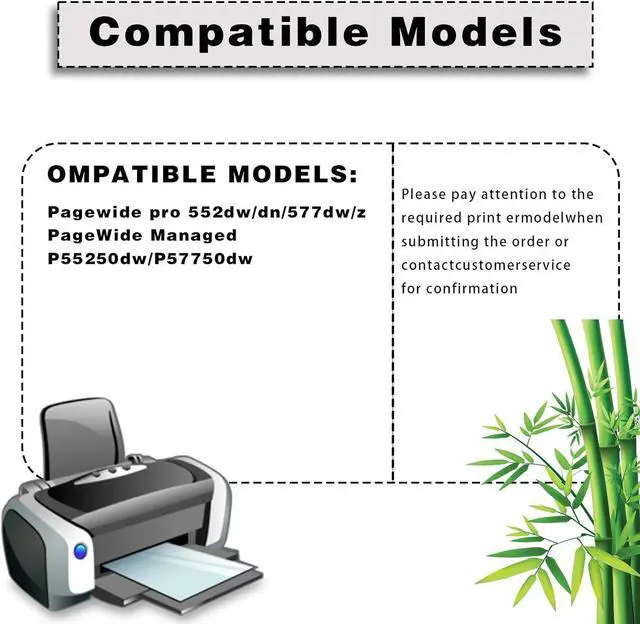
    • Before Purchasing: Please pay attention to the requiredprintermodelwhen submitting the order, or contactcustomerservice for confirmation,to make sure the ink cartridge perfectly matches the printer
    • Color Contains: 976YXL Ink CartridgesBlack, Cyan , Magenta , Yellow
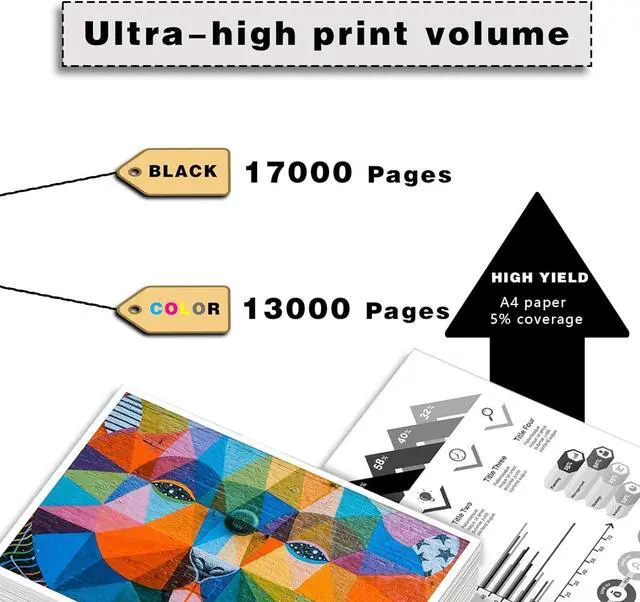
    • Higher Capacity: 976YXL Ink Cartridge with its higher ink capacity, Black ink cartridge up to 17000 Pages; Color ink cartridge up to 13000 Pages (With 5% coverage on A4 paper)
    • Superior Service: 976YXL Ink Cartridge provides you with exceptional prints, tested and stable to ensure crisp text and bright, vivid colors, and if you have questions, our team will get back to you within 24 hours
    • Compatible With Printers: 976YXL Ink Cartridge Compatible for HP Pagewide pro 552dw dn 577dw z PageWide Managed P55250dw P57750dw Printer
    +
    +
    Overview
    Specs
    Reviews
    Why choose us?
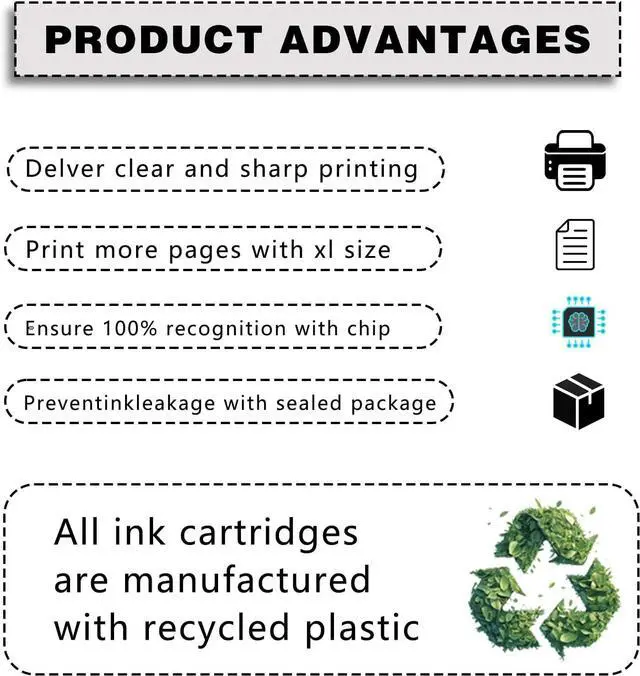
    Our ink cartridges use the latest chips and advanced anti-clogging nozzles to prevent clogging. To ensure that text and graphics are clear and sharp, print the color results you want on the paper.
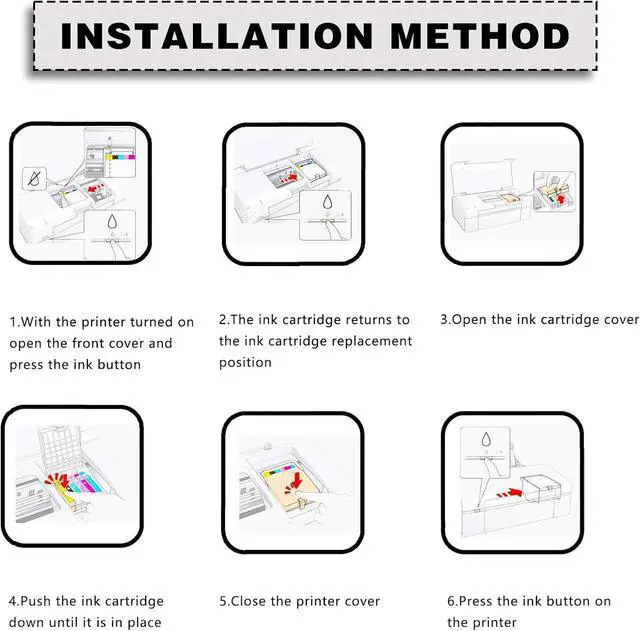
    Installation steps:
    1. After the printer is turned on, open the front cover of the printer and press the ink button.
    2. Put the ink cartridge back to the replacement cartridge position.
    3. Open the ink cartridge cover
    4. Take out the original ink cartridge
    5. Push the ink cartridge down into place
    6. Close the box cover and the printer cover
    7. After the above operations are completed, press the ink button on the printer to complete all the ink cartridge replacement processes.
    Warm :
    Make sure not to touch the chip on the ink cartridge for best performance.
    Please note that if a non-original message prompt appears, just click "OK" or "Continue" to continue and start using the cartridge.

    Warranty & Returns

    Warranty, Returns, And Additional Information

    Warranty

    • Please contact the Seller directly for warranty information. Warranty information may also be found on the Manufacturer's website.
    • CONTACT

    Return Policies

    Manufacturer Contact Info

    LOADING...