Description
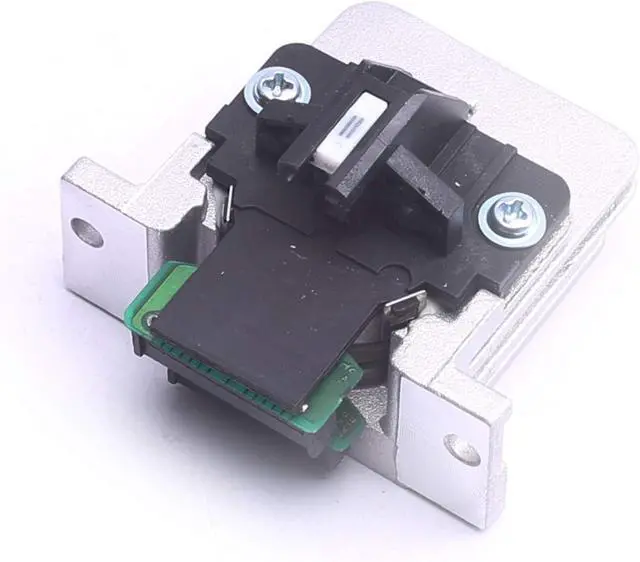
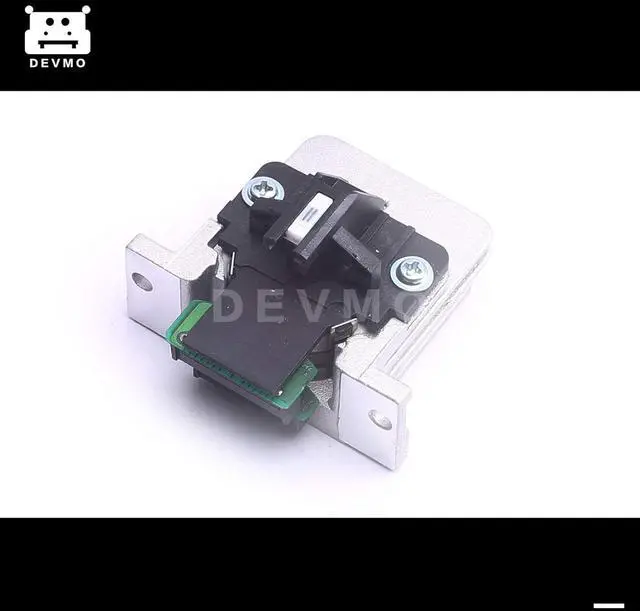
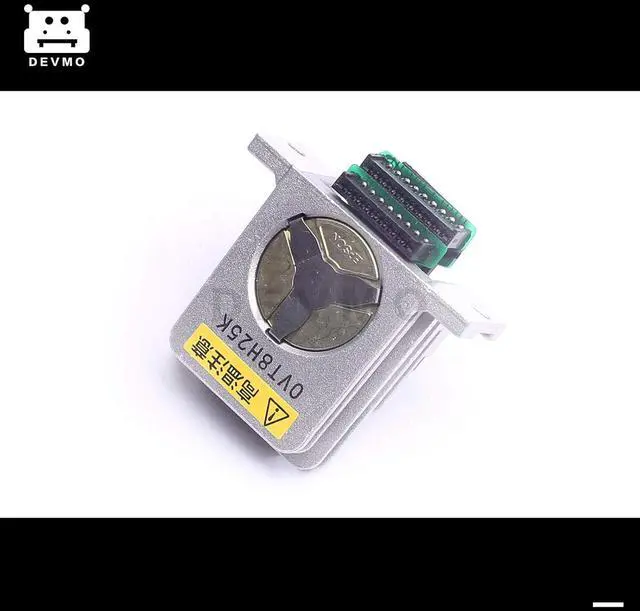
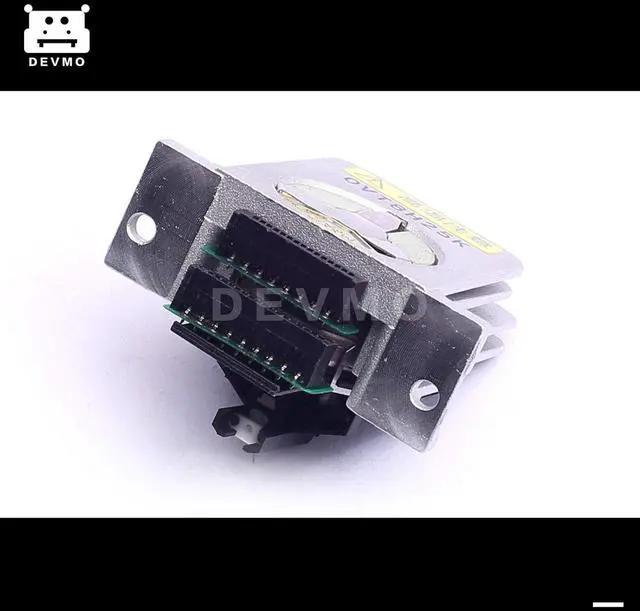
*Printhead for LQ-590 LQ590 LQ-2090 LQ2090
Note:In print entered please turn off the power of the printer, or it will cause the mainboard chip burned. After loading the print head, please don't install ribbon overhead 10 pieces of A4 document, so that make the new needle have a running-in process, and then put the ribbon. I hope you can be careful operation
Installation instructions:
1.Please turn off the Printers power supplybefore install the printhead
2.Move the old printer to the right side andtwist off the screws of bothsides
3.Pull out the old printer softly
4.Install the new printhead and notice the note
alignment
5.Restore the printhead to correct position
You'll Receive
1 pcs Printhead for LQ-590/LQ-2090


 We‘re shipping as usual! The Canada Post strike only affects certain remote deliveries and PO Boxes. Details
 Holiday Shipping Details & Extended Holiday Returns


