Why choose us?
Our ink cartridges use the latest chips and advanced anti-clogging nozzles to prevent clogging. To ensure that text and graphics are clear and sharp, print the color results you want on the paper.
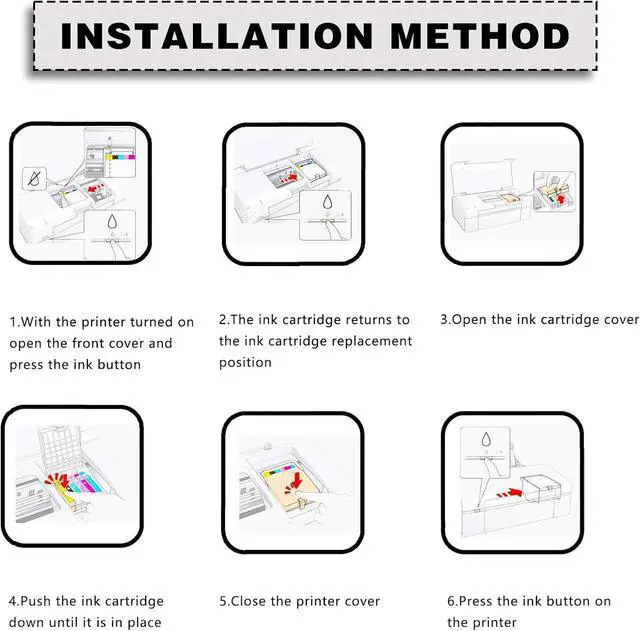
Installation steps:
1. After the printer is turned on, open the front cover of the printer and press the ink button.
2. Put the ink cartridge back to the replacement cartridge position.
3. Open the ink cartridge cover
4. Take out the original ink cartridge
5. Push the ink cartridge down into place
6. Close the box cover and the printer cover
7. After the above operations are completed, press the ink button on the printer to complete all the ink cartridge replacement processes.
Warm :
Make sure not to touch the chip on the ink cartridge for best performance.
Please note that if a non-original message prompt appears, just click "OK" or "Continue" to continue and start using the cartridge.
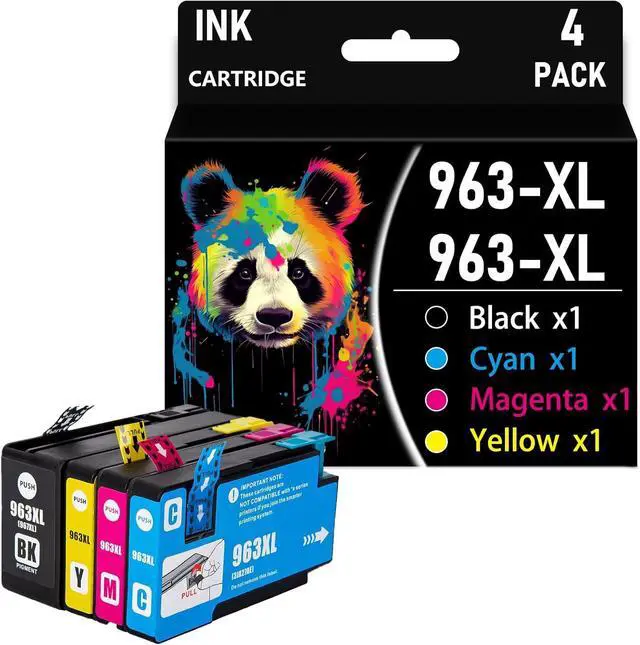
963XL 963 XL Compatible Ink Cartridge Replacement for HP 963 for HP OfficeJet Pro 9010 9012 9013 9014 9015 9016 9018 9019 9020 9022 9023 9025 9026 9027 9028 9029
Share:
Found a lower price? Let us know. Although we can't match every price reported, we'll use your feedback to ensure that our prices remain competitive.
Fields with an asterisk * are required
**