Next page
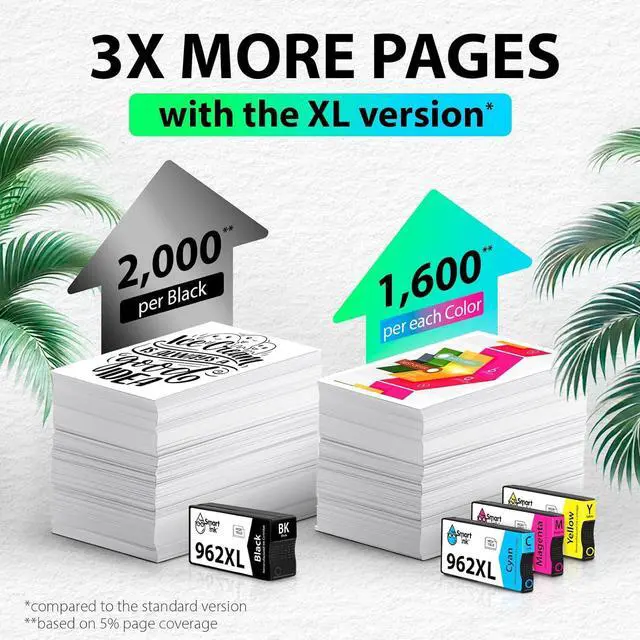
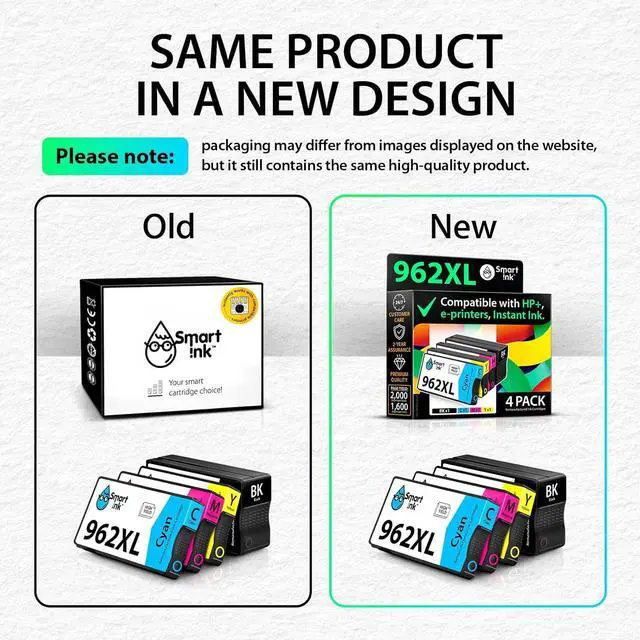
Why Choose Smart Ink Remanufactured 962 XL?
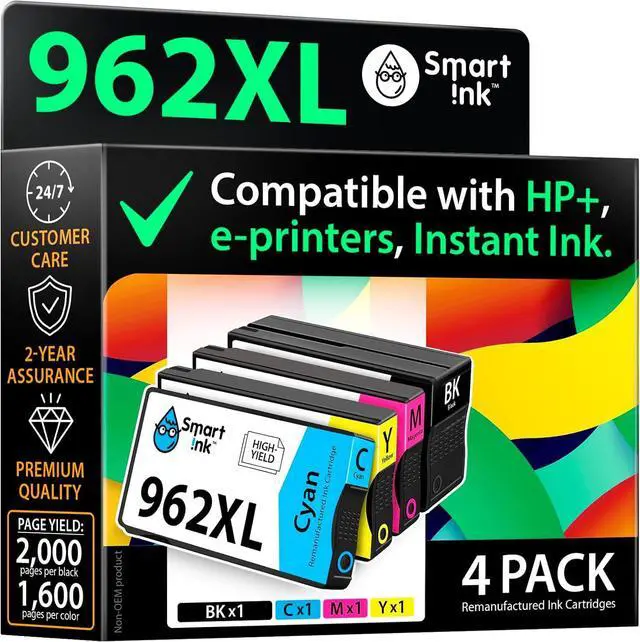
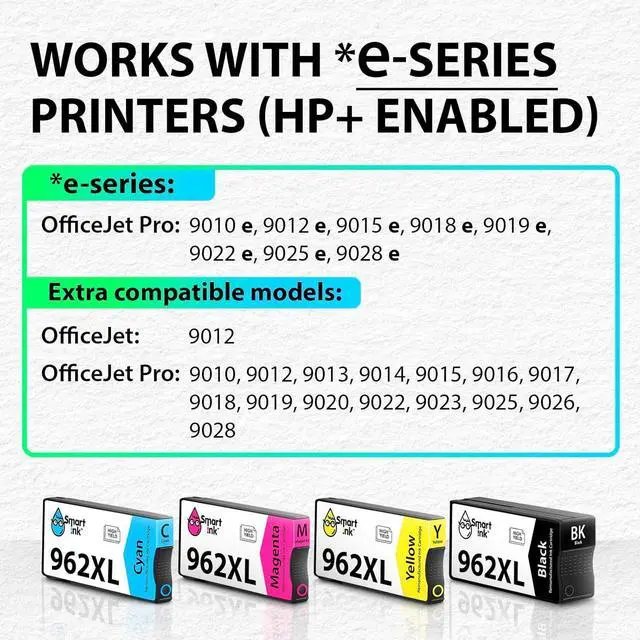
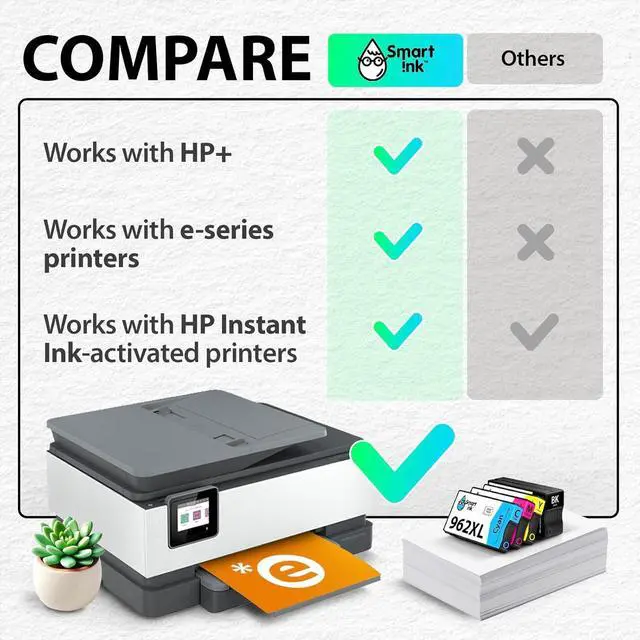
Smart Ink delivers full compatibility with HP+ and e-series printers, resistance to firmware updates, and cutting-edge remanufacturing technologyall with cost savings and 24/7 support.
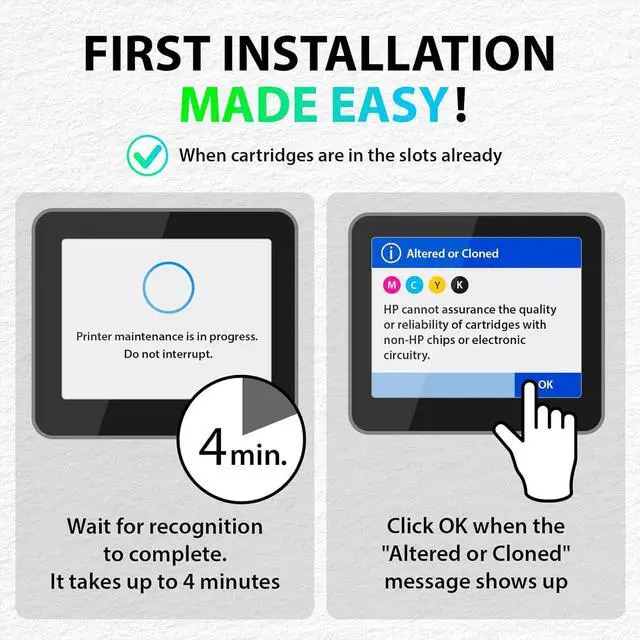
What should I do when the printer shows the "Altered or Cloned" message?
Just press OK to dismiss the message. It only appears after the first installation, and you wont need to deal with it again in future printing sessions.
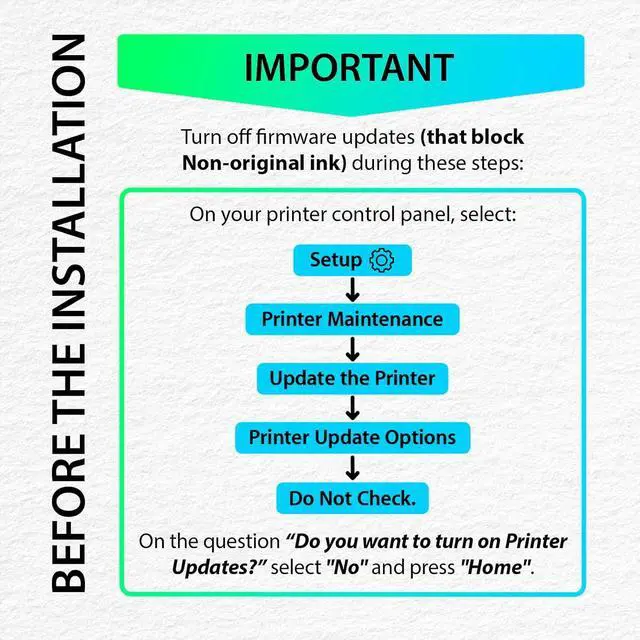
Why does the Smart Ink Remanufactured 962 XL chip work with the firmware update while others are blocked?
We have updated the technology and installed the original OM chip in the Smart Ink Remanufactured 962 XL cartridge. Therefore, the cartridge is protected from recognition problems caused by printer firmware updates.
Will Smart Ink Remanufactured 962 XL work with HP+ or HP Instant Ink activated?
Its fully compatible with both HP+ and HP Instant Ink-activated printers.
How can I contact the Customer Care Team if I need assistance?
After purchase, you can contact Customer Care via buyer-seller messages. We're available 24/7, including holidays, and respond within 3 minutes. Our team is waiting to assist you whenever you need help!
Page 11Sponsored A quick guide to firmware updates Why Choose Smart Ink Remanufactured 962 XL?
What should I do when the printer shows the "Altered or Cloned" message?
Why does the Smart Ink Remanufactured 962 XL chip work with the firmware update while others are blocked?
Will Smart Ink Remanufactured 962 XL work with HP+ or HP Instant Ink activated?
How can I contact the Customer Care Team if I need assistance?


 We‘re shipping as usual! The Canada Post strike only affects certain remote deliveries and PO Boxes. Details
 Holiday Shipping Details & Extended Holiday Returns


