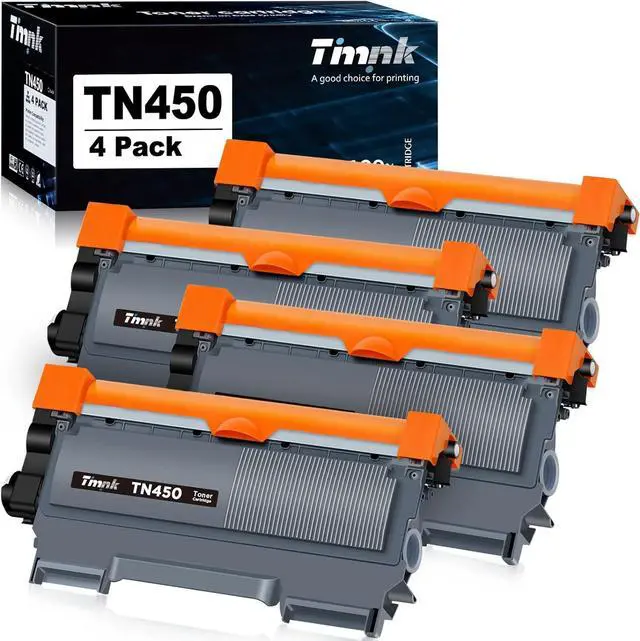
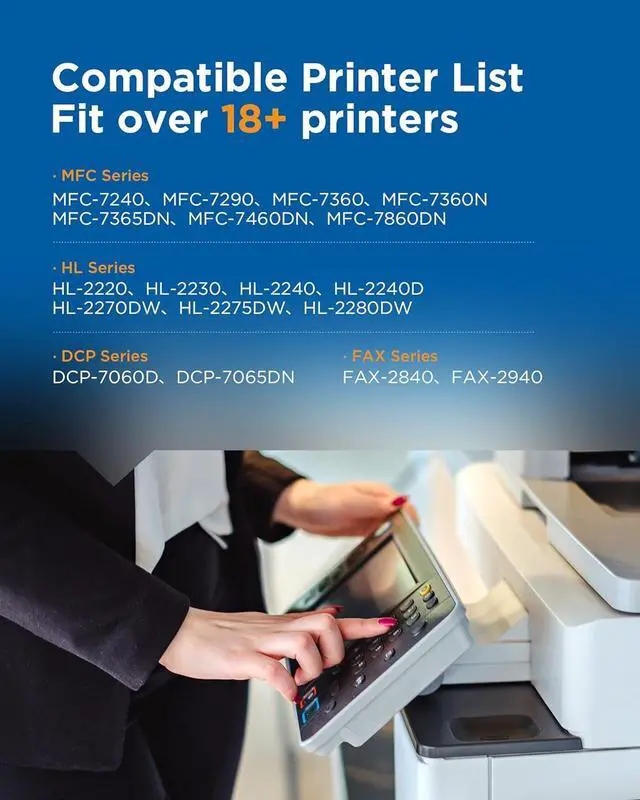
Timink toner cartridges fit your printer perfectly.
DCP-7065DN
DCP-7060D
MFC-7360N
MFC-7460DN
MFC-7860DW
HL-2230
HL-2240
HL-2280DW
HL-2240D
HL-2270DW
Step 01:
Gently shake the toner cartridge to evenly distribute the toner inside the cartridge and carefully remove the protective orange cap.
Step 02:
Put the new toner cartridge firmly into the drum unit (not included in the pack). The green lock lever on the drum unit will lift automatically if install correctly.
Step 03:
Gently slide the tab in the drum unit back and forth several times to clean the corona wire, then return tab to its original position.
Step 04:
Install the toner cartridge and drum unit assembly into the printer.
Page 11Sponsored Extraordinary Compatibility EASY INSTALLATION EASY INSTALLATION EASY INSTALLATION EASY INSTALLATION



 We‘re shipping as usual! The Canada Post strike only affects certain remote deliveries and PO Boxes. Details
 Holiday Shipping Details & Extended Holiday Returns


