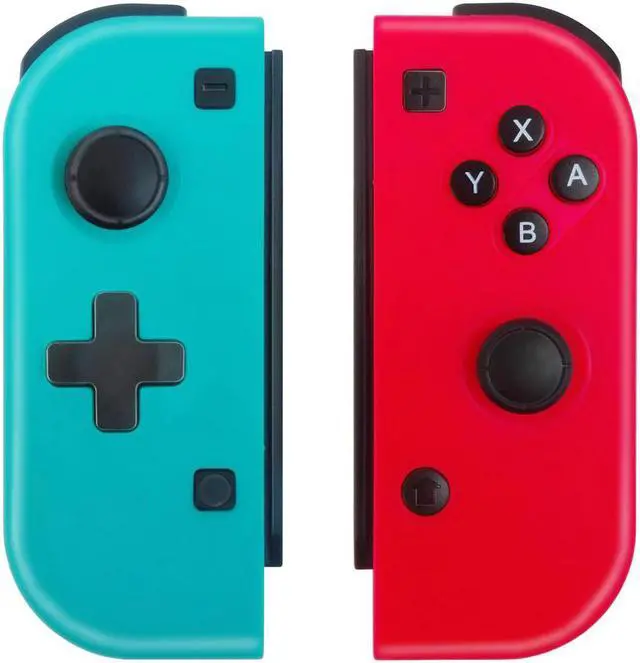
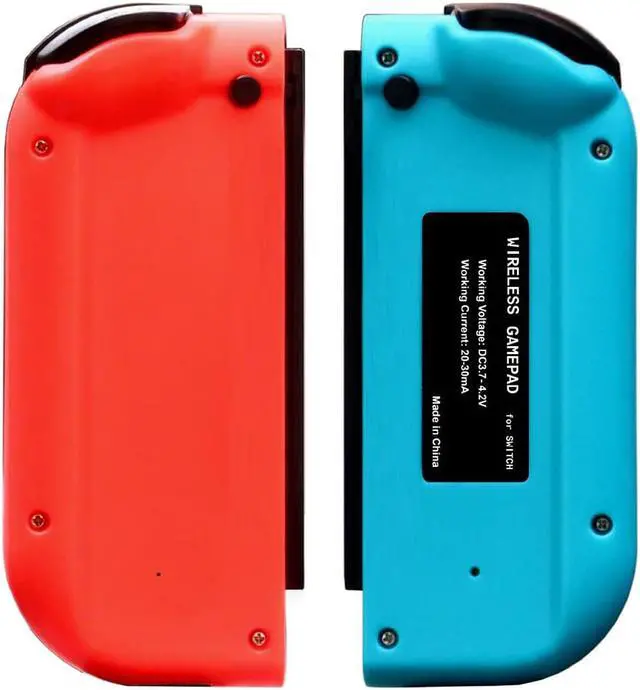
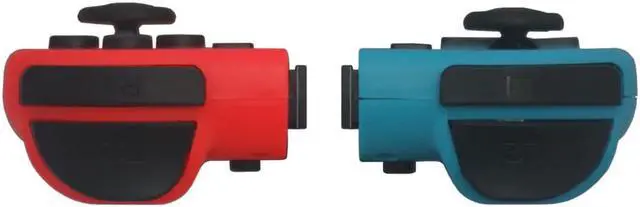
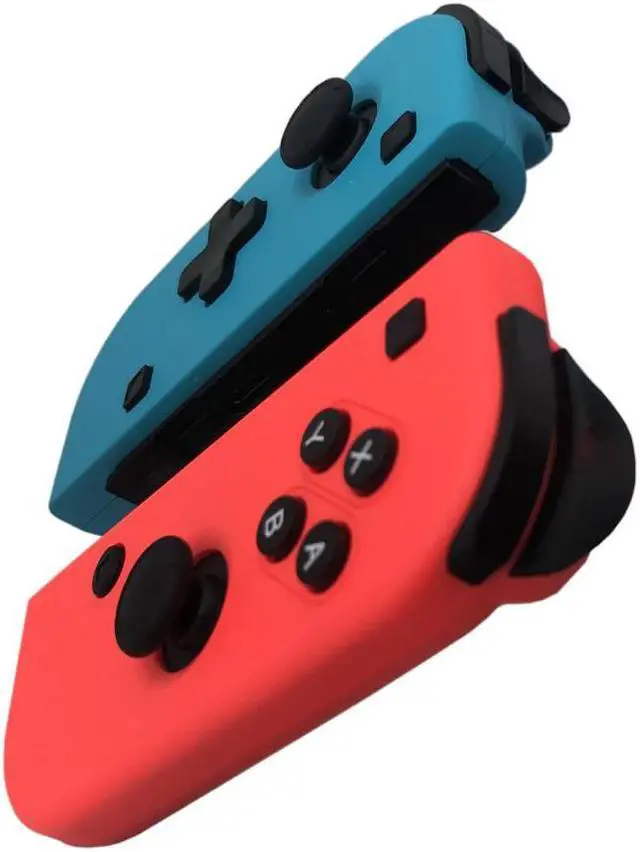
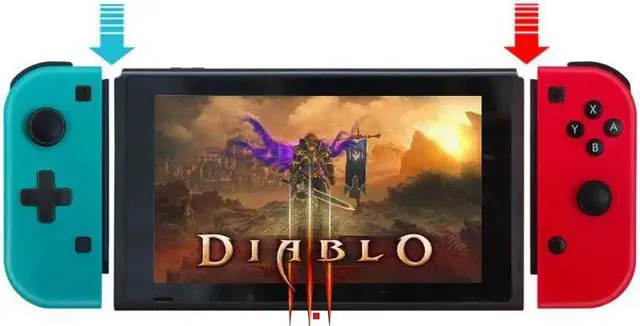
Wireless Pro game controller for Nintend Switch Console switch Gamepad Joystick for Windows PC 360 mode
please connect as deo when you first use.
1. Connection instruction
1) Connecting to a Switch console for the first time
Power a Switch console on, on the main interface of the console, use your finger to click on Controllers Change Grip/order to come to this pairing pattern interface Press L + R on the controller, ignore L + R.
Note: Please pair and connect each controller at this pairing pattern interface of a Switch console.
A. Connecting a pair of controllers (A Left Controller plus a Right Controller) as an Entire Controller
Step 1: Press left of D-Pad key plus screenshot key and hold for 5s to power a Left Controller on, four LEDs will be blinking quickly and circularly, whe (or more) of the LEDs is solid bright, it means that the controller is paired with the console successfully.
Step 2: Press Y key plus HOME key and hold for 5s to power a Right Controller on, four LEDs will be blinking quickly and circularly, whe (or more) of the LEDs is solid bright, it means that the controller is paired with the console successfully.
Step 3: After the both controllers are paired with the console successfully, press L1 key plus R1 key simultaneously once, the corresponding LED(s) will be solid bright in each of the both controllers, it means that an Entire Controller (a Left Controller + a Right Controller) is connected to the console successfully and ready to be used. Press B key to back to the main interface of the console.
B. Connecting a Left Controller as an independent controller
C. Connecting a Right Controller as an independent controller