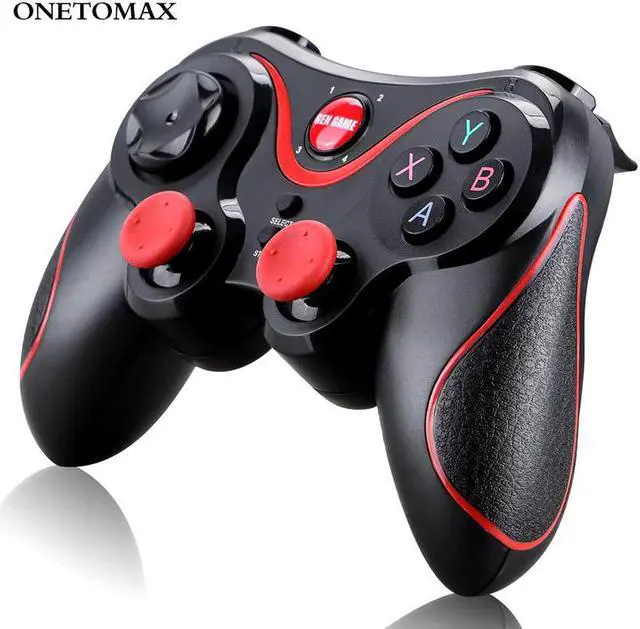
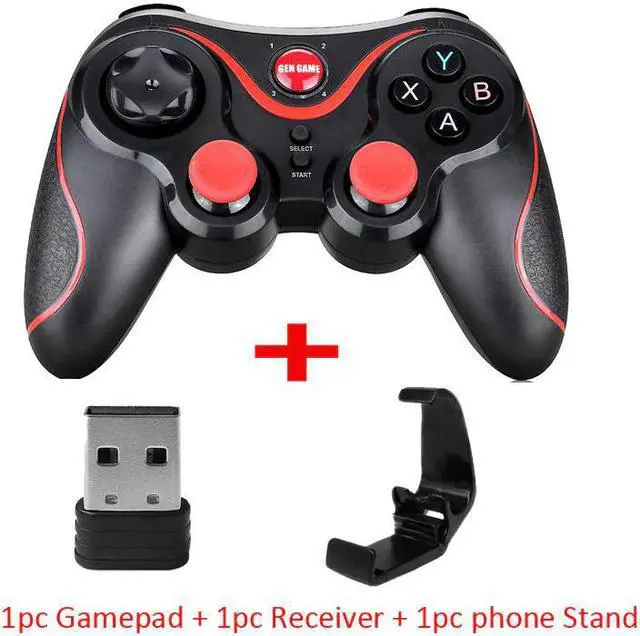
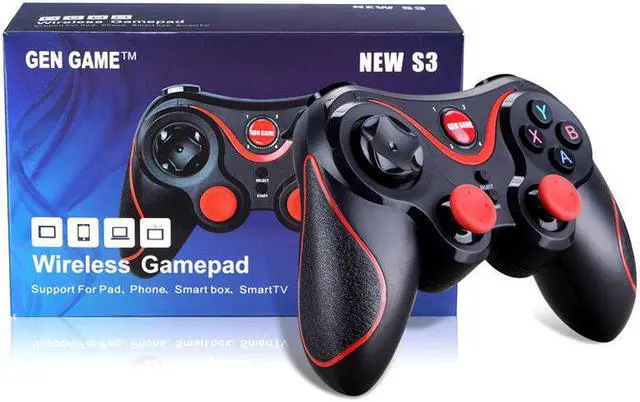
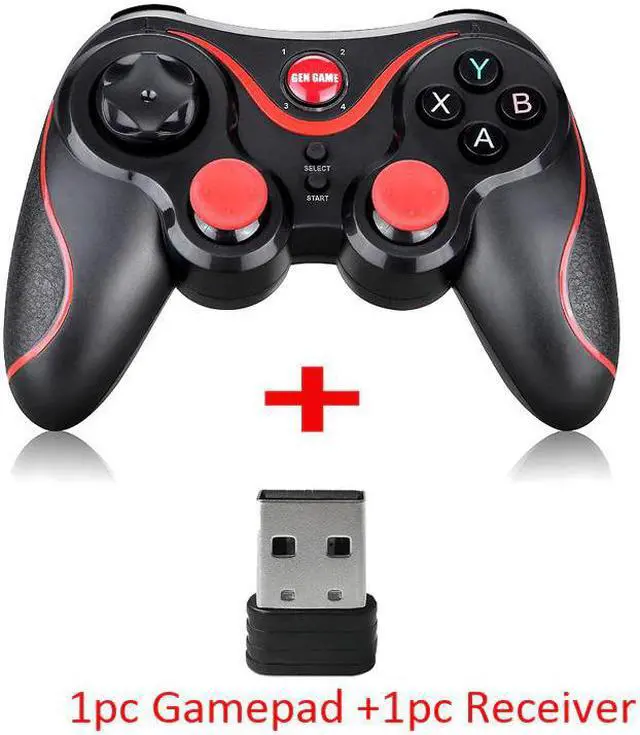
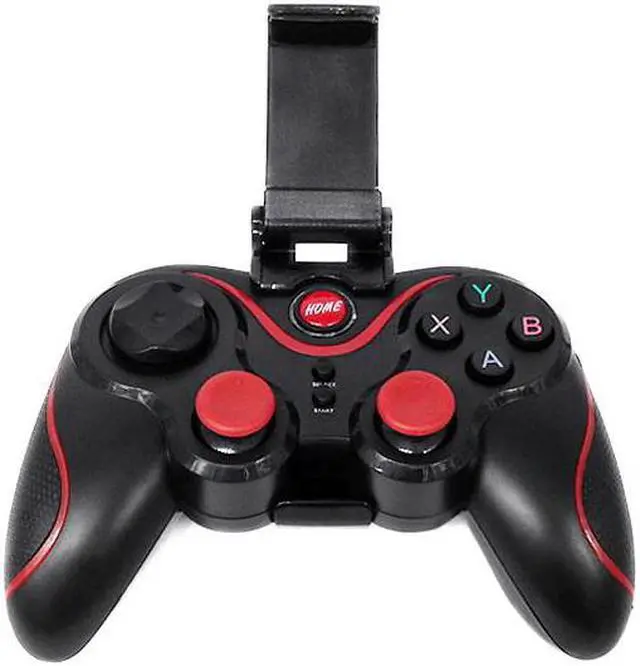
Product Descriptions:
How To Connect:
Note: If you enter the wrong mode, please cancel the Bluetooth pairing before re-entering the pairing mode!
For Android phone:In the condition of controller off,hold on pressing X + Home key for 5 seconds,Long press key combination for 5 seconds,four led lights on the handle is in a flash state,turn on cell phone for bluetooth search,to find the corresponding device, and then click on the matching connection.
For Ios phone:In the condition of controller off,hold on pressing Y + Home key for 5 seconds,Long press key combination for 5 seconds,four led lights on the handle is in a flash state,turn on cell phone for bluetooth search,to find the corresponding device, and then click on the matching connection.
For PC or TV box: Insert receiver in to USB port, In the condition of controller off,hold on pressing Select + Home key for 5 seconds,it will be automatically connect. cable connection,hold on START button can directly connect to computer via usb cable.
Features:
1.Support For Playstation 3
This gamepad can support PS3 console, please note that you need to use 2.4GHz receiver!
2.High-precision 360° Rocker
This Bluetooth controller is compatible with all kinds of simulators and games. The most important thing is that it supports dual combat settings. It is suitable for many old and new PC games. It can support Android platform games and some classic games that are familiar to you. Enjoy the big games on the market happily! A lot of popular games for you to choose from, let you enjoy the fun of the game!
3.Multiple Connection Methods
This Bluetooth control handle is compatible with multi-platform games.
Notice: