
Your Browsing History
- Free 30-day Returns
$93.17
Ships from China.
Best Sellers
- $93.17
- + FREE SHIPPING

Meet Your Seller

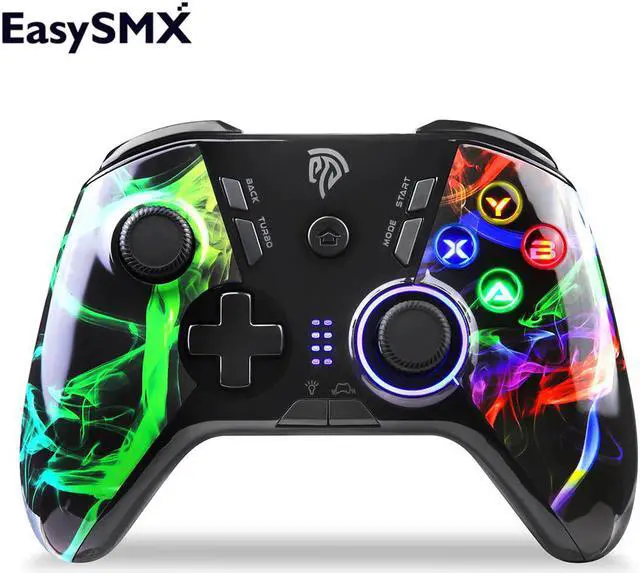
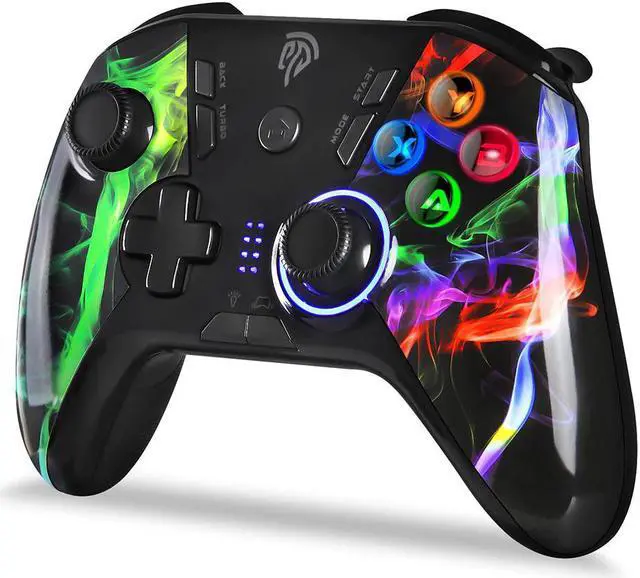
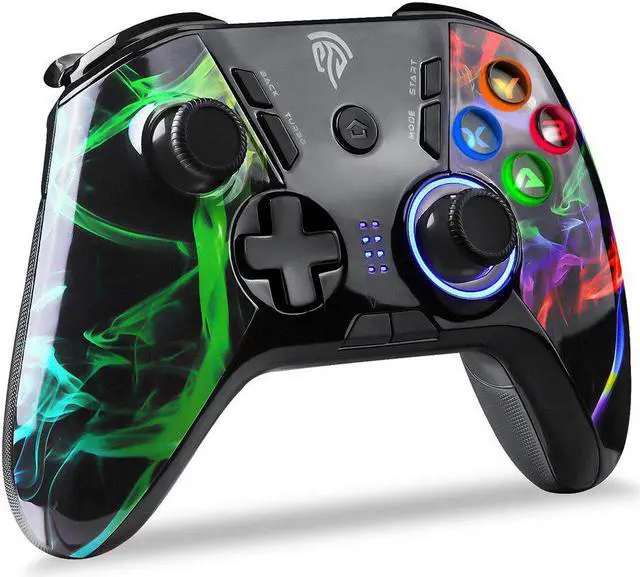
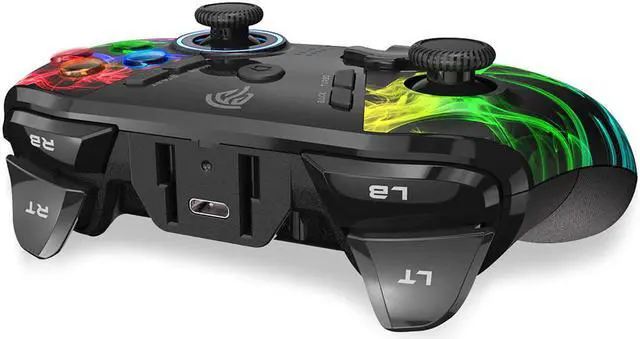


ESM-9110 Wireless Gamepad Joystick Controller For PC Win 7/8/10 Android TV/TV Box PS3 Vibration LED Customized Buttons
Limited time offer, ends 10/07 By CoreDepot
- Good Quality
+
+
Overview
Specs
Reviews
Wide compatibility] It can be used with computers with Windows XP/10/7/8/8.1 system, and also compatible with PS3 and Android phones, tablets, Android TVs, TV boxes that support OTG and version 5.0 or above
Adjustable double vibration] Built-in asymmetrical double vibration somatosensory motor, five levels of vibration intensity can be adjusted, real experience of collision, vibration, shooting and other scenes in the game
Adjustable LED light] handle ABXY key and right joystick with cool LED light, 5 levels of light brightness can be adjusted
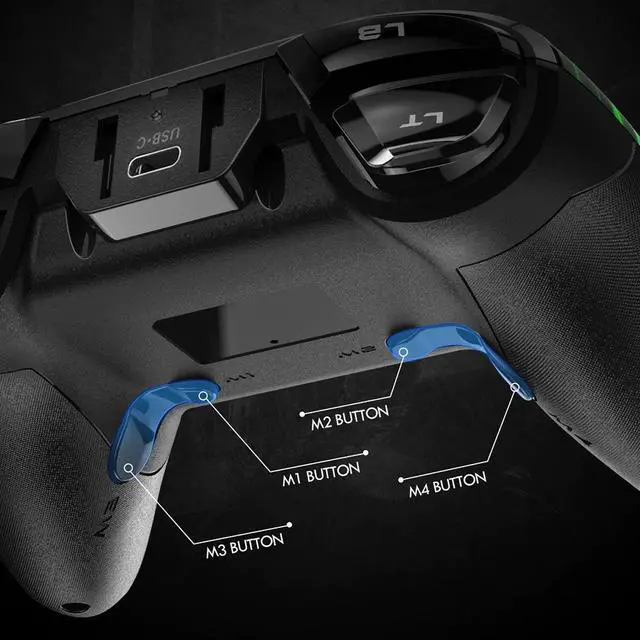
Programmable buttons] There are four programmable buttons M1, M2, M3, M4 at the bottom of the handle, and difficult operations can be completed with one button.
How to Connect to PCConnect via Xinput Mode:
Press HOME button to switch on the controller and LED1, LED2,LED3 and LED4 start flashing and pairing begins.
Insert the receiver or USB cable into the USB port of your computer and the game controller starts pairing with the receiver. LED1 and LED4 will remain on, meaning the connection is successful.
If LED1 and LED4 are not glowing solid, press MODE button for 5 seconds until LED1 and LED4 remain illuminated.
Note: After pairing, LED1 and LED4 will blink and vibration will be switched off when batteries are running below 3.5V
Connect via Dinput Mode:
Press HOME button to switch on the controller and LED1, LED2,LED3 and LED4 start flashing and pairing begins.
Insert the receiver or USB cable into the USB port of your computer and the game controller starts pairing with the receiver,LED1 and LED3 will remain on, meaning the connection is successful.
Gamepad ModeXinput Mode: LED1+LED4
Dinput Mode: LED1+LED3
Adjustable double vibration] Built-in asymmetrical double vibration somatosensory motor, five levels of vibration intensity can be adjusted, real experience of collision, vibration, shooting and other scenes in the game
Adjustable LED light] handle ABXY key and right joystick with cool LED light, 5 levels of light brightness can be adjusted
Programmable buttons] There are four programmable buttons M1, M2, M3, M4 at the bottom of the handle, and difficult operations can be completed with one button.
How to Connect to PCConnect via Xinput Mode:
Press HOME button to switch on the controller and LED1, LED2,LED3 and LED4 start flashing and pairing begins.
Insert the receiver or USB cable into the USB port of your computer and the game controller starts pairing with the receiver. LED1 and LED4 will remain on, meaning the connection is successful.
If LED1 and LED4 are not glowing solid, press MODE button for 5 seconds until LED1 and LED4 remain illuminated.
Note: After pairing, LED1 and LED4 will blink and vibration will be switched off when batteries are running below 3.5V
Connect via Dinput Mode:
Press HOME button to switch on the controller and LED1, LED2,LED3 and LED4 start flashing and pairing begins.
Insert the receiver or USB cable into the USB port of your computer and the game controller starts pairing with the receiver,LED1 and LED3 will remain on, meaning the connection is successful.
Gamepad ModeXinput Mode: LED1+LED4
Dinput Mode: LED1+LED3
Warranty & Returns
Warranty, Returns, And Additional Information
Warranty
- Please contact the Seller directly for warranty information. Warranty information may also be found on the Manufacturer's website.
- CONTACT
Return Policies
- Return for refund within: 30 days
- Return for replacement within: 90 days
- This item is covered by CoreDepot Return Policy
Manufacturer Contact Info
- For a directory of all our manufacturers, please click below.
- Manufacturers Directory
LOADING...
LOADING...