
Your Browsing History
- Free 30-day Returns
$195.99
Ships from China.

Meet Your Seller

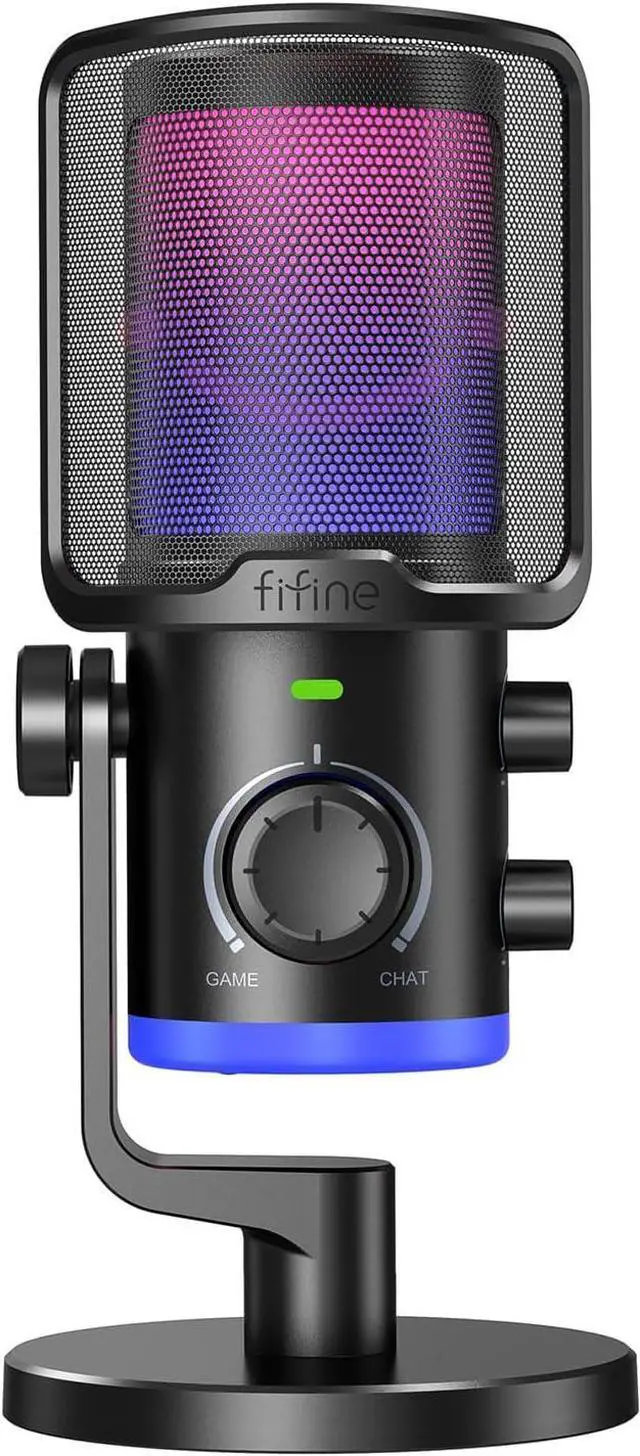


Fifine Gaming PC Microphone, Computer USB Microphone for Streaming Podcast Voice, Desktop Condenser RGB Mic with Quick Mute, Noise Cancellation, Game/Chat Balance for Discord/Twitch-AMPLIGAME AM6
- Recommended uses for product Gaming
- Brand FIFINE TECHNOLOGY
- Connectivity technology USB
- Connector type USB
- Special feature Headphones Jack, Mute Function, Volume Control, Noise Reduction, Game/Chat Balance Knob
- Compatible devices Laptop, Personal Computer, PS4/PS5
- Colour Black
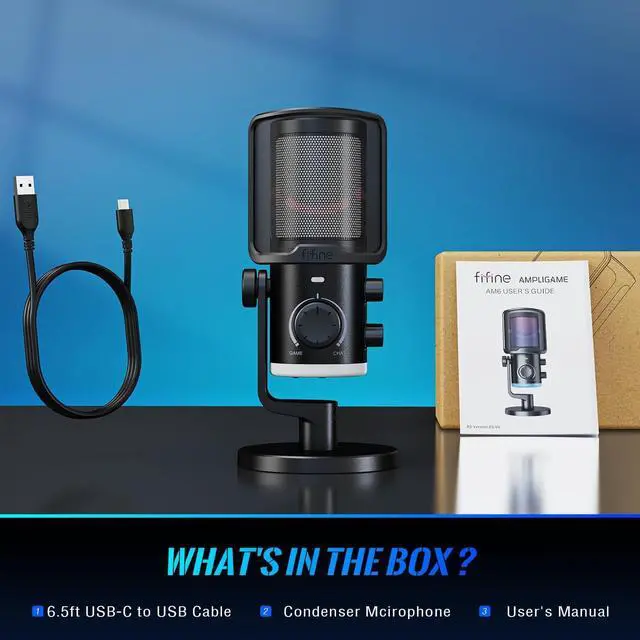
- Included components 6.5ft (2m) USB to USB-C Cable*1, User's Manual, Condenser Microphone*1
- Polar pattern Unidirectional
- Power source Corded Electric
+
+
Overview
Specs
Reviews
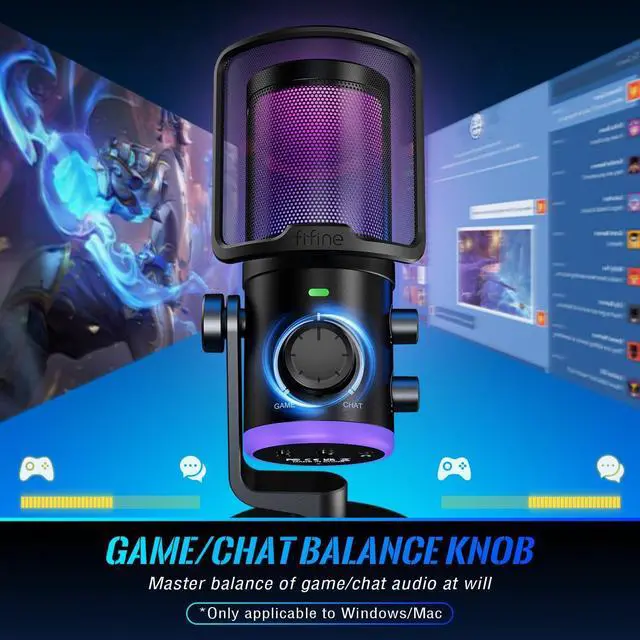
[Game/Chat Balance Adjustment] Smooth control gain knob on the middle of gaming microphone works very well to balance game sounds with voice chat, easy to adjust your preference. Turn left or turn right to control the ratio between game and chat audio on the streaming podcast microphone, and gives sound signatures that are very favorable for gaming. (Game/Chat Balance is only applicable to desktop/laptop/Mac. )
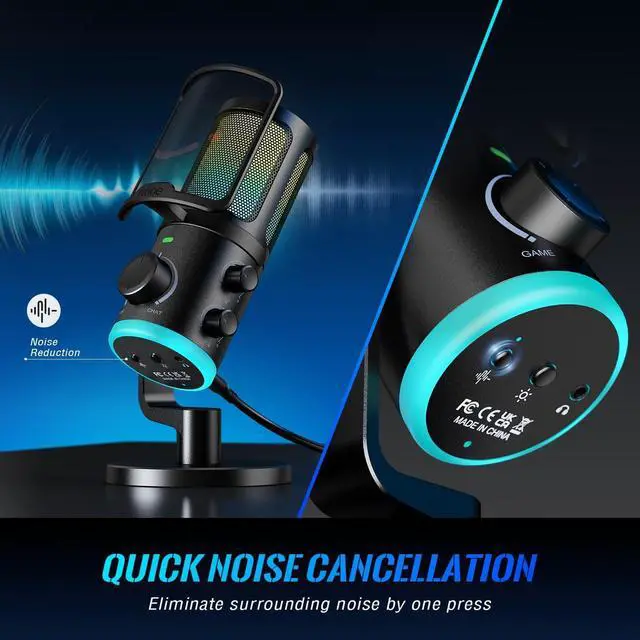
[Further Noise Reduction] One press to reduce surrounding noise via noise canceling button. Noise cancellation function of desktop streaming microphone can dampen unwanted noise and give you a clear and crisp sound in podcast or voice chatting. This condenser desktop microphone featured with cardioid pick up pattern can help you get more original and natural voice to enhance audio quality for recording.
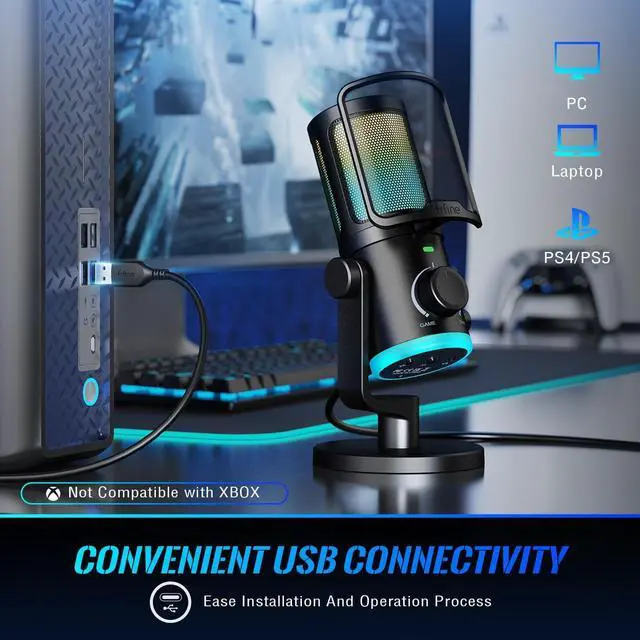
[Convenient USB Connectivity] The USB podcast microphone provides an simple way to connect your PC and Laptop via included USB cable. The streaming computer mic can let your daily recording or podcasting much easier. This plug and play gaming microphone is also compatible with PS4/PS5 and connected handily to start game, which bring you an smooth gaming and live streaming experience.
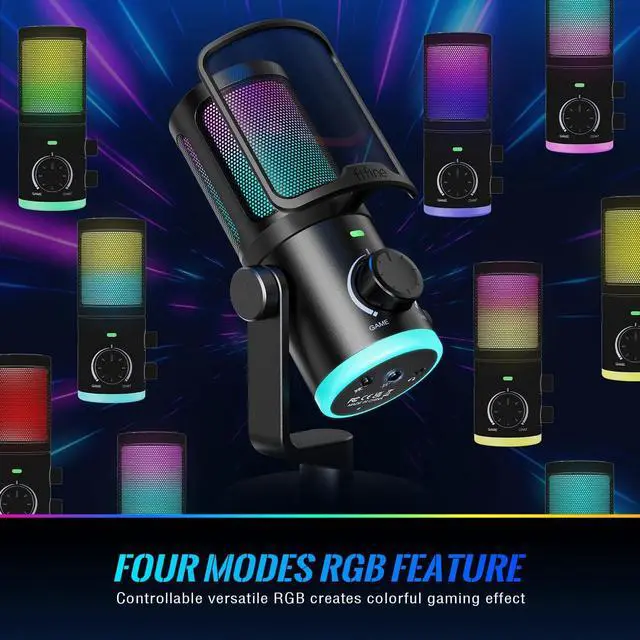
[Various RGB Lighting] The streaming microphone comes with four kinds of RGB modes and meets more colors to put you into deeper immersive game aura. Sparking lighting can light up your dim room with the shinny colors and make game atmosphere alive. RGB modes can be shifted and on/off by pressing the RGB button of podcast recording microphone to present more diverse and layered experience.
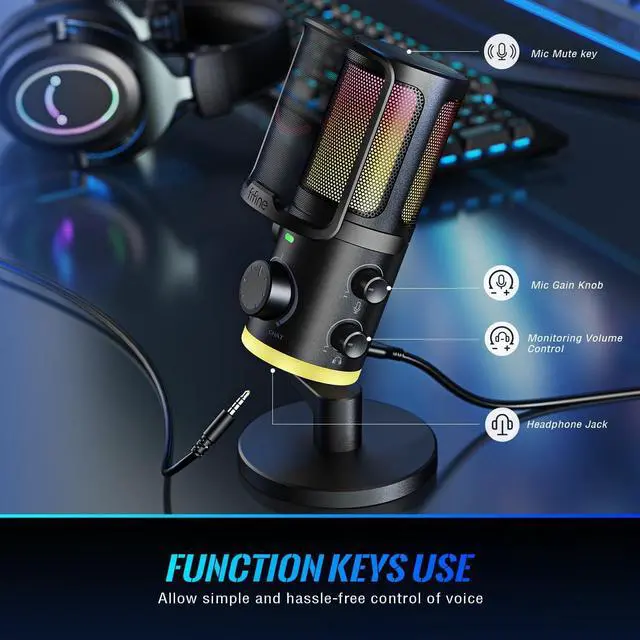
[Functional Controls Display] Tap-to-mute button can save your lots of time to decrease volume instead of gain knob and just be silent in one second, this button can avoid something awkward happened. You can adjust input and output volume handily via the gain knob and vol. control, then obtain comfy volume level without yelling or shouting.
[Further Noise Reduction] One press to reduce surrounding noise via noise canceling button. Noise cancellation function of desktop streaming microphone can dampen unwanted noise and give you a clear and crisp sound in podcast or voice chatting. This condenser desktop microphone featured with cardioid pick up pattern can help you get more original and natural voice to enhance audio quality for recording.
[Convenient USB Connectivity] The USB podcast microphone provides an simple way to connect your PC and Laptop via included USB cable. The streaming computer mic can let your daily recording or podcasting much easier. This plug and play gaming microphone is also compatible with PS4/PS5 and connected handily to start game, which bring you an smooth gaming and live streaming experience.
[Various RGB Lighting] The streaming microphone comes with four kinds of RGB modes and meets more colors to put you into deeper immersive game aura. Sparking lighting can light up your dim room with the shinny colors and make game atmosphere alive. RGB modes can be shifted and on/off by pressing the RGB button of podcast recording microphone to present more diverse and layered experience.
[Functional Controls Display] Tap-to-mute button can save your lots of time to decrease volume instead of gain knob and just be silent in one second, this button can avoid something awkward happened. You can adjust input and output volume handily via the gain knob and vol. control, then obtain comfy volume level without yelling or shouting.
Warranty & Returns
Warranty, Returns, And Additional Information
Warranty
- Please contact the Seller directly for warranty information. Warranty information may also be found on the Manufacturer's website.
- CONTACT
Return Policies
- Return for refund within: 30 days
- Return for replacement within: 90 days
- This item is covered by connect7 Return Policy
Manufacturer Contact Info
- For a directory of all our manufacturers, please click below.
- Manufacturers Directory
LOADING...