
Your Browsing History
- Free 30-day Returns
$140.99
Ships from United States.


Meet Your Seller
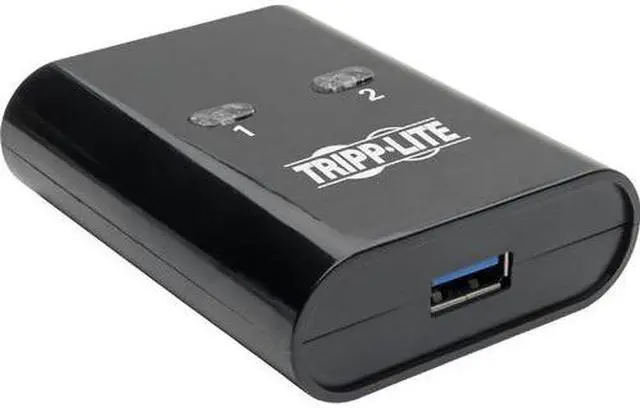
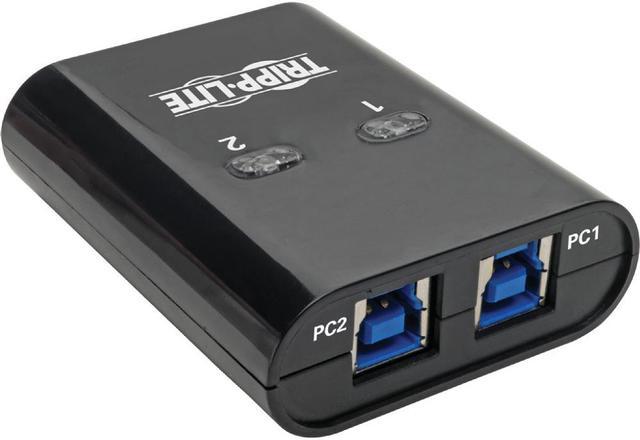
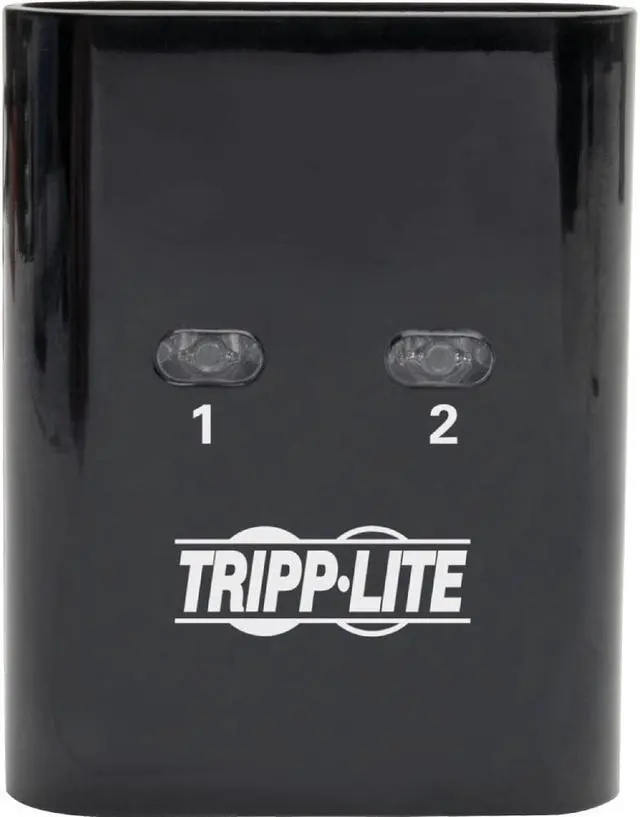
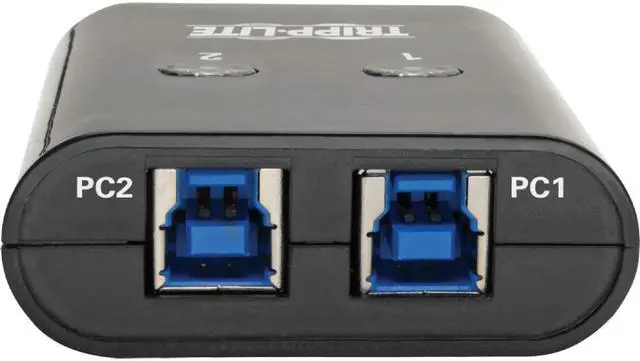
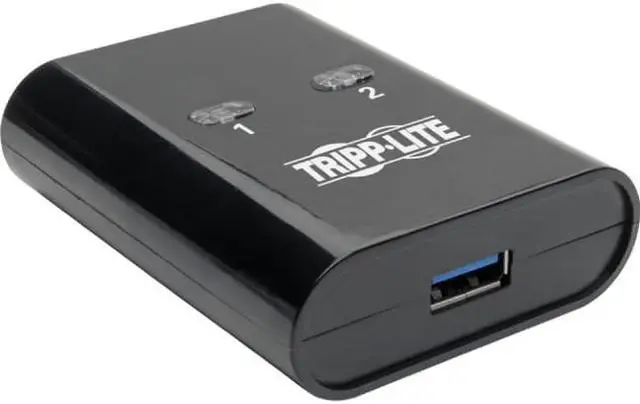
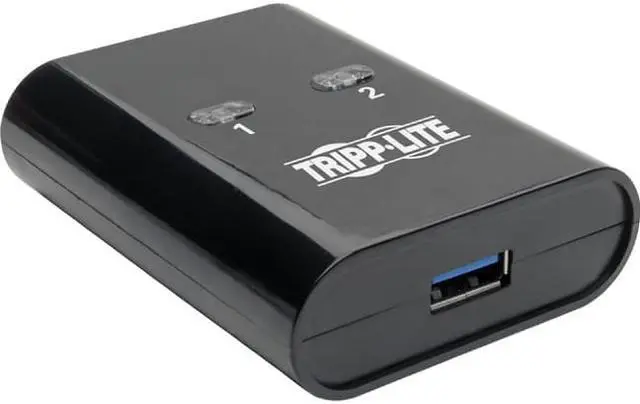
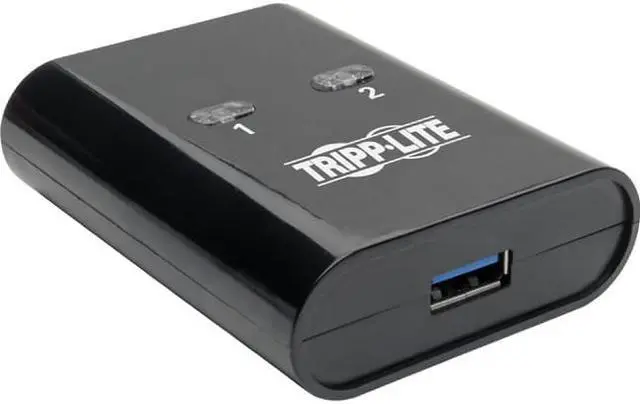
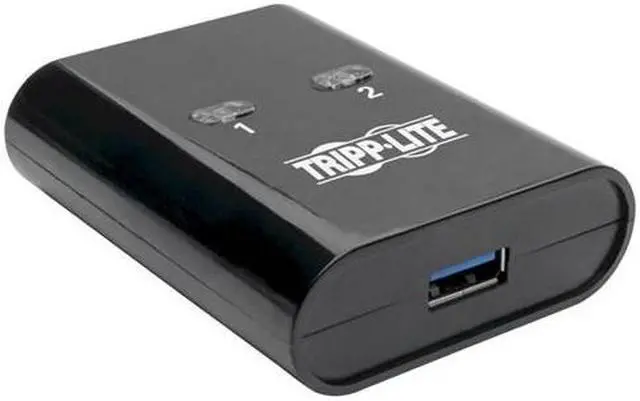
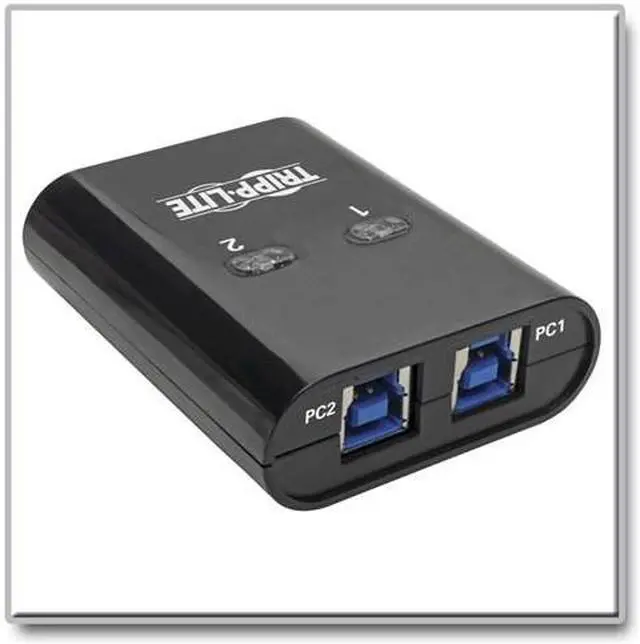
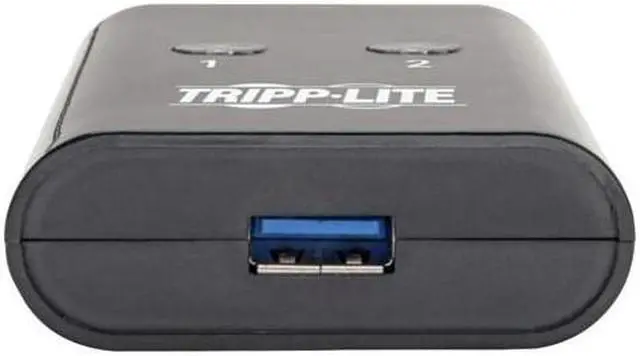


2-Port SuperSpeed USB 3.0 Peripheral Sharing Switch
- Share a printer, scanner, hard drive, webcam or other USB device with 2 computers
- Supports SuperSpeed USB 3.0 speeds up to 5 Gbps to ensure fast data transfers
- Easy one-touch control lets you switch between computers using manual buttons
- Backward compatible with USB 2.0 and 1.1 devices, so you can use older peripherals
- Plug-and-play operation with no software required for easy, immediate installation
+
+
Overview
Specs
Reviews
USB Sharing Switch Connects 2 Computers to One USB Printer, Scanner or Other Device
This compact 2-port USB peripheral-sharing switch lets you share one USB 3.0 peripheral between two computers in your home or small office. This eliminates the cost and effort of picking out and buying two printers, two scanners, two external hard drives, etc., as well as the problem of where to put them and their cables. By sharing a USB 3.0 printer or webcam between two computers, you save time, money and precious workspace. Maximum distance from host device to peripheral is 16 feet (five meters).
Supports Super
Speed USB 3.0 to Ensure Fast Data TransfersThis USB 3.0 sharing switch supports USB 3.0 data transfer rates up to 5 Gbps, which is 10 times faster than USB 2.0. It is especially recommended for high-bandwidth USB 3.0 devices, such as security cameras and high-resolution webcams. The USB 3.0 peripheral-sharing switch is backward compatible with previous USB generations, so you can continue using older peripherals while getting maximum performance from current devices.
Switch Between Computers with a Quick Touch of a Button
Easy one-touch port switching lets you switch from one computer to the other just by pressing the buttons on top of the unit. Blue LEDs indicate which computer is currently in control of the connected USB 3.0 peripheral.
Ready to Use Right from the Package, So You Can Plug and Play Immediately
The USB sharing switch requires no external power supply or software and drivers to download and install. Just connect your USB 3.0 peripheral device to the switch's USB-A port and the computers to the switch's USB-B ports with user-supplied USB 3.0 cables.
The USB 3.0 sharing switch supports all USB-enabled operating systems.
Warranty & Returns
Warranty, Returns, And Additional Information
Warranty
- Please contact the Seller directly for warranty information. Warranty information may also be found on the Manufacturer's website.
- Read full details
- CONTACT
Return Policies
- Return for refund within: 30 days
- Return for replacement within: 30 days
- This item is covered by Hot Deals 4 Less Return Policy
Manufacturer Contact Info
- For a directory of all our manufacturers, please click below.
- Manufacturers Directory
LOADING...