


- Free 15-day Returns
$68.99
Ships from China.


Meet Your Seller

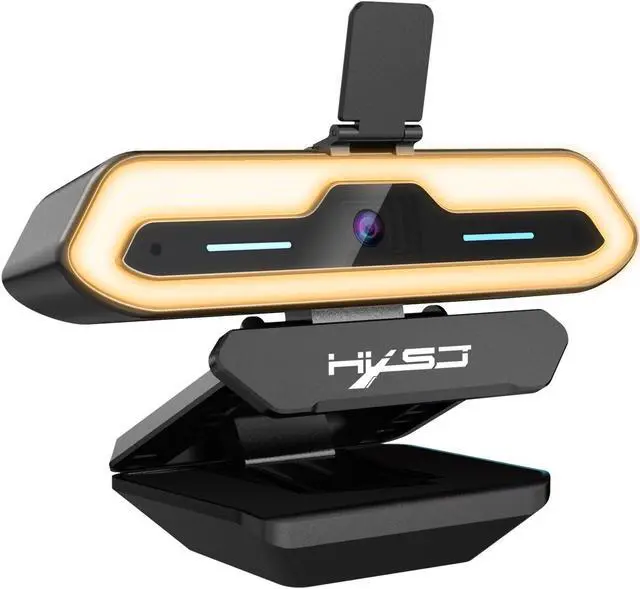
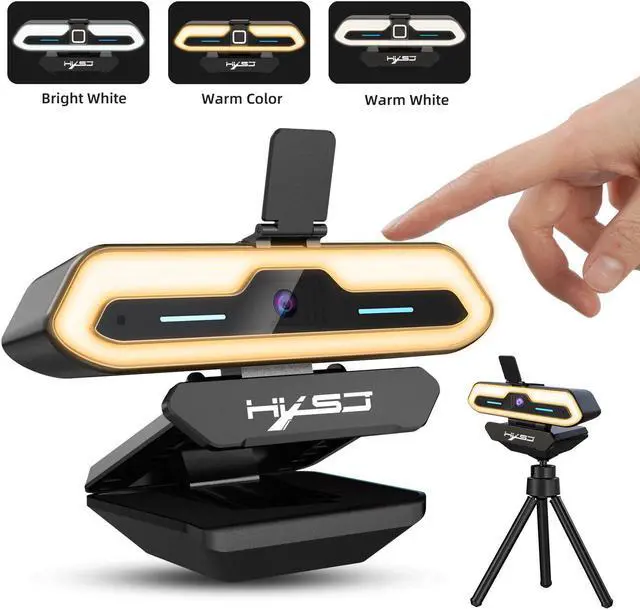
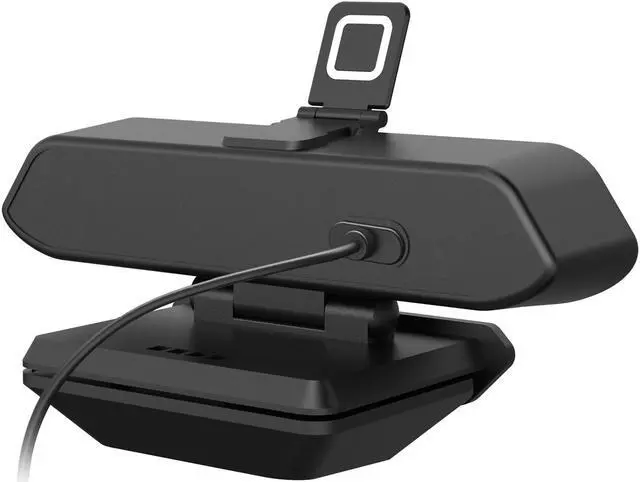
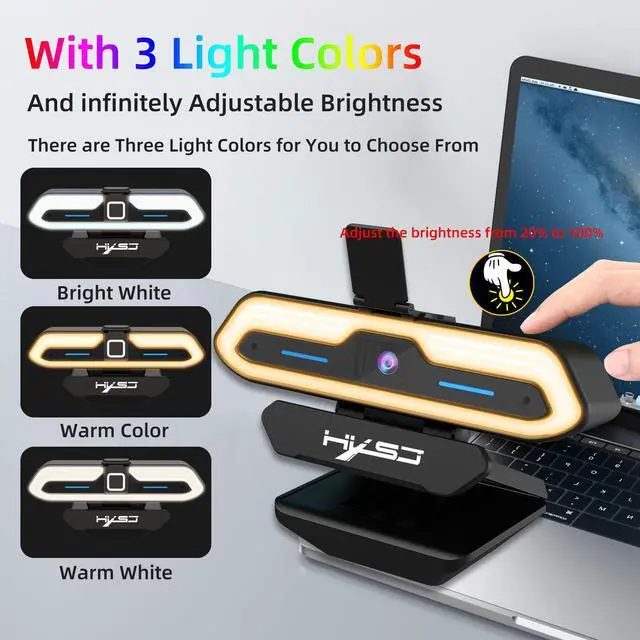
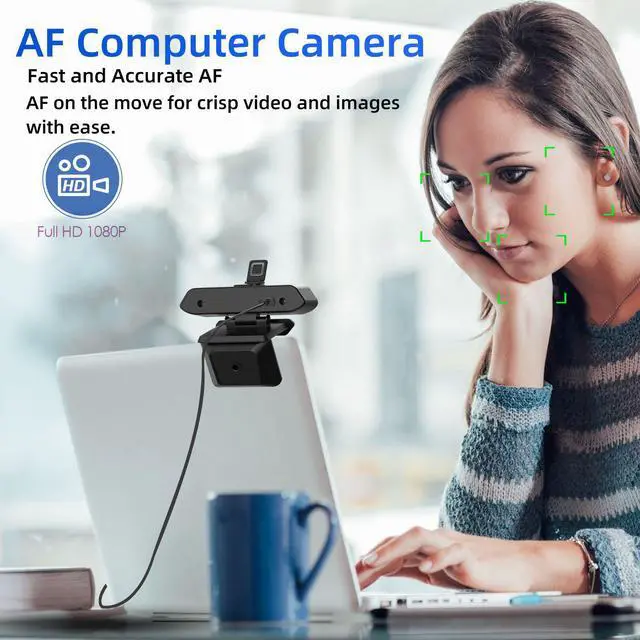
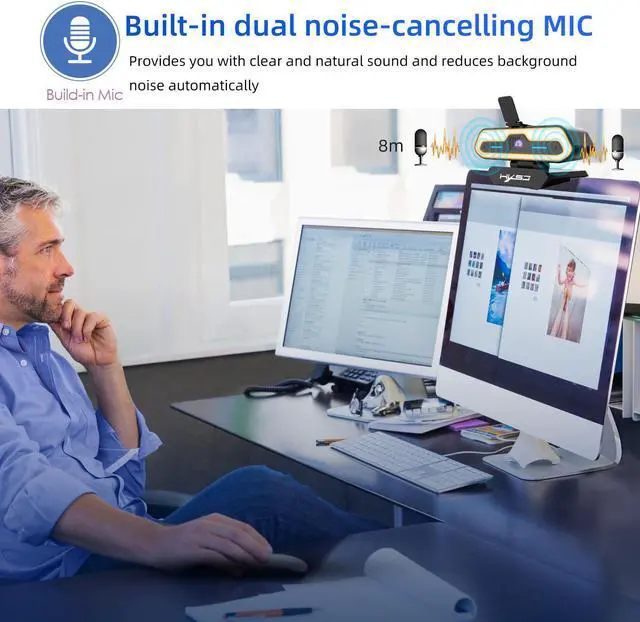
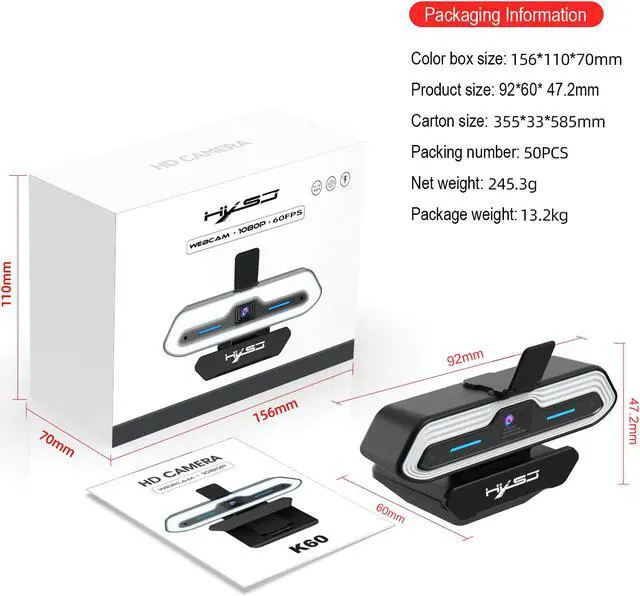


1080P HD Auto Focus Camera 200W Pixel Webcam with Night Vision Fill light Built-in Microphone
- Photosensitive chip:CMOS 1/2.9”
- Pixel Size:2.8µm x 2.8µm
- SNR max:38 dB
- Camera Focus:Fast Autofocus
- Frame rate:60FPS
- Microphone:Built-in dual noise-cancelling digital microphones
- Max Dynamic range:81 dB linear mode/105 dB HDR mode
- Minimum illumination:0.1Lux at F12
- F/No:2.0
- EFL:3.5mm
- FOV:80°
- IR:650±10nm
- Line length:150cm
- Lens Construction:1G4P+IR
- Maximum resolution and frame rate:1920*1080 (60fps@full size),640*480 (60fps),1280*720 (60fps),1280*960(60fps)
- Other optional resolution ratio:YUV/MJPG
- Support format:5V±5%
- USB power supply voltage:Universal USB2.0/3.0 interface
- Connect the interface:480mb/s
- Operating system request:2.2W(Add fill light)
- Power Consumption:0°C to 50°C
- Working temperature:-10°C to + 60°
- Support System :
- Windows XP/ VISTA/ Win7/Win8/ Win10/Linux 2.6.24 ,Ubuntu,Mac OS 10.6,Android5.1
+
+
Overview
Specs
Reviews
Product Specifications:
Photosensitive chip:CMOS 1/2.9
Pixel Size:2.8µm x 2.8µm
SNR max:38 dB
Camera Focus:Fast Autofocus
Frame rate:60FPS
Microphone:Built-in dual noise-cancelling digital microphones
Max Dynamic range:81 dB linear mode/105 dB HDR mode
Minimum illumination:0.1Lux at F12
F/No:2.0
EFL:3.5mm
FOV:80°
IR:650±10nm
Line length:150cm
Lens Construction:1G4P+IR
Maximum resolution and frame rate:1920*1080 (60fps@full size),640*480 (60fps),1280*720 (60fps),1280*960(60fps)
Other optional resolution ratio:YUV/MJPG
Support format:5V±5%
USB power supply voltage:Universal USB2.0/3.0 interface
Connect the interface:480mb/s
Operating system request:2.2W(Add fill light)
Power Consumption:0°C to 50°C
Working temperature:-10°C to + 60°
Support System :
Windows XP/ VISTA/ Win7/Win8/ Win10/Linux 2.6.24 ,Ubuntu,Mac OS 10.6,Android5.1
Instructions for use:
USB 1080P auto-focus camera
Support all plug-ins and playback functions of Windows,OSX/Macos and all other devices. After connecting thecamera to the USB port of the computer, you can use the video SW to use the camera.
To use the camera's built-in microphone, you must input USB audio in the program settings.
If the camera cannot be automatically recognized when thecomputer is turned on, please connect another USB port and restart the computer.
Windows 10 users can use the camera application of OS Emotion.
To use the camera in other applications, you need to activate the camera in the Windows security settings.
Precautions:
If the network camera becomes hot after running it for a long time, it isbest to stop using it for a while.
Do not touch the lens with fingers or sharp objects. ·Use a clean and softcloth when cleaning.
Do not use in high temperature, low temperature, dusty or humid places.
Do not drop the camera, as the impact may cause damage to the lens,internal malfunction or scratches on the surface of the camera.
Warranty & Returns
Warranty, Returns, And Additional Information
Warranty
- Please contact the Seller directly for warranty information. Warranty information may also be found on the Manufacturer's website.
- CONTACT
Return Policies
- Return for refund within: 15 days
- Return for replacement within: 30 days
- This item is covered by fadaoe Return Policy
Manufacturer Contact Info
- For a directory of all our manufacturers, please click below.
- Manufacturers Directory
LOADING...