
Your Browsing History

Meet Your Seller

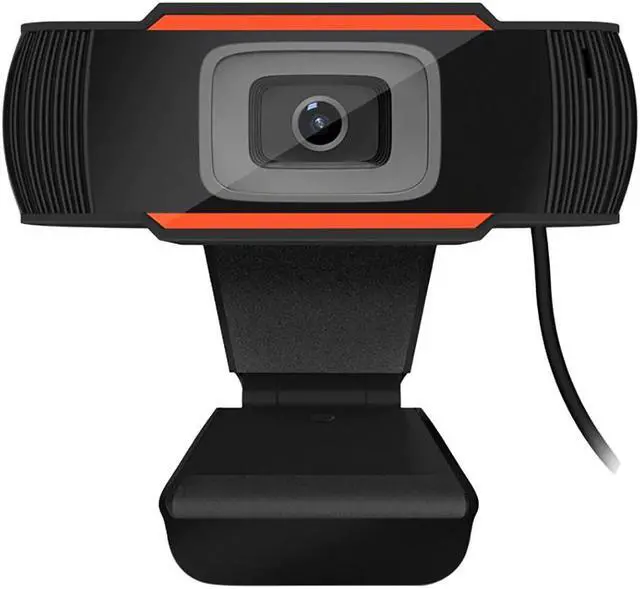
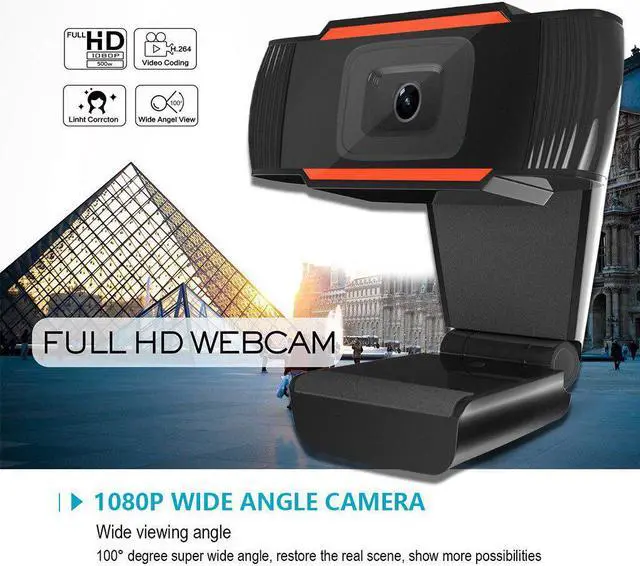
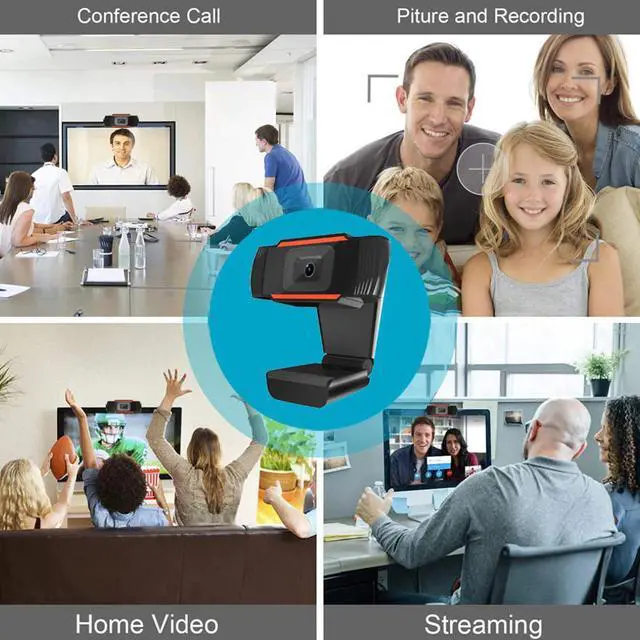
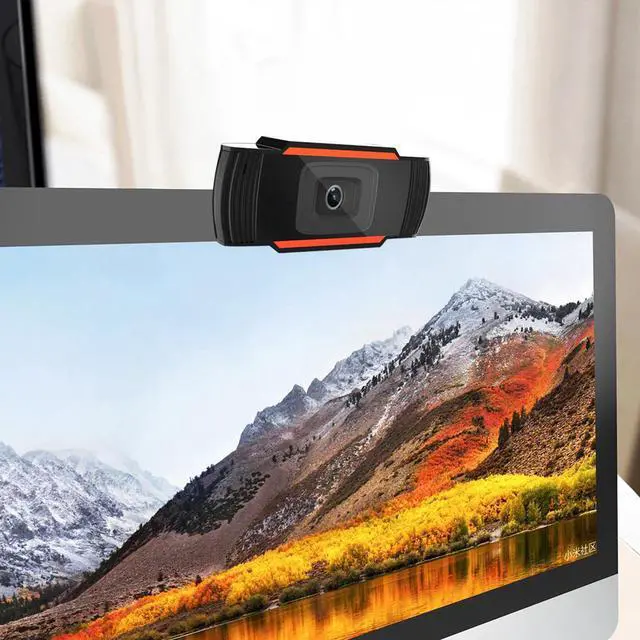
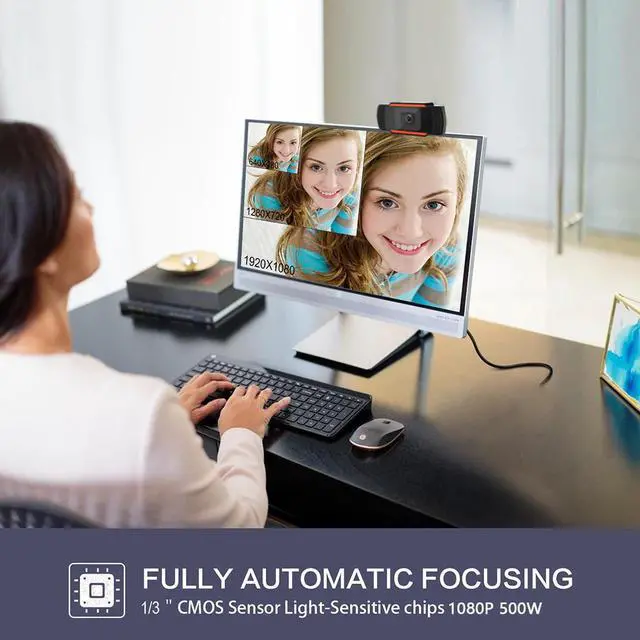


Web Camera 1080P HD Computer Camera Webcams with Microphone Computer Camera Web PC Webcam for Laptop PC Computer #40
- Good Quality
+
+
Overview
Specs
Reviews
1080P Webcam with Microphone,
Autofocus Webcam, Computer Camera Web Camera PC Webcam for Video Calling
Recording Conferencing 5 Megapixel Autofocus
Product
description
1080P HD camera with 5 megapixel and true color
images. Adjustable 180 degrees up and down, the head rotates 360 degrees,
you can adjust the angle as needed.
Compared to most webcams, this product has a huge
difference. It is a built-in sound absorbing microphone. Your voice can be
heard clearly within 8 meters,
The imported optical glass lens has high precision
and no distortion of the picture. Manually rotate the lens ring to adjust
the focus freely.
Designed for laptop and desktop Android TVs, the
largest 45mm thick display is available.Compatible with 2.0,
3.0.Automatic white balance, automatic color correction.
Resolution: 2592x1944 /640x480
800x600 / 1024x768 / 1280x720 / 1280x1024 / 1920x1080;
there are many Support Windows 2000 / XP / win7 / win8 / win10 / Vista
32bit, MAC, Android TV.
Product specifications:
Project color: black.
DSP chip: no driver
Image Sensor: CMOS
Lens: High quality five-layer glass lens
HD: 5 million pixels
Maximum dynamic resolution: 2592x1944
Max.
Maximum capture format:2592x1944
Frame rate: 30 fps
Plug and Play
1. Plug the into your computer or laptop.
1. If your computer (laptop) has a built-in camera, you will
need to
change the camera's default settings. For example, change the
default camera in the chat software settings or disable the
built-in camera in the computer settings.
2. A driver is automatically installed on the computer.
3. When the installation is done, you can directly do a video
chat
with a chat tool.
Warm Remind
1. If your computer (laptop) has a built-in camera, you will
need to
change the camera's default settings. For example, change the
default camera in the chat software settings or disable the
built-in camera in the computer settings.
2. After the camera is connected to the computer, you can use
the AMcap software to verify that the device is working
properly.
If the screen can appear, the camera has no problem.
Support a variety of video conferencing software, Netmeeting and
MSN, Yahoo and Skype and other great projects to enjoy the big
screen visual experience.
Tips:
When the camera indicator lights up red, the power is normal,
then when the video device is turned on, a green light will be
on, and you can enjoy the enjoyable video experience
Package
included:
1 x Desktop
Laptop Camera
Warranty & Returns
Warranty, Returns, And Additional Information
Warranty
- Please contact the Seller directly for warranty information. Warranty information may also be found on the Manufacturer's website.
- CONTACT
Return Policies
- Return for refund within: 30 days
- Return for replacement within: 90 days
- This item is covered by Gduccer Return Policy
Manufacturer Contact Info
- For a directory of all our manufacturers, please click below.
- Manufacturers Directory
LOADING...