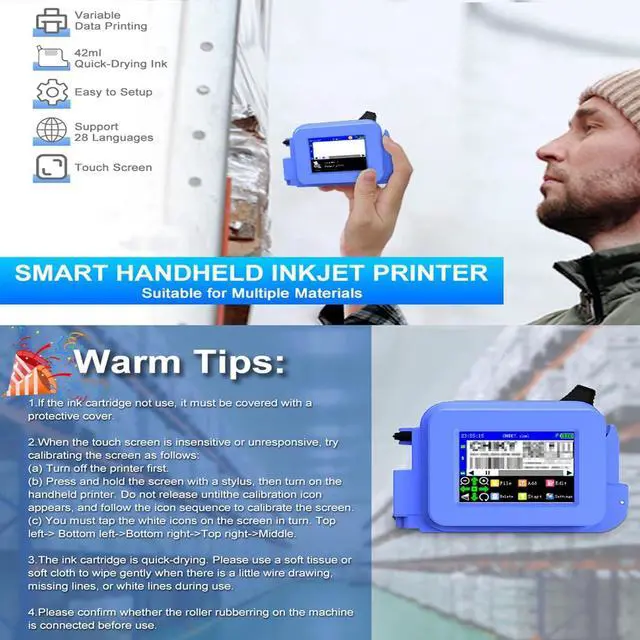
Warm Tips:
1.lf the ink cartridge not use, it must be covered with aprotective cover
2.When the touch screen is insensitive or unresponsive, trycalibrating the screen as follows:(a) Turn off the printer first.(b)Press and hold the screen with a stylus, then turn on thehandheld printer. Do not release untilthe calibration iconappears, and follow the icon sequence to calibrate the screen(c)You must tap the white icons on the screen in turn. Topleft-> Bottom left->Bottom right->Top right->Middle.
3.The ink cartridge is quick-drying. Please use a soft tissue orsoft cloth to wipe gently when there is a little wire drawing!missing lines, or white lines during use.
4.Please confirm whether the roller rubberring on the machineis connected before use
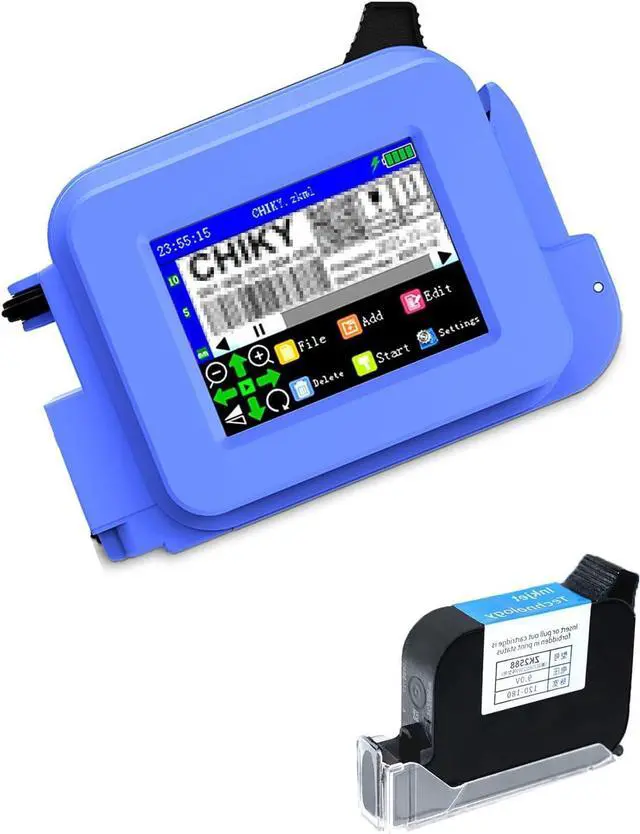
Product Name: Mini Inkjet Printer
Notice:
1: Due to manual measurement, please allow 2-3cm deviation. Thank you for your understanding.
2: Due to the calibration of your monitor, the item color shown in the photo may be slightly different from the actual item.
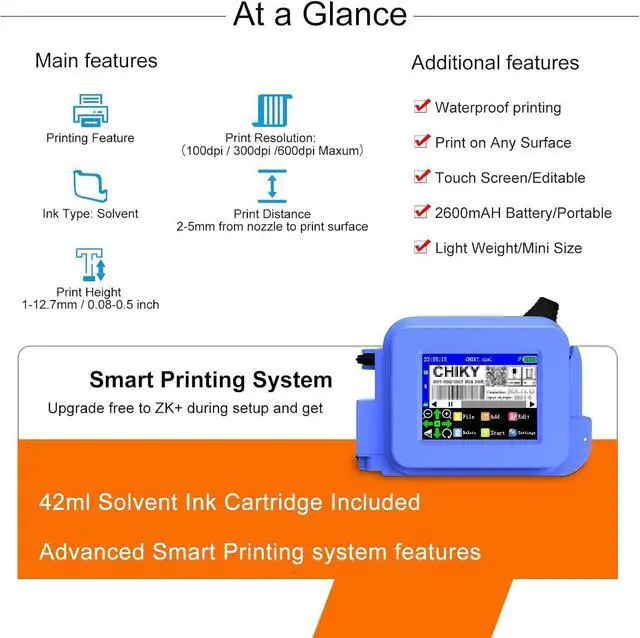
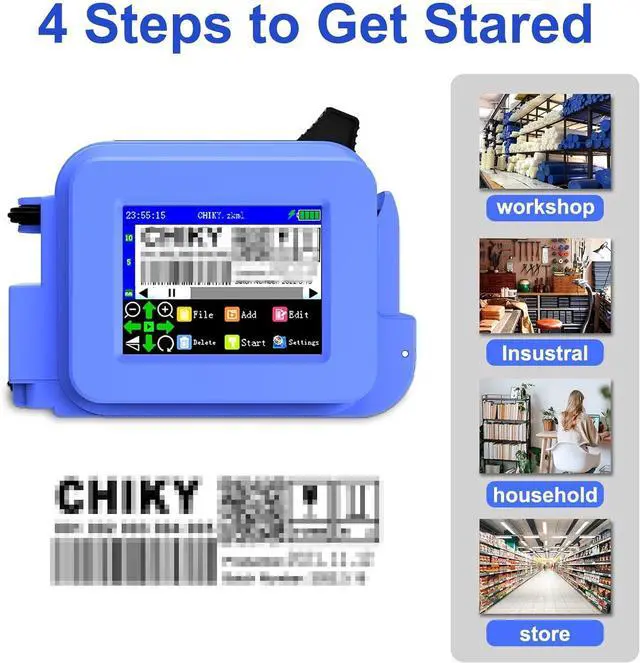
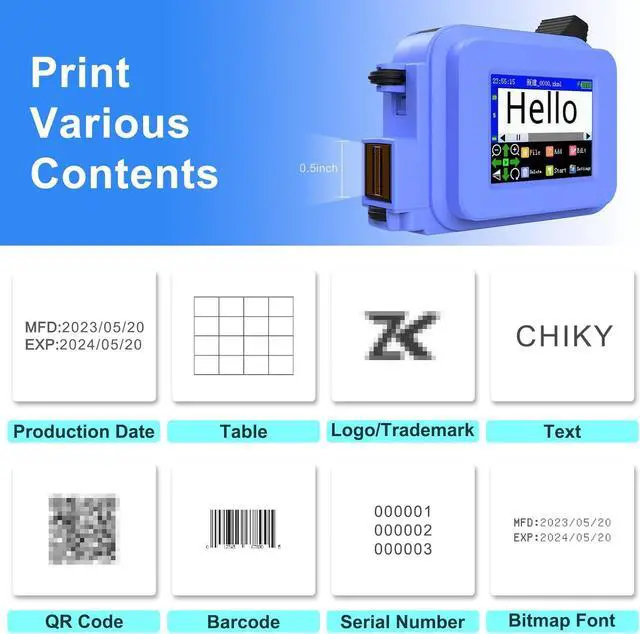
Mini Handheld Inkjet Printer, Pocket Portable Coder with 2.4 Inch Led Touch Screen, Inkjet Printer for DIY Printing/Qr Code/Barcode/Date Etc.,C-D
Share:
Found a lower price? Let us know. Although we can't match every price reported, we'll use your feedback to ensure that our prices remain competitive.
Fields with an asterisk * are required
**




 We‘re shipping as usual! The Canada Post strike only affects certain remote deliveries and PO Boxes. Details
 Holiday Shipping Details & Extended Holiday Returns


