



Meet Your Seller

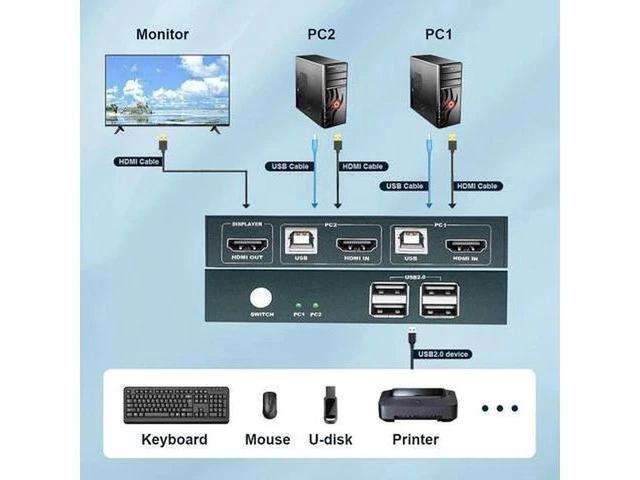
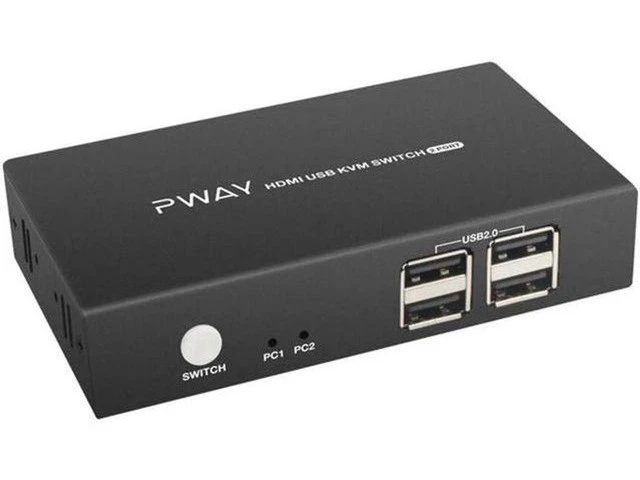


HDMI USB KVM Switch, 2 In 1 Out 4K@30Hz KVM Splitter, Share Monitor Keyboard Mouse USB Peripherals for 2 Computers, Manual Button Control
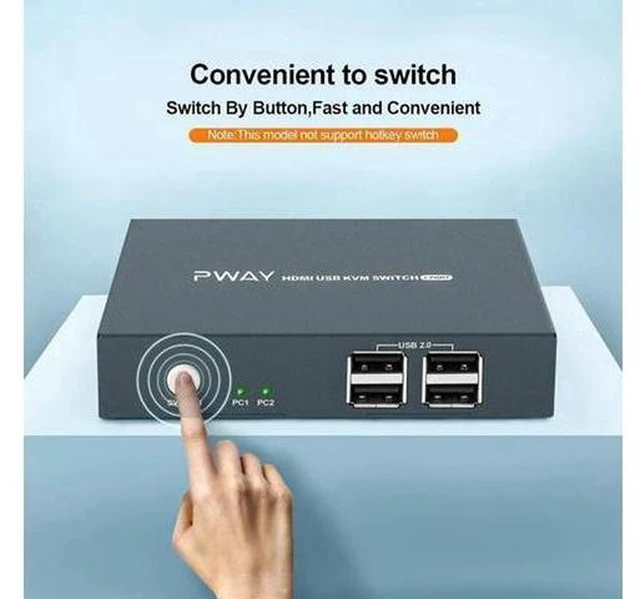
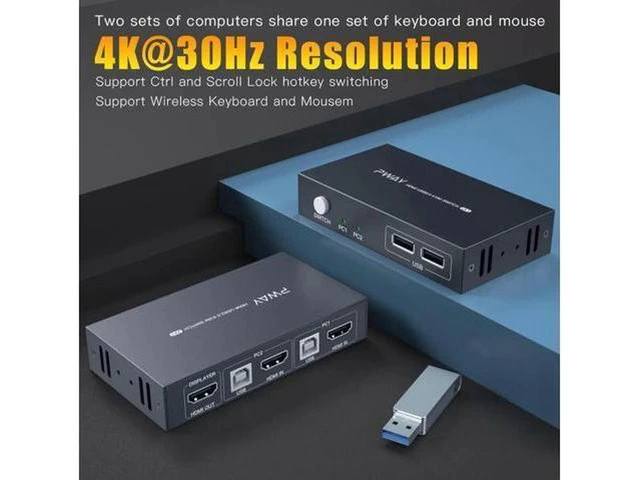
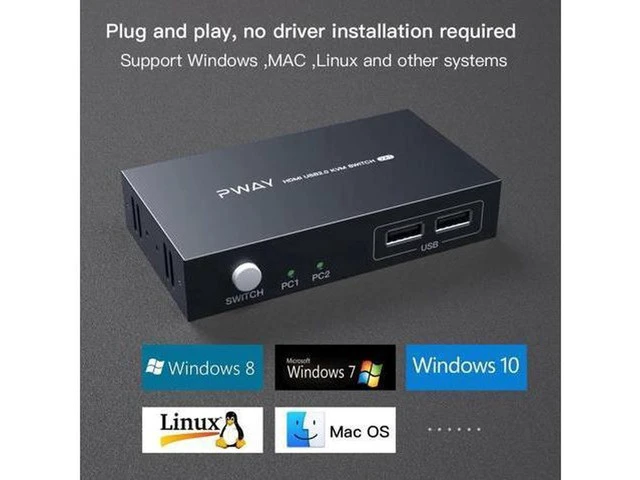
- 1. 2-in-1 KVM design, control two computers with one set of monitor, keyboard and mouse; 2. Supports 4K@30Hz high-definition video output, stable and clear picture; 3. Built-in USB sharing port for mouse, keyboard, printer and U-disk peripherals; 4. Physical button switch with LED indicator, quick to identify active channel; 5. Plug and play without driver, compact shell for office and home desktop use
+
+
Overview
Specs
Reviews
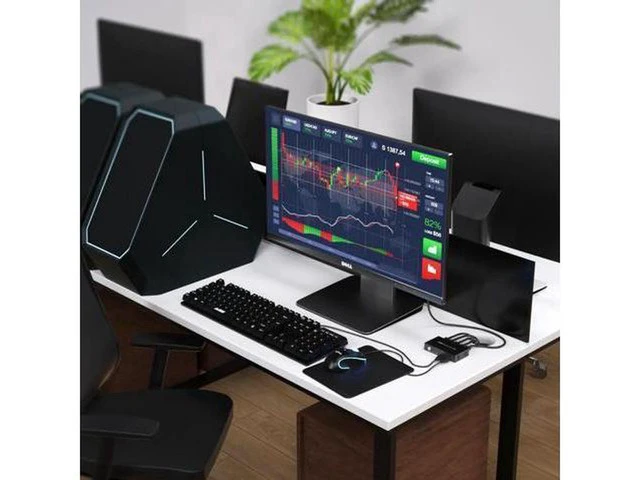
AJMRTC HDMI USB KVM switch is 2 inputs 1 output, which allows you to share one HDMI monitor and USB peripherals between two computers. It supports 4K@30Hz video signal, suitable for daily office, video playback and simple gaming. You can switch between the two host devices by pressing the physical button, and the LED light shows which channel is working. No software or driver installation needed. It helps tidy desktop wiring and avoids frequent plugging and unplugging of monitors and USB devices. It is widely compatible with laptops, desktops and other HDMI source devices.
HDMI Output: 1 ×
HDMI Max Resolution: 4K@30Hz
USB Sharing: Keyboard, Mouse, Printer, USB Flash
Drive Switch Method: Manual Physical Button with
LED Indicator Operation: Plug and
Play Driver: Not
Required Shell: Plastic housing
Application: Office desktop, home workstation, multi-computer management
Specifications
Input: 2 ×HDMI Output: 1 ×
HDMI Max Resolution: 4K@30Hz
USB Sharing: Keyboard, Mouse, Printer, USB Flash
Drive Switch Method: Manual Physical Button with
LED Indicator Operation: Plug and
Play Driver: Not
Required Shell: Plastic housing
Application: Office desktop, home workstation, multi-computer management
Warranty & Returns
Warranty, Returns, And Additional Information
Warranty
- Please contact the Seller directly for warranty information. Warranty information may also be found on the Manufacturer's website.
- CONTACT
Return Policies
- Return for refund within: 30 days
- Return for replacement within: 90 days
- This item is covered by Rufei Tech Return Policy
Manufacturer Contact Info
- For a directory of all our manufacturers, please click below.
- Manufacturers Directory
LOADING...