



Meet Your Seller

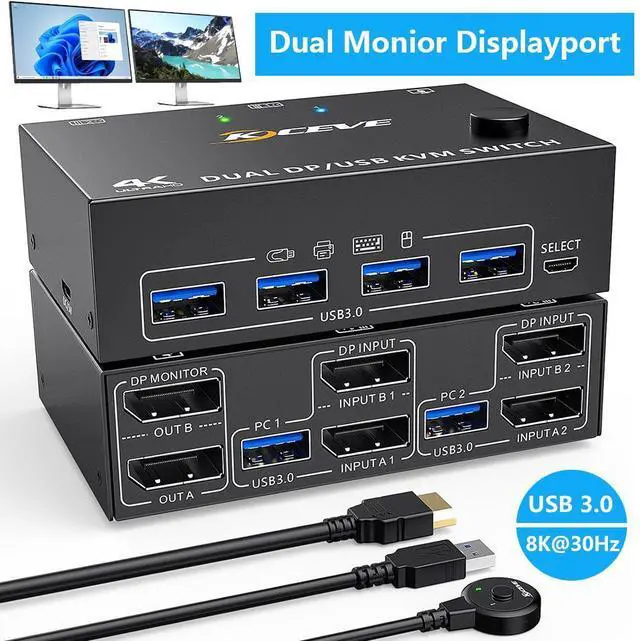


Dual Monitor KVM Switch, USB 3.0 Displayport KVM Switch 2 Monitors 2 Computers 8K@30Hz 4K@144Hz, Displayport KVM Switch with 4 USB 3.0 Ports for USB Devices,Wired Remote and USB Cables Included
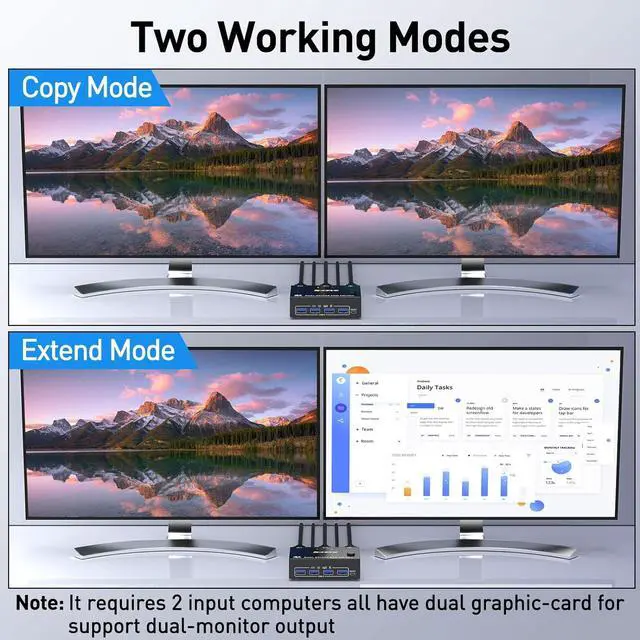
- [DP Dual Monitor KVM switch] This Dual Monitor KVM switch 2 computers 2 monitors help you to control 2 desktops or laptops by only one set of wired or wireless keyboard mouse,share 4 USB devices and 2 monitors(extended mode or copy mode).
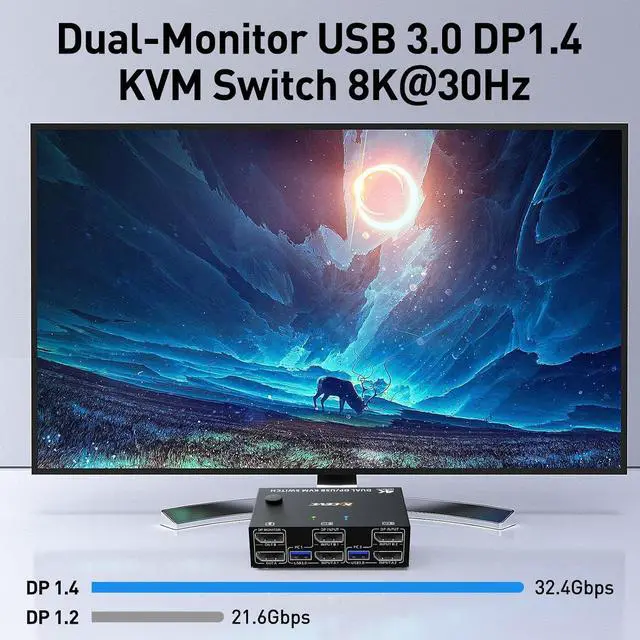
- [Ultra HD 8K@30Hz/4K@144Hz] Support resolution 8K@30Hz/4K@144Hz and backward compatible.KVM switch aslo support input terminal to connect 2 computers with different resolutions, e.g. one is 4K@60Hz, the other is 4K@30Hz, 1440P@60Hz or lower resolution.
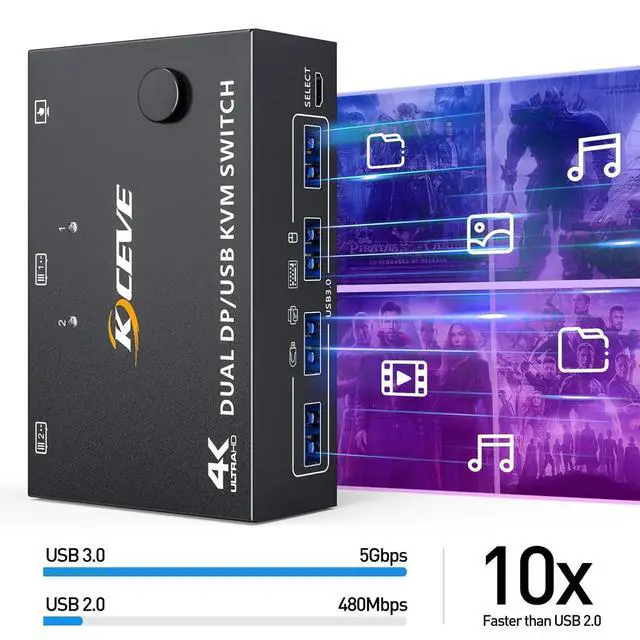
- [With 4 USB 3.0 USB Ports] with 4 USB 3.0 port for sharing mouse, keyboard, USB printers, scanners, etc,. USB 3.0 transmission is more stable and faster, if you are looking for a USB 3.0 version KVM switch this will be a good choice!
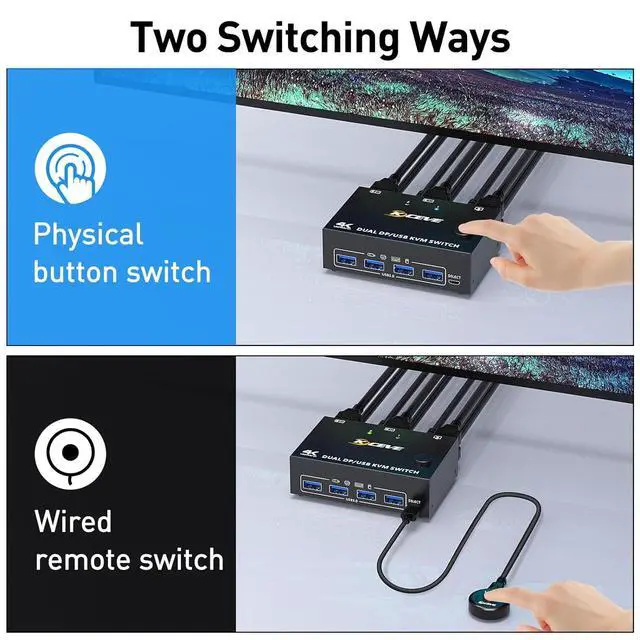
- [2 Switching Mode] You can press the button on the panel or use the wired remote to switch the computers.
- [Note] KVM switch require each computer to have 2*DP output ports and supports extended display.Adapters will be needed if your PC does not have dual DP outputs.
+
+
Overview
Specs
Reviews
Dual Monitor Displayport 1.4 USB 3.0 KVM Switch
Features:
2 computers share 4 USB 3.0 devices and 2 monitors.
Dual monitor output supports extended and copy display.
Switching mode: push-button switch and wired remote control.
Supports wired or wireless keyboard and mouse.
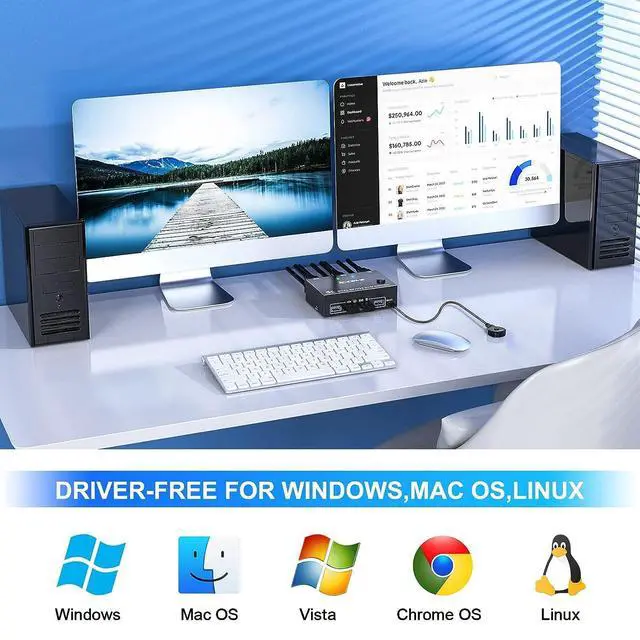
Support for most major operating systems, including Windows, Linux, and Mac
Support the highest resolution 8K@30Hz, 4K@144Hz, downward compatible.
Supoort DP 1.2 and downward compatible.
Connection steps:
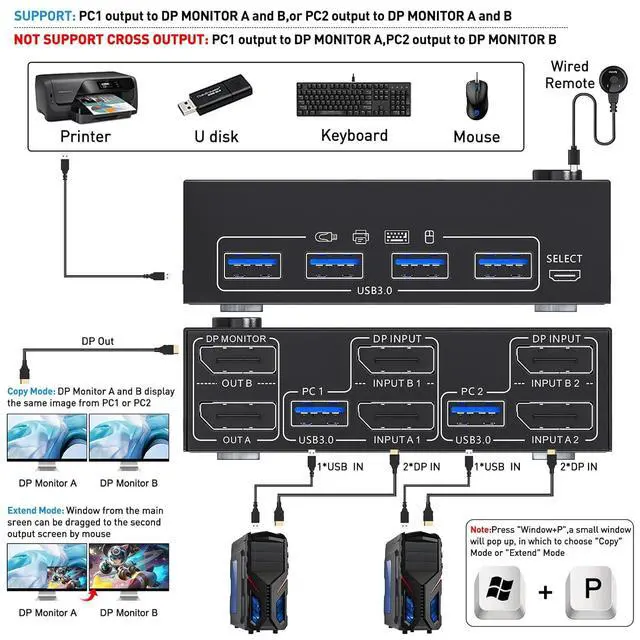
Step 1. Connect 2*DP cables+1*USB-A cable between PC 1 and KVM (USB 3.0, INPUT A1, INPUT B1).
Step 2. Connect 2*DP cables+1*USB-A cable between PC 2 and KVM (USB 3.0, INPUT A2, INPUT B2).
Step 3. Connect 2*DP cables between the KVM (OUT A, OUT B) and your 2 monitors.
Step 4. Insert your USB devices (keyboard mouse and U disk) into the USB port on the KVM.
Step 5. Insert the Wired Remote into the "SELECT" port to remotely switch between PC1 and PC2.
Warranty & Returns
Warranty, Returns, And Additional Information
Warranty
- Please contact the Seller directly for warranty information. Warranty information may also be found on the Manufacturer's website.
- CONTACT
Return Policies
- Return for refund within: 30 days
- Return for replacement within: 30 days
- This item is covered by Seaside Shop Return Policy
Manufacturer Contact Info
- For a directory of all our manufacturers, please click below.
- Manufacturers Directory
LOADING...