
Your Browsing History

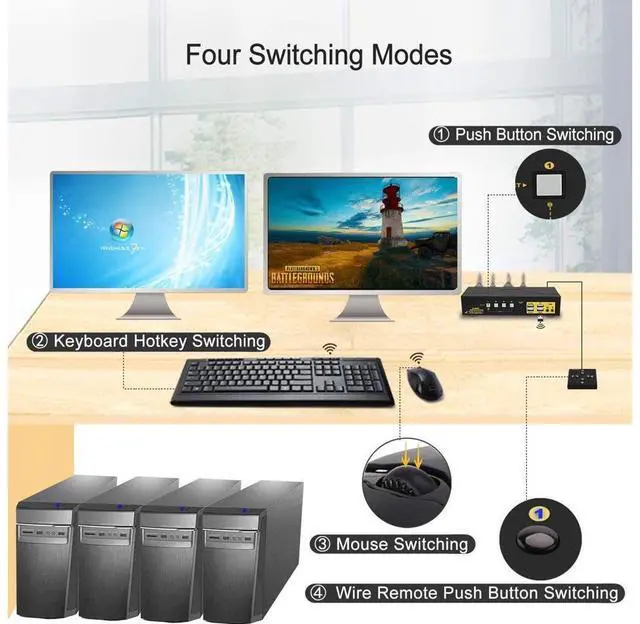
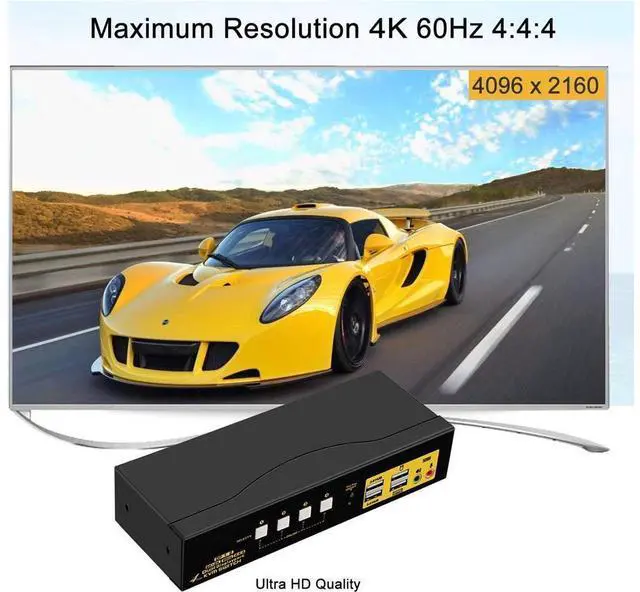
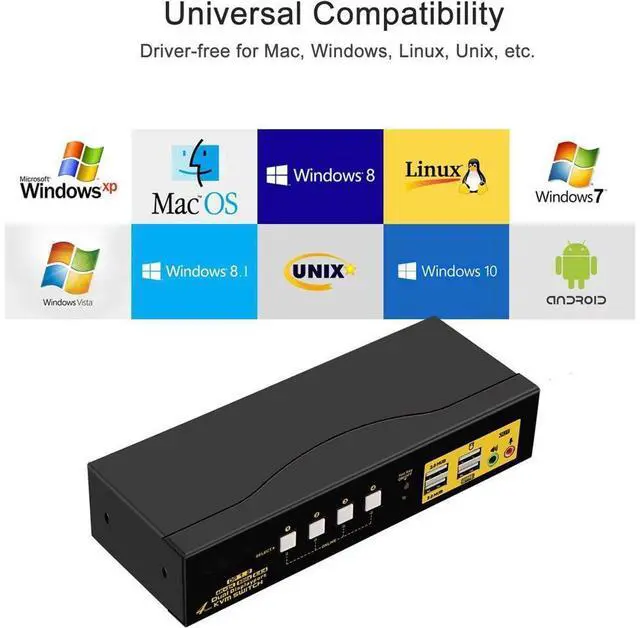



Installation Guide (incorrect connection will cause malfunction):
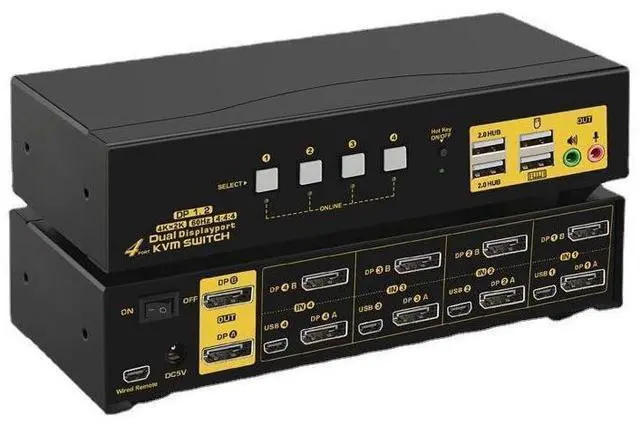
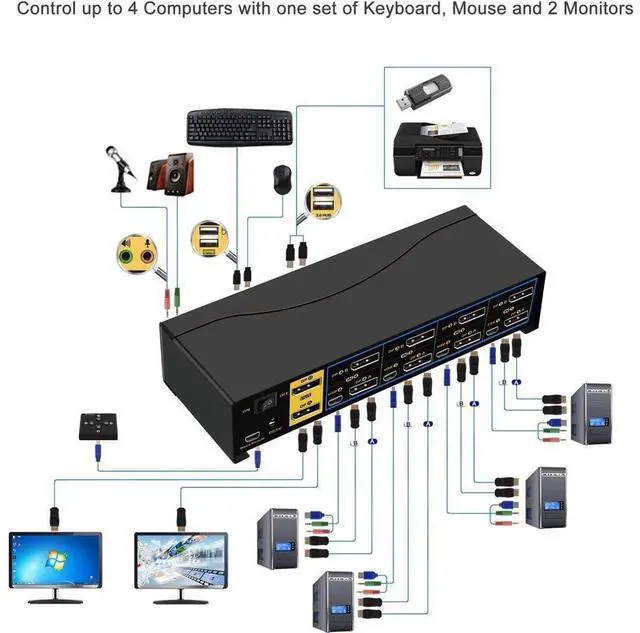
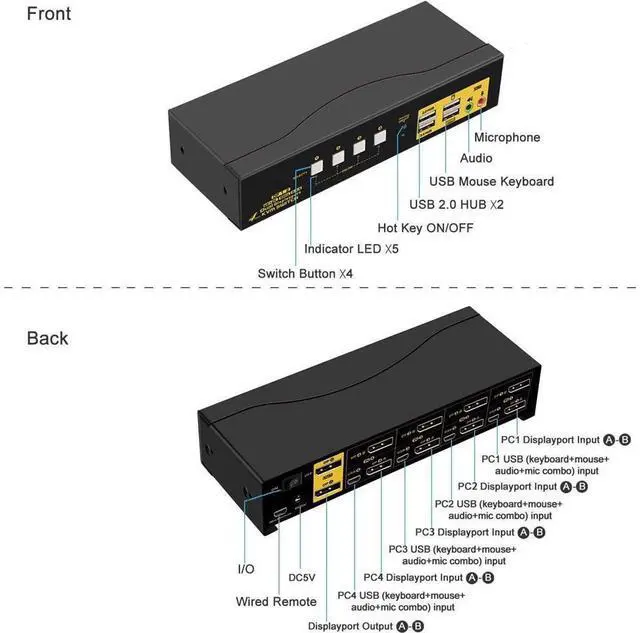
PC 1: Connect 2 DP outputs on PC 1 to DP IN 1A & 1B on the kvm, and USB + Audio combo to USB 1.
PC 2: Connect 2 DP outputs on PC 2 to DP IN 2A & 2B on the kvm, and USB + Audio combo to USB 2.
PC 3: Connect 2 DP outputs on PC 3 to DP IN 3A & 3B on the kvm, and USB + Audio combo to USB 3.
PC 4: Connect 2 DP outputs on PC 4 to DP IN 4A & 4B on the kvm, and USB + Audio combo to USB 4.
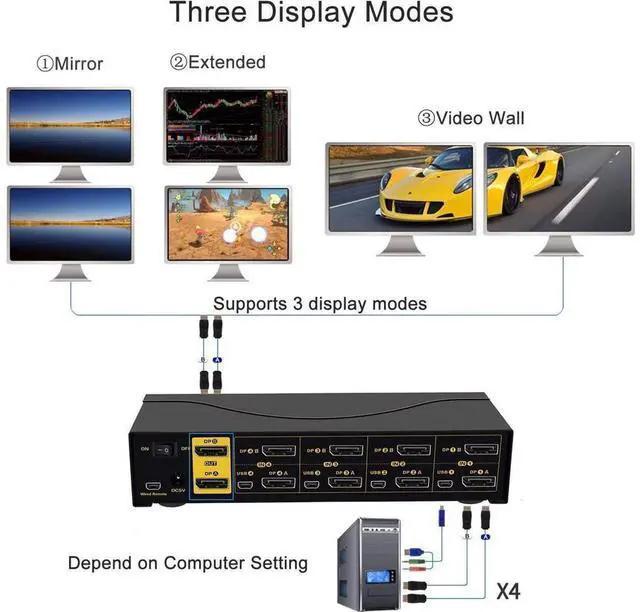
Monitors: Connect Monitor A to DP A Out, Monitor B to DP B Out.
Wired Keyboard & Mouse: connect Keyboard to USB keyboard port, mouse to USB mouse port
Wireless Keyboard and Mouse: Connect the wireless dongle into USB keyboard port
Power Adapter: connect the power adapter to DC input.
Audio Devices: Connect speaker or microphone output on KVM (optional), make sure the audio jacks are also plugged into your computers if needed.
Power on the KVM and computers.
Special Notes:
USB connecion is to ensure keyboard and mouse work properly.
What if my computer or laptop only has one Display Port output? In this case, you will need reliable adapters or docking station for non-DP outputs. Please be aware of this before ordering!
Some gaming, programing or michanical keyboard and mouse may not work well from the decicated USB keyboard and mouse ports, if so, connect them to standard USB 2.0 ports. or turn off the hotkey then the USB keyboard and mouse port will also become standard USB 2.0 HUB port This option does not support hotkeys. but you can use the wired remoter to switch between devices easily.