
Your Browsing History

Meet Your Seller

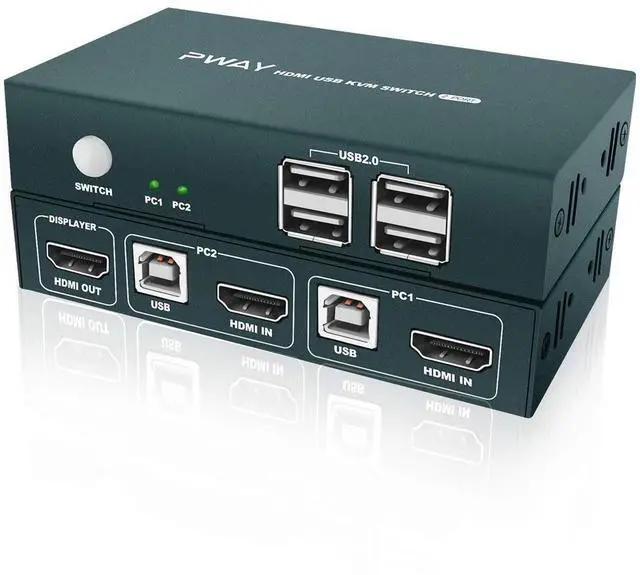


KVM Switch HDMI 2 Port, 4 USB 2.0 Hub, UHD 4K @30Hz, Support Wireless Keyboard and Mouse, No Power Require, with HDMI and USB Cables (Black) eokCXOY
- [2 IN 1 OUT HDMI KVM SWITCH NEW MODEL] 2 computers share one set of keyboard and mouse and monitor, 4 USB 2.0 devices for one button swapping. Saving your space, make your work and life easier and smarter.
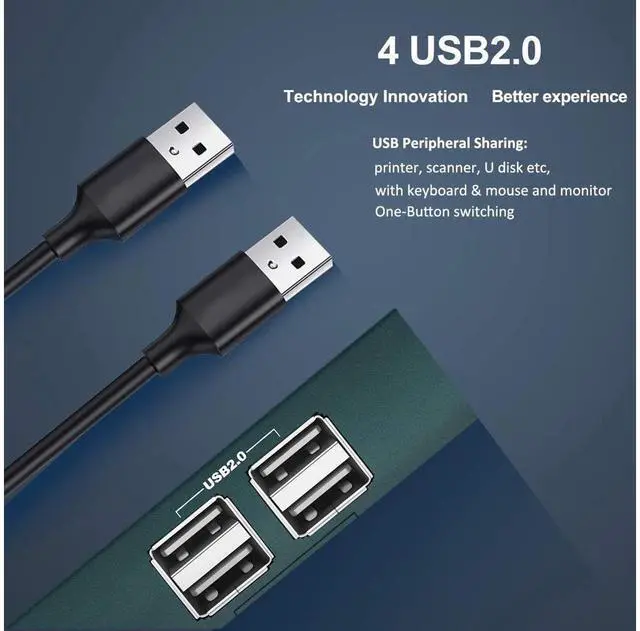
- [KVM SWITCH WITH 4 USB 2.0 HUB] This kit having 4 USB 2.0 interface for sharing devices such as Printer, Scanner, U disk and other USB devices between 2 computers. Convenient and practical.
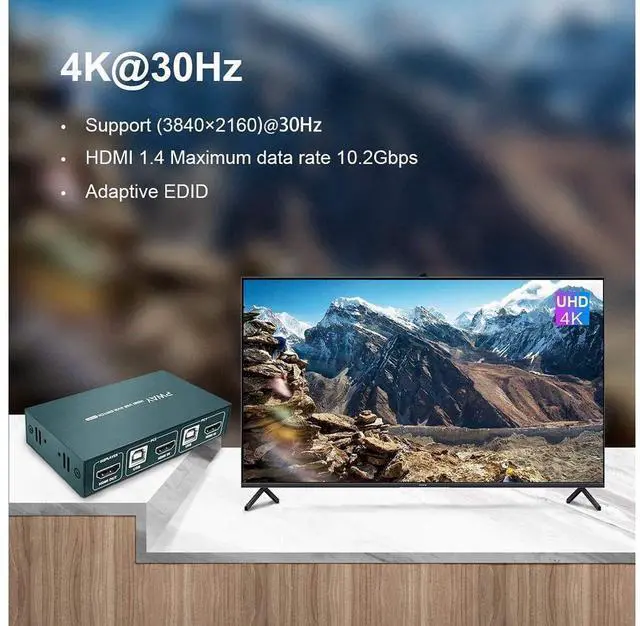
- [UHD 4K@30Hz VISUAL ENJOYMENT] Supporting high resolution max up to 4K x 2K@30Hz, makes image display more exquisite and realistic. It also supports 3D & 1080P or lower resolution, really enjoy you want.
- [POWERED BY USB, WIRELESS KEYBOARD & MOUSE] Powered by USB-B cables, no power adapter required, saving you space. Support wireless keyboard and mouse and mechanical gaming keyboard.
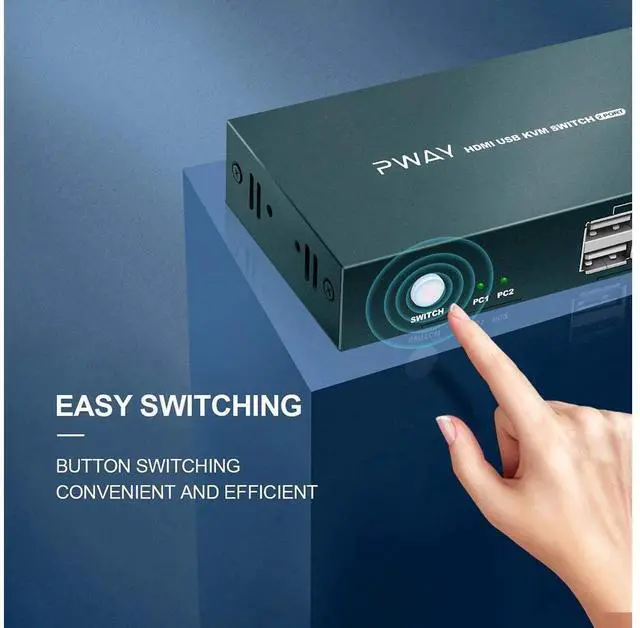
- [BUTTON SWITCH, PLUG AND PLAY] Button design, support button switch not the hotkey switch, freely switch between 2 computers by pressing a button. Simple to install, plug and play, no driver is needed.
+
+
Overview
Specs
Reviews
2 x 1 KVM Switch Connects 2 Computers to a Single Keyboard, Mouse and Monitor
HDMI KVM SWITCH can implement free switching between two groups of high-definition video source and USB interface. The equipment has excellent image processing and transmission capacity, make the output signal more smooth and steady, it is a reliable, high performance and efficient way of HDMI USB switch.
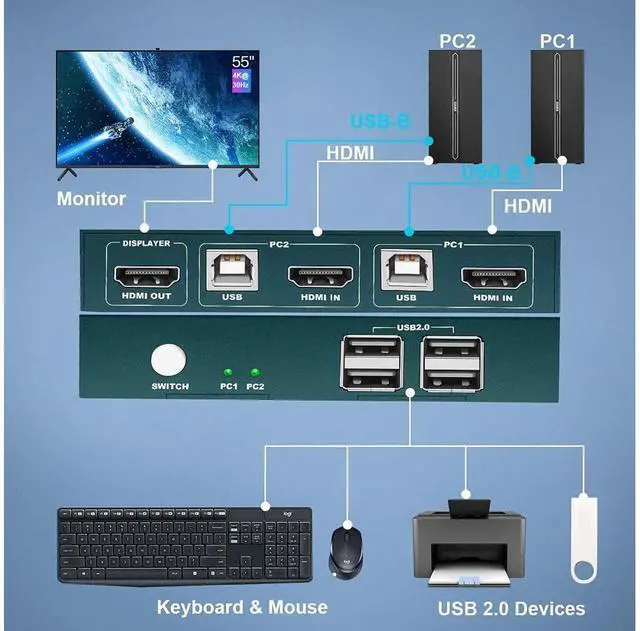
How to Connect the KVM switch:
1. Connect USB-B cable and HDMI cable (or DVI/VGA/DP/Type-C to HDMI cables) from your computer 1 to the "PC1" port section of KVM.
2. Connect USB-B cable and HDMI cable (or DVI/VGA/DP/Type-C to HDMI cables) from your computer 2 and "PC2" port section of KVM.
3. Connect the HDMI output port on the KVM to your monitors with HDMI to HDMI/DVI/VGA/DP cables.
4. Connect the mouse and keyboard or USB 2.0 device into the USB 2.0 port on the KVM.
The advantages of this KVM
4 USB 2.0 Port
Having 4 USB 2.0 hubs, transfer rate of up to 480 Mbps. Sharing devices as scanners, printers, flash drives etc.
Powered by USB-B
Powered by USB-B cable, no external power adapter is needed, saving your space, simpler and smarter.
Button Switch
Button switch, not the Hotkey switch, freely switch between 2 computers by pressing a button.
Small and Exquisite
Small volume, even smaller than your palm, does not take up space.
Warranty & Returns
Warranty, Returns, And Additional Information
Warranty
- Please contact the Seller directly for warranty information. Warranty information may also be found on the Manufacturer's website.
- CONTACT
Return Policies
- Return for refund within: 30 days
- Return for replacement within: 30 days
- This item is covered by GGnix Return Policy
Manufacturer Contact Info
- For a directory of all our manufacturers, please click below.
- Manufacturers Directory
LOADING...