


- Free 15-day Returns
$104.99
Ships from China.


Meet Your Seller

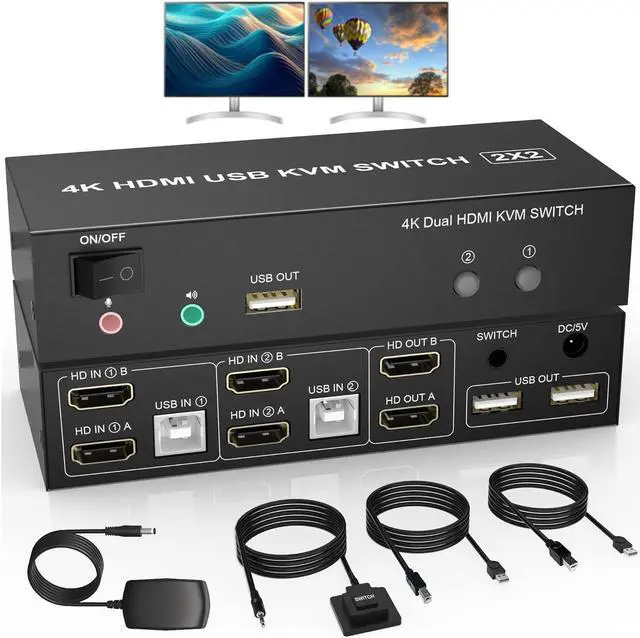


AUTYUE Dual Monitor KVM Switch HDMI 2 Port, 4K@60Hz Extended Display HDMI KVM Switch 2 Monitors 2 Computers with Audio Microphone Output and 3 USB Ports, PC Monitor Keyboard Mouse Switcher giyqxHw
- Dual Monitor HDMI KVM Switch: Many of you may have 2 desktops or laptops for personal and work, this KVM Switch is for you to control them using one set of keyboard, mouse and single or dual monitors.
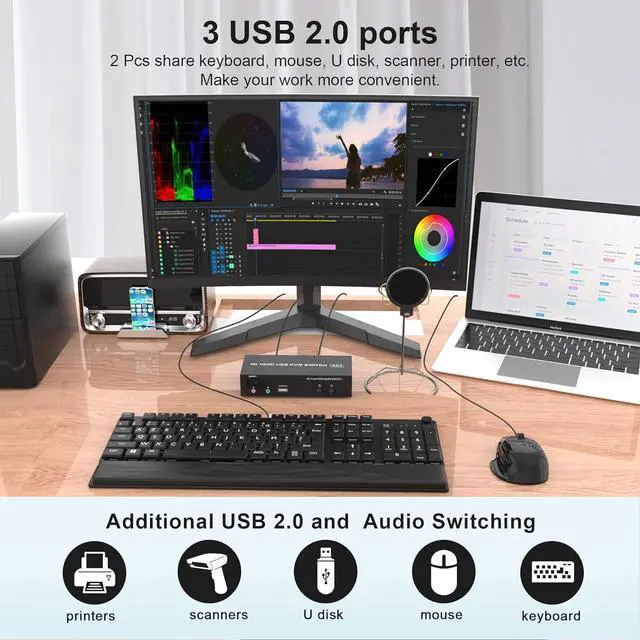
- With 3 USB 2.0 Ports: with extra USB 2.0 port for shar
+
+
Overview
Specs
Reviews
Dual Monitor HDMI KVM Switch for 2 Computers
Features:
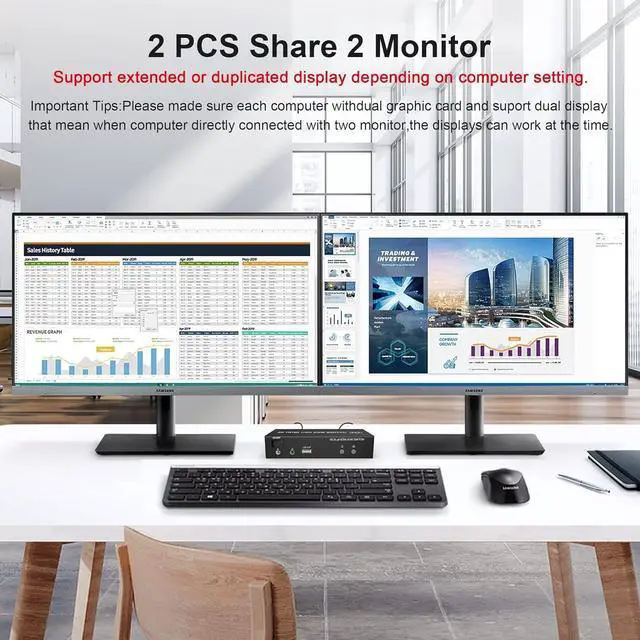
Share one set of keyboard, mouse and dual monitors between 2 computers or laptops;
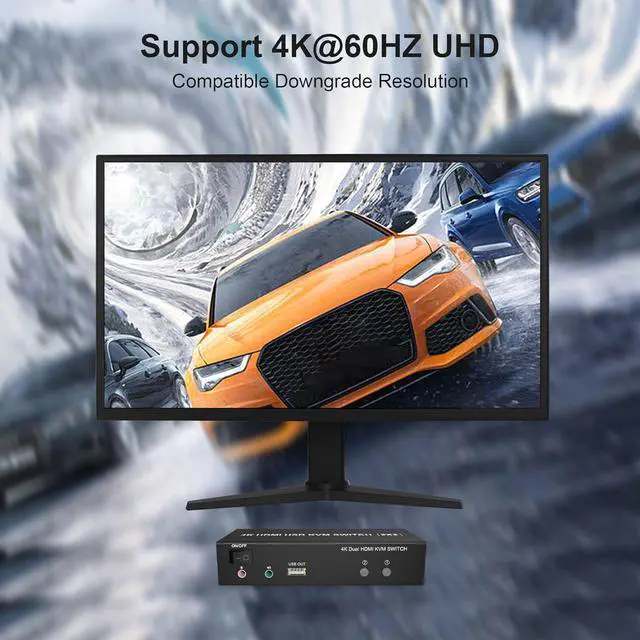
Dual monitors output support up to 4K@60Hz for extended, mirrored or spliced display;
No complicated installation is required, and non-professionals can easily operate it;
Cross support major operation systems including Windows, Linux, Mac and more;
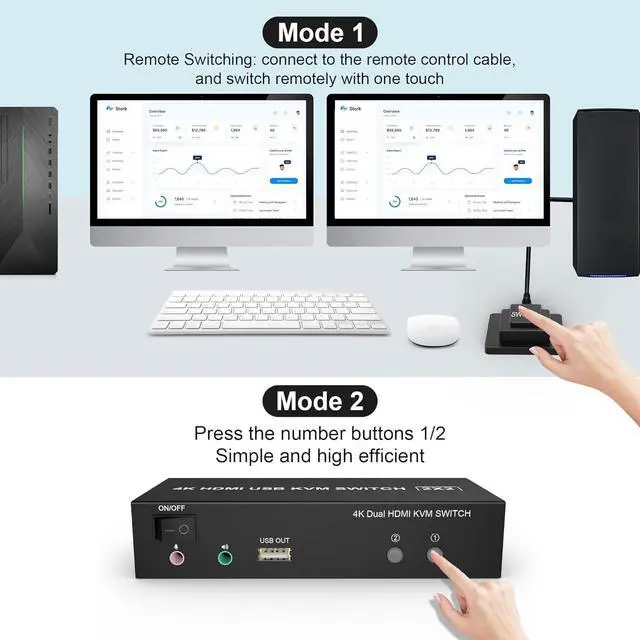
Switching modes: Buttons on the front panel and wired remote;
The ports that need to plug in HDMI/USB cables are all hidden behind the KVM, so the desktop doesn't get cluttered;
With extra 3 USB 2.0 and Audio Microphone output.
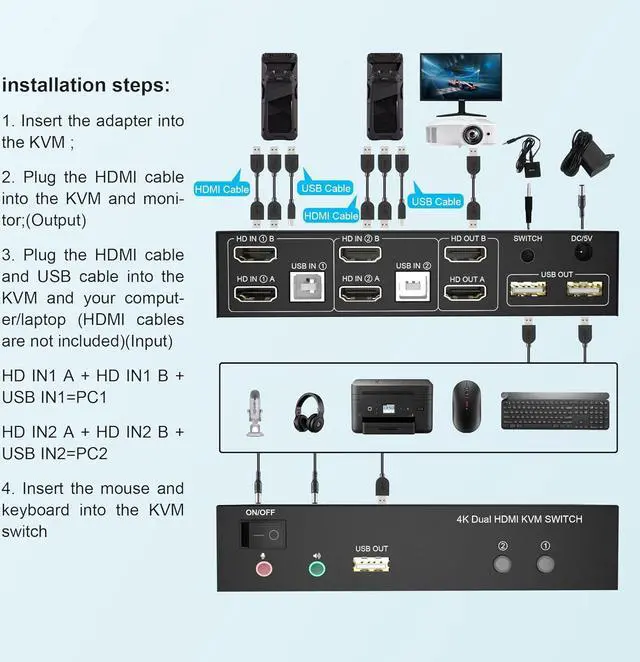
installation steps:
1. Insert the adapter into the KVM;
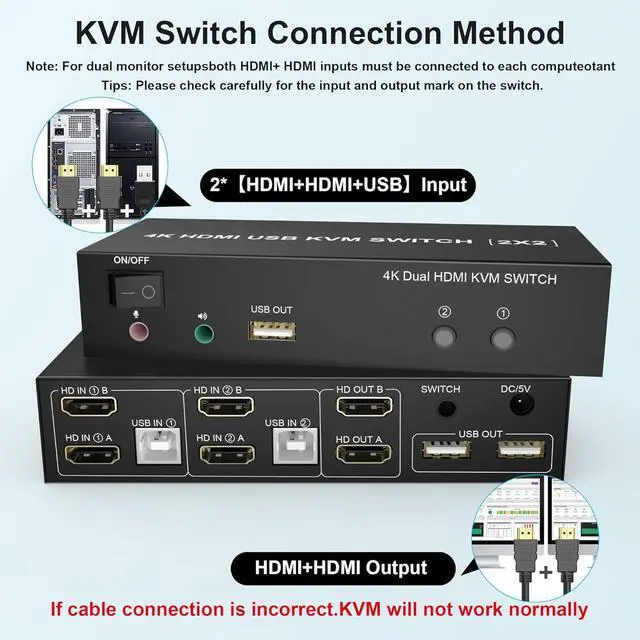
2. Plug the HDMI cable into the KVM and monitor; (Output)
3. Plug the HDMI cable and USB cable into the KVM and your computer/laptop (HDMI cables are not included) (Input)
HD IN1 A + HD IN1 B + USB IN1=PC1
HD IN2 A + HD IN2 B + USB IN2=PC2
4. Insert the mouse and keyboard into the KVM switch
5. If needed, you can connect a microphone and audio port
Features:
Share one set of keyboard, mouse and dual monitors between 2 computers or laptops;
Dual monitors output support up to 4K@60Hz for extended, mirrored or spliced display;
No complicated installation is required, and non-professionals can easily operate it;
Cross support major operation systems including Windows, Linux, Mac and more;
Switching modes: Buttons on the front panel and wired remote;
The ports that need to plug in HDMI/USB cables are all hidden behind the KVM, so the desktop doesn't get cluttered;
With extra 3 USB 2.0 and Audio Microphone output.
installation steps:
1. Insert the adapter into the KVM;
2. Plug the HDMI cable into the KVM and monitor; (Output)
3. Plug the HDMI cable and USB cable into the KVM and your computer/laptop (HDMI cables are not included) (Input)
HD IN1 A + HD IN1 B + USB IN1=PC1
HD IN2 A + HD IN2 B + USB IN2=PC2
4. Insert the mouse and keyboard into the KVM switch
5. If needed, you can connect a microphone and audio port
Warranty & Returns
Warranty, Returns, And Additional Information
Warranty
- Please contact the Seller directly for warranty information. Warranty information may also be found on the Manufacturer's website.
- CONTACT
Return Policies
- Return for refund within: 15 days
- Return for replacement within: 30 days
- This item is covered by fadaoe Return Policy
Manufacturer Contact Info
- For a directory of all our manufacturers, please click below.
- Manufacturers Directory
LOADING...