




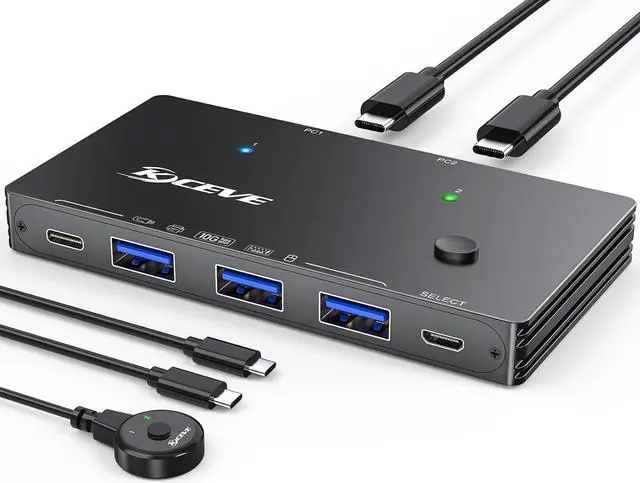
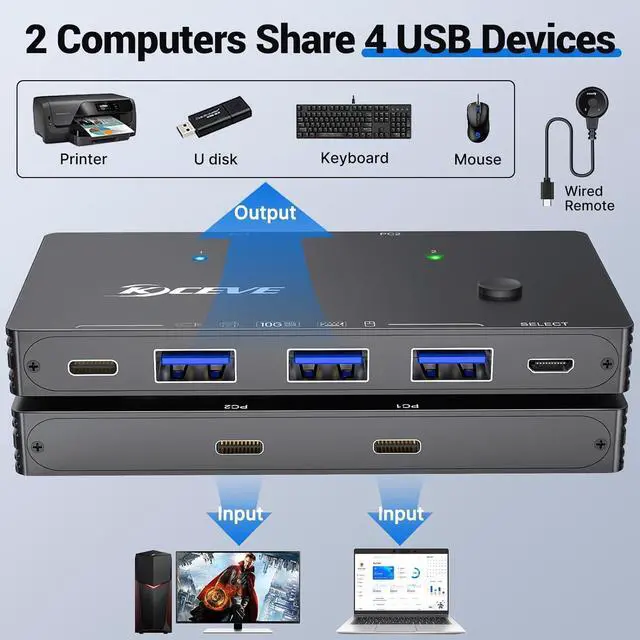
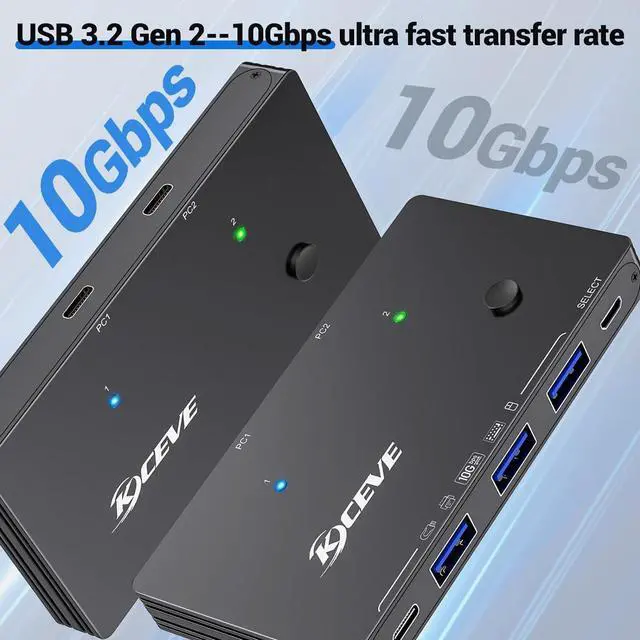
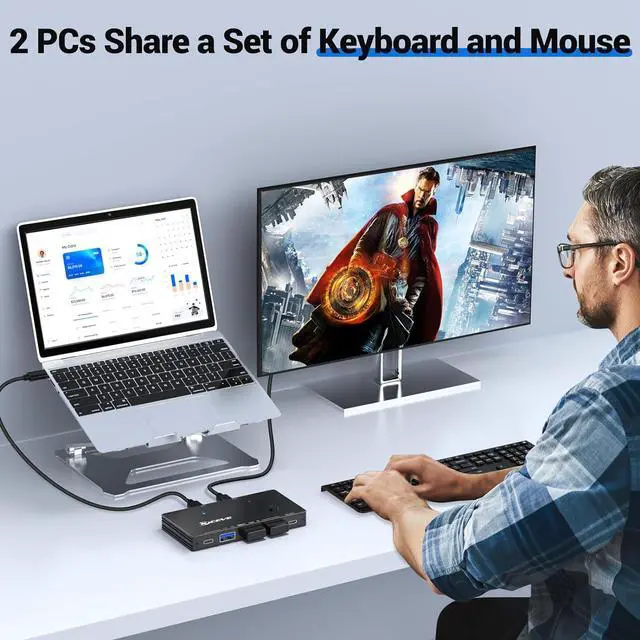
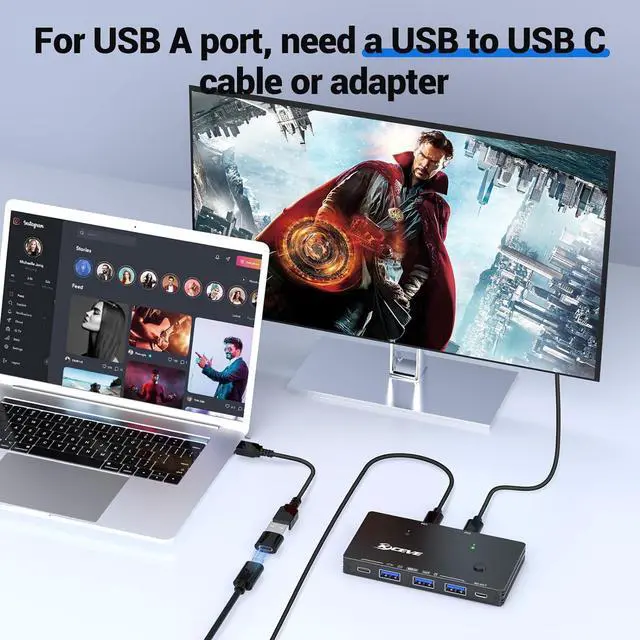
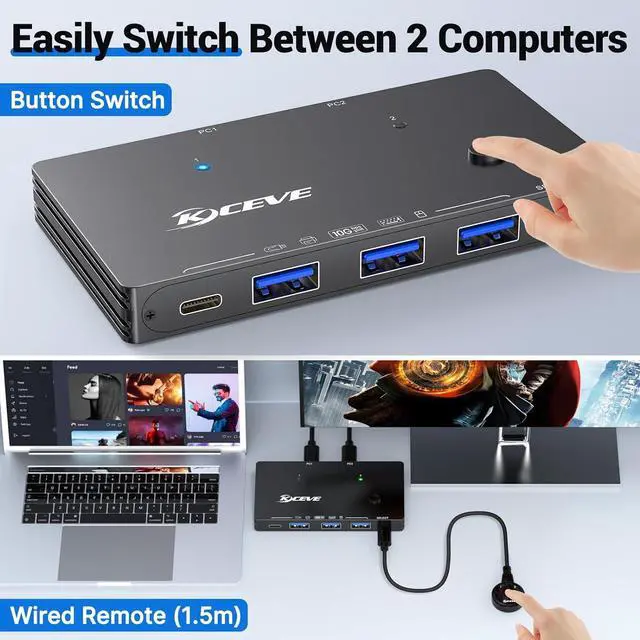
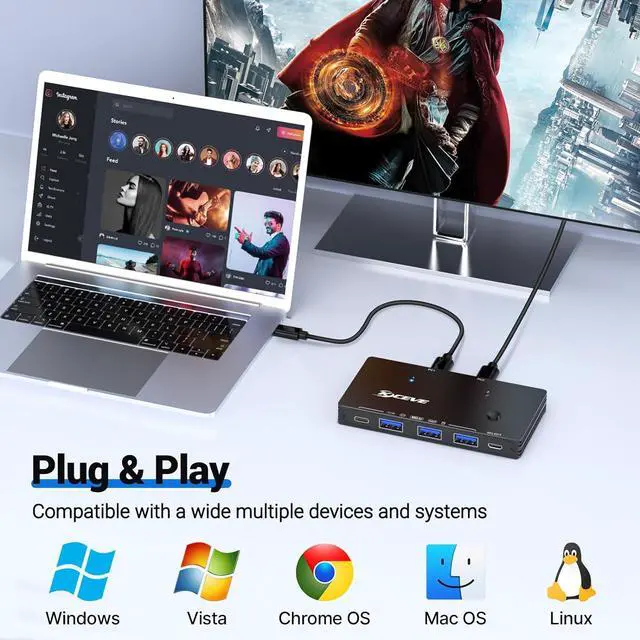


10 Gbps USB C switch -- Specially designed for 2 laptops to share 4 USB devices


Attention
| Input Tip: | This is a USB switch, not a KVM switch and doesn't support a monitor; the USB-C input does not support video. |
|---|---|
| USB Switch (Not KVM) | This switcher is designed for faster data transmission and does not support video transmission. |
| Output Tip: | The USB port at the output is only used for data transfer and does not support power supply for a laptop/USB devices or video transmission. |
| 4 USB Ports | 4 USB ports (1 * USB-C+3 * USB-A) are used to connect devices such as keyboard, mouse, printer, USB C hard drive, camera, etc. |
| About Data Cable Length: | Using a cable longer than 0.8M may cause a drop in transmission speed, please use the included USB C-C cables to connect your laptops to this USB switch |
| About Power Supply: | When connected to a USB-C laptop port, this device can output a Max 2.4A, enough power to run four 3.5" HDD/SSD or two 2.5" 1TB HDD/SSD at once. |
|---|---|
| About Power Supply: | When connected to a USB-A laptop port, please note that due to the limitation of the USB-A port output current, the switch only can output 5V2A. |
| Package Content: | USB 3.2 Switch * 1 (4.8 x 2.1 x 0.7 Inches); USB C to C Cable * 2 (2.6FT/0.8M); Wired Remote Control *1 (5FT/1.5M). |
| About Mac | For Mac OS 13.3 and above, please allow usb devices to work by doing this setting: Use the mac's own touchpad to choose A-p-p-l-e menu > System Settings > Privacy & Security >Click the pop-up menu next to "Allow accessories to connect" > Choose "Always". |