




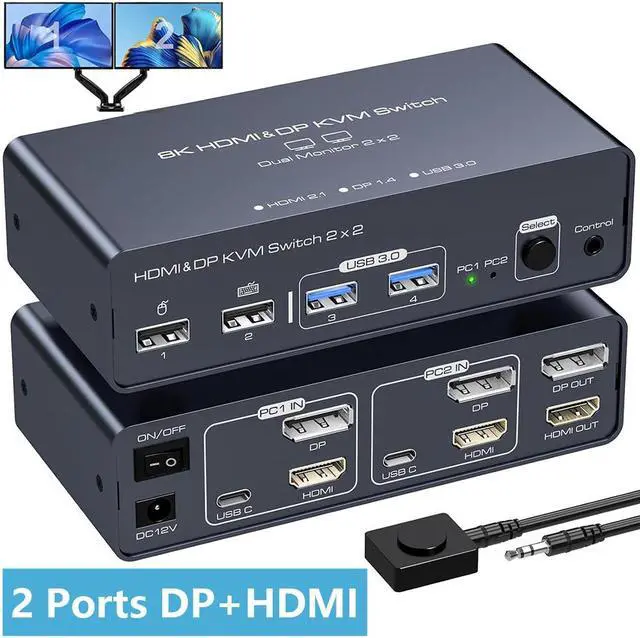


2 Port HDMI+DP Dual Monitor kvm switch dual monitor shares 2 monitors and 4 USB 3.0 devices, connects to 2 host computers to share a mouse, keyboard, printer, USB stick or gamepad.
Please kindly Attention:
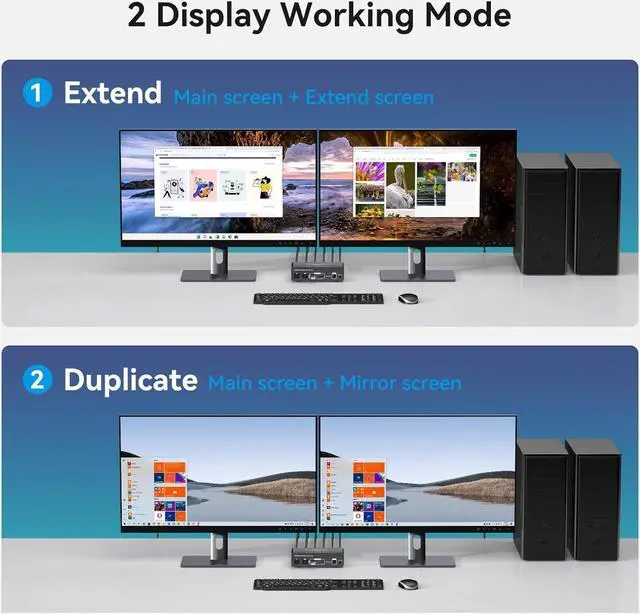
- Extended mode or copy mode can only be used if your computer supports dual or multiple monitors.
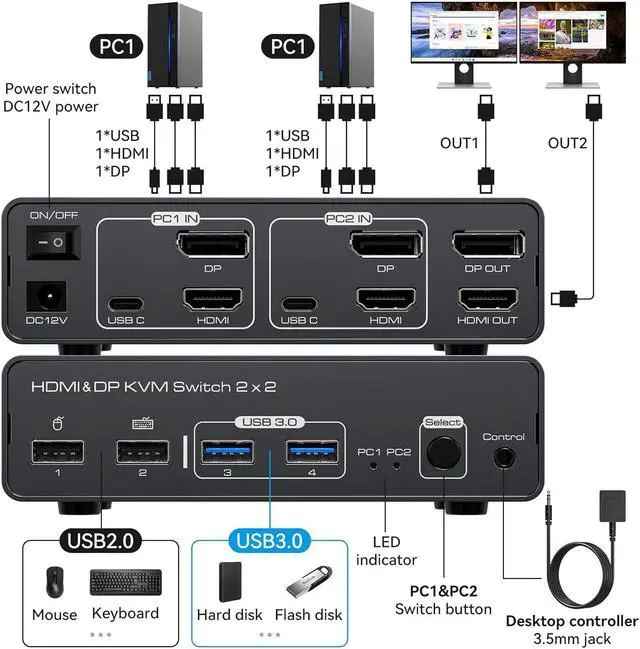
- Dual-monitor function can only be achieved if each computer has HDMI+DP +USB output ports and is connected to the USB C,DP,HDMI ports of the product via DP+HDMI cable (not included) and the included USB to USB C cable.
- If the USB C input port of the product is not connected or connected incorrectly, USB devices connected to the output port of the product will not be recognised.

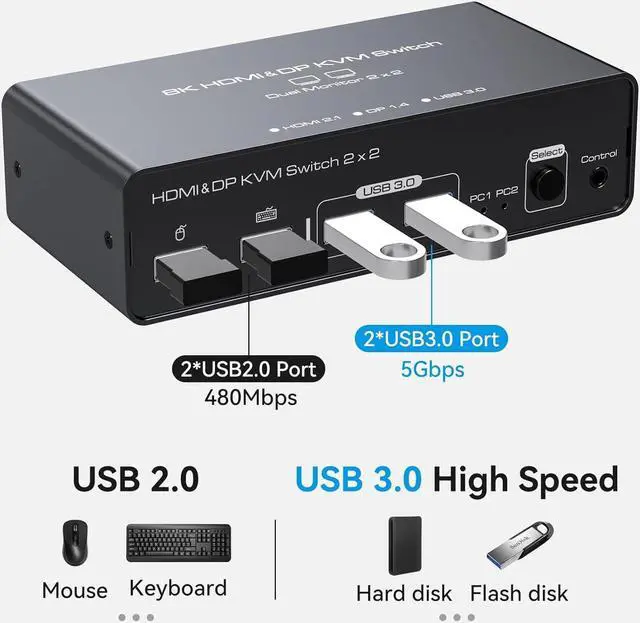
Two USB3.0 ports + two USB2.0 ports
USB3.0 port transfer rate up to 5Gbps
USB2.0 port transfer rate up to 480Mbps

The Displayport + HDMI KVM switch supports 2 modes
Mode 1: Duplicate Mode (computer host outputs 2 identical screens on 2 monitors)
Mode 2: Extended Mode (computer host outputs 2 different screens on 2 monitors)

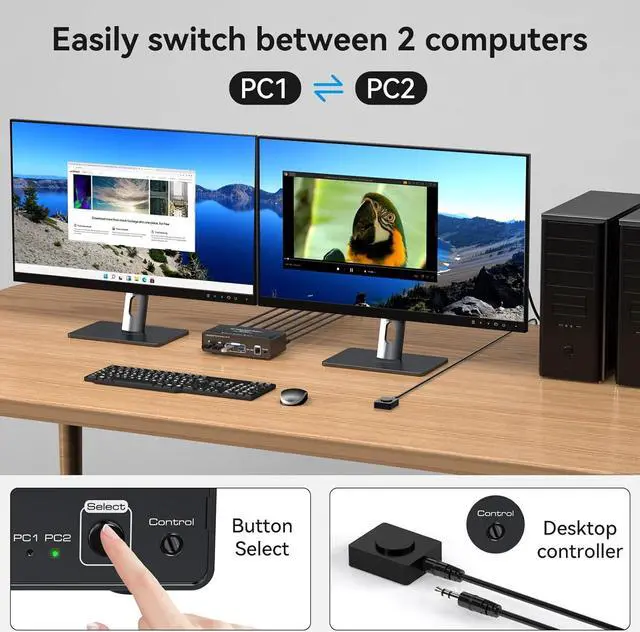
Push Button Switching
The kvm switch 2 monitors 2 computers allows one-button switching, eliminating the need to frequently plug and unplug cables, saving space and time.

Wired External Controller
Use the wired external controller included in the kvm switcher package to easily switch without getting up.

LED Indicators
The LED indicators on the kvm switch 2 port provide clear visibility of active sources.

12V DC Power Supply
When using the kvm switch 2 monitors 2 computers, you need to connect the included DC 12V power adapter to supply power to the product to ensure that it works properly.

Non-slip feet
There are four non-slip feet on the bottom of the displayport switch to keep the product stable and not easy to slide when it is standing.

Aluminium casing
Aluminium housing ensures heat dissipation and electromagnetic compatibility, which is durable and prolongs the service life of the product.

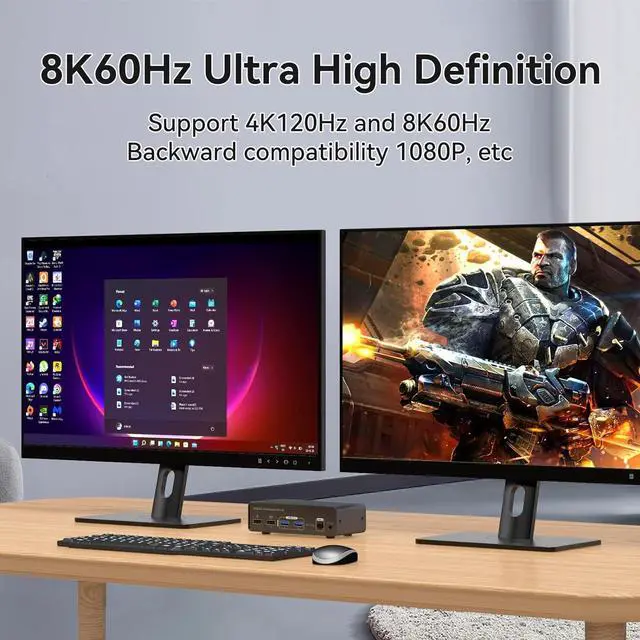
The Dual Monitor KVM switch supports HDMI 2.1 and DP 1.4, supports up to 8K@60Hz and 4K@120Hz display, and is backward compatible with 4K@60hz, 1080P, 720P, and so on.

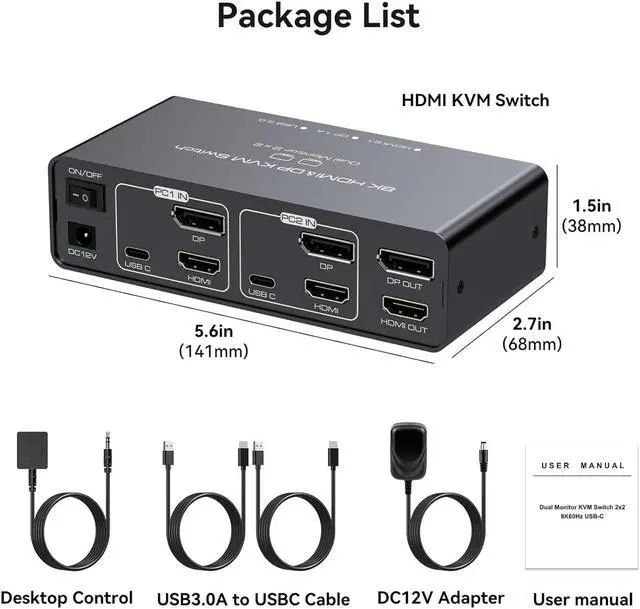
Package Includes:
- 1*KVM switch,
- 1*12V DC power adapter,
- 1*wired extension button,
- 2*USB 3.0 to USB-C cables,
- 1*user manual.