

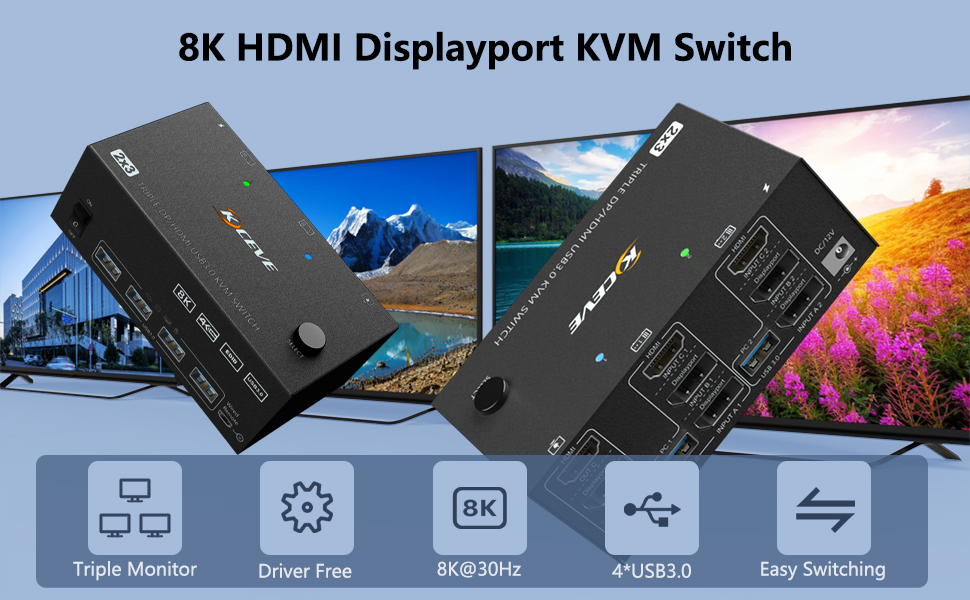
KVM Switch 2 PC 3 Monitor
Product advantages:
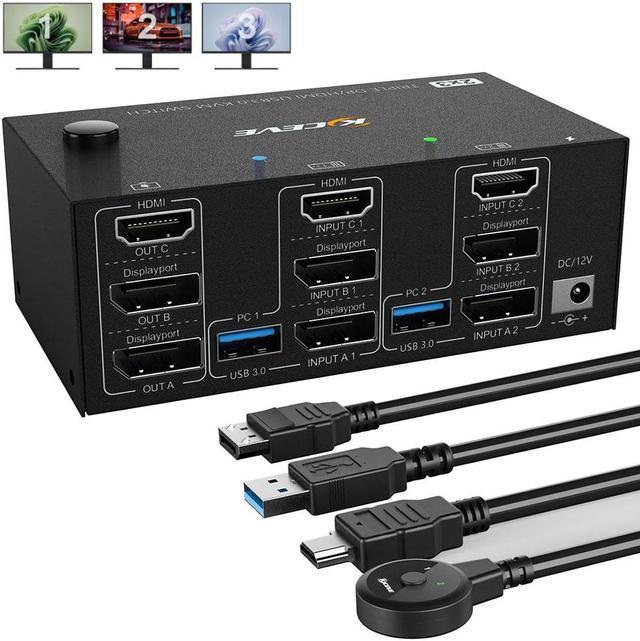
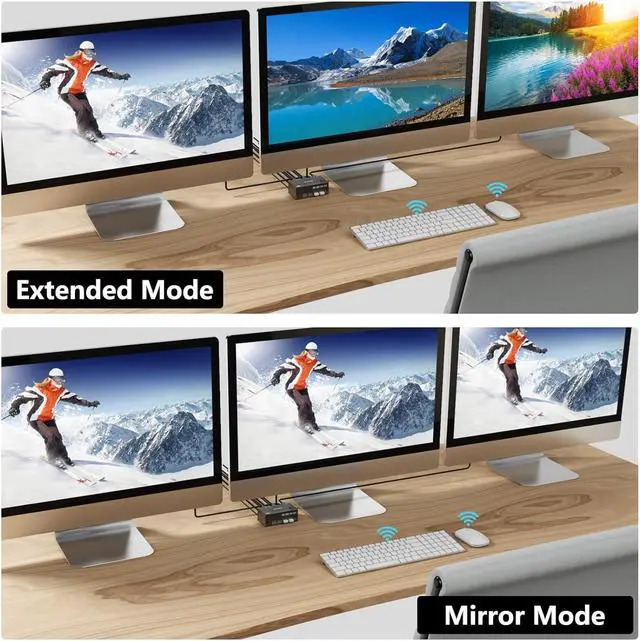
- 1*This KVM switch has 1*HDMI+2*DisplayPort three display outputs and supports advanced and mirrored display modes.
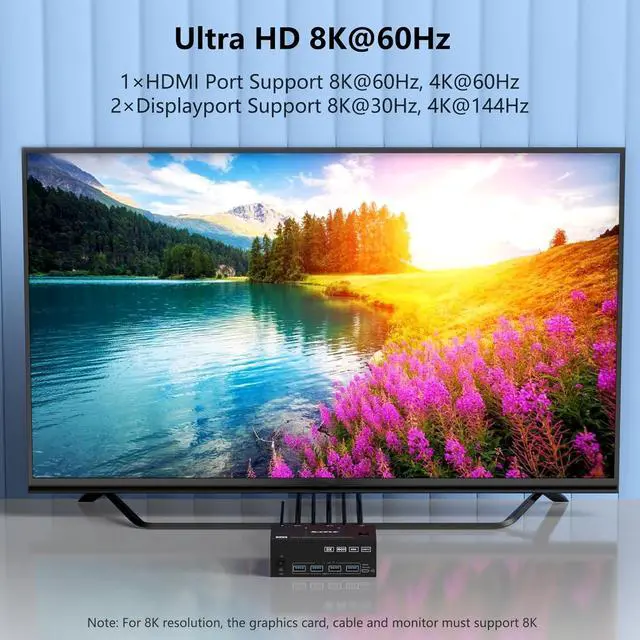
- 1*HDMI supports 8K@60Hz, 2*DisplayPort supports 8K@30Hz ultra-high-definition image quality, backward compatible.
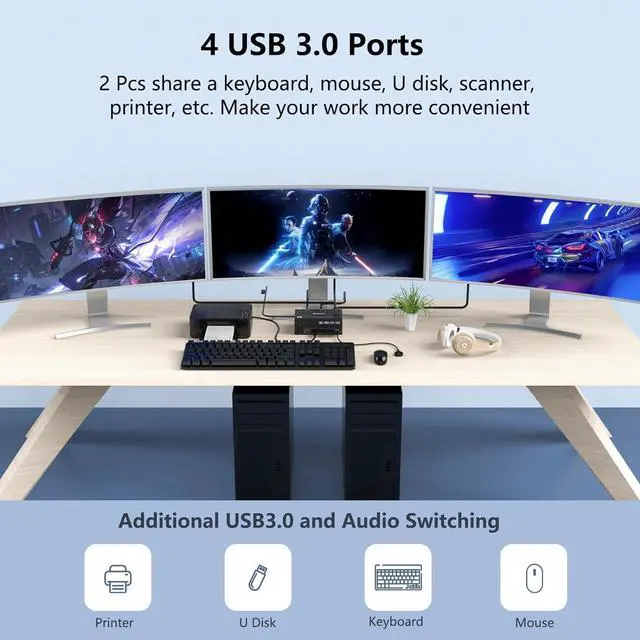
- 4 USB3.0 ports to support USB devices (e.g. mouse, keyboard, USB stick, printer, etc.).
- One-touch switching in 2 to 4 seconds via control panel buttons and desktop controller
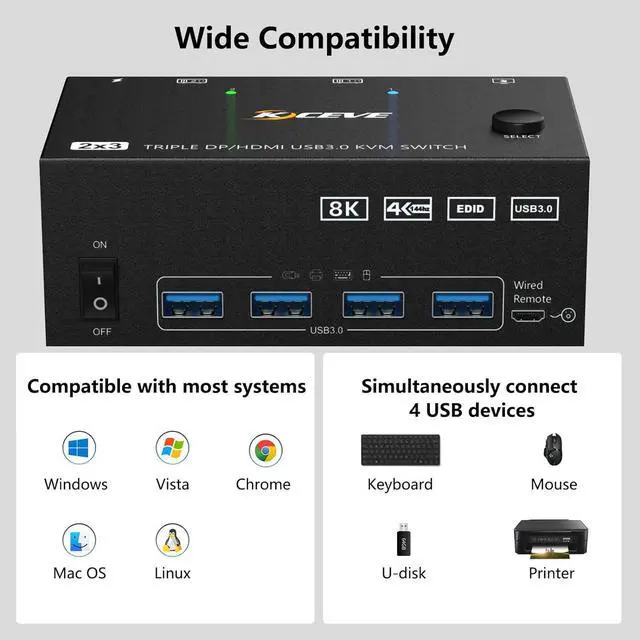
- Supports Windows, Linux, Mac, and other major operating systems.
- Plug and play, no driver required.
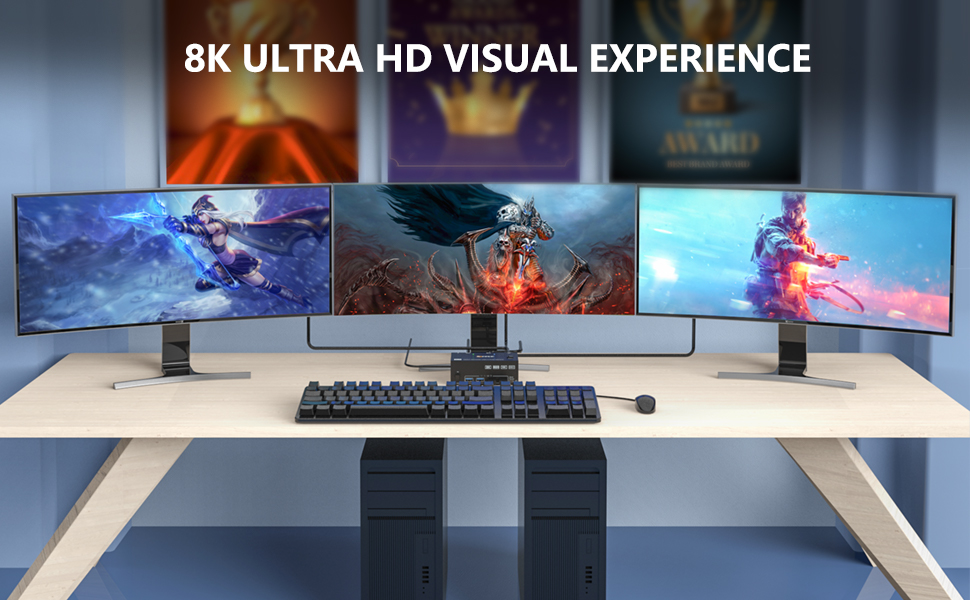
Ultra HD 8K visual enjoyment
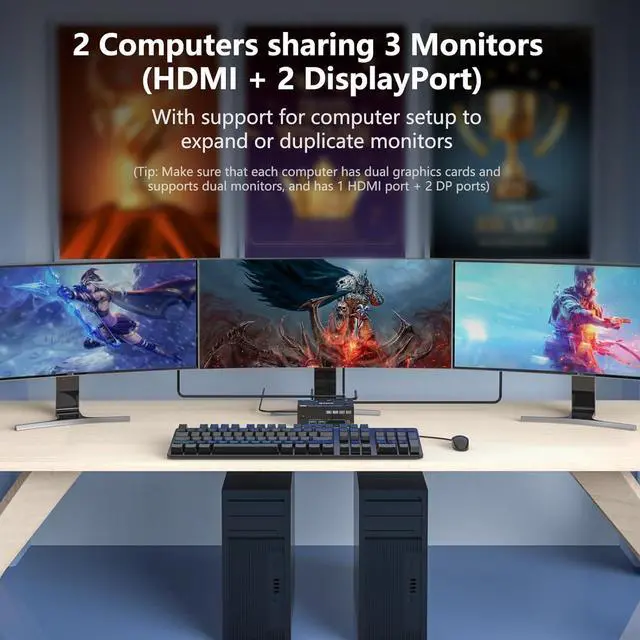
This 1*HDMI+2*DisplayPort KVM switch connects 2 PCs and 3 monitors and supports ultra-high resolutions up to 8K, with 1*HD-MI 8K@60Hz and 2*DisplayPort 8K@30Hz supported, and backwards compatible with other lower resolutions and refresh rates. Support HD-MI2.1 and DP1.4 standards, the transmission rate is up to 32.4Gbps, the image transmission is more realistic and gives you a clearer viewing experience.
Resolution Range:
HD-MI: [email protected]@60Hz (Please note that the maximum refresh rate for HDMI connections is 60Hz)
DisplayPort:7680x4320@30Hz 3840x2160@120Hz/60Hz 3440x1440@144Hz/120Hz 2560x1440@144Hz/120Hz 1920x1080@60Hz/120Hz
Important note:
If you need 8K resolution and refresh rate, please make sure your computer graphics card, monitor, cable support 8K resolution and refresh rate. HD-MI2.1 and DisplayPort1.4 cables are required, otherwise it may not display or flicker.
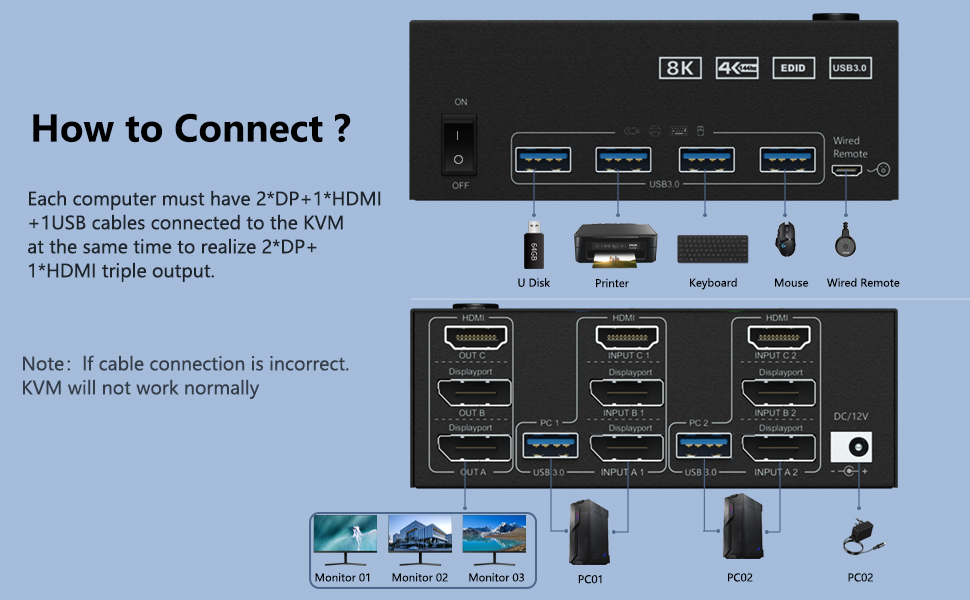
How to connect?
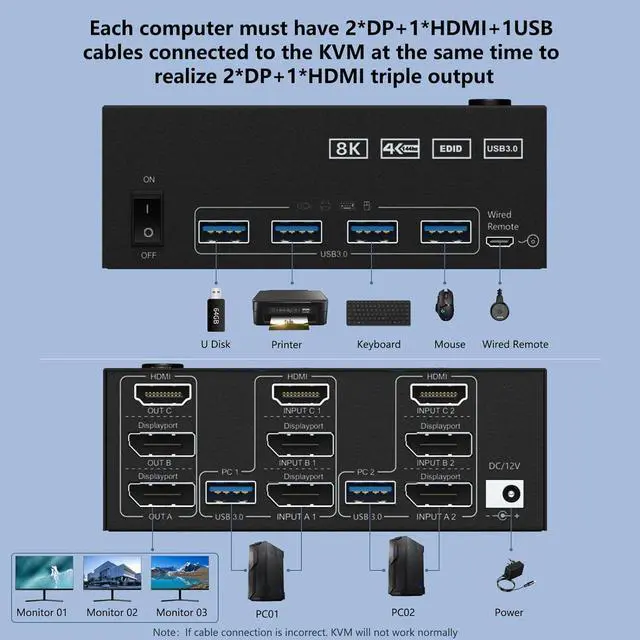
Step 1: Connect 1 x HD-MI Cable + 2 x DP Cable + 1 x USB Cable to PC 1 and KVM (USB 3.0+INPUT A1+INPUT B1+ INPUT C1).
Step 2: Connect 1 x HD-MI Cable + 2 x DP Cable + 1 x USB Cable to PC 1 and KVM (USB 3.0+INPUT A2+INPUT B2+ INPUT C2).
Step 3. Connect a 1xHD-MI+2 x DP cable between the KVM (OUT A, OUT B,OUT C) and the monitors.
Step 4: Connect the keyboard and mouse to the USB ports of the KVM.
Step 5. Plug the USB devices into the USB port of the KVM.
Step 6: Connect the desktop controller to the SELECT port and remotely switch between PC1 and PC2.
Step 7. Please connect the DC5-12V AC adapter (included)
Tip: This KVM DP section does not support the use of adapters that convert sources such as DVI/VGA/HDMl to DisplayPort signals.
KVM Switch 2 PC 3 Monitors with 4 USB 3.0 Ports
KVM Switch DisplayPort Dual Monitor with 4 USB 3.0 ports is backward compatible with USB 2.0 and USB 1.1 for sharing USB devices such as scanners, printers, flash drives and more.
USB 3.0 Ports offers data transfer speeds of up to 5 Gbps for a better data transfer experience.
Important notes:
For each computer, first connect 1 HD-MI cable + 2 DP cables and 1 USB cable to the KVM, then connect the KVM switch to the monitor, and then connect the DC5-12V power adapter (included) to allow the USB device and monitor to work properly.
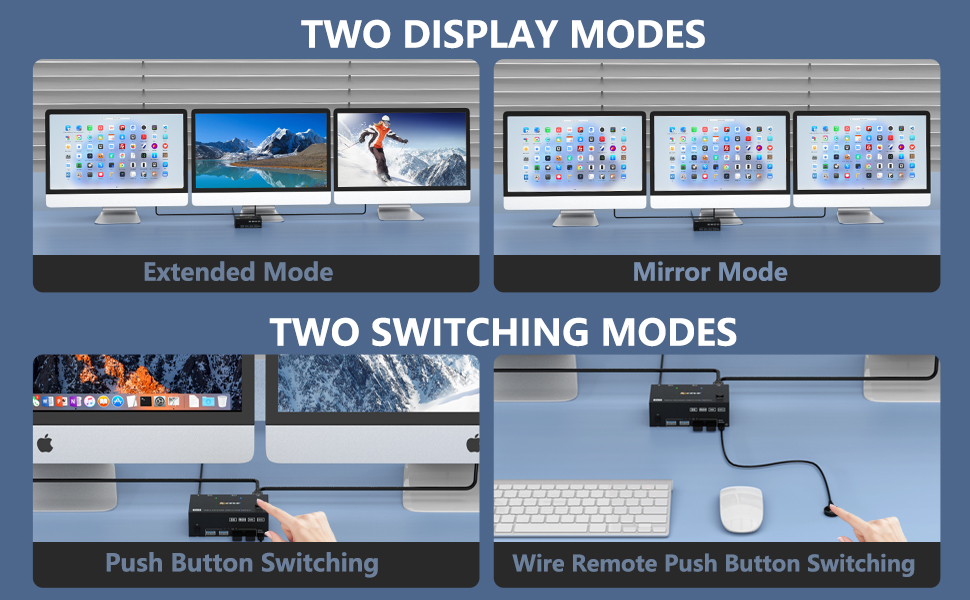
KVM switches support two display modes and two switching methods
Mirror Display & Extended Display
After connecting the computer to the monitor via KVM, set the screen output mode on the keyboard (press Windows+P) and select the output mode in the dialog box that appears.
If you want two computers on three monitors to display the same screen, select Copy Mode.
If you want two computers to display different screens on three monitors, select Advanced Mode.
Two switching modes
The buttons on the control panel and the wired controller allow you to switch between two computers. This makes it easier to switch when you're working, reading, or playing.
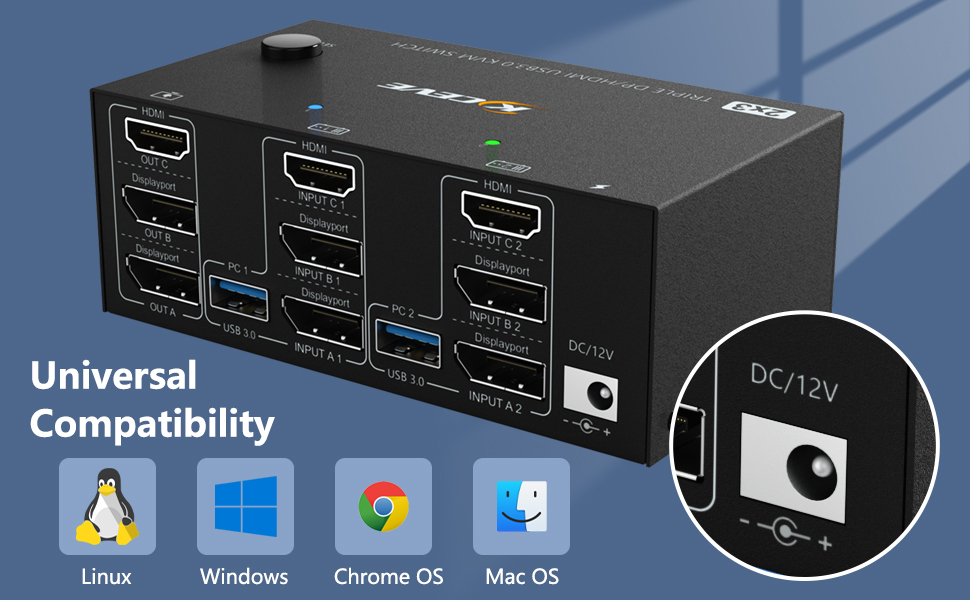
HDMI Displayport KVM Switch Basic Compatibility
This triple monitor KVM switch is compatible with many popular systems (Windows 10/8/8.1/7/Vista/XP, Mac OS, and Linux).
Plug and play, no driver required.
A DC12V power adapter is included and must be connected in order to use the device properly.