




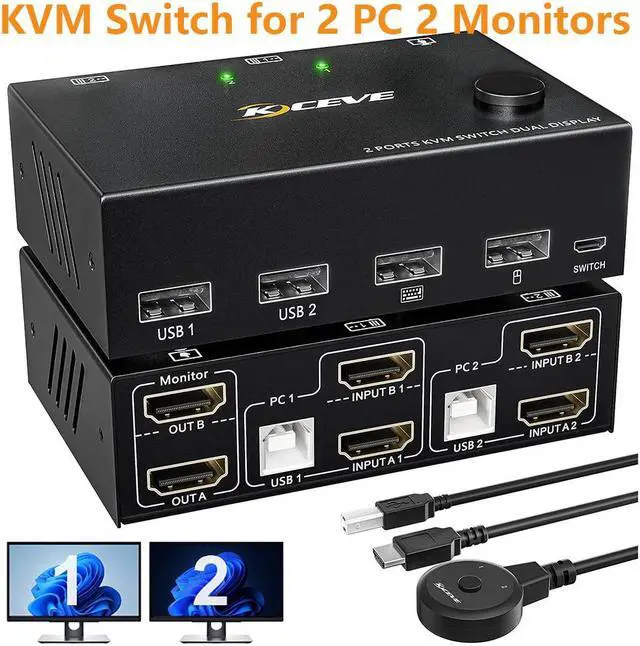



2 Port Dual Monitor HDMI KVM Switch 2 PC 2 Monitors Share 4 USB 2.0 Devices
1. KVM switches 2 computers 2 monitors allow you to control 2 computers with a set of wired or wireless mouse, keyboard and 2 monitors.
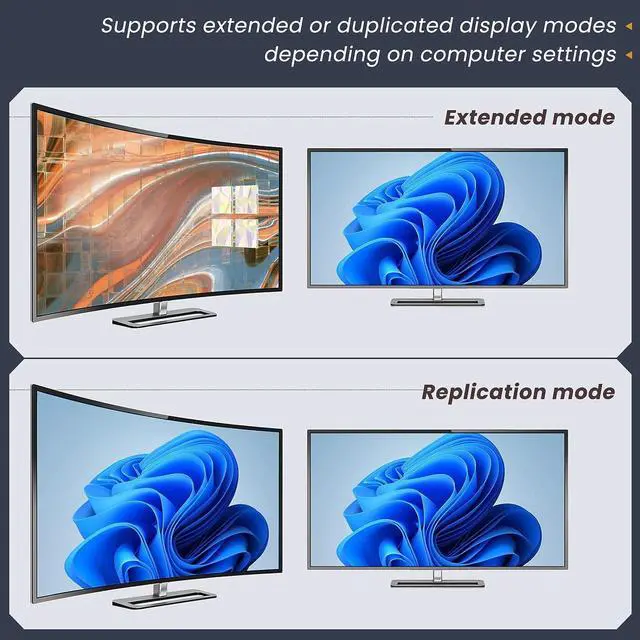
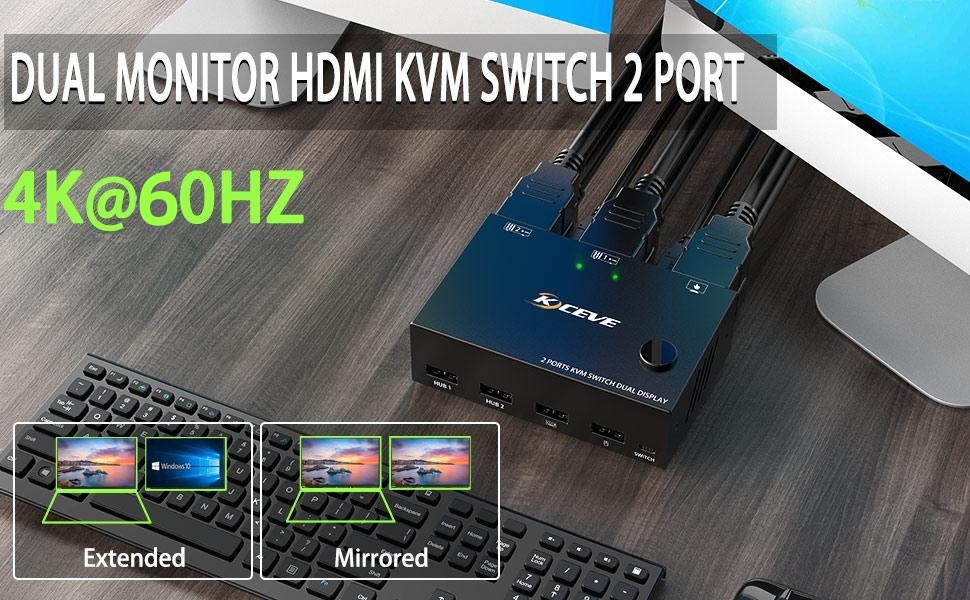
2. The dual monitor KVM switch supports extended mode and mirroring mode. Press "Windows+P" to select extended screen mode (output two different screens) or duplicate screen mode (two identical screens).
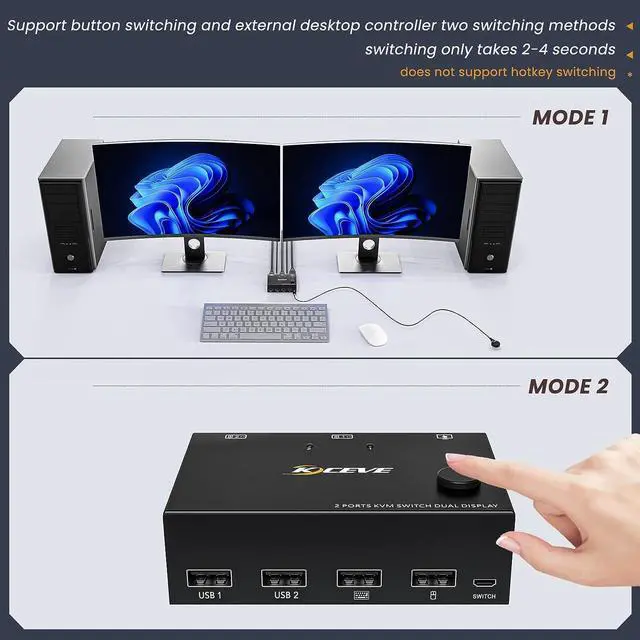
3. Two switching methods: push-button switch and 1.5m wired remote control
4. Support 4K@30Hz, 2K@60Hz. Easy to use, plug and play
5. Support most HDMI interface input devices or sources: PC, laptop, TV box, PS5, Sony Blu-Ray player, projector
6. Widely compatible with Windows 10/8/7/XP/Vista/Chrome/Mac OS/Linux systems, etc.
ULTRA HD 4K VISUELLES ERLEBNIS


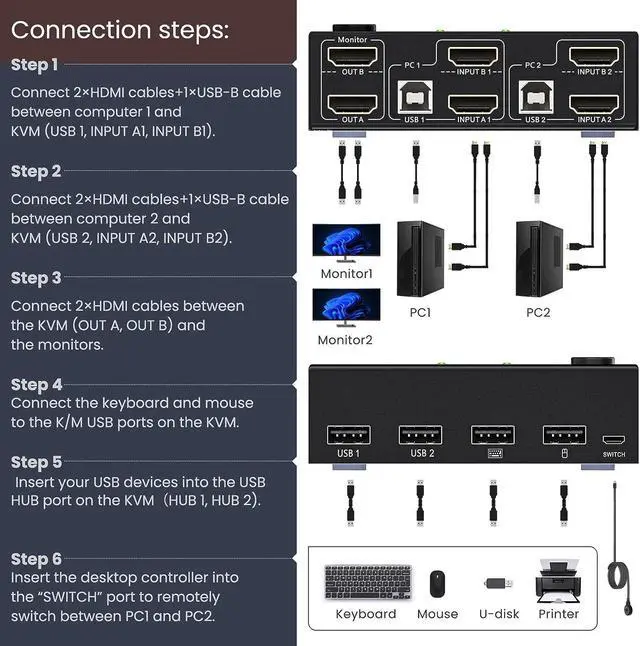
Connection steps:
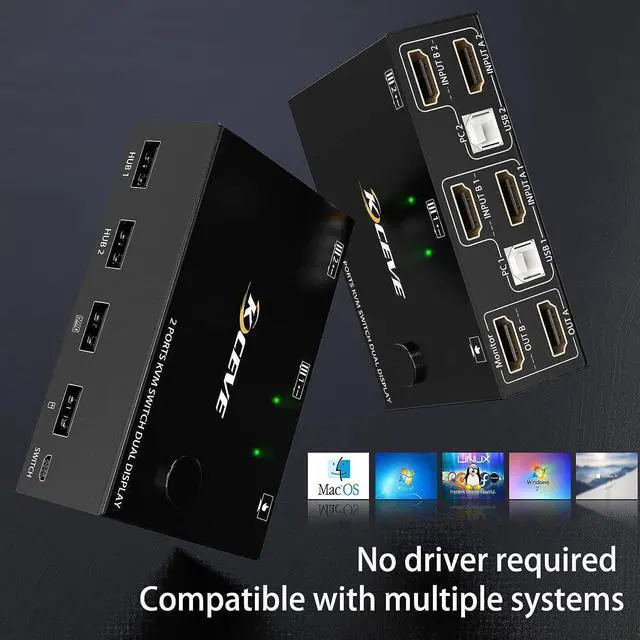
Step 1. Connect 2*HDM1 cables+1*USB-B cable between computer 1 and KVM (USB 1, INPUT A1, INPUT B1).
Step 2. Connect 2*HDM1 cables+1*USB-B cable between computer 2 and KVM (USB 2, INPUT A2, INPUT B2).
Step 3. Connect 2*HDM1 cables between the KVM (OUT A, OUT B) and the monitors.
Step 4. Connect the keyboard and mouse to the K/M USB ports on the KVM.
Step 5. Insert your USB devices into the USB HUB port on the KVM (HUB 1,HUB 2).
Step 6. Insert the desktop controller into the "SWITCH" port to remotely switch between PC1 and PC2.
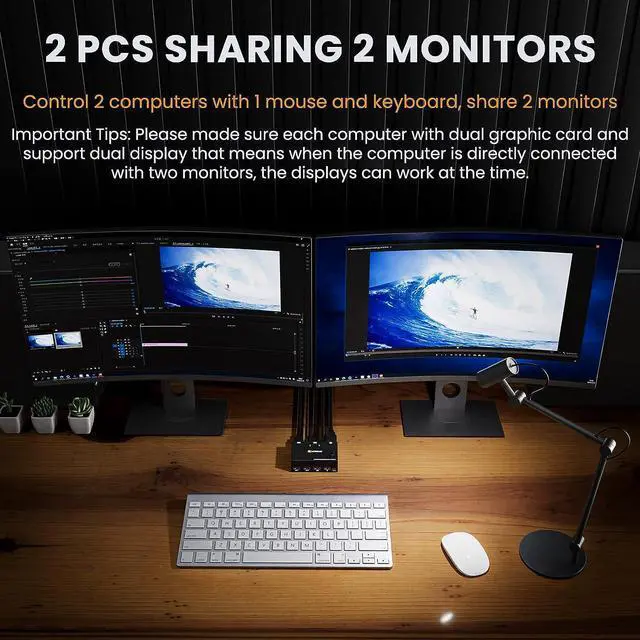
lmportant Tips:
Please made sure each computer with dual graphic card and support dual display that means when the computer is directly connectedwith two monitors, the displays can work at the time.

HDMI kvm switch supports both extended and mirrored displays and two switching methods
Support extended mode and mirror mode: press "Windows+P" to select extended screen mode (output two different screens) or duplicate screen mode (two identical screens).
Support two switching methods: key switch and 1.5m wired remote control, which can be easily switched.

4 USB 2.0 ports
With 4 USB 2.0 hubs, transfer rate of up to 480 Mbps. Sharing devices as keyboard mouse scanners, printers, flash drives etc.

Suitable for multiple systems
Driver-free for Windows 10/8/8.1/7/Vista/XP and Mac OS,Linux.

Easy to use
Integrate all your cables into our KVM switches, plug them in, and keep your desk tidy.

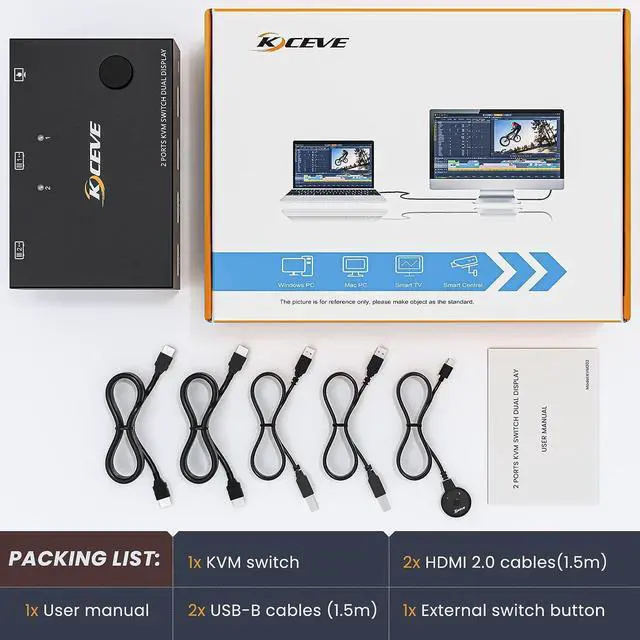
Packing List:
- 1x Dual Monitor KVM Switch
- 2 x USB Cable (USB-A to USB-B)
- 2 x HDM1 Cable
- 1x Desktop Controller(1.52m)
- 1x User Manual
FAQ:
1. Why does only one of my two monitors have video output?
Most reasons for only one video output are due to incorrect connections. Please ensure that each computer has (2 HDMI cables + 1 USB cable) connected to the KVM.
2. The ports of my desktop are Displayport and HDMI, my laptop only has USB C and one HDMI port, the two monitors are DP and VGA, this dual monitor KVM is HDMI, does it work for my device?
PC: support USB C/DP to HDMI cable or converter, if your laptop only has a USB C port, you can use a USB C docking station that supports multi-screen output.
Monitor: support HDMI to VGA, HDMI to DP, (Note: HDMI to DP requires a dedicated cable, the cable must be powered by USB, it is completely different from the DP to HDMI cable)
3.This KVM does not support EDID emulation, and the arrangement of windows will shift to a certain extent after switching.