




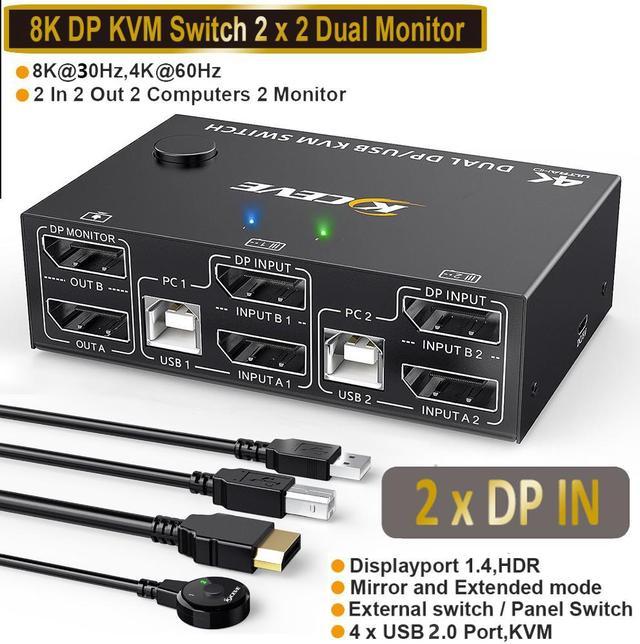


High Standard Dual DisplayPort KVM Switch 2 PC Share 2 Monitor
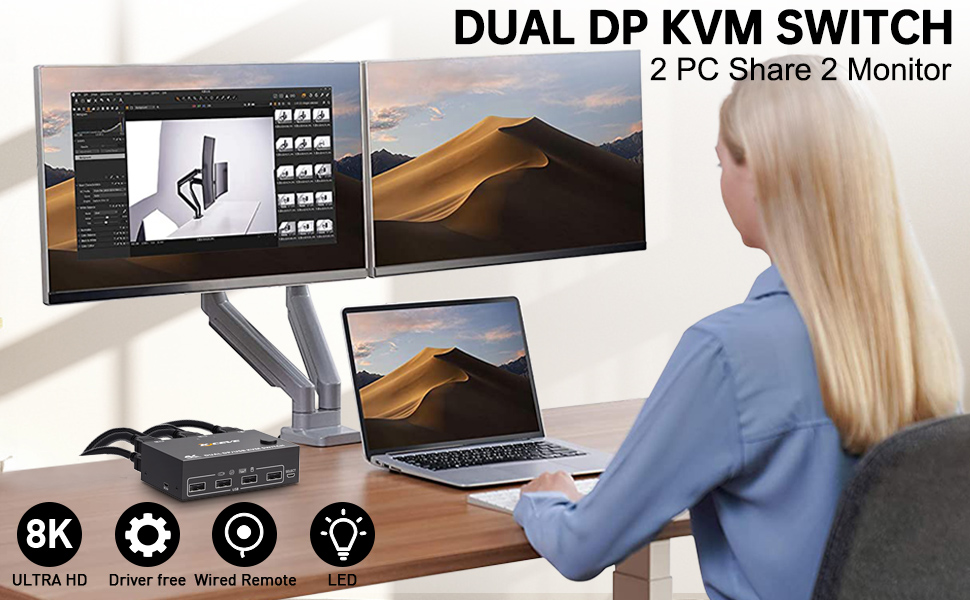
- 2 computers share a set of wired / wireless mouse, keyboard, printer, scanner or webcam, and display on 2 monitors
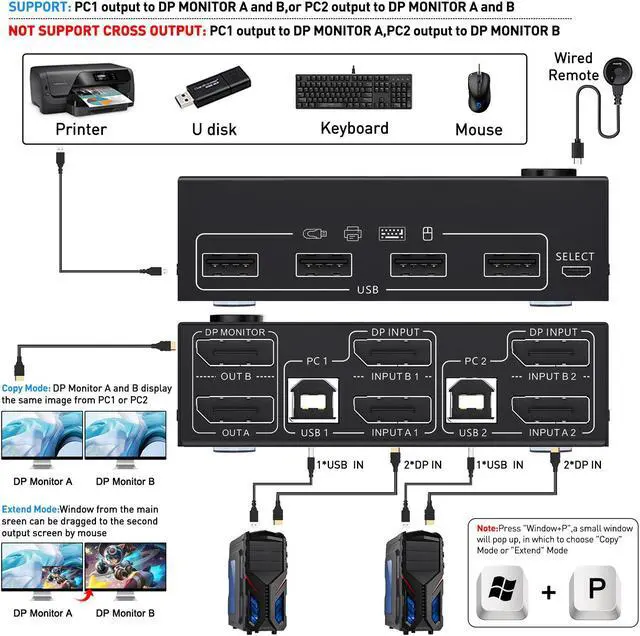
- You can choose between extended screen mode and mirrored screen mode by pressing [Windows+P] on the keyboard
- Extended mode can output two different screens, and the mirror mode can output two identical screens
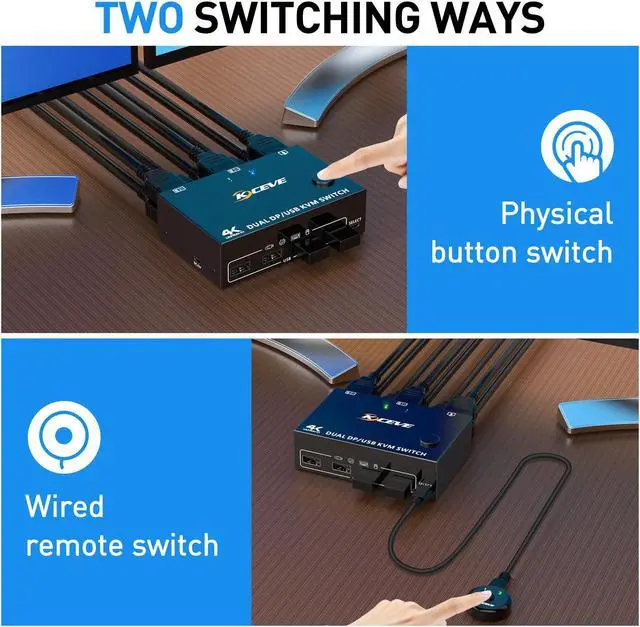
- 2 switching methods: button switch & 1.5m wired remote control
- LED lights indicate which computer is active
- Adaptive EDID simulation: The original window will not be messed up when switching screens. When switching to pc 2, pc 1 background remains connected, but won't be controlled until switching back.
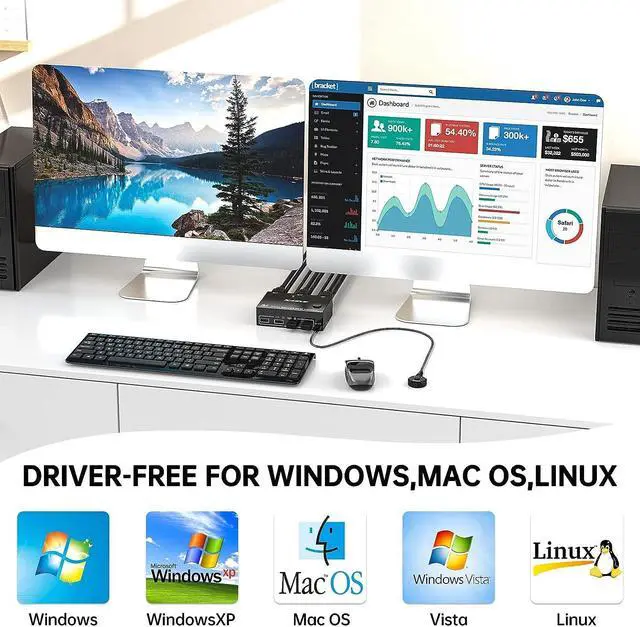
- Compatible with Windows10 / 8 / XP / Vista / Chrome / Mac OS / Linux system,etc.
- Support most DP interface input devices or signal sources: PC, laptop, TV Box, Xbox One,PS4, projectors
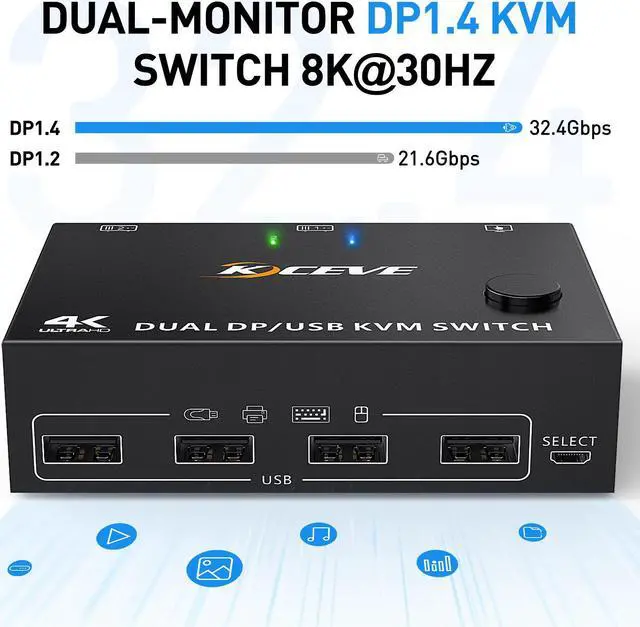
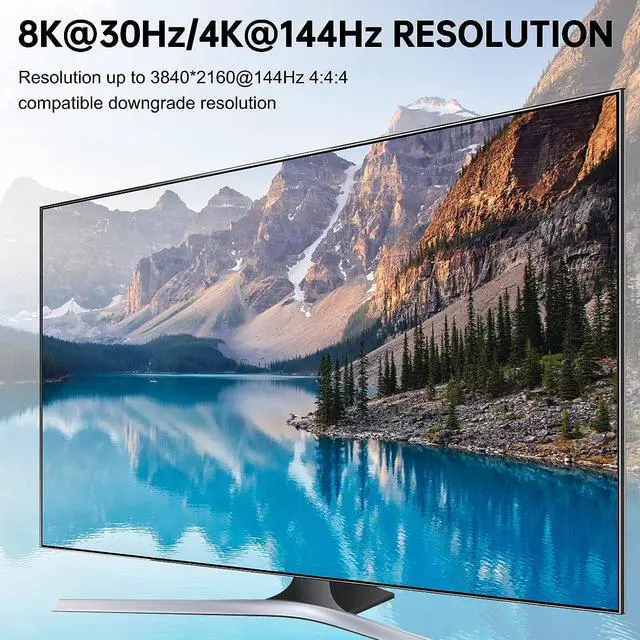
- Support UHD 8K@30Hz,4K@144Hz,2560×1440@144Hz,1920x1080P@144Hz
- Widely used in business seminars, media teaching, office, video conferencing, home theater, game entertainment, etc.
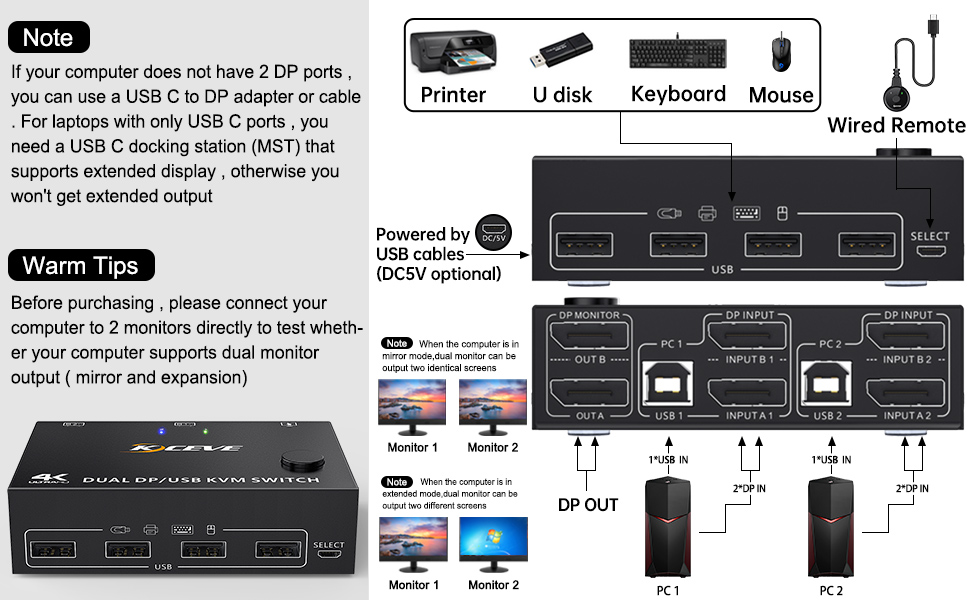
Dual Monitor Displayport USB KVM Switch Connection Steps
- This DP KVM switch has 2 sets of ports for 2 PC, each computer needs 2 displayport cable + 1 USB-B cable to connect KVM-switches.
- In order not to affect the functions of extended and mirror display, USB cable and 2 displayport cables must be fully plugged in.
Step 1.Connect 2 displayport cables+1 USB-B cable between computer 1 and KVM (USB 1, INPUT A1, INPUT B1).
Step 2. Connect 2 displayport cables+1 USB-B cable between computer 2 and KVM (USB 2, INPUT A2, INPUT B2).
Step 3. Connect 2 displayport cables between the KVM (OUT A, OUT B) and 2 monitors.
Step 4. Plug your USB device (keyboard & mouse) into the USB port on the KVM. You can connect up to 4 USB 2.0 devices simultaneously. Compatible with USB 2.0/1.1 devices.
Step 5. Plug the wired remote into the "SELECT" port to switch freely between PC1 and PC2.
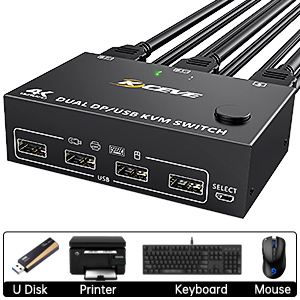
2 PC Share 4 USB 2.0 Devices
The 4 USB ports of the displayport KVM switch can be connected to USB devices such as mouse, keyboard, printer, U disk, scanner, webcam
8K/4K UHD Resolution Visual Enjoyment
Our Displayport KVM switch supports connection to 8K and 4K high-resolution displays, 8K@30Hz, 4K@144Hz, 4k@60Hz, 3D 1080P backward compatible with lower resolutions. Also works with ultra wide monitor
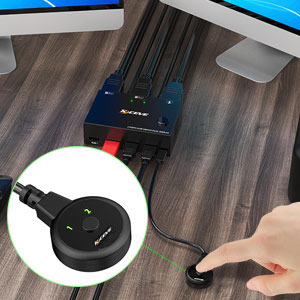
Wired Remote & Button Switch
The displayport KVM switch can be switched by this 1.5m wired control cable, also switch with one click through the button on the switcher panel
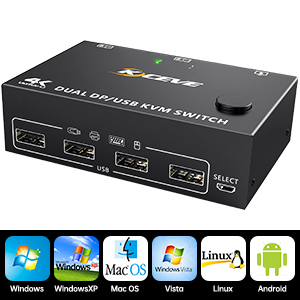
Compatible with Most Systems
This KVM switch suitable for for Windows, Windows XP, Mac OS, Vista, Linux, Android, etc
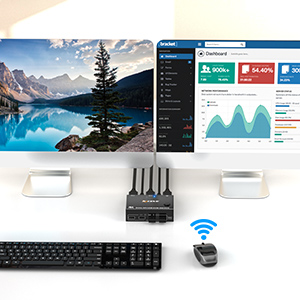
Support Wireless Keyboard & Mouse
Support 2.4GHz wireless technology keyboard and mouse (not support Bluetooth)
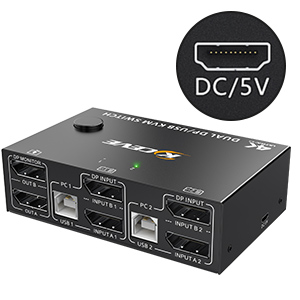
DC 5V Power Interface (Micro USB Port)
When you use high-power USB devices, please plug in the DC 5V power supply to provide enough power (not included)
Specification:
Product Name: Displayport KVM Switch 2 monitors
Input: Each PC (Displayport A+B), 1 x USB type-B
Video Out: 2 x Displayport (Monitor)
Down Input: 4 x USB A, Support USB HUB; Connect to wireless keyboard mouse, printer
Packing size: 20x15x5.5cm
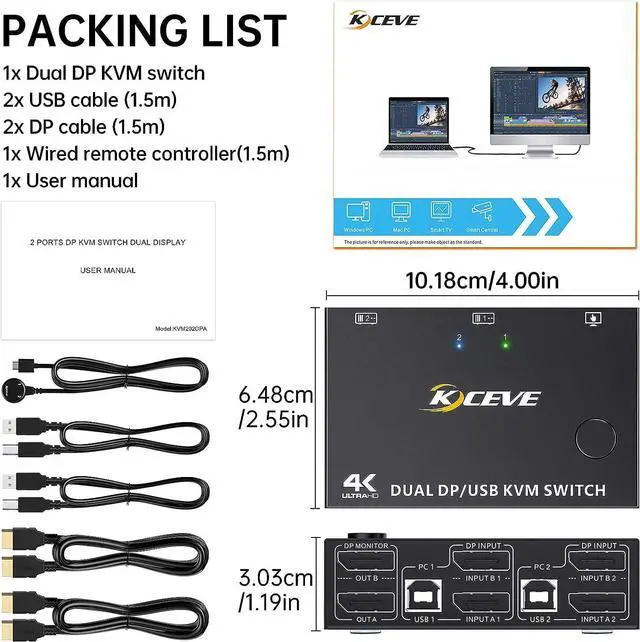
Display port switch size: 10.18 x 6.48 x 3.03cm
DP / USB 2.0 / wired control cable length: 150cm (50 inches)
Package weight: 600g, displayport KVM switch weight: 200g
HDCP: 2.2
YUV: 4:4:4
Build-in: ESD protection system
Surface: black oxidation treatment
Shell Material: Metal, drop-resistant, high-temperature resistant
Powered by USB cables or 5V charger.

Packing List:
- 1 x Displayport KVM Switch
- 2 x Displayport Cable 1.5 m
- 1 x Wired Remote Control Cable 1.5 m
- 2 x USB Cable 1.5 m
- 1 x User Manual
Friendly Reminder:
- Please make sure that the 2 displayport cables and USB cables of PC1 are connected to USB 1, input A1, input B1 of the KVM switch.
- The two monitors can only output the video source of one computer (mirror mode or extended mode), and cannot output the signal sources of PC1 and PC2 at the same time.
- Windows system can extend 2 different screens, while MAC system can only extend 2 same screens.
- Please make sure that your computer is directly connected to the monitor and can output images normally.
- The premise of this dual monitore KVM switch to achieve dual-screen display is that each PC you connect has the ability to support dual-screen or multi-screen display. Detection method: The computer can be directly connected to 2 monitors (not through KVM). Your computer supports multi-monitor display if the screen image is displayed on both monitors.