




KVM Switch for 2 Computers share one single set of Keyboard, Mouse and Monitor
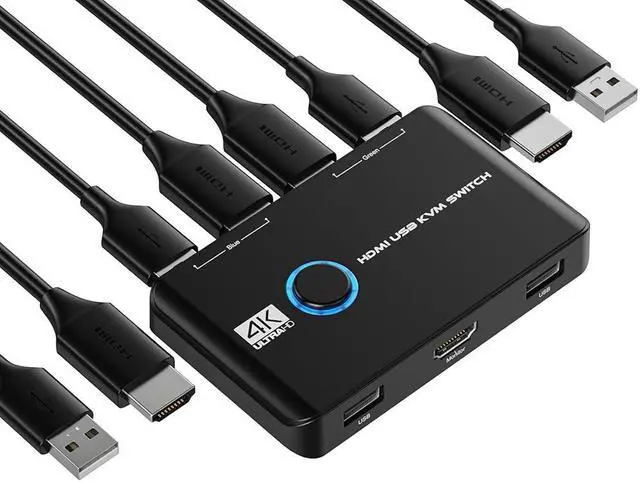
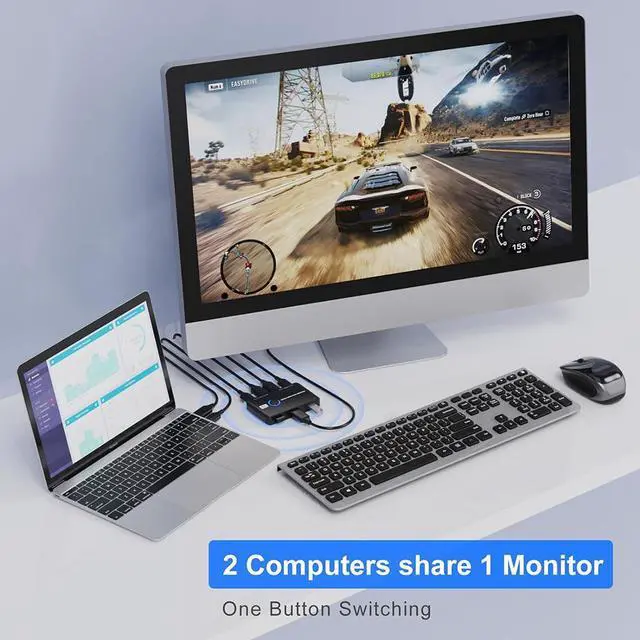
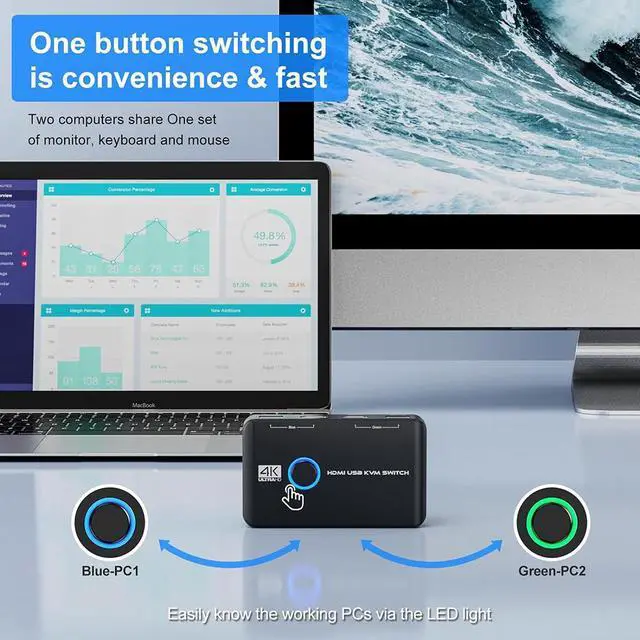
- This HDMI KVM Switch can achieve 2 computers or laptops connected to a single monitor.
- Furthermore, two computers can share 2 USB peripheral devices. It's a great accessory for a family, office, multimedia teaching, meeting room and so on.
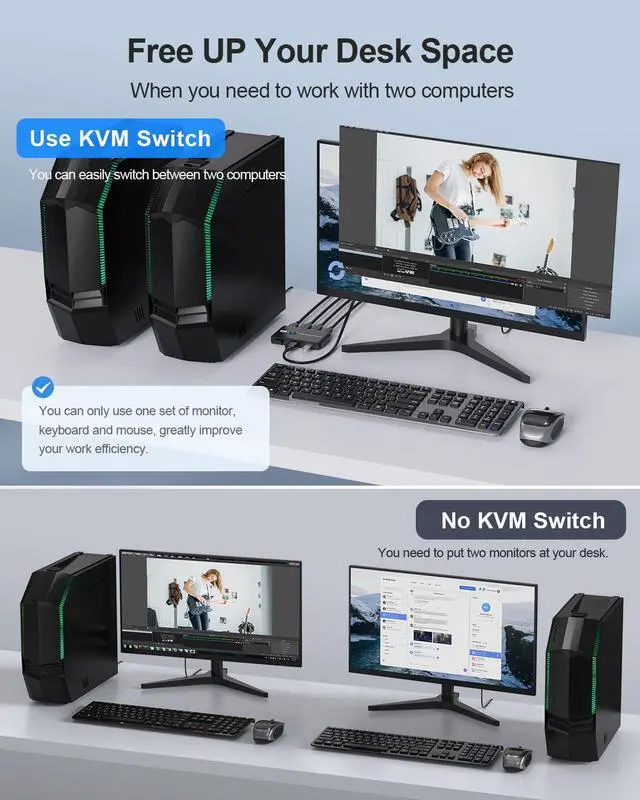
You can share a single USB or wireless keyboard mouse and HDMI monitor with both systems, saving space on your desk and using your preferred display, keyboard and mouse with both computers.
**Notice:**
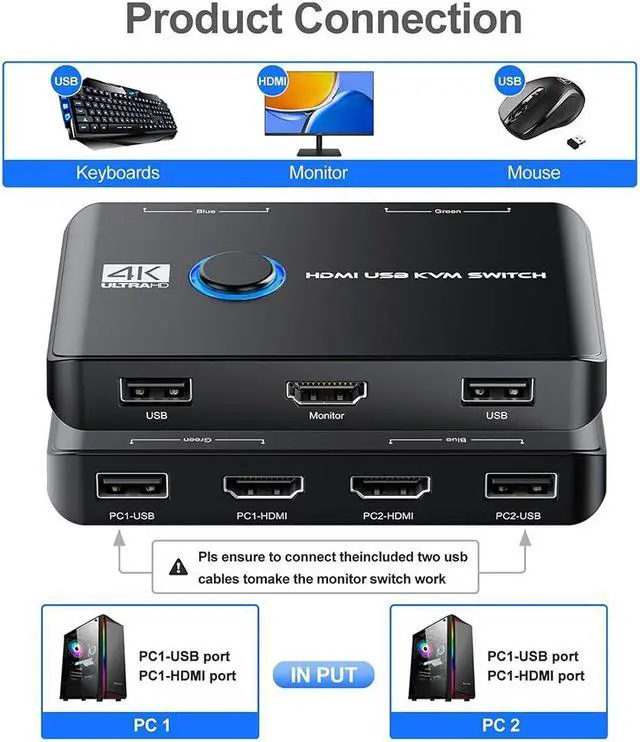
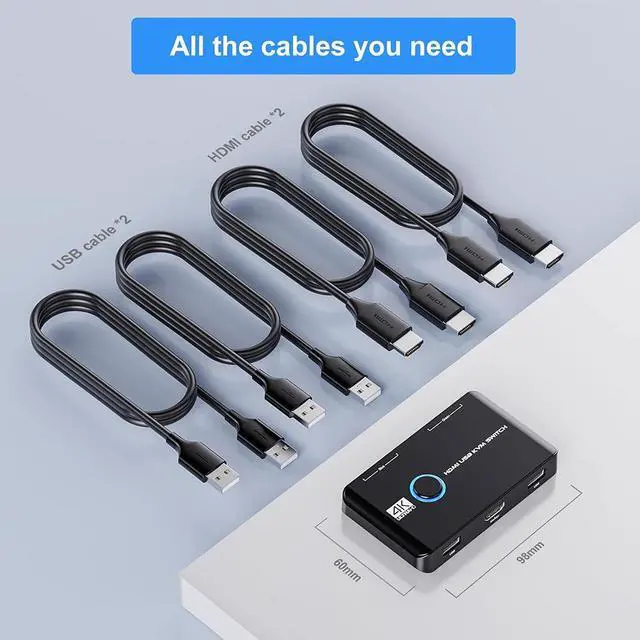
1. Please ensure to connect all the cables including 2 HD-MI cables & 2 USB cables, then connect your wireless or wired mouse and keyboard to use.
2. This KVM switch does support 4K@60Hz, but you must make sure that both your computers support 4K 60hz resolution! You can't connect two computers and set one up at 4K@60Hz and the other at 4K@30Hz, because it won't work and your screens will remain blank, they both must be capable and set up to display 4K@60Hz or both at 4K@30Hz.
3. A USB hub can expand the USB2.0 ports if multiple connections are required.

4K 60HZ Resolution
KVM switch supports resolution up to 4K@60Hz, 1440P@60Hz,downward compatible.

Button and LED Indicator Design
Easily switches between systems via push buttons with LED indicating the active computer.

Easy Installation
This USB KVM HDMI Switch is plug-and-play, with no additional driver installation needed. No power adapter is required.

Applications for KVM Switch
- Great for PC test/burn-in computer control, saving the desk space required for two monitors, keyboards and mice
- Perfect for sharing computers and attached peripherals in the home or home office
- Dual system control for single-user workstations increasing user productivity in the office.
- 2 PC 1 Monitor KVM support many kinds of input devices, such as PC, Laptop, A-pp1e TV, PS3/PS4, Xbox. It is widely applied for office, multimedia teaching, meeting room, etc.
Connection steps:
- Step 1. Connect 1*HD-MI cables+1*USB cable between computer 1 and KVM (PC1-USB, PC1-HDMI).
- Step 2. Connect 1*HD-MI cables+1*USB cable between computer 2 and KVM (PC2-USB, PC2-HDMI).
- Step 3. Connect the monitor HD-MI cable between monitor and KVM (Monitor).
- Step 4. Connect the keyboard and mouse USB dongle to the KVM (USB)

About KVM Switch
| Function | 2 computers share one set of keyboard, mouse and 1 monitor |
|---|---|
| Switching mode | Button switch |
| Keyboard and mouse | Support wired or wireless |
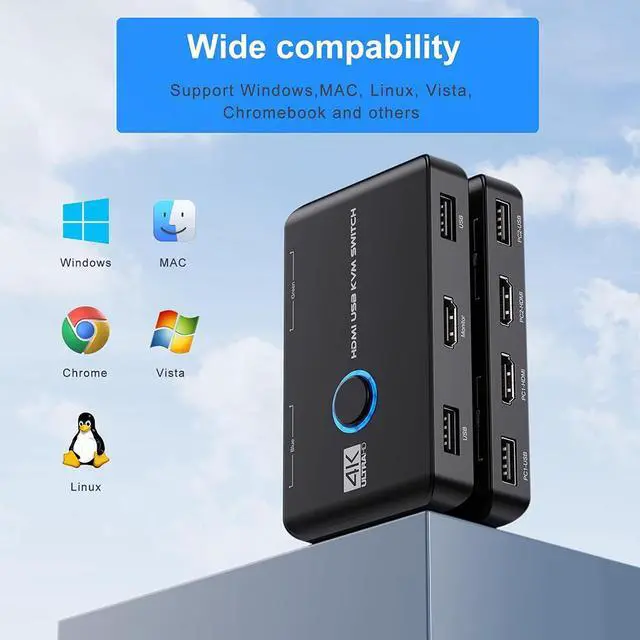
| Systems | Driver-free for Windows 10/8/8.1/7/Vista/XP and Mac OS,Linux |
| Resolution | Support max up resolution 4K@60Hz,1440P@60Hz,downward compatible |
|---|---|
| LED light color | Green or Blue |
| Plug and Play | no need to install any software driver |
| What You Get | 1*KVM Switch, 2*HD-MI cables, 2*USB Cables, 1*User manual |
