  • $43.49
  • Free 15-day Returns
Ships from China.
Price alert
Shop it at NeweggBusiness.

Meet Your Seller

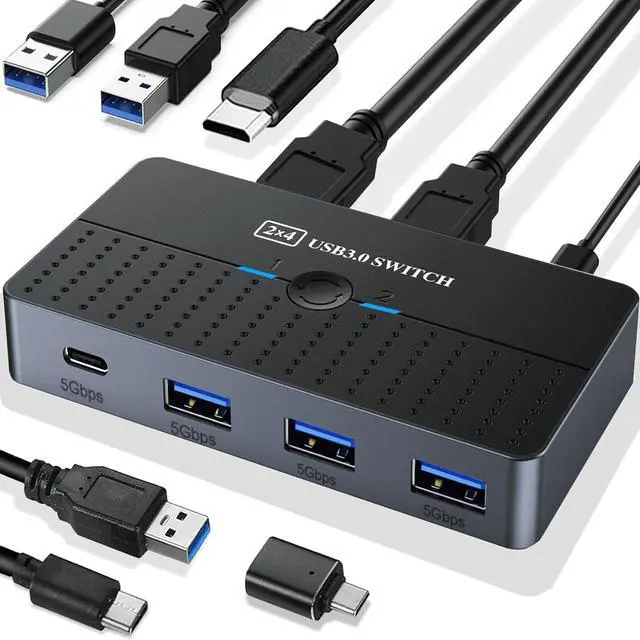
IHDAPP USB 3.0 Switch 2 Computers Sharing USB C & A Devices, 4 Ports USB Switcher 2 in 4 Out for PC Laptop Mouse Keyboard Printer KVM Switch Selector with 3 USB Cables/1x USB A to USB-C Adapter

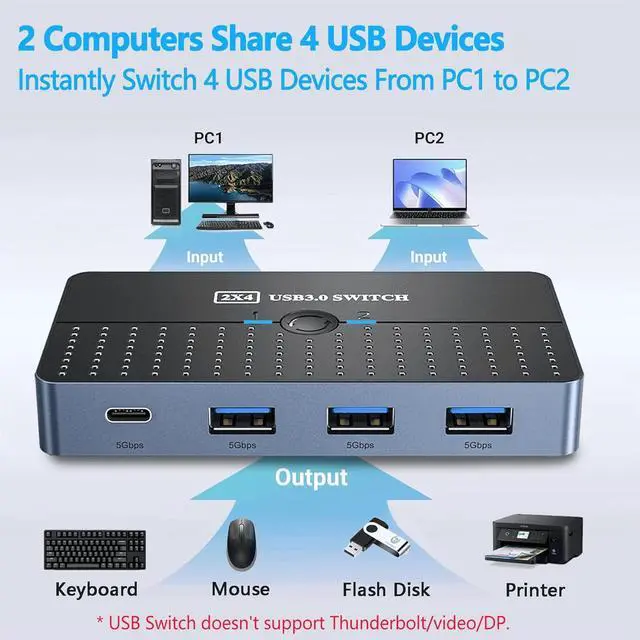
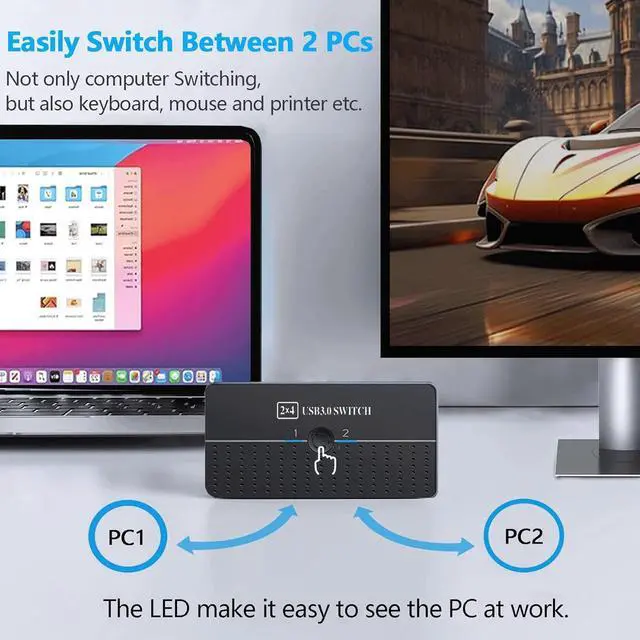
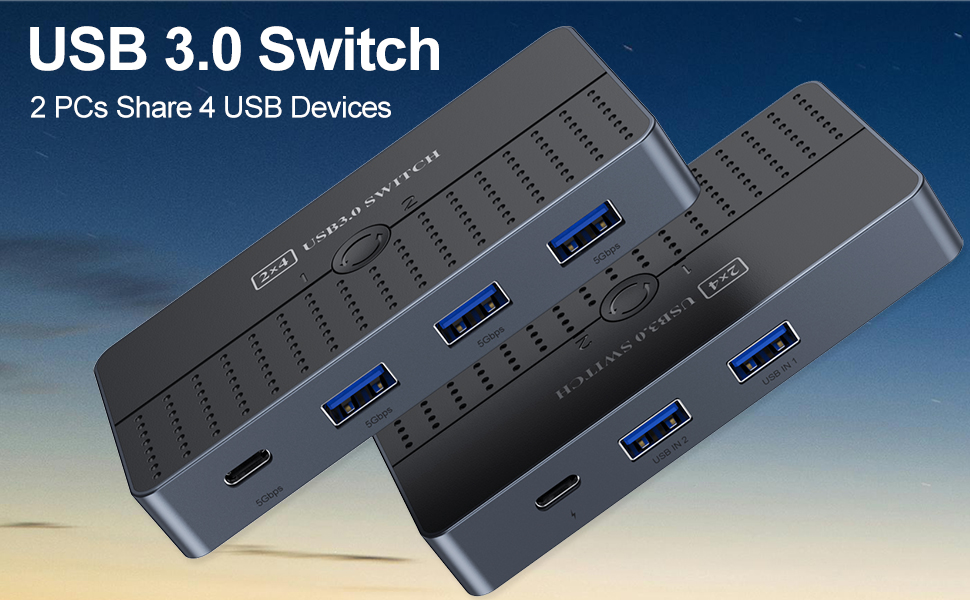
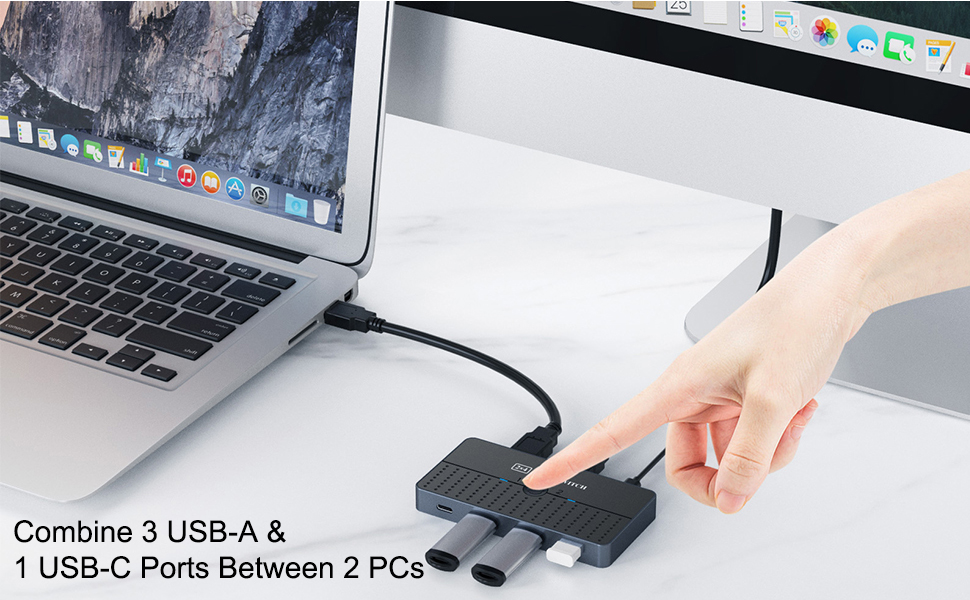
  • 2PCs Share Multiple Devices: 2-In 4-Out USB 3.0 switch supports 2 computers sharing 3 External USB A devices like mouse,keyboard , printer, and 1 USB C devices. In addition, the USB switch is equipped with an optional USB-C power supply.
  • High-Speed Data T
+
+
Overview
Specs
Reviews
Product Advantages:  1.Support 2 computers sharing 1x USB C and 3x USB-A devices.  2.Supports connec


Product Advantages:

1.Support 2 computers sharing 1x USB C and 3x USB-A devices.

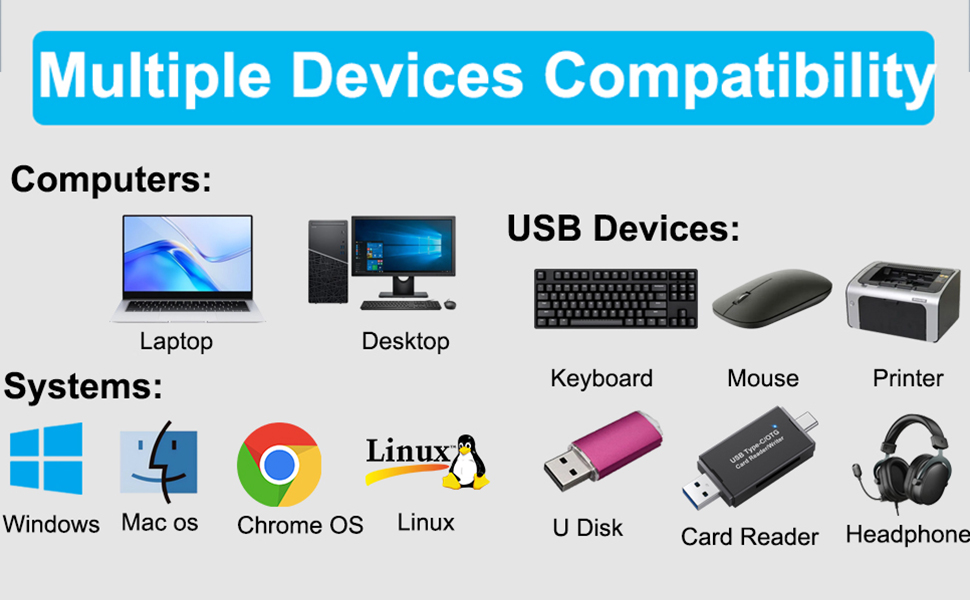
2.Supports connection of various peripheral devices, such as: wired mouse,wired keyboard,USB hub (Only data transfer is allowed),USB flash drive/external hard drive, scanner, printer, etc.

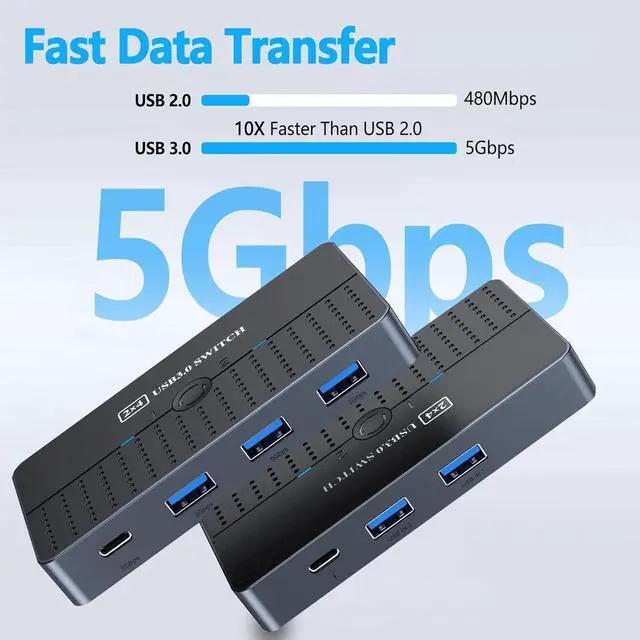
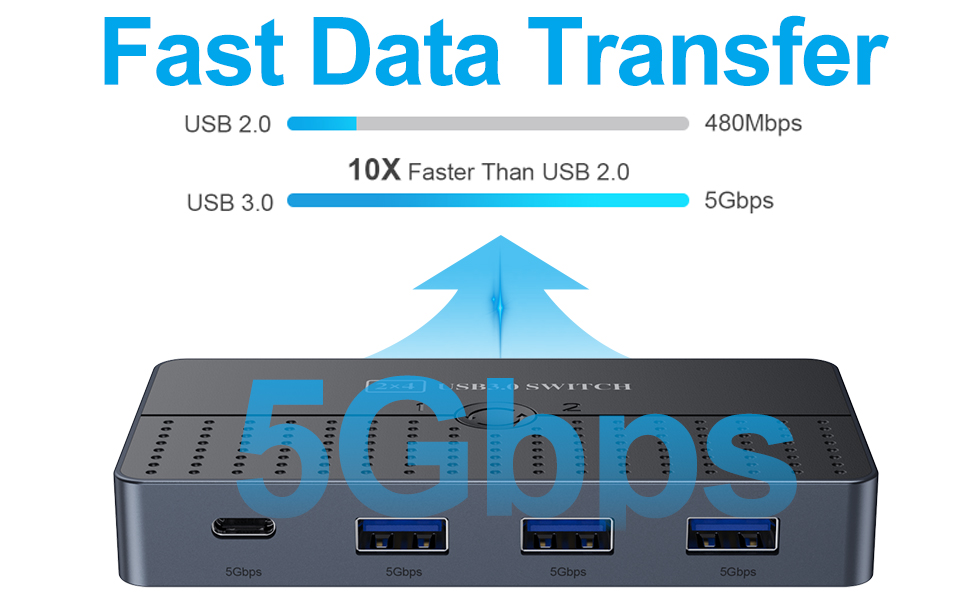
3.With USB 3.0 ports,transfer rates can be up to 5Gbps bandwidth.

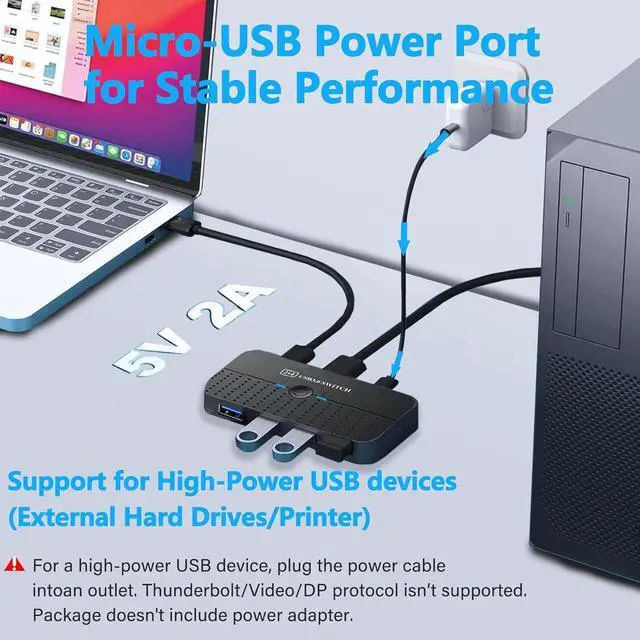
4.The USB switcher additionally designed USB-C connection power connector provides 5V/2A power supply. Make it more stable when working.

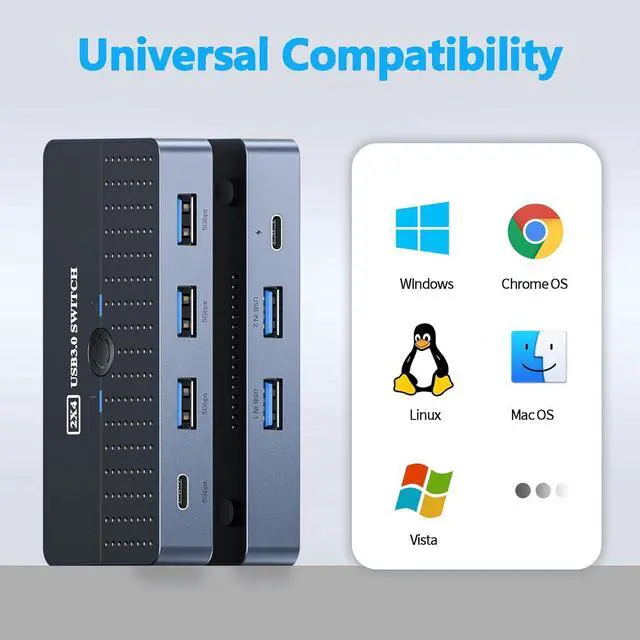
5.Widely compatible systems: Windows XP/Vista/7/8.1/10/11, Mac OS , Linux and Chrome OS.
Wide Compatibility
Wide Compatibility


The USB-C switch is designed to be compatible with a wide range of operating systems, including Windows, macOS, and Linux, as well as various types of USB devices. This ensures that it will work with your existing setup and won't require any special software or drivers.

Note:

1. For Input Ports: This USB switch doesn't support any video input and associated monitors because the switch doesn't support the Thunderbolt/ HDMI/ DisplayPort/VGA protocols.

2. For Output Ports: The USB output ports are for data transfer only and do not support power or video output (monitor).

3. When connecting a high-power device (printer, hard disk), you need to connect the USB-C power port to the outlet for better compatibility. (USB-C to A power cord only, power adapter not included)

4.About the computer being in sleep mode: If the usb device disconnects after the computer wakes up from sleep mode, it may be caused by the power saving mode. Please turn off power saving mode and try again.

If you have additional questions, please feel free to contact-us for assistance.
USB A
5gbps
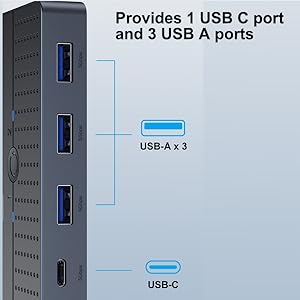
Connect USB C & USB A Devices The USB 3.0 switch provides 1 USB C port and 3 USB A ports to support
Connect USB C & USB A Devices

The USB 3.0 switch provides 1 USB C port and 3 USB A ports to support connecting various USB devices, extending more ports for two computers

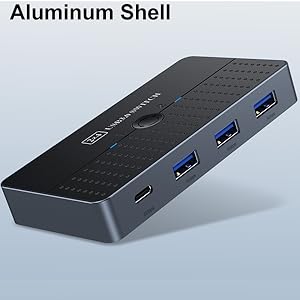
Aluminum USB 3.0 Switch With high-quality Aluminum shell is more durable, anti-fingerprint, and acce
Aluminum USB 3.0 Switch

With high-quality Aluminum shell is more durable, anti-fingerprint, and accelerates heat dissipation

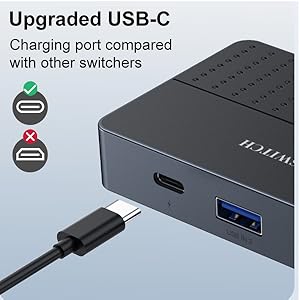
USB-C Power Supply The USB switch is designed with a optional power supply for high-power devices li
USB-C Power Supply

The USB switch is designed with a optional power supply for high-power devices like Hard Disk Drives, headsets, and other USB devices to work more stably

Product Advantages:

1. Support 2 computers sharing 1x USB C and 3x USB-A devices.

2. Supports connection of various peripheral devices, such
as: wired mouse, wired keyboard, USB hub (Only data transfer is allowed), USB flash drive/external hard drive, scanner, printer, etc.

3. With USB 3.0 ports, transfer rates can be up to 5Gbps bandwidth.

4. The USB switcher additionally designed USB-C connection power connector provides 5V/2A power supply. Make it more stable when working.

5.
Widely compatible systems: Windows XP/Vista/7/ 8.1 /10/11, Mac OS, Linux and Chrome OS.

Note:


1.
For Input Ports: This USB switch doesn't support any video input and associated monitors because the switch doesn't support the Thunderbolt/ HDMI/ DisplayPort/VGA protocols.


2.
For Output Ports: The USB output ports are for data transfer only and do not support power or video output (monitor).


3. When connecting a high-power device (printer, hard disk), you need to connect the USB-C power port to the outlet for better compatibility. (USB-C to A power cord only, power adapter not included)

4. About the computer being in sleep mode: If the usb device disconnects after the computer wakes up from sleep mode, it may be caused by the power saving mode. Please turn off power saving mode and try again.

If you have additional questions, please feel free to contact-us for assistance.
Package:

- 1 x USB 3.0 Switch

- 2 x USB-A to A Cables

- 1 x USB C Power Cable

- 1 x USB C to USB A adapter

Warranty & Returns

Warranty, Returns, And Additional Information

Warranty

  • Please contact the Seller directly for warranty information. Warranty information may also be found on the Manufacturer's website.
  • CONTACT

Return Policies

  • Return for refund within: 15 days
  • Return for replacement within: 30 days
  • This item is covered by fadaoe Return Policy

Manufacturer Contact Info

LOADING...