


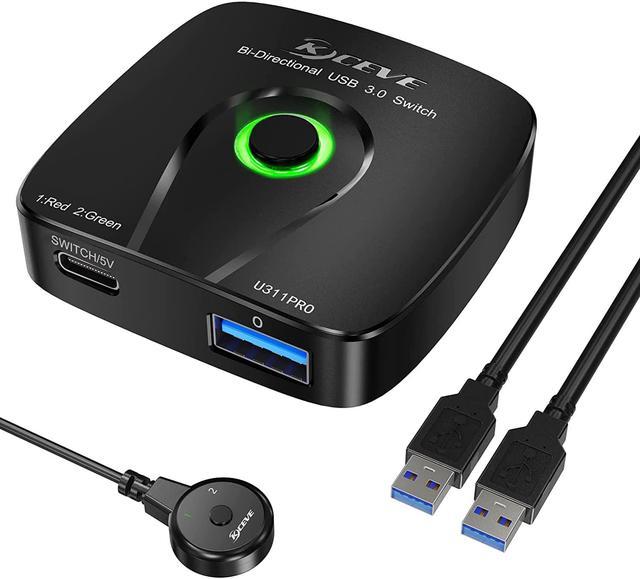
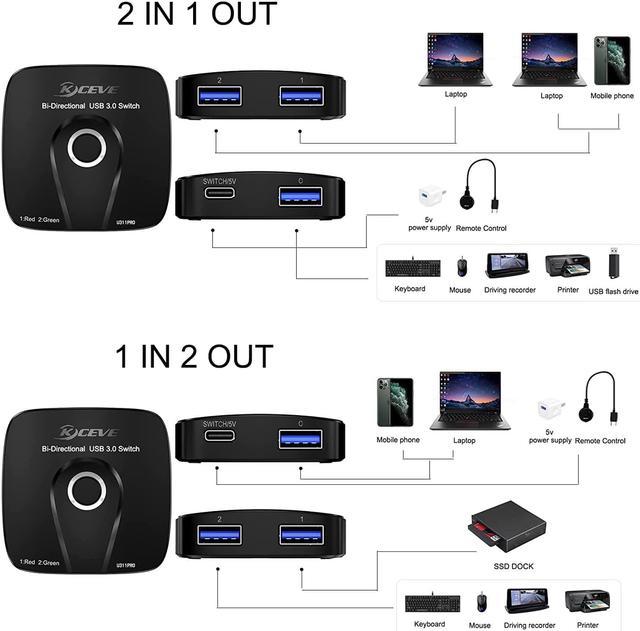


Bi-Directional USB 3.0 Switch 1 in 2 out/2 in 1 out

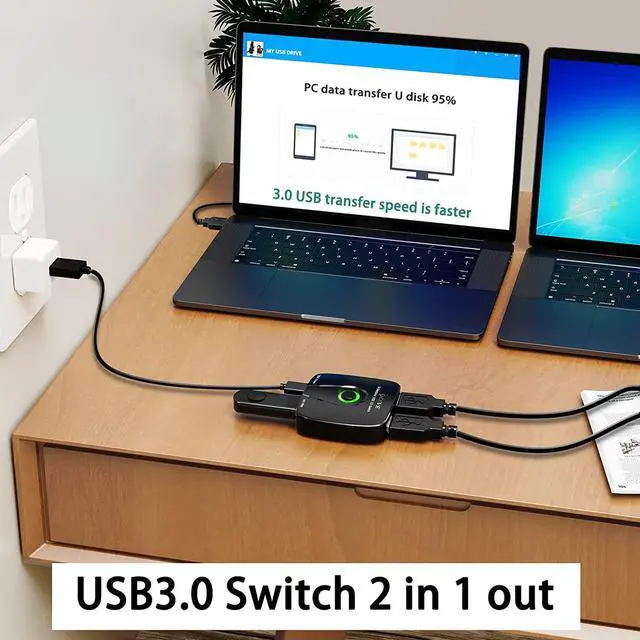
USB 3.0 Switch 2 in 1 out : 2 computers share keyboard, mouse, scanner, printer; 1 computer can use two U disks;avoid repeatedly plugging and unplugging the USB device during use.
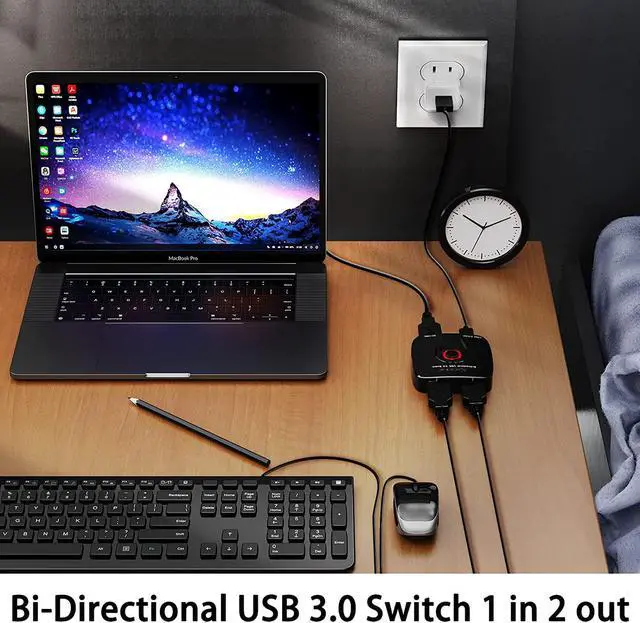
USB 3.0 Switch 1 in 2 out : 1 computer sharing 2 USB devices
This USB switch allows share 1 USB device between two computers or share one computer between 2 USB devices.Such as printer, scanner, mouse, keyboard, USB disk, etc.
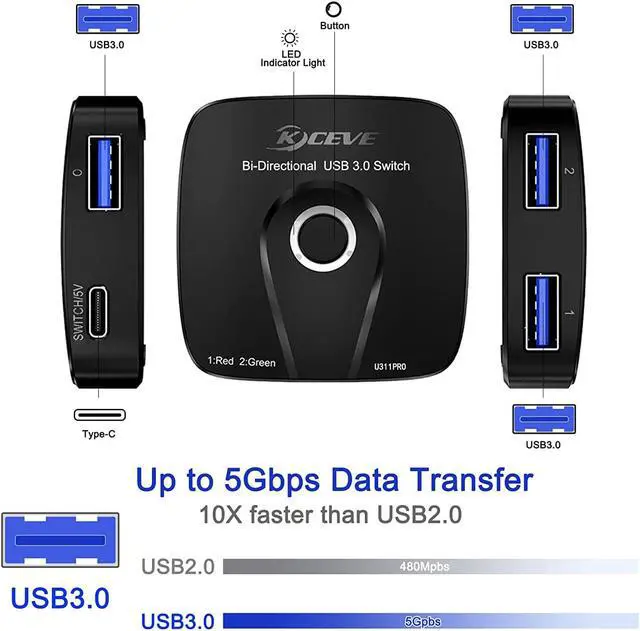
The maximum transmission bandwidth of USB2.0 is 480Mbps (60MB/s), while the maximum transmission bandwidth of USB3.0 is as high as 5.0Gbps (500MB/s).
Notice:
1. Not two computers share one USB device at the same time, nor two USB devices share one computer at the same time.
2. Please do not press the switch button or the controller when transferring data. Need to wait for the data transfer to complete before switching.
3. If want the data transfer rate up to 5.0Gbps (500MB/s), please make sure to connect a USB 3.0 cable and a USB 3.0 device.
4. Please use the USB-A to USB-C USB power cable for power supply, the Type-C data cable cannot be used for charging. (power adapter and charging cable not included)
Bi-Directional USB 3.0 Switch

Frequently Asked Questions about Bi-directional USB 3.0 Switches:
Q: What should I do if the USB device cannot be recognized or the recognition is unstable?
A: Please connect a 5V external power supply to power the device.
Q: Can it be used with USB HUB?
A: Yes, the USB HUB can only be connected to the output port. In the connection state of 2 in 1 out, the USB HUB is connected to the USB port "O"; in the connection state of 1 in and 2 out, the USB HUB is connected to the USB port "1" or "2"
Q: Does it support two-way switching?
A: Yes, this model is a USB two-way switch, which supports two computers to control one USB device. Or switch two USB input devices on one PC.
Q: Can two computers recognize USB devices at the same time?
A: No, 2 computers can only choose one of them to read the USB device, and the 2 computers cannot read the USB data together.
Product details

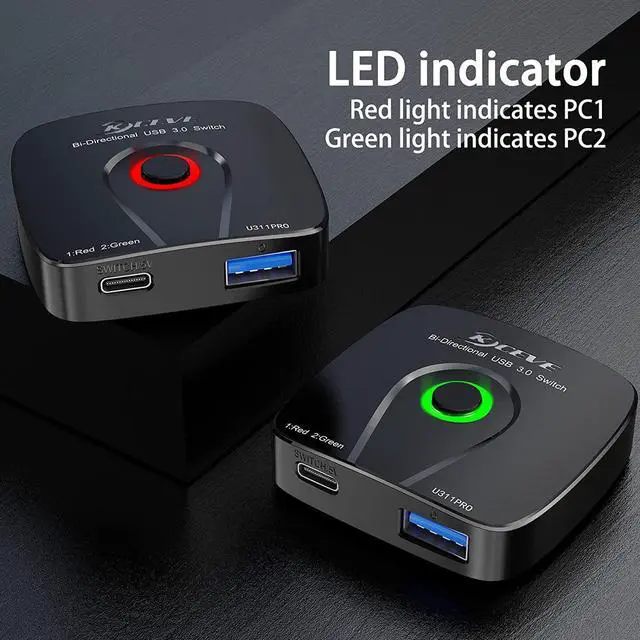
Indicator Light
The red light indicates Input 1, and the green light indicates Input 2. It is easy to identify which input port is working through the lights of different colors.

SWITCH/5 V
The multi-function USB-C port can be used to plug power cables and controllers, but not at the same time.
Note: Please use the USB-A to USB-C USB power cable for power supply, the Type-C data cable cannot be used for charging. (power adapter and charging cable not included)

Two switching methods
1. Manual button switching: one-key switching, very convenient
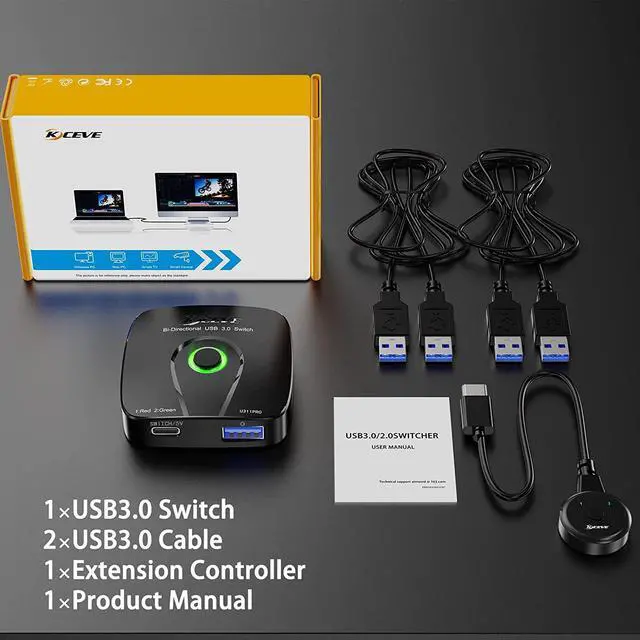
2. Controller switching: the length of the control line is 1.5m (150 cm), which is very convenient