

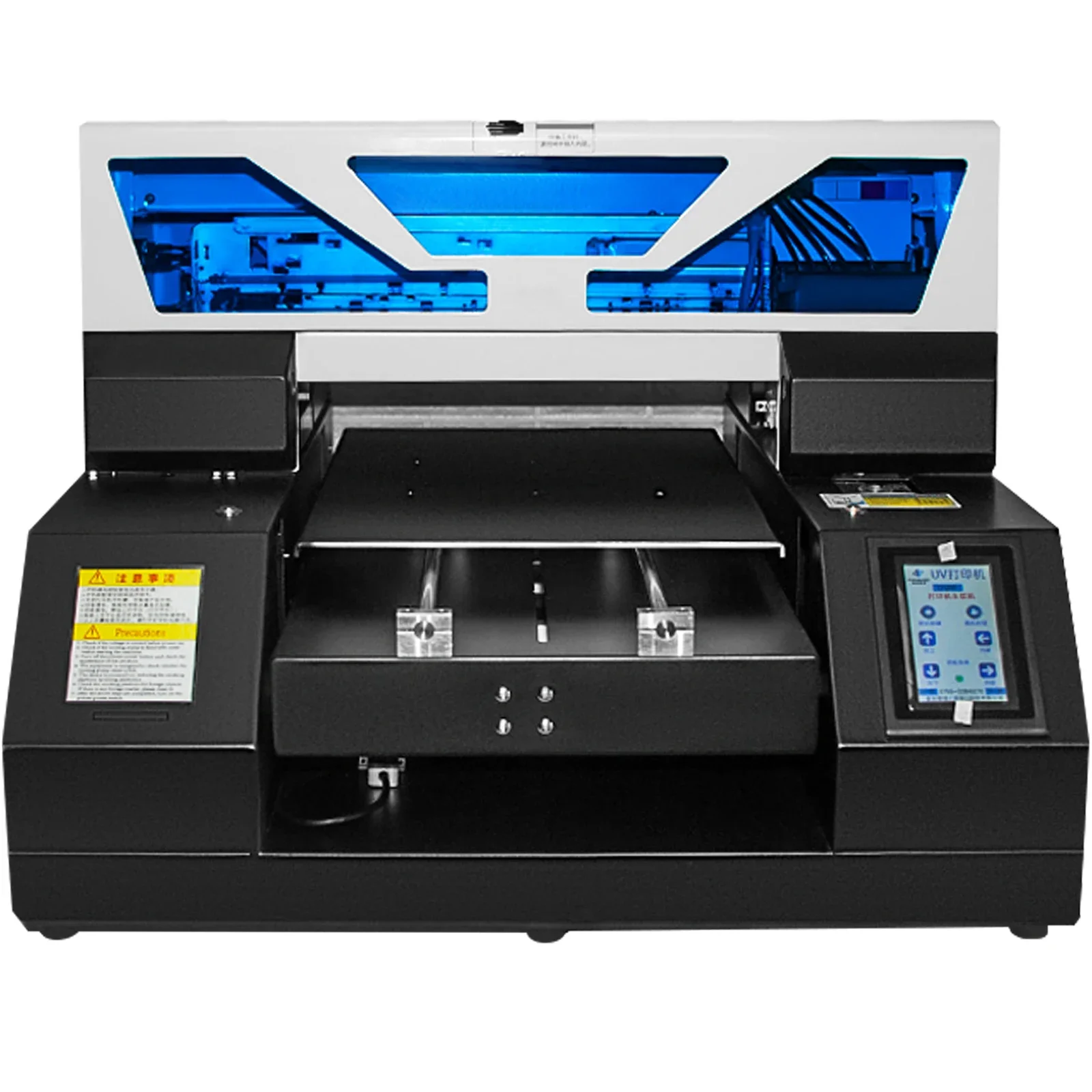
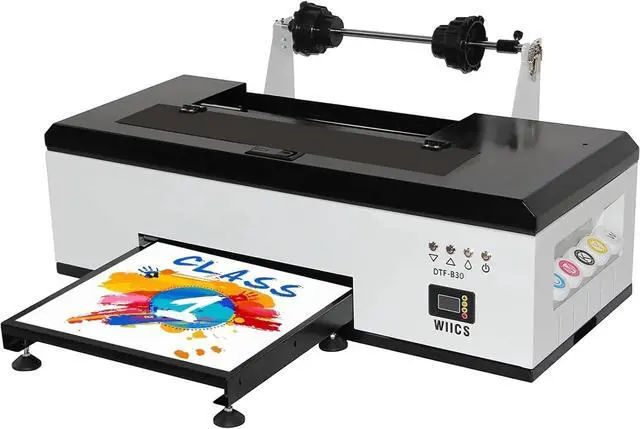

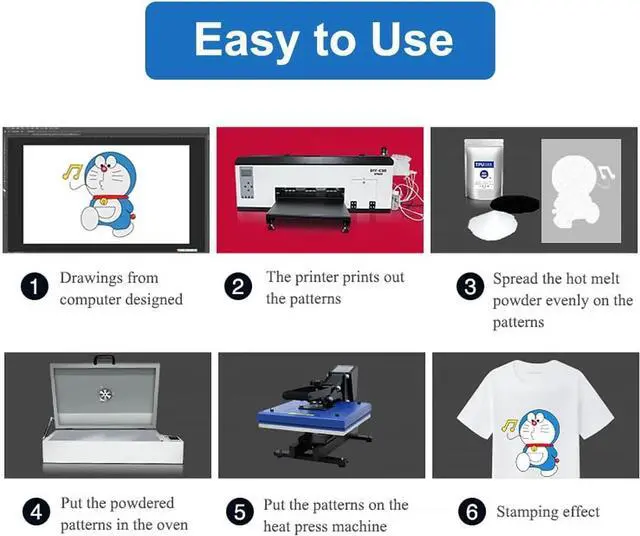


- 1.Install printer driver:Our package has two usb, one usb inside the use of the tutorial and use of software, one is used for decryption, need to plug in the computer at the same time, download the application from inside,Install printer driver
- 2 Install the ink.
- 3 Import the print task into the software and click Print.
- 4.When you open the Printer software, you can see the printer status.Open the software, import the image you want to print, set the length, width and height, put the item on the printer, click print to complete the print
- If you have any problem, don't hesitate to tell me, I will solve your problem

Ensure that the ink is evenly distributed throughout the nozzle, and the color is more vivid, improving the print quality and stability, and helping to extend the life of the equipment.

The adjustable speed air intake system ensures a seamless transfer film experience, preventing wrinkling or curling edges. It can also prevent the print head from being scratched by the DTF film

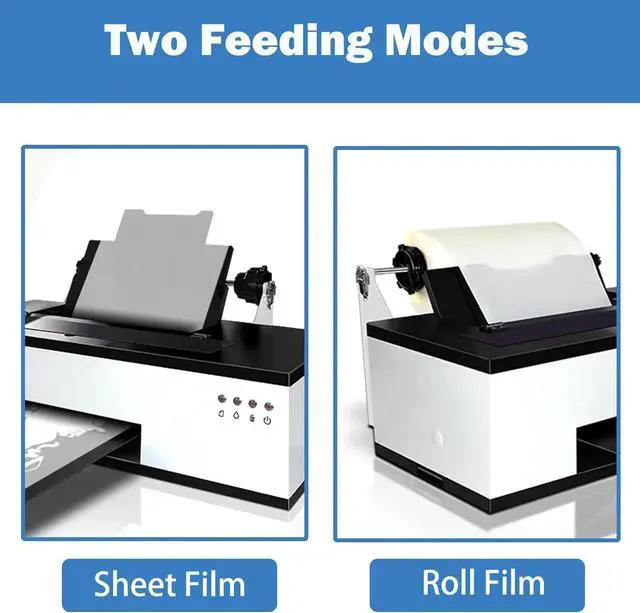
Equipped with an aluminum alloy crossbeam and an upgraded motor, it offers two paper feeding methods, making operation easy.

Let you experience outstanding precision and astonishing color accuracy, you can rest assured that the colors will vividly reflect your original design.

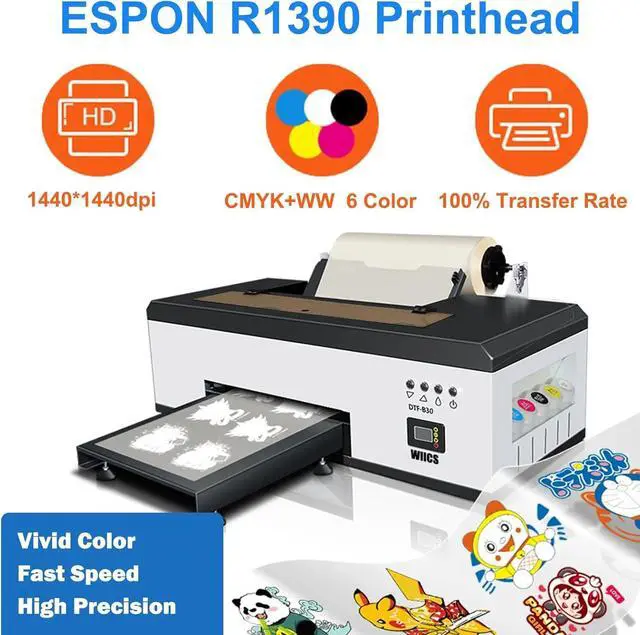
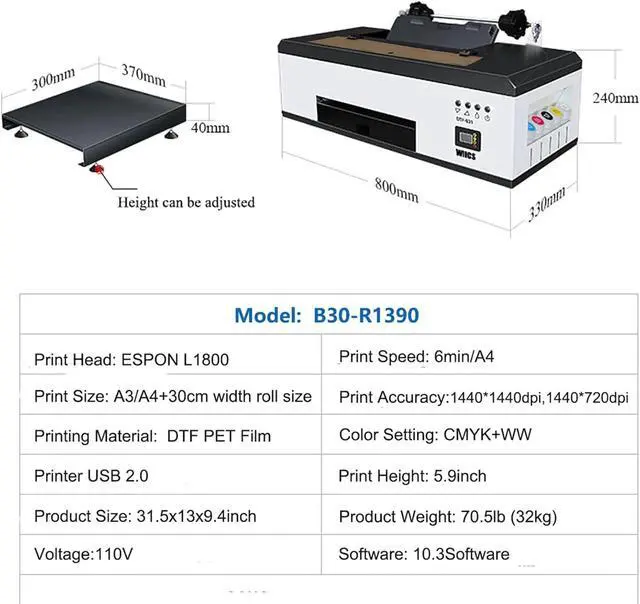
Printer nozzle type: EPSON R1390/L1800/TX 800/XP 600
Ink type :DTF INK
Power: 300W
Print Speed 0.9²/h
Printing size : A4/A3/A3+/30cm
Printing material : DTF PET Film
Print Accuracy : 720* 1080dpi/ 720* 1440dpi/ 720*2160dpi .
Ink Channel: CMYKWW
operating system :Windows7-11/Must be 64-bit

