


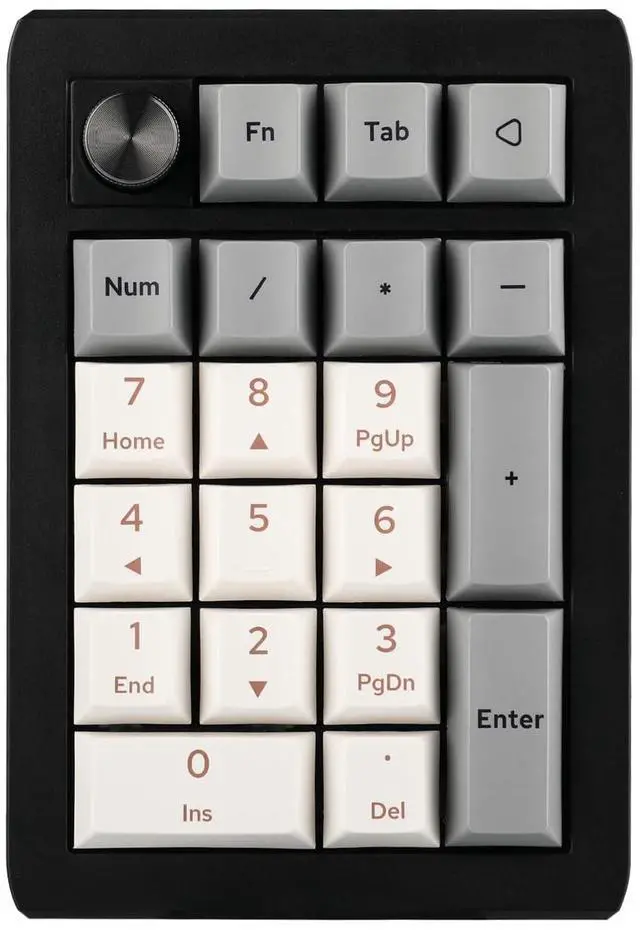
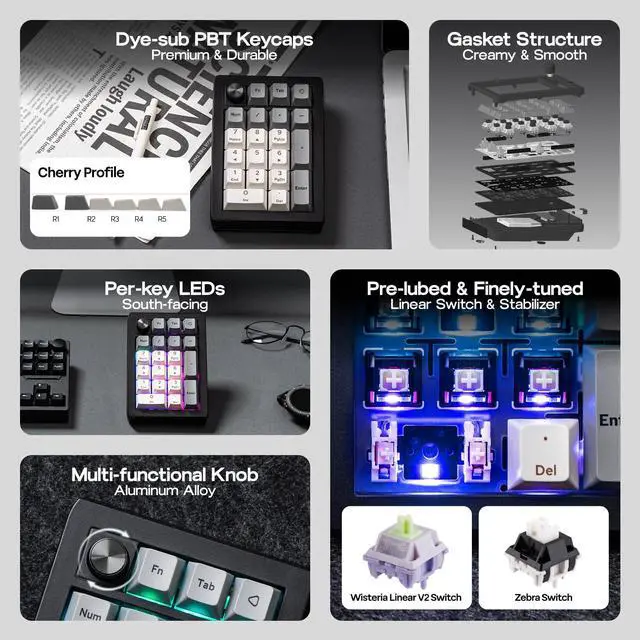


EPOMAKER EK21 Wireless Hot-Swap VIA Number Pad with Aluminum Alloy Knob

Wireless Gaming Keyboard
Merchant VideoVIA Programmable
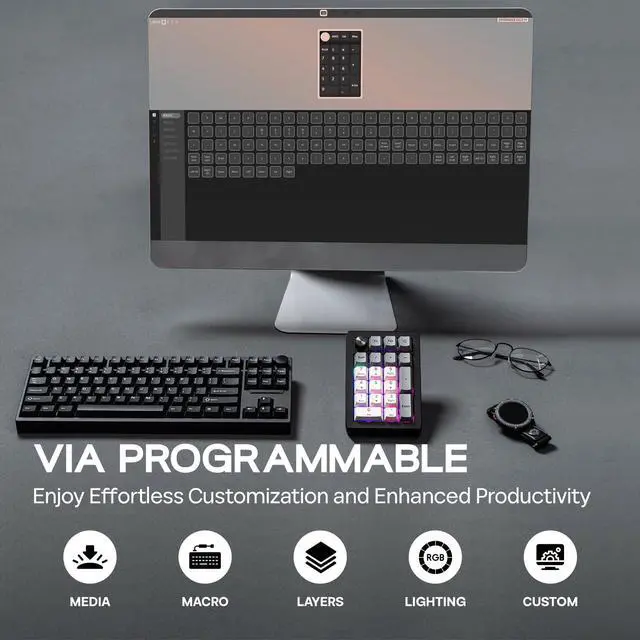
How to Use VIA
1. Get JSON from EPOMAKER official website (search for EK21 QMK JSON).
2. Plug EK21 QMK to your computer and connect in wired mode.
3. Visit usevia.app and Enable "Show Design Page" in "Setting" page.
4. Load the downloaded JSON with "Load Draft Definition" in "Design" page, then start programming in "Configure" page.
- EK21 JSON: bitly.cx/pjDGn ;Remap Layout, Record Macros, Set up RGB and more on: usevia.app/test


Multi-Functional Knob
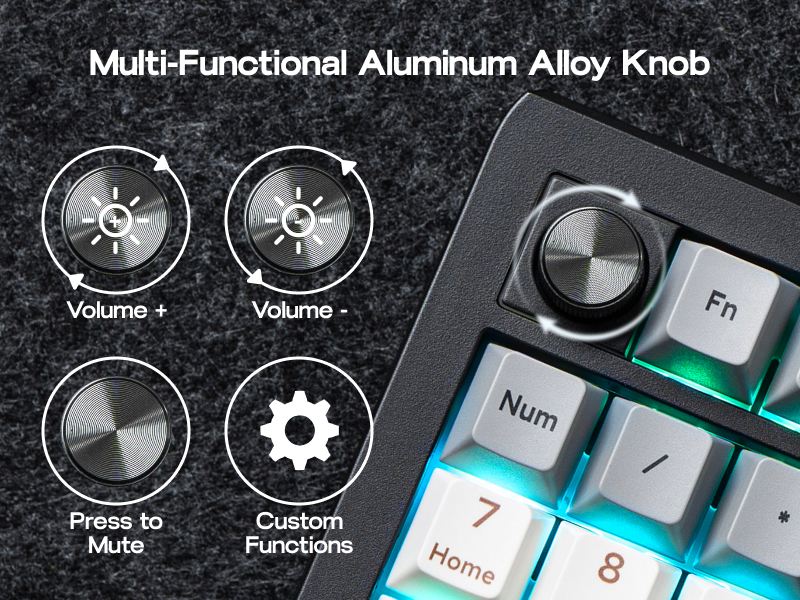
Enjoy effortless volume control and personalized functionality with the EK21's elegant aluminum alloy knob. Customize its actions via VIA software to match your workflow. Crafted for quality, the knob provides smooth, precise adjustments and adds a sophisticated touch to your numpad, elevating your overall experience.
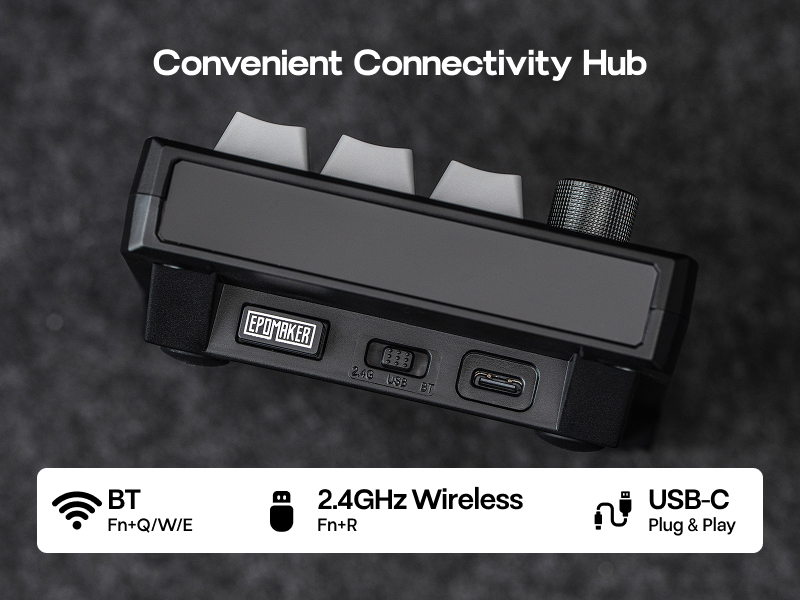
Convenient Triple Connectivity
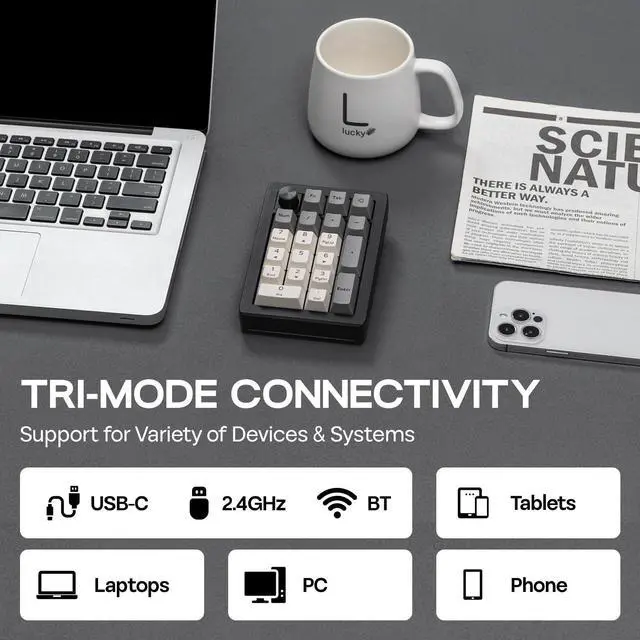
Experience ultimate flexibility with the EK21's triple connectivity (wired, BT, 2.4GHz wireless). Select your preferred mode to optimize your setup and maximize productivity.
16.8 Million RGB Backlight
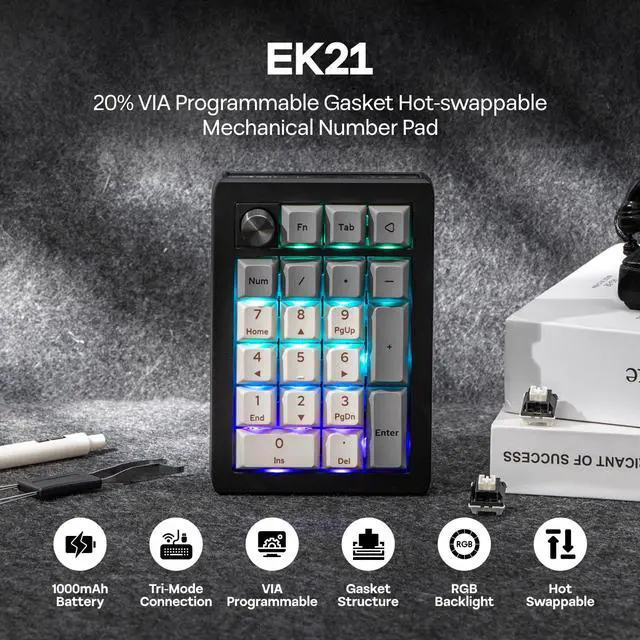
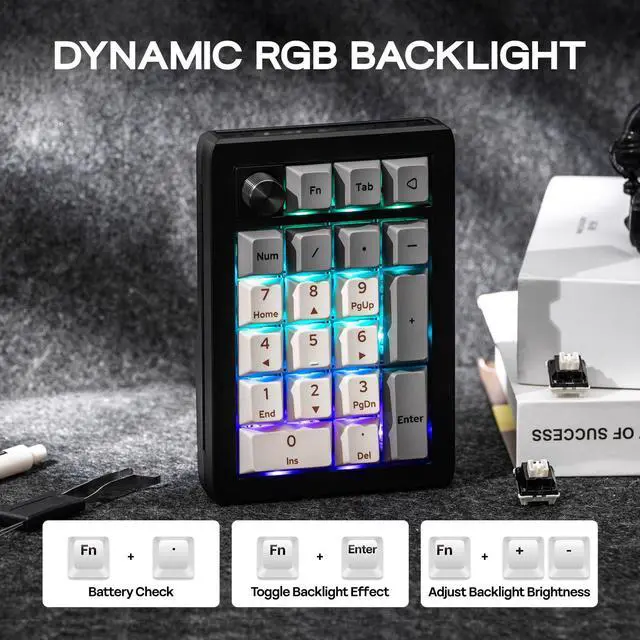
The EK21's RGB backlight offers 16.8 million colors to create a visual feast uniquely yours. The backlight effect can be adjusted with the shortcut keys "FN+Enter" and the VIA software. Match your lighting to your style and scene with pinpoint accuracy, making desktop interactions more engaging.
- Battery Check: FN+. (Only in wireless mode)
- Turn off/on RGB backlight: FN+Back
- Switch lighting effects: FN+Enter

What's in the package?
- 1* EK21 20% Number Pad
- 1* 2-in-1 Keycap-and-Switch Puller & 1* Extra “Back” Keycap
- 1* 1.8m Detachable USB A-to-C Braided Cable & 1* 2.4Ghz Wireless Dongle (Stored in the keyboard)
- 1* Multilingual Manual & 3* Extra Switches


Portable Number Pad
Plastic | Case Material | Plastic |
20 + 1 | Keys | 33+1 |
BT/2.4Ghz/USB-C | Connection | BT/2.4Ghz/USB-C |
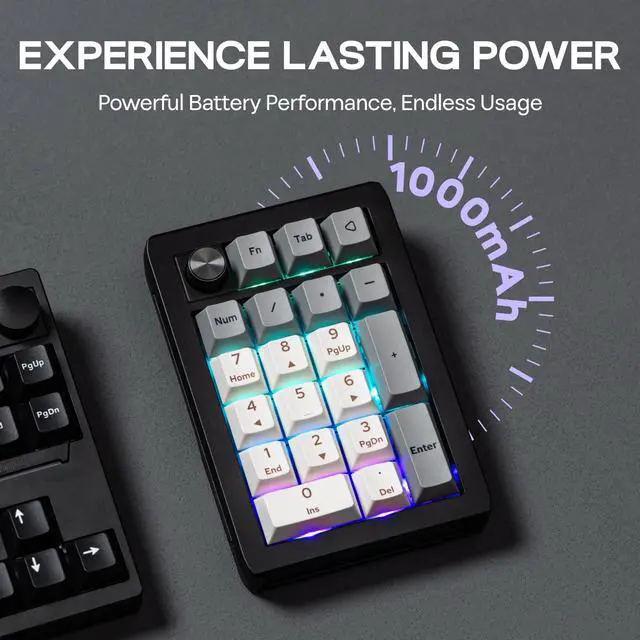
1000mAh | Battery Capacity | 2000mAh |
Cherry, PBT | Keycap | Cherry, PBT |
VIA Software | Programmable | VIA Software |
9.3*13.8*3cm 0.2kg | Size & Weight | 15*14.1*4.5cm 0.38kg |
Plastic | Case Material | Plastic |
20 + 1 | Keys | 18 + 1 |
BT/2.4Ghz/USB-C | Connection | BT/USB-C |
1000mAh | Battery Capacity | 1000mAh |
Cherry, PBT | Keycap | Cherry, PBT |
VIA Software | Programmable | VIA Software |
9.3*13.8*3cm 0.2kg | Size & Weight | 10*14.5*4.3 cm 0.3kg |
Plastic | Case Material | Aluminum |
20 + 1 | Keys | 20 + 1 |
BT/2.4Ghz/USB-C | Connection | BT/2.4Ghz/USB-C |
1000mAh | Battery Capacity | 1000mAh |
Cherry, PBT | Keycap | Cherry, PBT |
VIA Software | Programmable | VIA Software |
9.3*13.8*3cm 0.2kg | Size & Weight | 9.2*14.5*3.4cm 0.4kg |


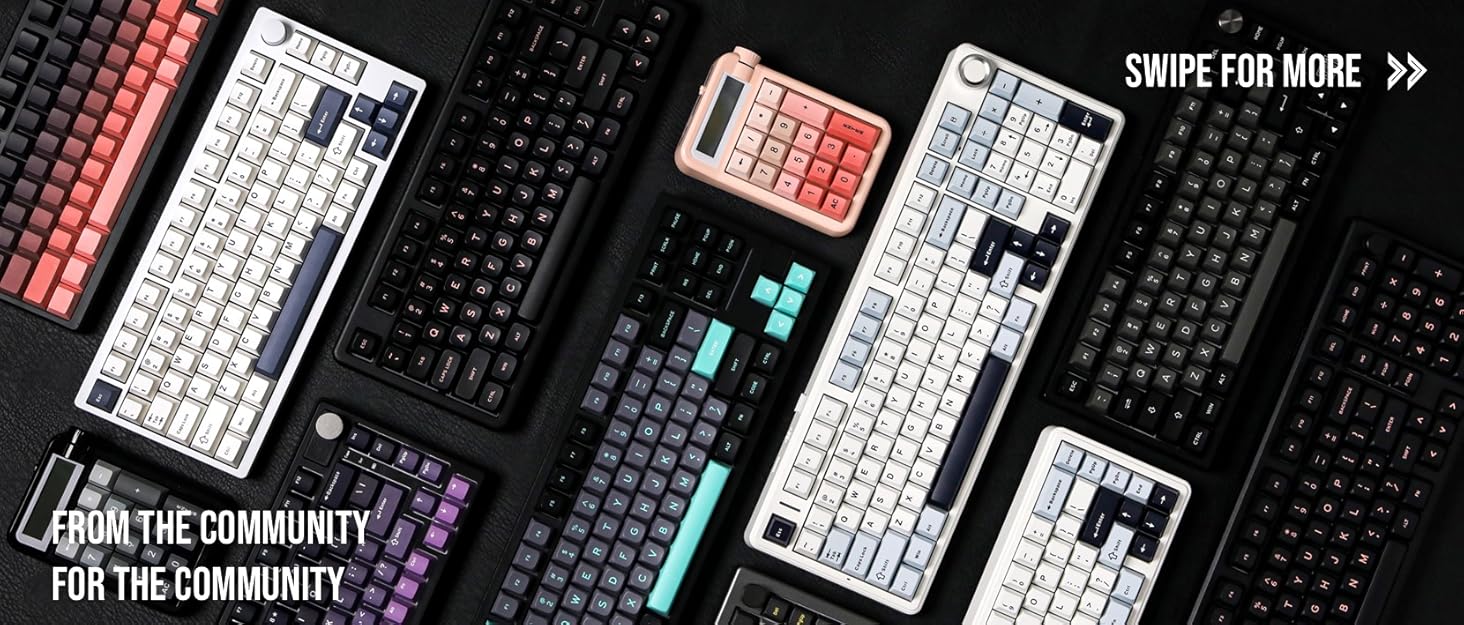

Composed of a team of young gamers, software engineers, and product designers who love tech gadgets, we set out to develop the best products that encapsulate personality, functionality, and affordability. Unsatisfied with the keyboards currently out there, we have created our ultimate sturdiness, wireless, and fully-customizable mechanical keyboard. Our promise is to deliver a keyboard that meets all of your workflow needs.

EPOMAKER New Release for 2026
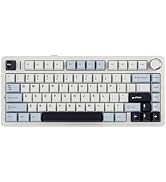
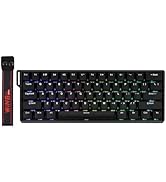
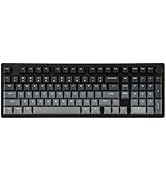
EPOMAKER Gaming Keyboard
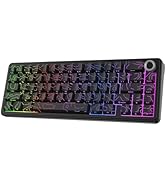
65% Layout Gaming Keyboard
75% Layout Gaming Keyboard
1800 Layout Gaming Keyboard
PC Gaming Mice
Numpad
Premium PBT Keycap Set
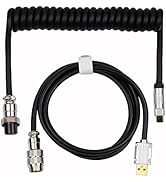
Keyboard Cable
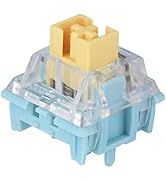
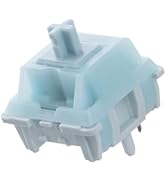
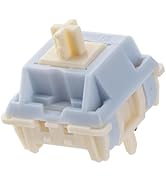
Keyboard Switches

EPOMAKER EK21 Wireless Hot-Swap VIA Number Pad with Aluminum Alloy Knob

Wireless Gaming Keyboard
Merchant VideoVIA Programmable
How to Use VIA
1. Get JSON from EPOMAKER official website (search for EK21 QMK JSON).
2. Plug EK21 QMK to your computer and connect in wired mode.
3. Visit usevia.app and Enable "Show Design Page" in "Setting" page.
4. Load the downloaded JSON with "Load Draft Definition" in "Design" page, then start programming in "Configure" page.
- EK21 JSON: bitly.cx/pjDGn ;Remap Layout, Record Macros, Set up RGB and more on: usevia.app/test


Multi-Functional Knob
Enjoy effortless volume control and personalized functionality with the EK21's elegant aluminum alloy knob. Customize its actions via VIA software to match your workflow. Crafted for quality, the knob provides smooth, precise adjustments and adds a sophisticated touch to your numpad, elevating your overall experience.
Convenient Triple Connectivity
Experience ultimate flexibility with the EK21's triple connectivity (wired, BT, 2.4GHz wireless). Select your preferred mode to optimize your setup and maximize productivity.
16.8 Million RGB Backlight
The EK21's RGB backlight offers 16.8 million colors to create a visual feast uniquely yours. The backlight effect can be adjusted with the shortcut keys "FN+Enter" and the VIA software. Match your lighting to your style and scene with pinpoint accuracy, making desktop interactions more engaging.
- Battery Check: FN+. (Only in wireless mode)
- Turn off/on RGB backlight: FN+Back
- Switch lighting effects: FN+Enter
What's in the package?
- 1* EK21 20% Number Pad
- 1* 2-in-1 Keycap-and-Switch Puller & 1* Extra “Back” Keycap
- 1* 1.8m Detachable USB A-to-C Braided Cable & 1* 2.4Ghz Wireless Dongle (Stored in the keyboard)
- 1* Multilingual Manual & 3* Extra Switches
Portable Number Pad

EK21 (Wisteria V2 Switch)
Case Material
Plastic
Keys
20 + 1
Connection
BT/2.4Ghz/USB-C
Battery Capacity
1000mAh
Keycap
Cherry, PBT
Programmable
VIA Software
Size & Weight
9.3*13.8*3cm 0.2kg
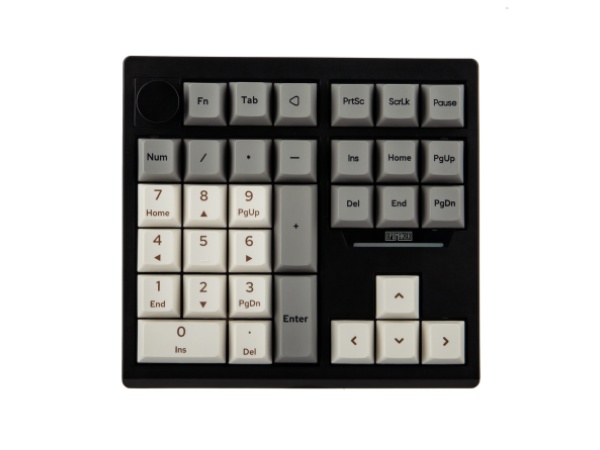
TH33 (Wisteria V2 Switch)
Case Material
Plastic
Keys
33+1
Connection
BT/2.4Ghz/USB-C
Battery Capacity
2000mAh
Keycap
Cherry, PBT
Programmable
VIA Software
Size & Weight
15*14.1*4.5cm 0.38kg
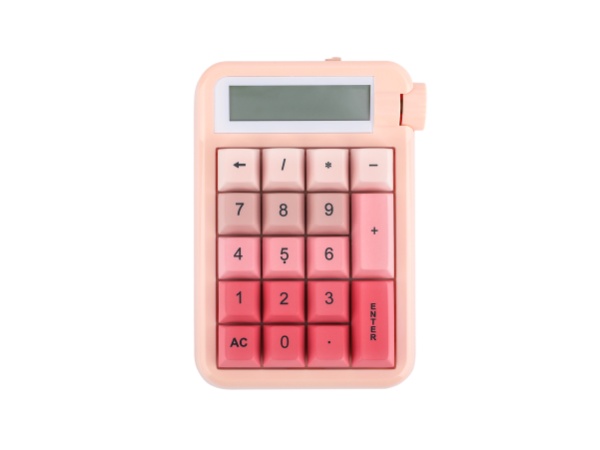
Cypher21 (Wisteria V1)
Case Material
Plastic
Keys
18 + 1
Connection
BT/USB-C
Battery Capacity
1000mAh
Keycap
Cherry, PBT
Programmable
VIA Software
Size & Weight
10*14.5*4.3 cm 0.3kg

V21
Case Material
Aluminum
Keys
20 + 1
Connection
BT/2.4Ghz/USB-C
Battery Capacity
1000mAh
Keycap
Cherry, PBT
Programmable
VIA Software
Size & Weight
9.2*14.5*3.4cm 0.4kg



Composed of a team of young gamers, software engineers, and product designers who love tech gadgets, we set out to develop the best products that encapsulate personality, functionality, and affordability. Unsatisfied with the keyboards currently out there, we have created our ultimate sturdiness, wireless, and fully-customizable mechanical keyboard. Our promise is to deliver a keyboard that meets all of your workflow needs.
EPOMAKER New Release for 2026
EPOMAKER Gaming Keyboard
65% Layout Gaming Keyboard
75% Layout Gaming Keyboard
1800 Layout Gaming Keyboard
PC Gaming Mice
Numpad
Premium PBT Keycap Set
Keyboard Cable
Keyboard Switches
