




Get more done, more comfortably
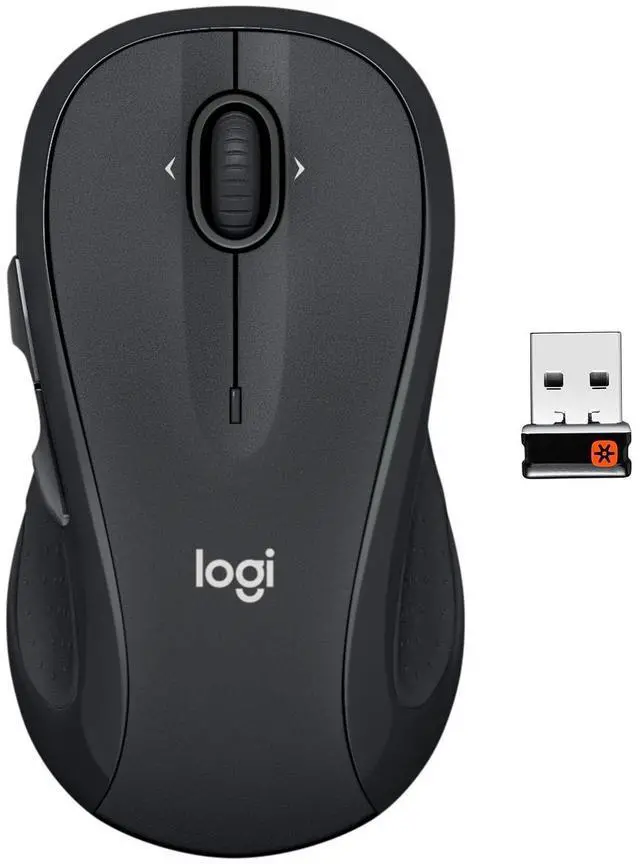
Get the mouse that gives you more control to get things done—and feels good doing it. With extra controls at your fingertips, M510 lets you navigate and create faster and easier. Point-and-click precision, long battery life and a hand-friendly shape help you power through your workflow.

Comfortable shape and grip
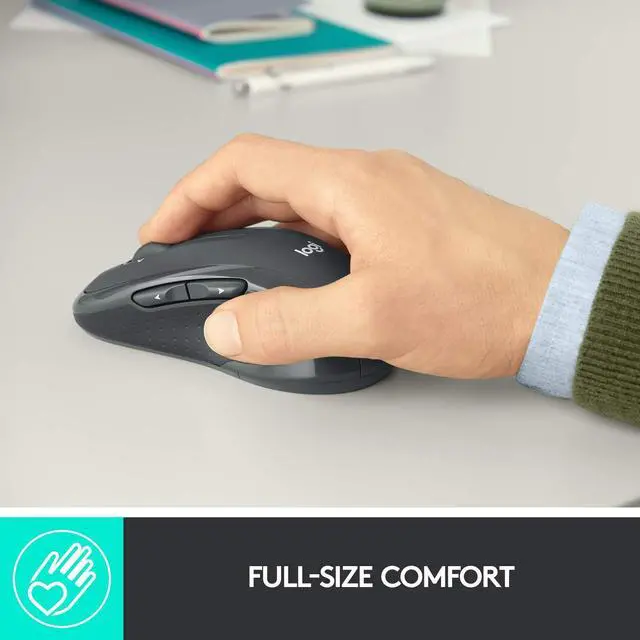
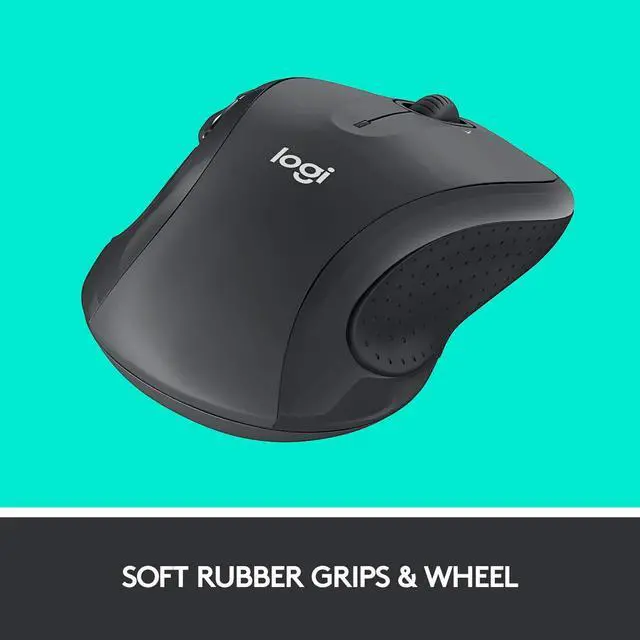
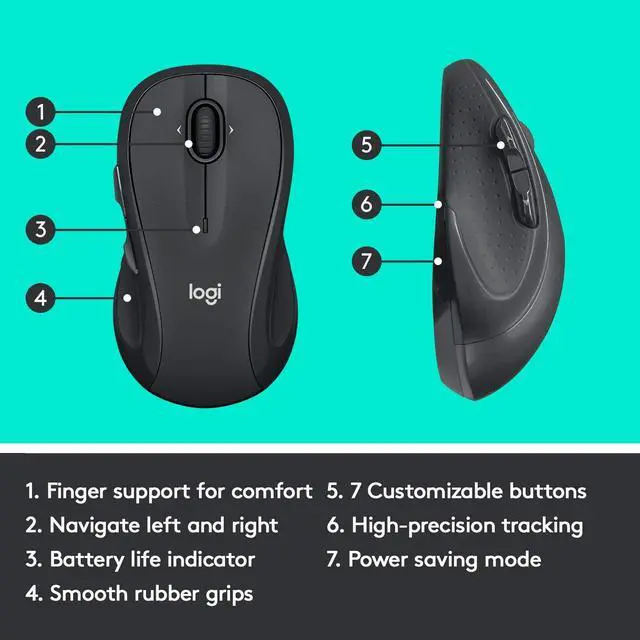
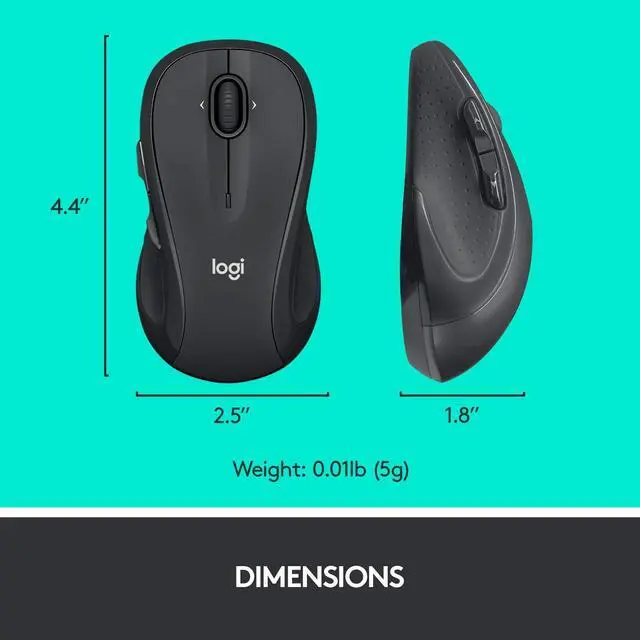
Enjoy a contoured shape with gently curved sides, broad palm area and soft rubber grips.
Extra controls at your fingertips
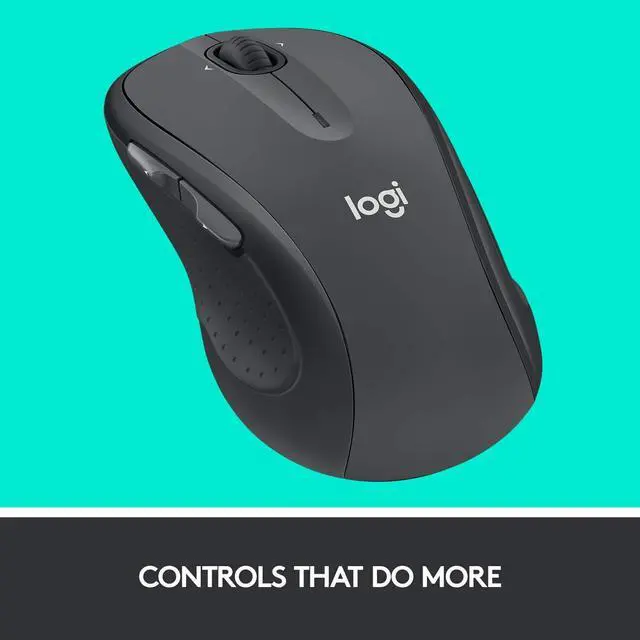
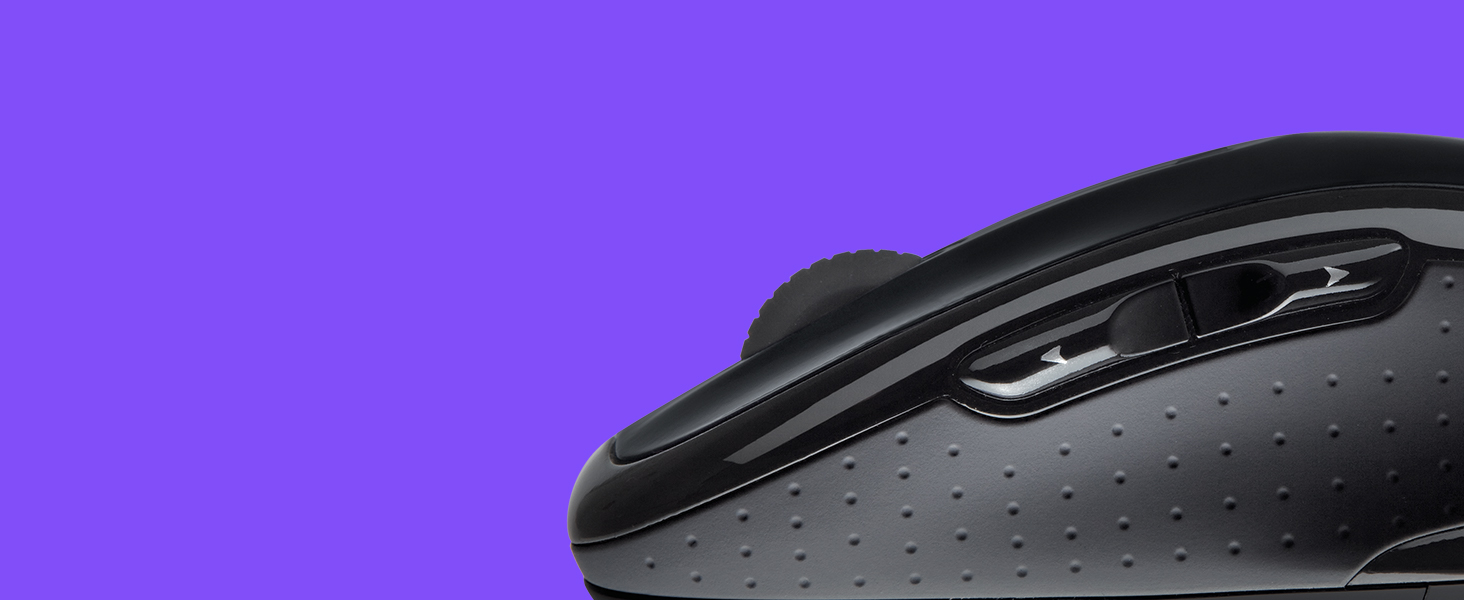
Move faster through documents and web pages with Back/Forward buttons. Scroll up, down and side-to-side. Zoom in and out of photos and spreadsheets with a flick of your finger.
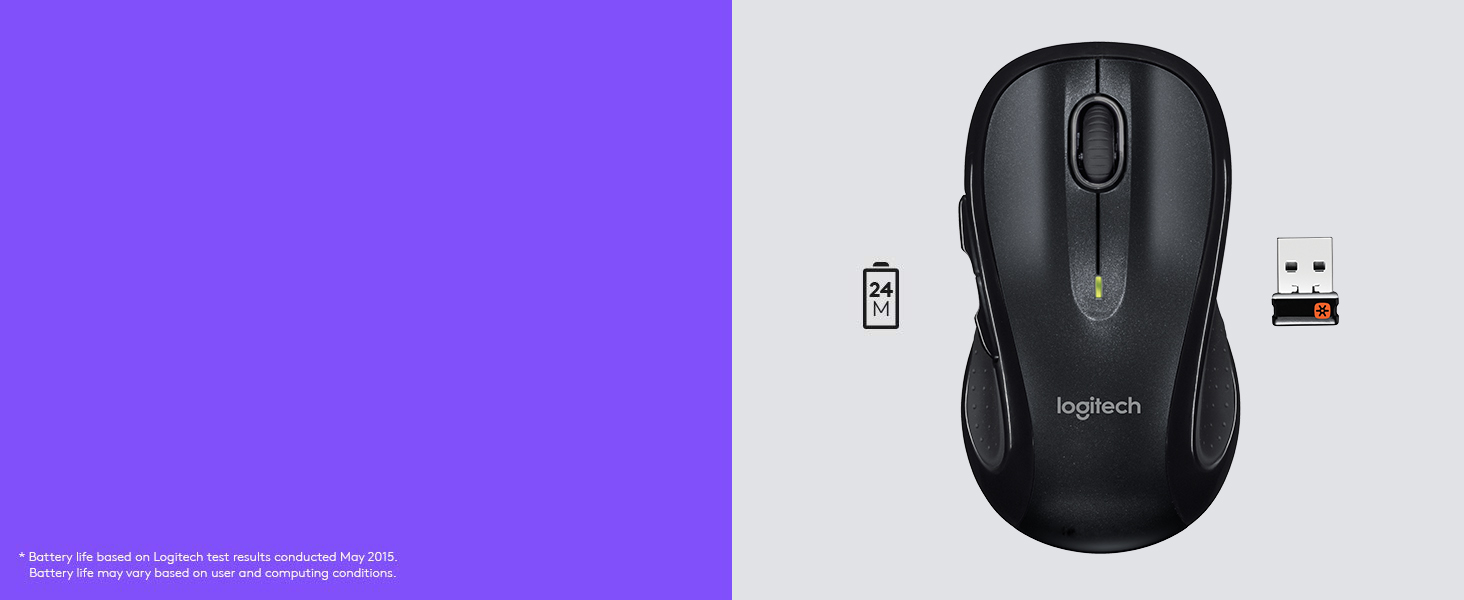
2-year battery life*
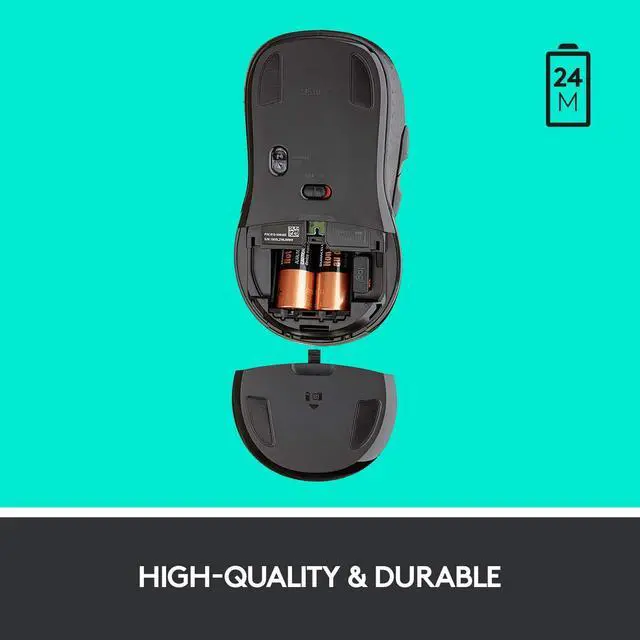
With an On/Off switch, smart sleep mode and battery life indicator, you might just forget this mouse runs on batteries.
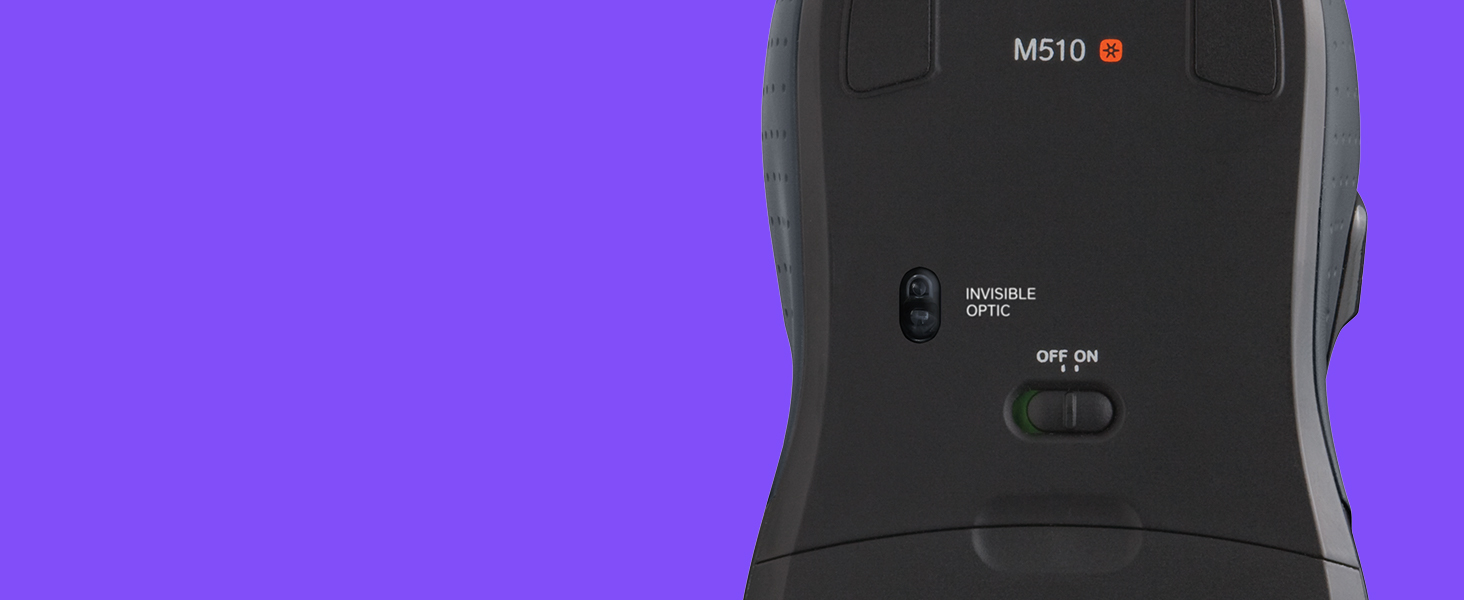
Advanced control
Enjoy precise cursor control and responsive tracking on just about any surface thanks to advanced optical tracking.

Unifying wireless connection
Plug the tiny Logitech Unifying receiver into your computer’s USB port and leave it there. Add up to five more Unifying devices, like a Logitech wireless keyboard, using a single receiver.

Programmable controls
Use Logitech Options software to customize the buttons to do exactly what you want like switch apps, open browser windows or jump to full screen when watching videos.

Compare Wireless Mice
No | Flow control | 2 computers |
No | Easy switching | 3 devices |
Advanced Optical | Laser-grade tracking | ? |
24 months | Max battery life | 24 months |
Hyperfast scrolling | ||
USB | Wireless connection | USB/Bluetooth |
No | Flow control | No |
No | Easy switching | No |
Advanced Optical | Laser-grade tracking | Advanced Optical |
24 months | Max battery life | 36 Months |
Hyperfast scrolling | ||
USB | Wireless connection | USB |
No | Flow control | No |
No | Easy switching | No |
Advanced Optical | Laser-grade tracking | Precision Optical |
24 months | Max battery life | 24 Months |
Hyperfast scrolling | ||
USB | Wireless connection | USB/Bluetooth |
No | Flow control | 3 computers |
No | Easy switching | 3 devices |
Advanced Optical | Laser-grade tracking | ? |
24 months | Max battery life | Rechargeable |
Hyperfast scrolling | ||
USB | Wireless connection | USB/Bluetooth |


Wireless Mouse M510
Get more done, more comfortably
Get the mouse that gives you more control to get things done—and feels good doing it. With extra controls at your fingertips, M510 lets you navigate and create faster and easier. Point-and-click precision, long battery life and a hand-friendly shape help you power through your workflow.
Comfortable shape and grip
Extra controls at your fingertips
2-year battery life*
Advanced control
Unifying wireless connection
Programmable controls


Enjoy a contoured shape with gently curved sides, broad palm area and soft rubber grips.
Move faster through documents and web pages with Back/Forward buttons. Scroll up, down and side-to-side. Zoom in and out of photos and spreadsheets with a flick of your finger.
With an On/Off switch, smart sleep mode and battery life indicator, you might just forget this mouse runs on batteries.
Enjoy precise cursor control and responsive tracking on just about any surface thanks to advanced optical tracking.
Plug the tiny Logitech Unifying receiver into your computer’s USB port and leave it there. Add up to five more Unifying devices, like a Logitech wireless keyboard, using a single receiver.
Use Logitech Options software to customize the buttons to do exactly what you want like switch apps, open browser windows or jump to full screen when watching videos.
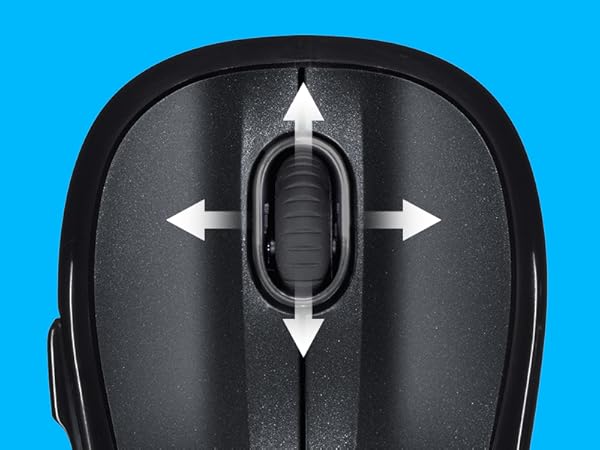
Scroll up, down, plus side-to-side
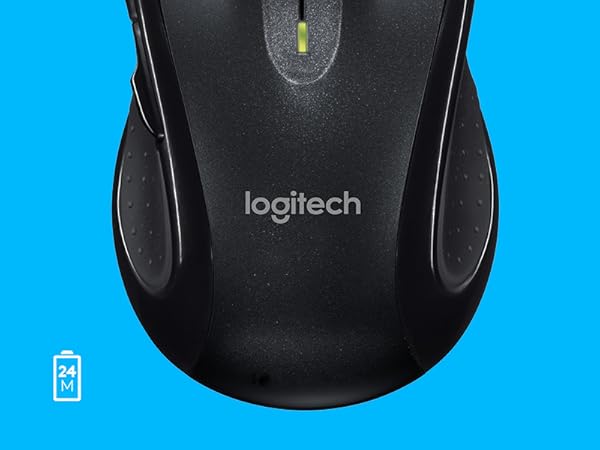
Battery indicator—2 year battery life
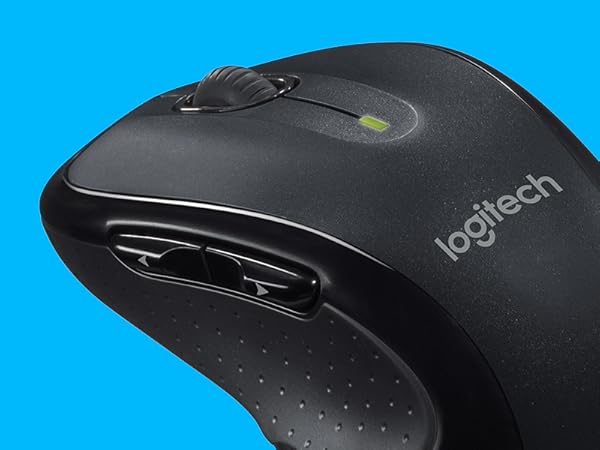
Programmable buttons for custom actions
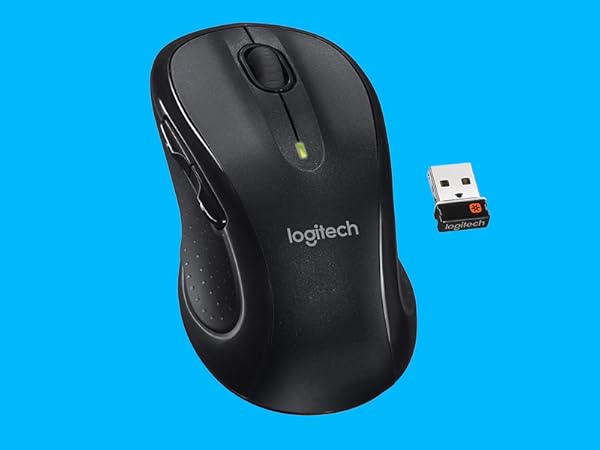
Easy wireless connection with Unifying receiver
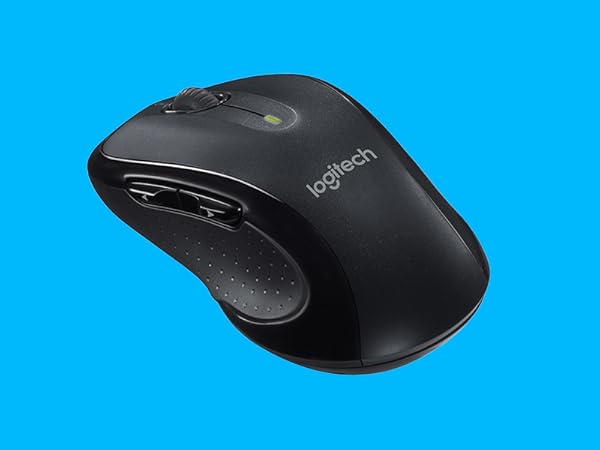
Comfortable contoured shape
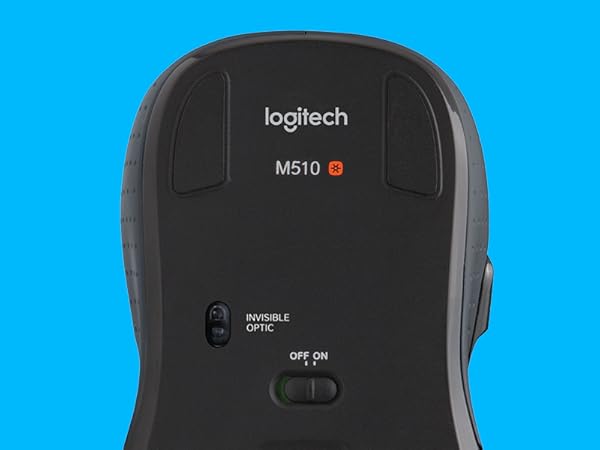
Advanced Optical Sensor for precise tracking
Compare Wireless Mice
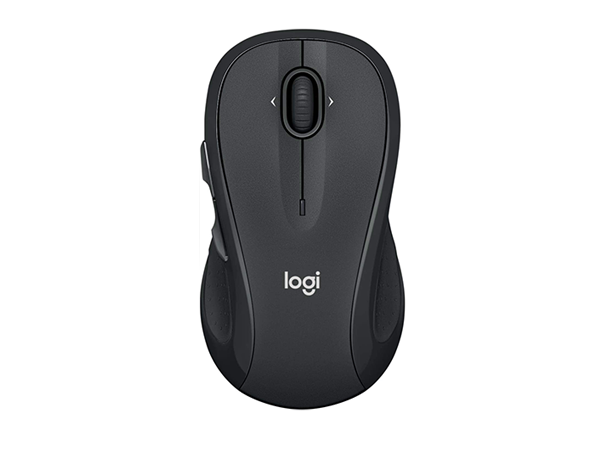
M510
Flow control
No
Easy switching
No
Laser-grade tracking
Advanced Optical
Max battery life
24 months
Hyperfast scrolling
Wireless connection
USB
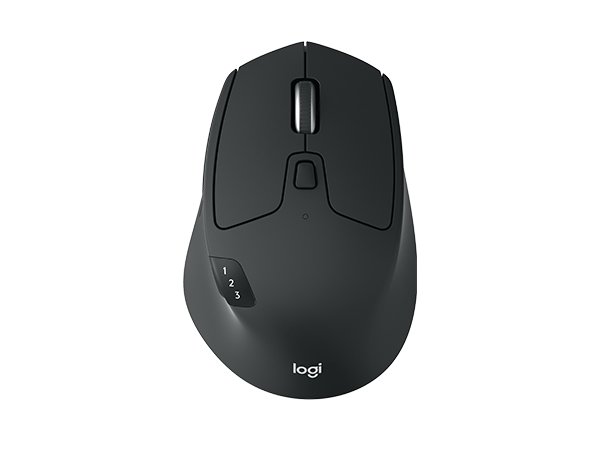
M720 Triathlon
Flow control
2 computers
Easy switching
3 devices
Laser-grade tracking
?
Max battery life
24 months
Hyperfast scrolling
Wireless connection
USB/Bluetooth
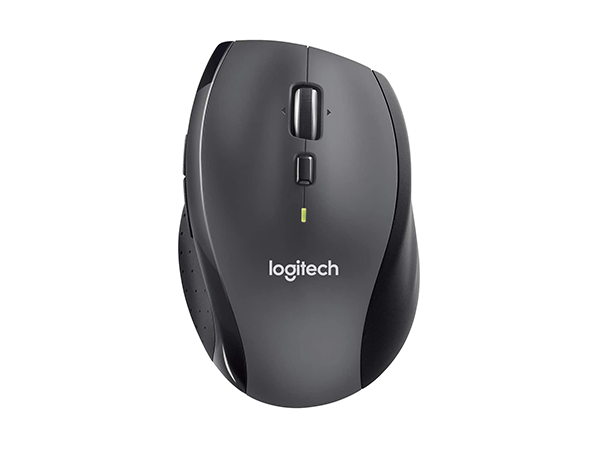
M705 Marathon
Flow control
No
Easy switching
No
Laser-grade tracking
Advanced Optical
Max battery life
36 Months
Hyperfast scrolling
Wireless connection
USB
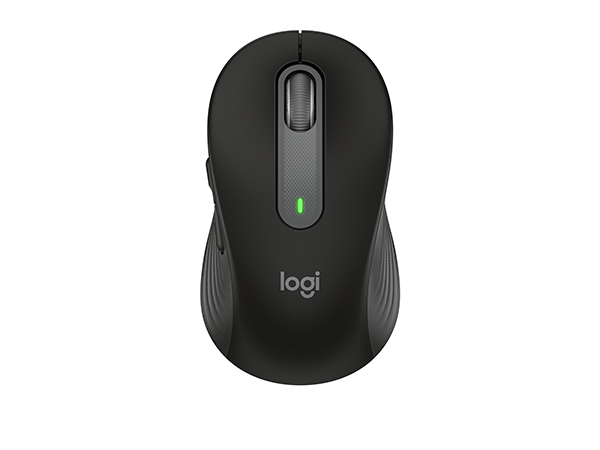
M650 Signature
Flow control
No
Easy switching
No
Laser-grade tracking
Precision Optical
Max battery life
24 Months
Hyperfast scrolling
Wireless connection
USB/Bluetooth
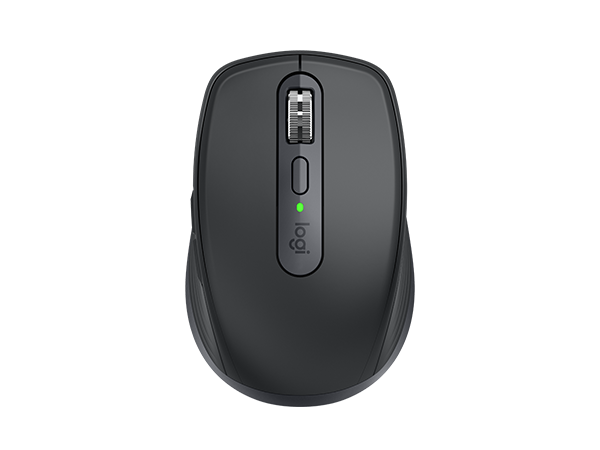
MX Anywhere 3S
Flow control
3 computers
Easy switching
3 devices
Laser-grade tracking
?
Max battery life
Rechargeable
Hyperfast scrolling
Wireless connection
USB/Bluetooth
