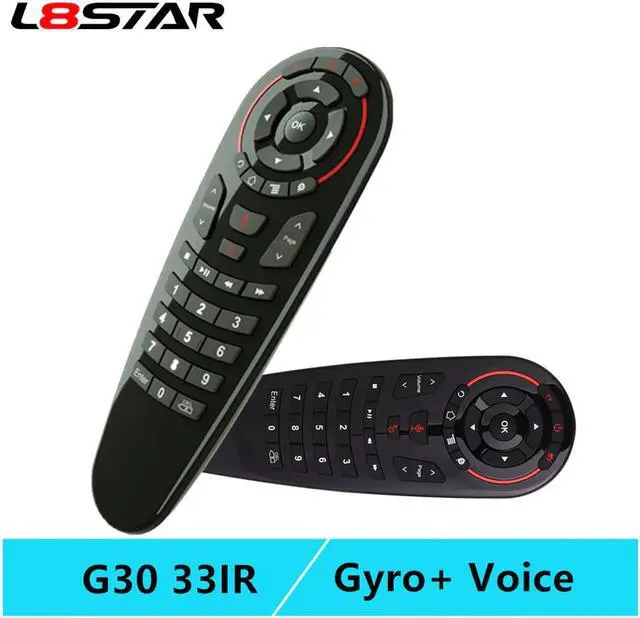
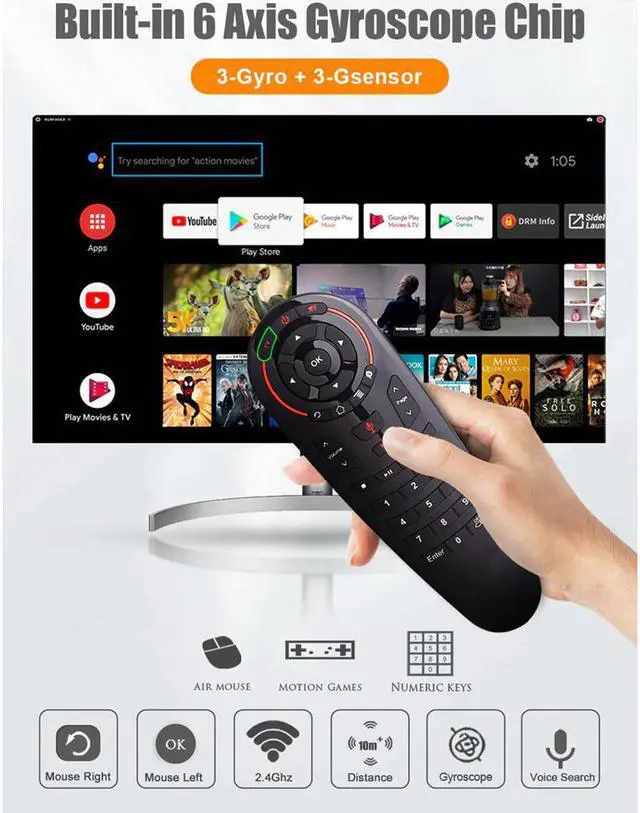
2019 New Arrival Smart Voice Air mouse G30 Remote Control
Specifications:
33 Buttons can be programmed
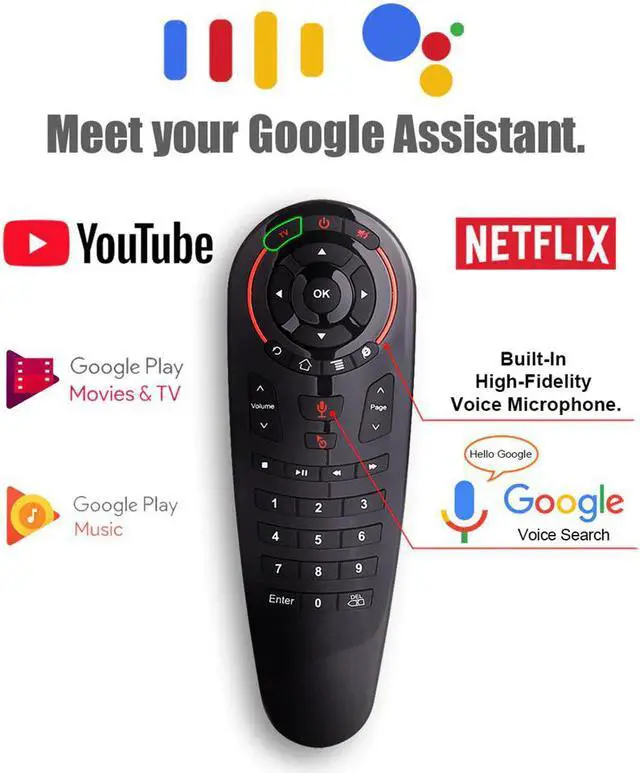
Voice Search air mouse
Transmission method: 2.4G RF
Sensor: 6 axis Gyroscope
Battery: AAA*2 (not include)
Weight: 70g
Compatible with Android,Windows,Linux,Mac OS
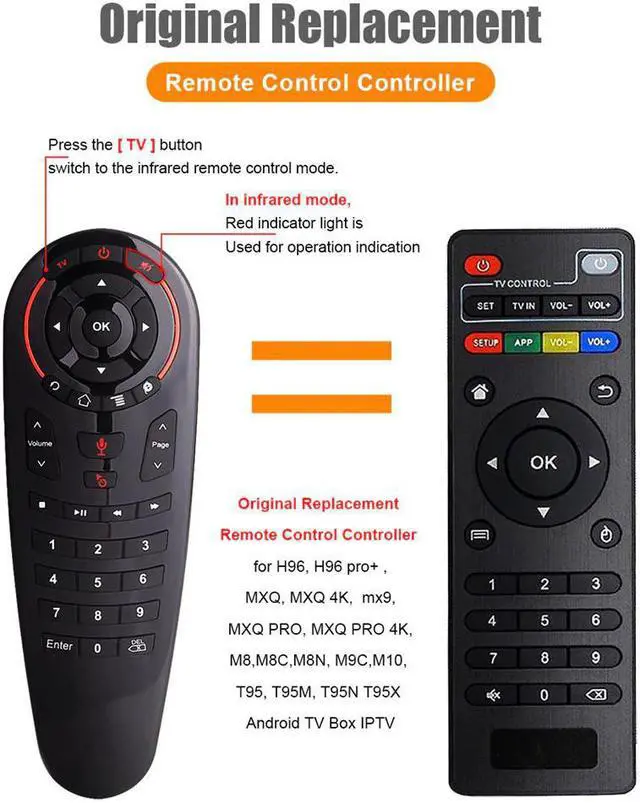
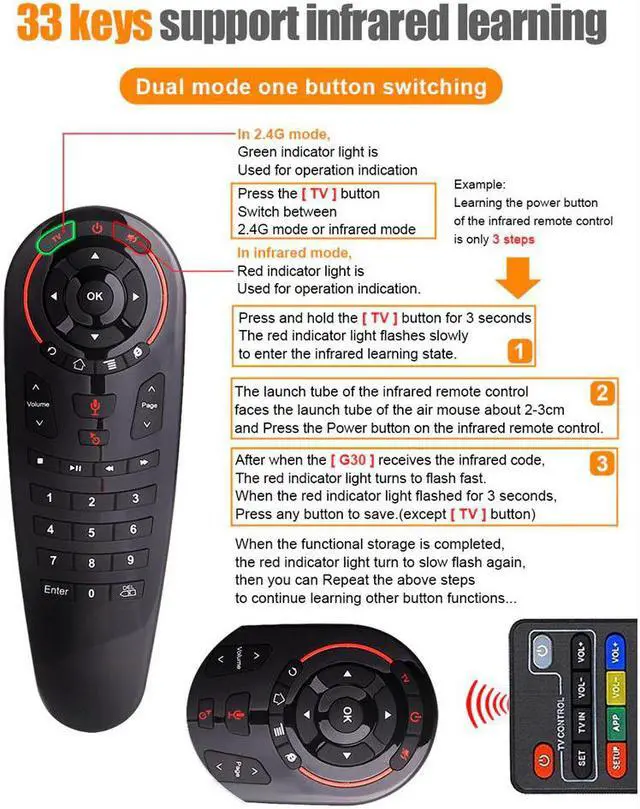
IR Learning and Infrared remote control
Mouse Cursor stable and smooth
USB device plug and play
Fidelity Voice input(Microphone)
Note: It can work for most of android tv box, such as X96 X96Max X96 mini,
HK1,HK1 MAX,H96 MAX,A5X MAX,X88 X99 T95 T96 etc
It also can work for most of smart TV Which have USB port device and
connect to internet (dont recommend it work for smart tv)
we cant make sure all the buttons works wells when you use it for smart tv,
if you mind it,please dont order it
How to Use IR learning function ?
1. In IR mode, press and hold the "TV" button for 3 seconds.
2. When the red LED light flickers slowly,prompts to enter the IR learning state.
3. The tube of the infrared remote control faces the tube of the air mouse about 2-3CM, Press the
infrared remote control button,When the infrared code value is recognized, the red LED light turns to flash fast.
4. When the red light flashed for 3 seconds, press any button to save (except "TV" button). When the functional storage is
completed,the red LED lights turn to slow flash again, and then you can continue to learn.
If you don't need to continue learning, press the "TV" button to quit the IR learning mode.Press the "TV"+"DEL" button
for 5 seconds, the red LED flashes, prompting to restore the factory settings.
1* User manual