
Your Browsing History
- Free 30-day Returns
$60.80
Ships from China.

Meet Your Seller

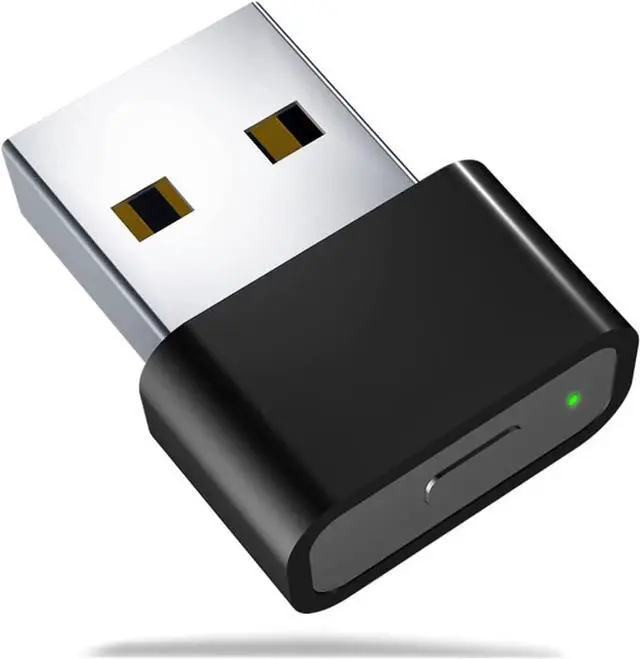



QUI Metal USB Mouse Jiggler with Switch Button,Automatic Mouse Mover with 2 Jiggle Modes,Supports Multi-Track,Driver-Free,Plug-and-Play Keeps PC/Laptop Awake
- Brand QUI
- Hardware interface USB
- Compatible devices Laptop, Desktop
- Data link protocol USB
+
+
Overview
Specs
Reviews
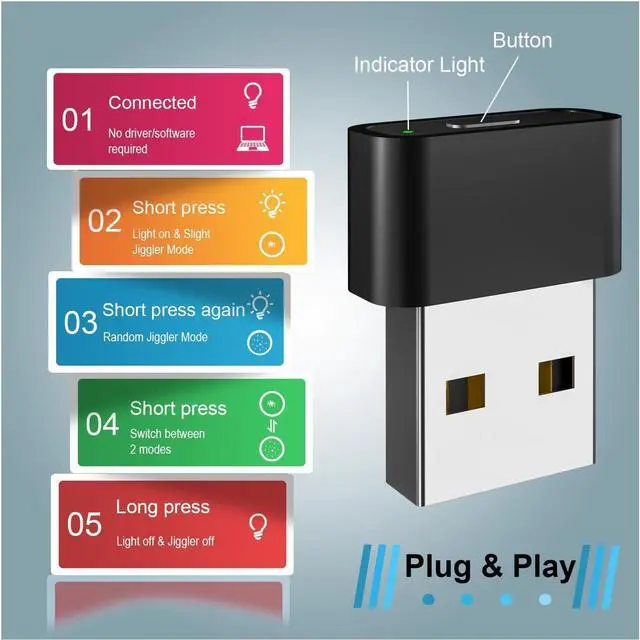
[Mouse Jiggler with 2 Jiggler Modes] This mouse mover features "Slight Jiggler Mode" and "Random Jiggler Mode" to keep computer/laptop awake. The former enables the mouse cursor to travel back and forth by 1-2 pixels, and will not affect the normal use of mouse. The latter allows the mouse pointer to move irregularly and randomly.
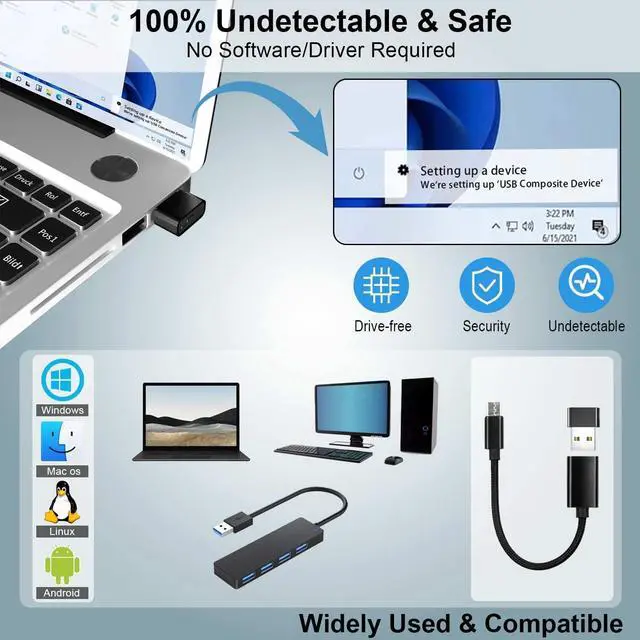
[Undetectable & Safe] This mouse mover device is 100% undetectable by IT department and will only be recognized as a normal mouse (might be a "USB Composite Device" for the first time). As long as your computer allows access to the mouse, the jiggler will not be recognized as an unsafe device.
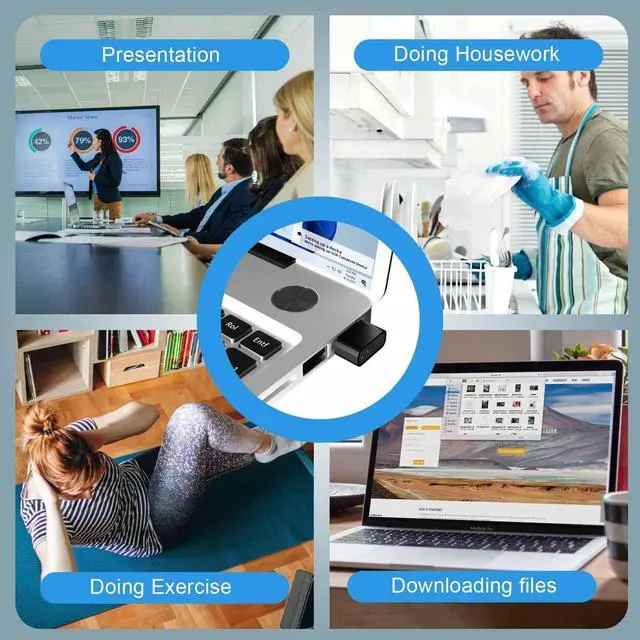
[Widely Used & Compatible] This jiggler mouse mover is a work from home game changer! It is applicable for impromptu meetings, phone calls, coffee filling, bathroom breaks etc. The mouse mover is compatible with most operating systems, like Windows XP/7/8/10/11, Mac OS, Android System, etc.
[Driver-free & No Software Required] This automatic mouse mover is a plug & play device and super easy to set up, without the need to install any driver or software. Just plug it into the USB port on your computer and switch the button to change modes, then it will simulate mouse movement to liberate yourself or keep computer from locking.
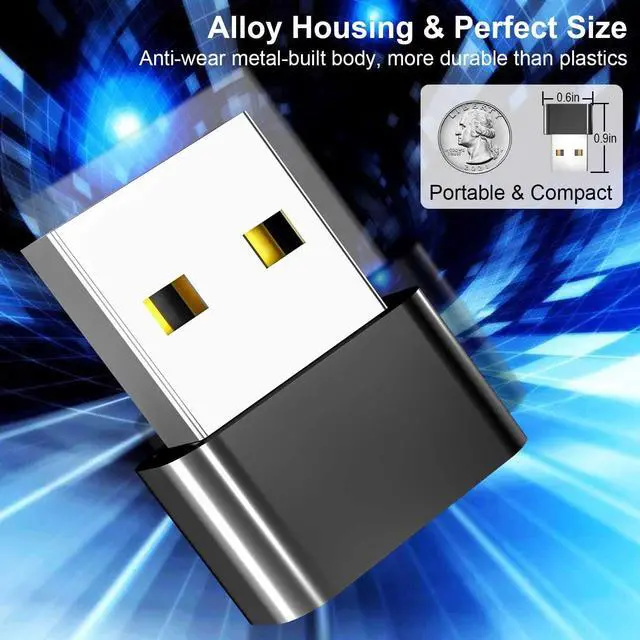
[Alloy Materials & Switch Button] This mouse mover jiggler features high-end alloy housing, which is more sturdy and durable than plastics.
The switch is multifunctional: "Short Press" to turn on with green indicator on, or switch between two modes. "Long Press" to turn off, avoiding repeatedly plugging and unplugging the mouse mover. That's really saves your USB ports from damage.
[Undetectable & Safe] This mouse mover device is 100% undetectable by IT department and will only be recognized as a normal mouse (might be a "USB Composite Device" for the first time). As long as your computer allows access to the mouse, the jiggler will not be recognized as an unsafe device.
[Widely Used & Compatible] This jiggler mouse mover is a work from home game changer! It is applicable for impromptu meetings, phone calls, coffee filling, bathroom breaks etc. The mouse mover is compatible with most operating systems, like Windows XP/7/8/10/11, Mac OS, Android System, etc.
[Driver-free & No Software Required] This automatic mouse mover is a plug & play device and super easy to set up, without the need to install any driver or software. Just plug it into the USB port on your computer and switch the button to change modes, then it will simulate mouse movement to liberate yourself or keep computer from locking.
[Alloy Materials & Switch Button] This mouse mover jiggler features high-end alloy housing, which is more sturdy and durable than plastics.
The switch is multifunctional: "Short Press" to turn on with green indicator on, or switch between two modes. "Long Press" to turn off, avoiding repeatedly plugging and unplugging the mouse mover. That's really saves your USB ports from damage.
Warranty & Returns
Warranty, Returns, And Additional Information
Warranty
- Please contact the Seller directly for warranty information. Warranty information may also be found on the Manufacturer's website.
- CONTACT
Return Policies
- Return for refund within: 30 days
- Return for replacement within: 90 days
- This item is covered by connect7 Return Policy
Manufacturer Contact Info
- For a directory of all our manufacturers, please click below.
- Manufacturers Directory
LOADING...