
Your Browsing History

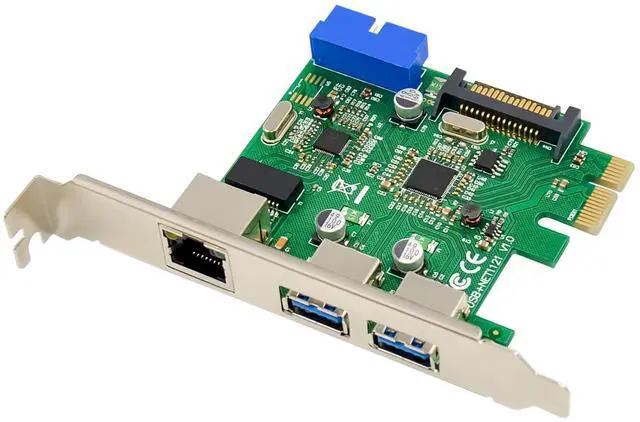
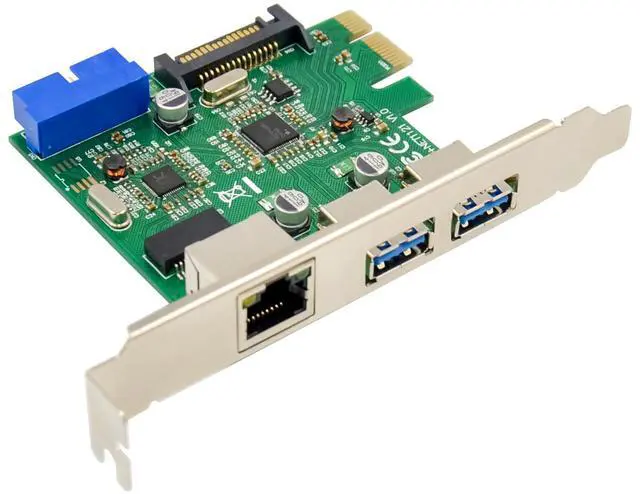
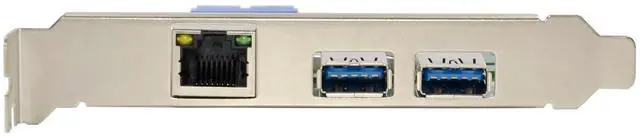
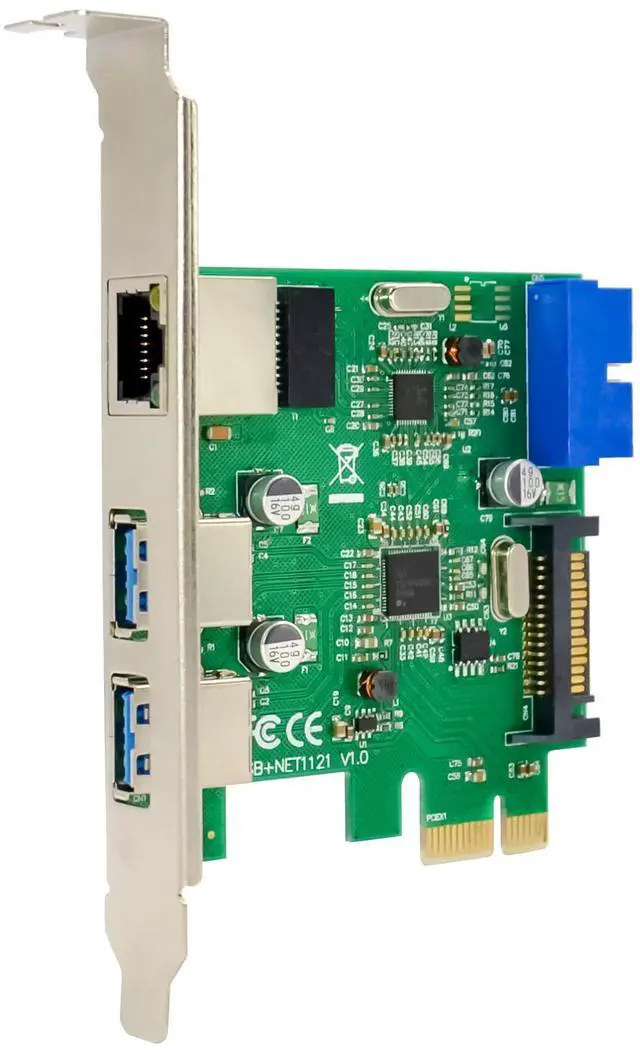
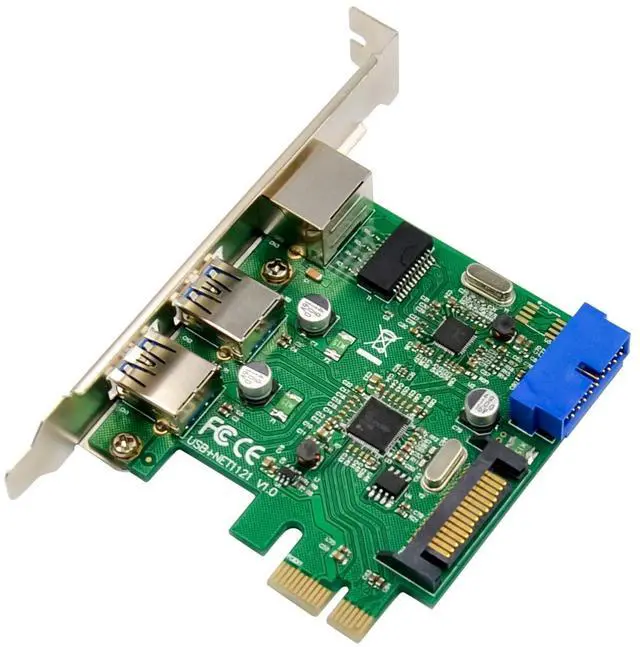
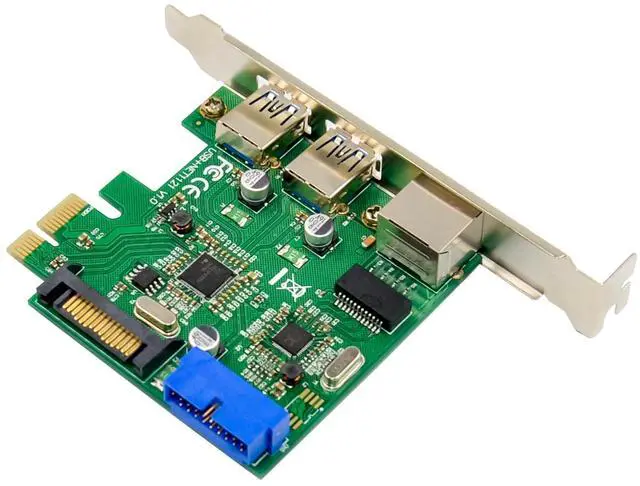
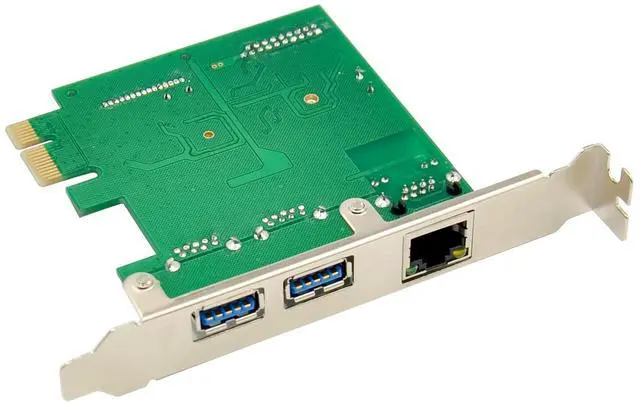



RJ45 Port:
Fully compliant with IEEE802.3,IEEE802.3u. IEEE802.3az
Supports Full Duplex flow control
Supports WAKE -ON-LINE and remote wakeup.
10/100/1000M data auto-negotiation
Integrated 10/100/1000M transceivers LED lights
USB3.0 bandwidth up to 5Gbps,Users can through the RJ45 interface to enjoy the Gigabit Network
Onboard with hardware drivers, easy to used
Supported operating system: XP/Vista/Win7/Win8/Win8.1 32/64bit.
System Requirements
Windows® XP/Vista/7 /8(32/64 bit)
PCI-Express enabled system with an available PCI-Express X1 slot
Package Contents
1 x PCI Express USB3.0&Network Card
1 x Driver CD
1 x User Manual
Hardware Installation
1.Turn off your computer and devices connected to it.
2.Remove the computers cover ,Refer to your computer users manual for more details
3.Find an unused PCIe slot and remove the metal bracket.Save the bracket screw for later use
4.Align the card horizontally with respect to the PCIe slot and insert it into the slot firmly and evenly,Take care not to force it into the slot ,once you have properly positioned the card into the slot , ,connecting the Big-4P power to supply USB power.
Driver Installation
Partition of USB3.0 port ,For Windows® XP/Vista/Win7/Win8 (32/64 bit)
1.1. Please insert the CD driver bound with USB 3.0 4-Port PCI Express Card into your CD-ROM Drive.
2.2. At the Windows desktop, click Start, Run.
3.3. TypeUSB3.0 VL805-806\V3.10C_WHQL \Setup.exe, click OK.
4.4. Follow the on-screen instructions to complete the installation.
Partition of RJ-45 port ,For Windows® XP/Vista/Win7/Win8 (32/64 bit)
1.When you have installed the USB3.0 drivers, Windows will detect the network card and attempt to install driver for it.
2.At the end ,when you open my computer or computer, you will seems an new CD-ROM drive,
3.Please locate and double-click on the Setup.exe file in the CD to launch the install program.
4.Double-click the setup.exe, the program will following the system auto installing drivers
To Verify Windows® Driver Installation
Click on the Device Manager tab in System Properties, which you access from the Windows Control Panel. You should see a VIA USB 3.0 Root Hub and a VIA USB eXtensible Host Controller under the Universal Serial Bus controllers item,and You should see a Realtek USB GBE Family Controller under the Network Adapter
Support
More information and settings please refer to the User Guides or you can contact us.