
Your Browsing History

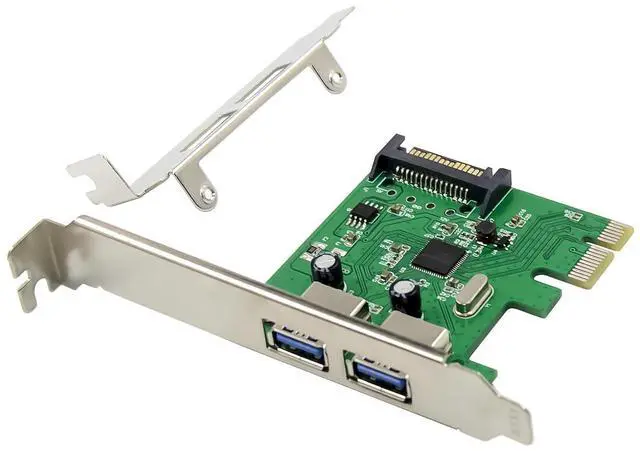
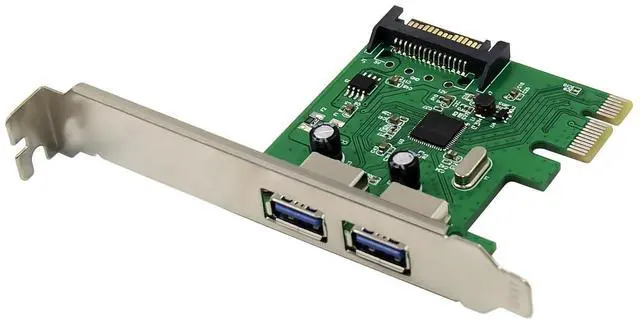
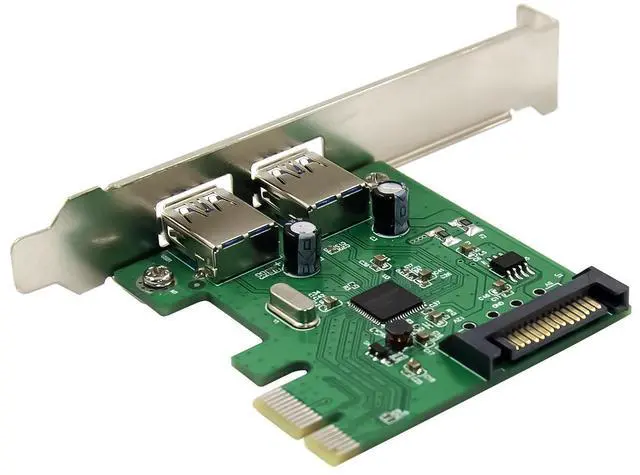
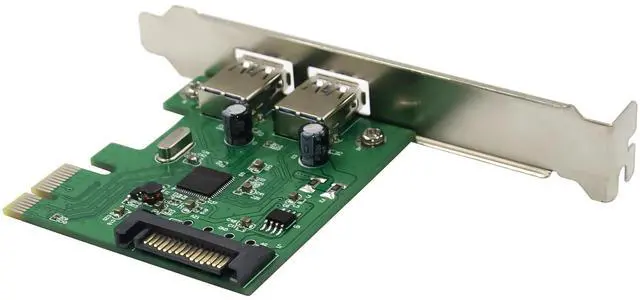
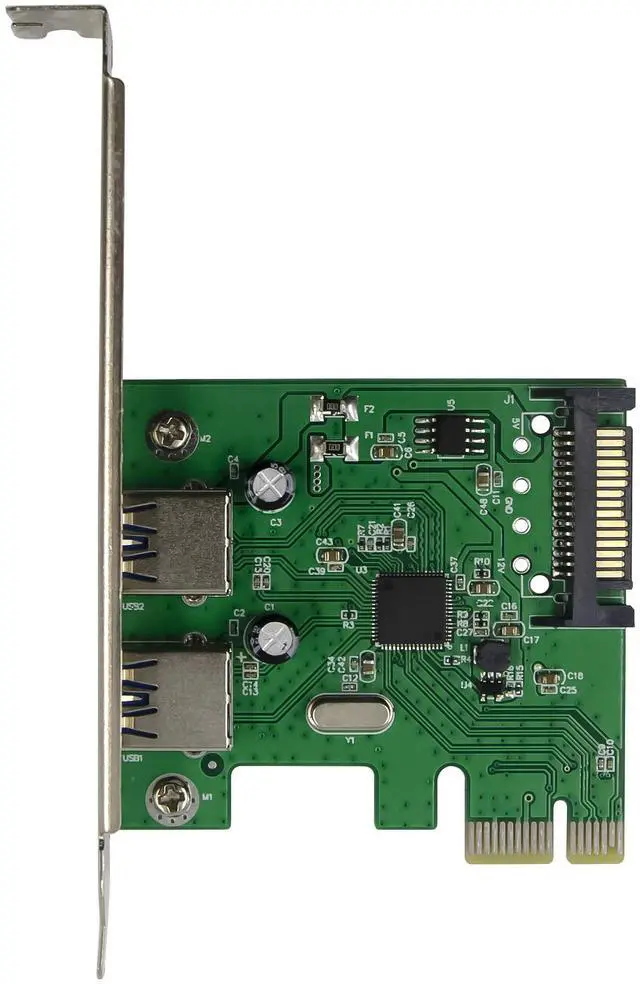
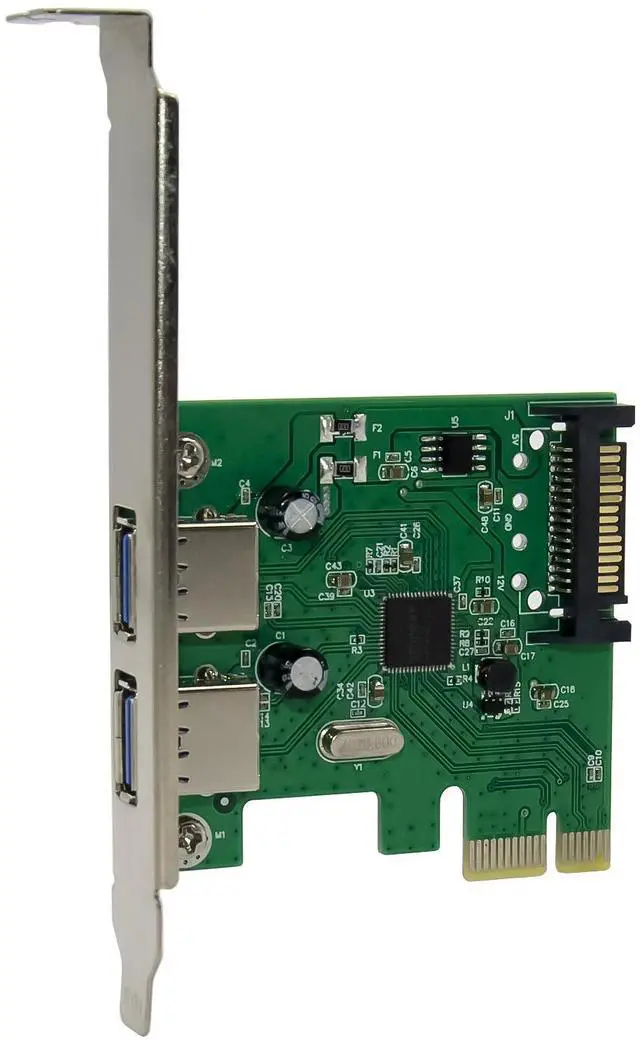



Compliant with USB Attached SCSI Protocol Revision1.0
Supports simultaneous operation of multiple USB 3.0, USB 2.0 and USB 1.1 devices Supports the following speed data rates as follows: Low-speed (1.5Mbps) / Full-speed (12Mbps) / High-speed (480Mbps) / Super-speed (5Gbps)
Support Legacy device and wakeup event
Supports 2 downstream ports for all speeds
Built-in 4-pin power connector for receiving extra power supply from system
Hot-swapping feature allows you to connect/disconnect devices without powering down the system
Support Windows® XP/Server2008/Vista/7 /Server2008/8/8.1/10(32/64 bit)
System Requirements
Windows® XP/Server2008/Vista/7 /Server2008/8/8.1/10(32/64 bit)
One available PCI Express slot
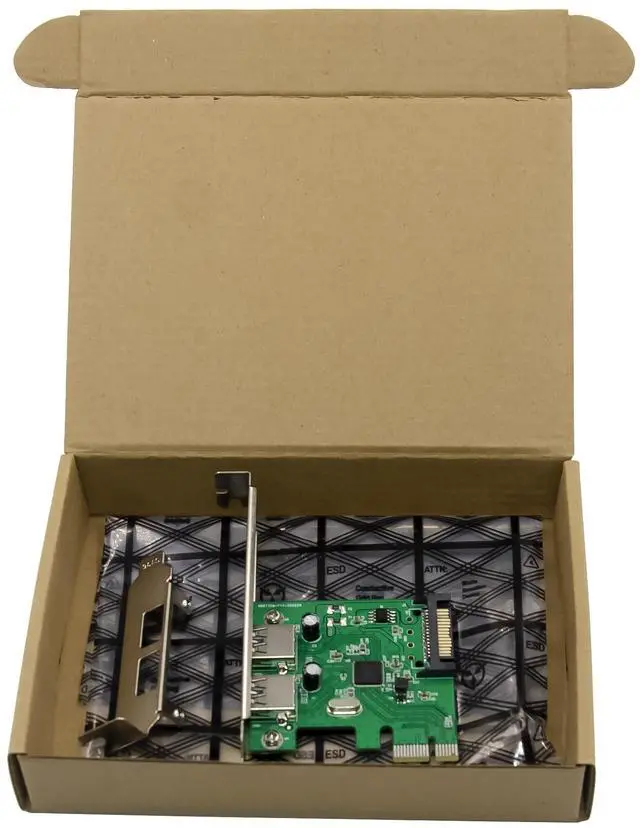
Package Contents
1 x PCI Express Card USB 3.0 2-Port
1 x Driver CD
1 x User Manual
1 x Low profile bracket
Hardware Description
Hardware Installation
1. Turn Off the power to your computer.
2. Unplug the power cord and remove your computers cover.
3. Remove the slot bracket from an available PCIe slot.
4. To install the card, carefully align the cards bus connector with the selected PCIe slot on the motherboard. Push the board down firmly.
5.plug the 4-Pin Power supply into the power connector(Note: The USB Power supply must used external 4-Pin power to support)
6. Replace the slot brackets holding screw to secure the card.
7. Replace the computer cover and reconnect the power cord.
Driver Installation
For Windows® XP/Server2003/Vista/Server2008/Win7 (32/64 bit)
1. Please insert the CD driver bound with PCI Express Card USB 3.0 2-Port into your CD-ROM Drive.
2. At the Windows desktop, click Start, Run.
3. TypeD:\USB3.0 ASM1042\setup.exe, click OK.
4. Follow the on-screen instructions to complete the installation.
For Windows® 8/8.1/10 (32/64 bit)
Just using windows self drivers to automatic complete install
To Verify Driver Installation
Click on the Device Manager tab in System Properties, which you access from the Windows Control Panel. You should see an ASMedia xHCI Host Controller under the Universal Serial Bus controllers item.
Support
More information and settings please refer to the User Guides or you can contact us.