• $32.95
Ships from China.
Sold by Astral Tech

Shipped by Astral Tech

Price alert
Shop it at NeweggBusiness.

Meet Your Seller

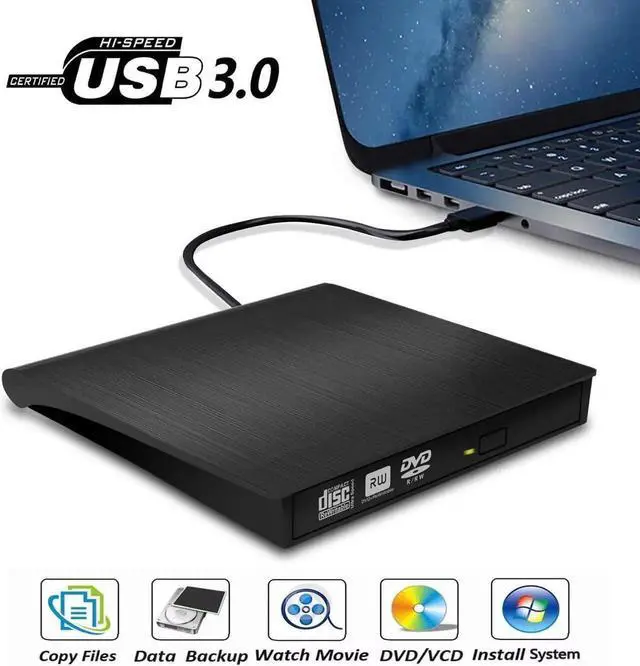
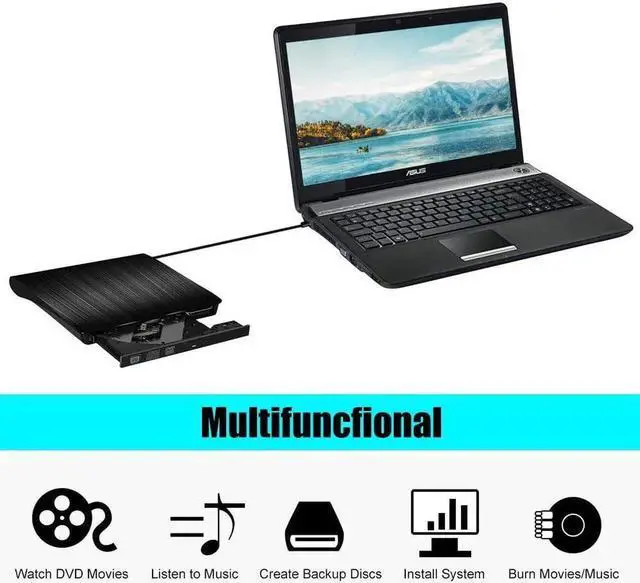
External DVD Drive, USB 3.0 Portable CD/DVD+/-RW Drive/DVD Player for Laptop CD ROM Burner Compatible with Laptop Desktop PC Windows Linux OS Apple Mac Black

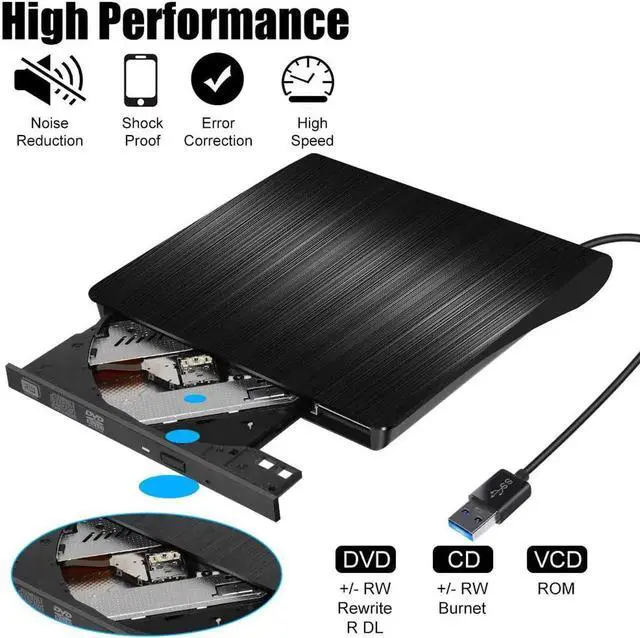
  • [High Writing & Reading Speed] Max 8x DVDR Write Speed and Max 24x CD Write Speed provide high writing and reading speed.
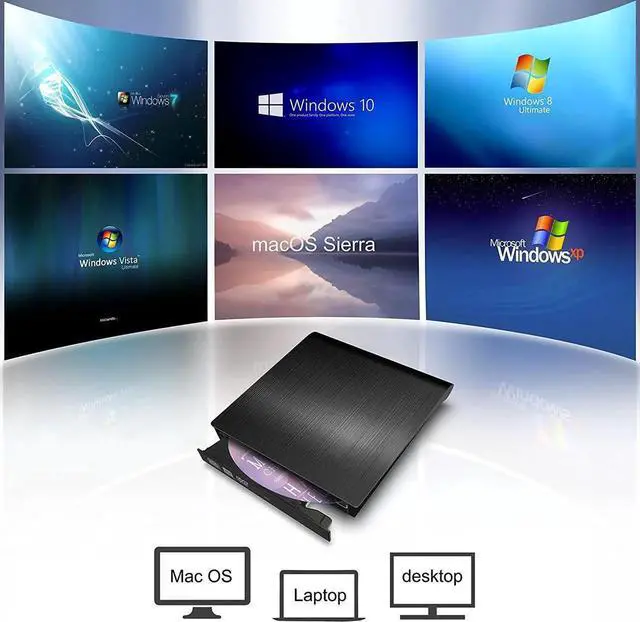
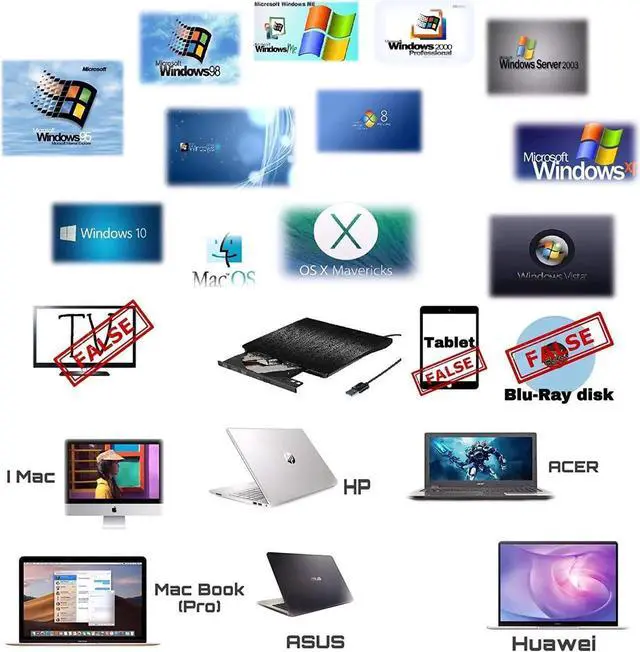
  • [Wide Compatible] This external dvd cd drive is compatible with Windows 98 / SE / ME / 2000 / XP / Vista / Windows 10/8/7,Mac ios(ios 8.6-10.14). And perfect for PC, Laptop, Comprehensive Computer, Internal PC hard disk reader.
  • [Plug & Play Technology] Powered by USB port so just plug it into your USB port and the DVD driver will be detected. Dont need to install software to set up driver.
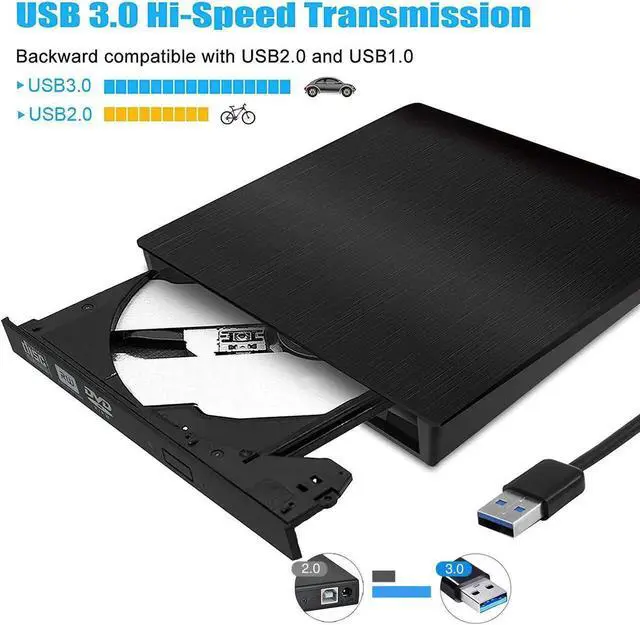
  • [Advanced USB3.0 Technology] USB 3.0 provides fast data transfer speed and stable performance to record CD/ music/ videos/ install software or create CD/DVD backup disc ( also compatible with USB2.0).
  • [Ingenious Design] This ultra-slim CD/DVD player for laptops equipped with an eject button so that you needn't worry about your disc getting stuck inside this external CD/DVD drive.
+
+
Overview
Specs
Reviews

[Product Specifications] -

Interface: Standard USB 3.0 (Backward compatible with USB 2.0 ) -

Compatible Operation Systems: Windows98/SE/ME/2000/XP/VISTA/Win7/Win 8/Mac OS 8.6 and More -

Compatible with: PC, Laptop, Comprehensive Computer, Internet PC hard disk reader -

Supportive Installing Systems: XP, Win 7, Win 8 -

Reading Speed: DVD-ROM 8X; CD-ROM 24X -

Writing Speed: DVD-R, DVD+R 8X; DVD-RW 4X; CD-R 24X - Supportive

Disk Format: 12cm -

Net Weight: 300G -

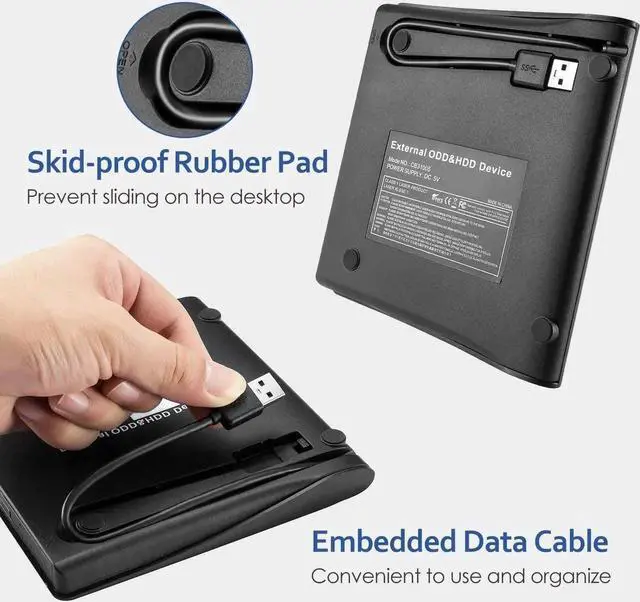
Dimensions: 14*14* 1.2 cm [Main Features] - Fully Plug & Play, easy to install and use - USB 3.0 CD drive provide faster data transfer speed, up to 5Gbps. - Ultra Slim and Light Weight, Classic Appearance Designed. - Embedded Cable Design, convenient for carry - Brand New Import Chip, Power Ability to Correct Errors, Shockproof, Low Level Noise [Introductions] 1. This product is a data line interface properly to USB port of the computer, the computer display lower corner should opera device icon. 2. Click on the desktop, open the "my computer", in the mobile storage device should display the drive icon. 3. Click on this icon button, select the "pop" in the tray into the appropriate disk read 4. Do not place the drive close to any magnetic object. 5. To ensure normal running, please place the drive on flat desktop, do not place the drive under any pressure.

Warranty & Returns

Warranty, Returns, And Additional Information

Warranty

  • Please contact the Seller directly for warranty information. Warranty information may also be found on the Manufacturer's website.
  • CONTACT

Return Policies

Manufacturer Contact Info

LOADING...