


- Free 30-day Returns
$36.47
Ships from China.
Sold by PeakCircuit Technology
Shipped by PeakCircuit Technology

Meet Your Seller

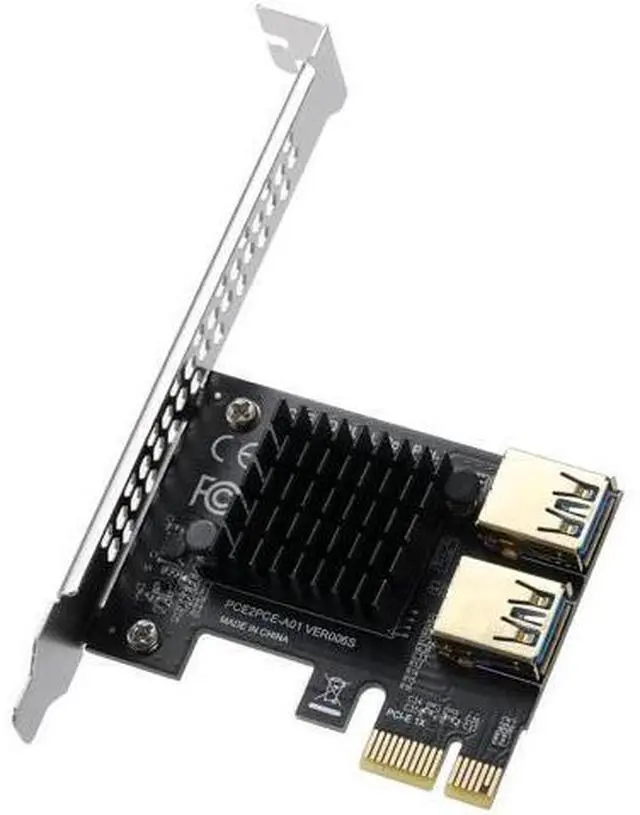
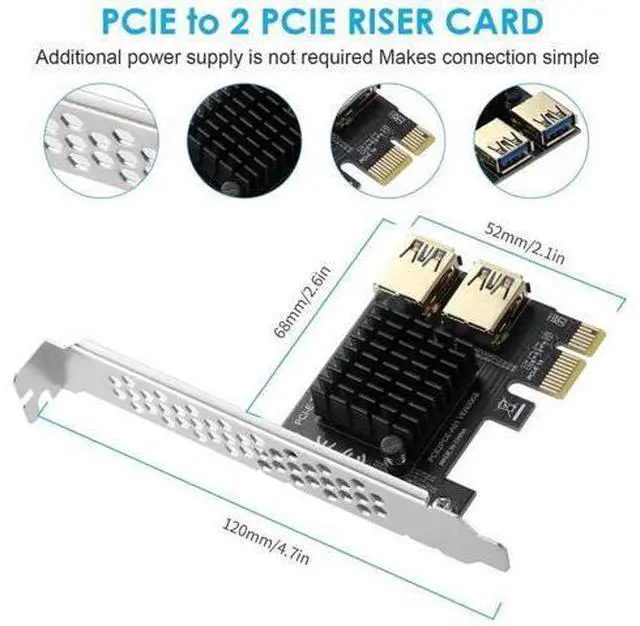
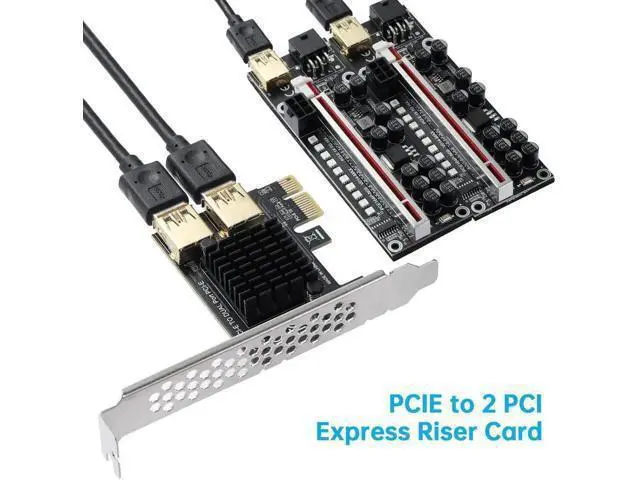


PCI-E 1X to 2 PCI-E Riser Card, PCIe Multiplier Expansion Card with Dual USB 3.0 Ports, External Extension Adapter for GPU Crypto Mining Rig
Limited time offer, ends 11/15 By PeakCircuit Technology
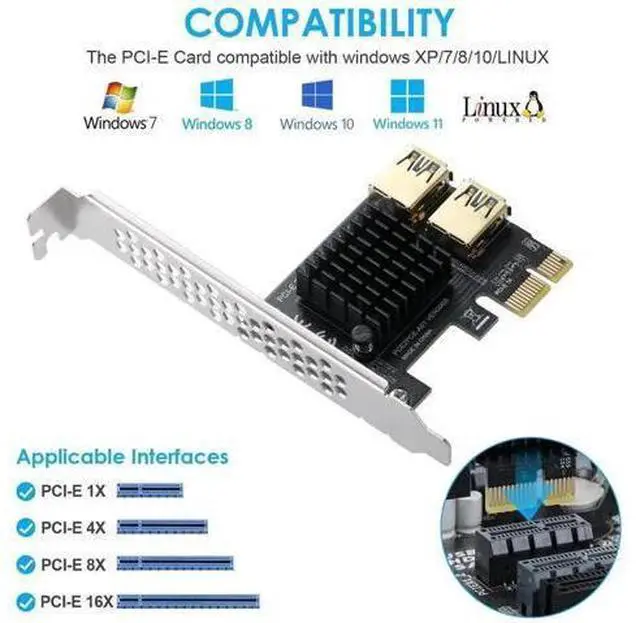
- Expand 1 PCI-E x1 slot into 2 independent PCI-E channels for more mining GPUs; Dual USB 3.0 signal ports for external riser cable connection, flexible rig layout; Built-in large aluminum heatsink for effective heat dissipation & stable long-hour mining; Direct PCI-E bus power supply, no extra auxiliary power cable required; Wide compatibility with PCIe x1/x4/x8/x16 slots, Windows & Linux mining systems
+
+
Overview
Specs
Reviews
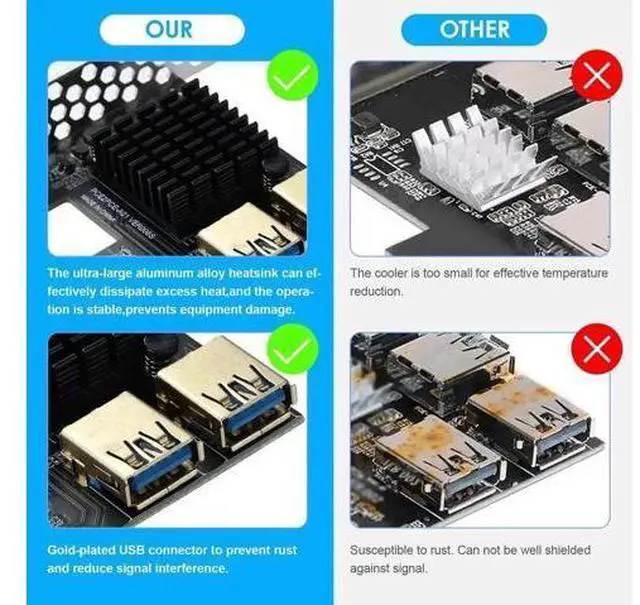
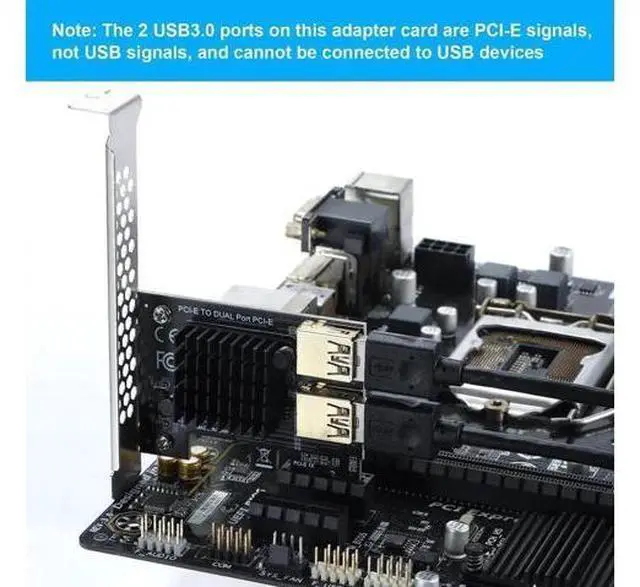
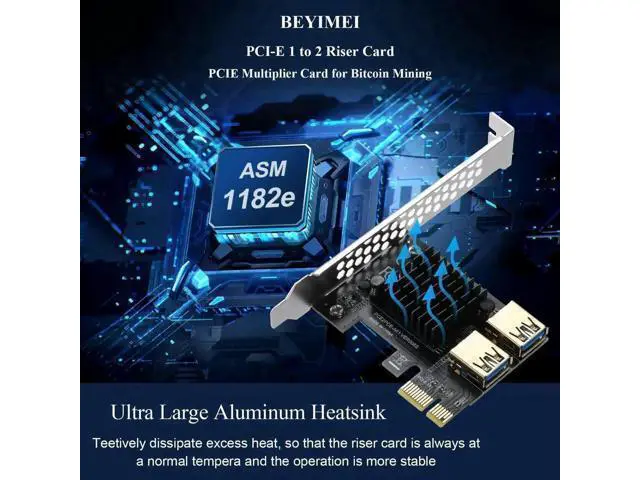
This PCI-E 1 to 2 riser multiplier card is specially designed for crypto mining rigs to solve the problem of insufficient motherboard PCI-E slots. It converts a single PCI-E x1 slot into two separate PCI-E signal channels, allowing you to connect two GPU risers via external USB 3.0 extension cables and install more graphics cards to boost mining hash rate. Equipped with two USB 3.0 ports dedicated to transmit PCI-E signals (not for common USB peripherals), it supports flexible GPU placement and better airflow inside open-air mining frames. The oversized aluminum heat sink efficiently dissipates heat generated during 24/7 continuous mining, avoiding overheating crashes and signal drops.
Adopting mature main control chip, the card draws power directly from the PCI-E bus without extra SATA/Molex power wiring, simplifying rig wiring and reducing circuit interference. It fits all standard PCIe x1, x4, x8, x16 motherboard slots and works perfectly with Windows 7/8/10/11 and Linux mining operating systems. Comes with a full-height metal mounting bracket for secure installation inside PC cases. Gold-plated contact pins reduce signal loss and extend service life, an essential expansion accessory for miners building multi-GPU mining rigs.
Note: The two onboard USB 3.0 ports only transmit PCI-E signals; do not plug ordinary USB flash drives or peripherals to avoid hardware damage.
Warranty & Returns
Warranty, Returns, And Additional Information
Warranty
- Please contact the Seller directly for warranty information. Warranty information may also be found on the Manufacturer's website.
- CONTACT
Return Policies
- Return for refund within: 30 days
- Return for replacement within: 90 days
- This item is covered by PeakCircuit Technology Return Policy
Manufacturer Contact Info
- For a directory of all our manufacturers, please click below.
- Manufacturers Directory
LOADING...