
Your Browsing History

Meet Your Seller

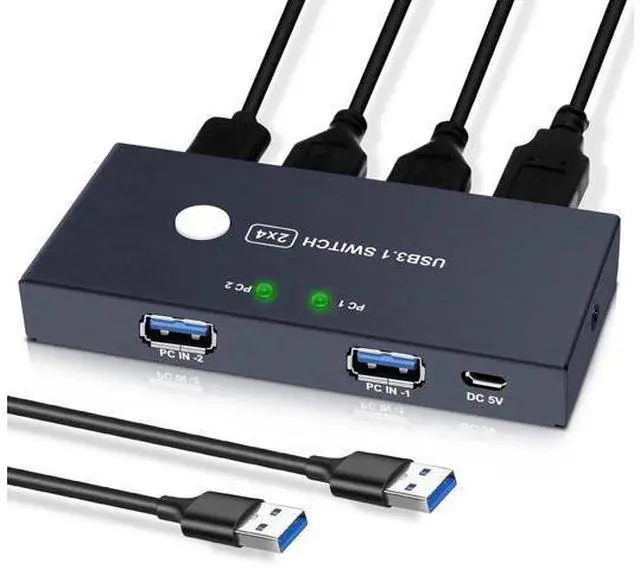
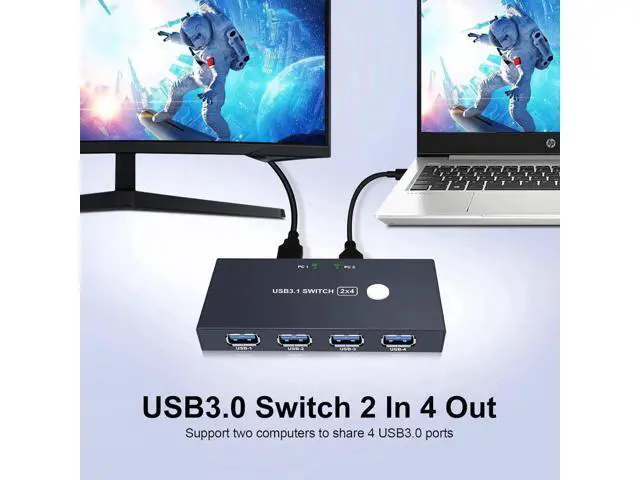
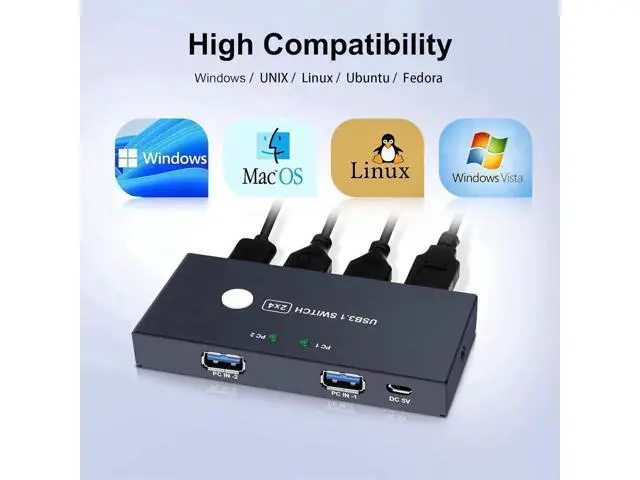
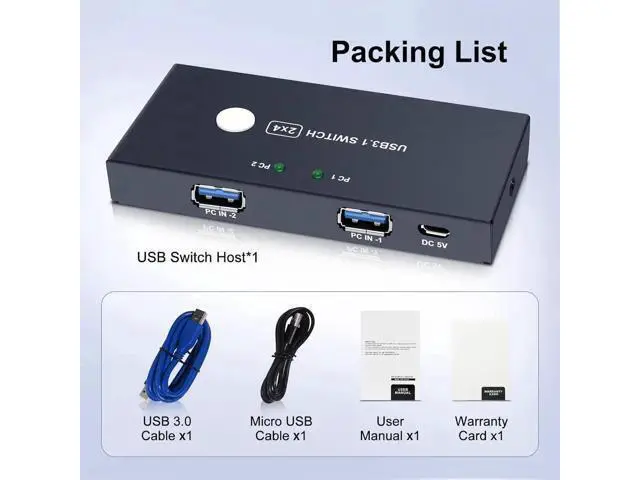


USB3.0 Switcher,USB Switch 2 Computers Share 4 USB3.0 Devices 2 in 4 Out USB Kvm Switch Selector for Mouse Keyboard Printer
Limited time offer, ends 07/18 By Lumitek
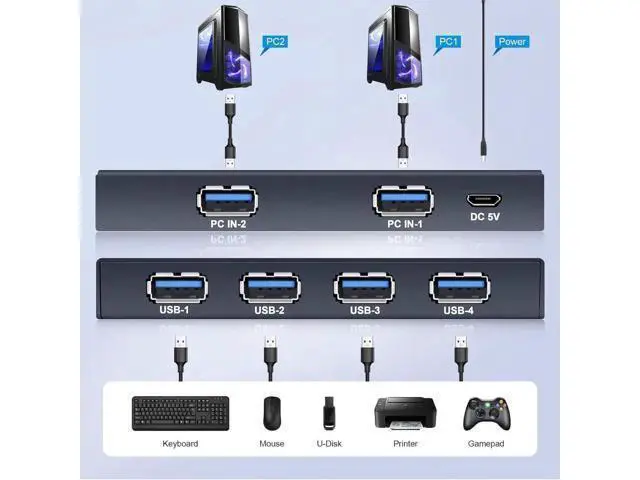
- This USB 3.0 switch allows your 2 computer to share 4 USB 3.0 devices,which solved your trouble of plugging and unplugging USB devices back and forth,save your time and improve your office efficiency. This usb switcher is suitables with mouse, keyboard, printer, scanner, hard drive, flash drive and other USB devices.
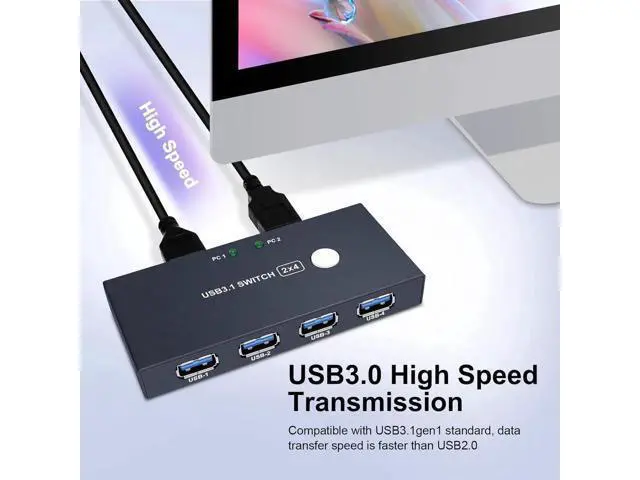
- This USB 3.0 switch adopts the latest IC chip and supports data transfer up to 5 Gbps(10 times faster that USB2.0 ),providing stable connection and seamless and fast transmission.. It is also backwards compatible USB2.0 and USB1.1.
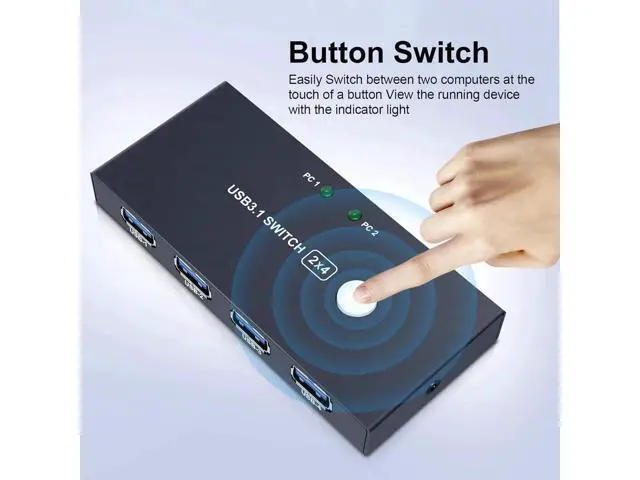
- With this USB switch you can easily switch between the 2 PC by simply press on the button of the control panel. PC1 display is on and PC2 is off, that means input device 1
- PC2 display is switched on and PC1 display is switched off, which means that the input device 2 is used. The green LED on the USB sharing switch shows which PC is accessed to.
+
+
Overview
Specs
Reviews
This USB 3.0 switch allows your 2 computer to share 4 USB 3.0 devices, which solved your trouble of plugging and unplugging USB devices back and forth, save your time and improve your office efficiency. This usb switcher is suitables with mouse, keyboard, printer, scanner, hard drive, flash drive and other USB devices.. This USB 3.0 switch adopts the latest IC chip and supports data transfer up to 5 Gbps(10 times faster that USB 2.0 ), providing stable connection and seamless and fast transmission.. It is also backwards compatible USB 2.0 and USB 1.1.
. With this USB switch you can easily switch between the 2 PC by simply press on the button of the control panel. PC1 display is on and PC2 is off, that means input device 1. PC2 display is switched on and PC1 display is switched off, which means that the input device 2 is used. The green LED on the USB sharing switch shows which PC is accessed to.
. With this USB switch you can easily switch between the 2 PC by simply press on the button of the control panel. PC1 display is on and PC2 is off, that means input device 1. PC2 display is switched on and PC1 display is switched off, which means that the input device 2 is used. The green LED on the USB sharing switch shows which PC is accessed to.
Warranty & Returns
Warranty, Returns, And Additional Information
Warranty
- Please contact the Seller directly for warranty information. Warranty information may also be found on the Manufacturer's website.
- CONTACT
Return Policies
- Return for refund within: 30 days
- Return for replacement within: 90 days
- This item is covered by Lumitek Return Policy
Manufacturer Contact Info
- For a directory of all our manufacturers, please click below.
- Manufacturers Directory
LOADING...