





Mission
At ProtoArc, our mission is to deliver innovative workspace solutions that enhance comfort, boost productivity, and foster overall wellness.
Vision
We believe that everyone deserves a workspace that not only meets their functional needs but also empowers them to thrive. Our vision is a world where work environments promote health, happiness, and high performance.
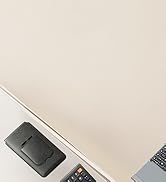
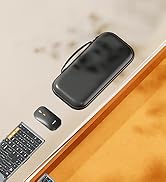
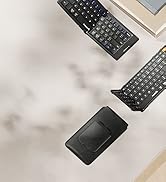
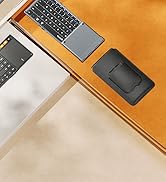
Foldable Keyboard Series
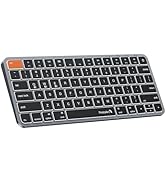
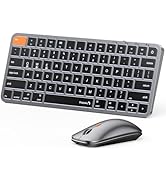
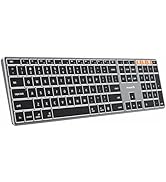
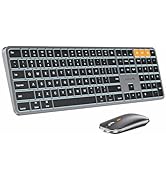
Mac Keyboard and Mouse
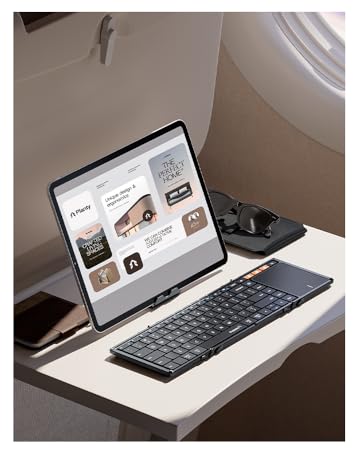
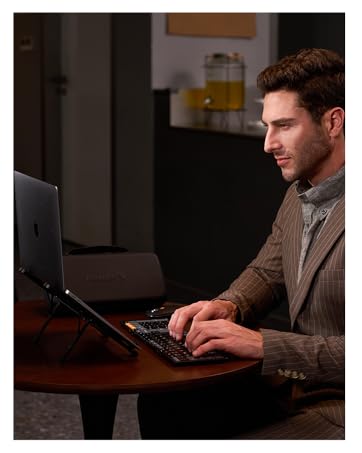


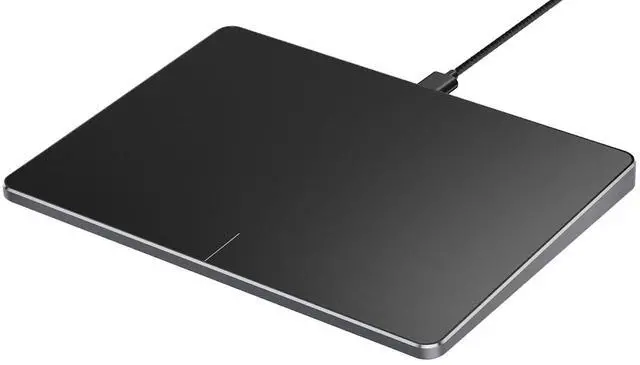
ProtoArc Wired Trackpad for Windows 10/11

Compatibility Warning for Wired Trackpad for Windows 10/11
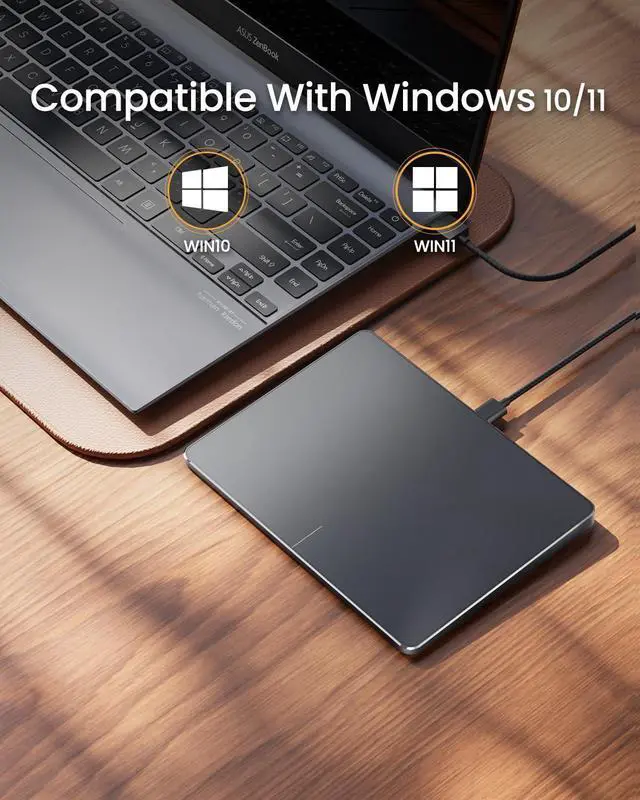
Windows Only: T1 Wired Trackpad is compatible with Windows 10/11 only
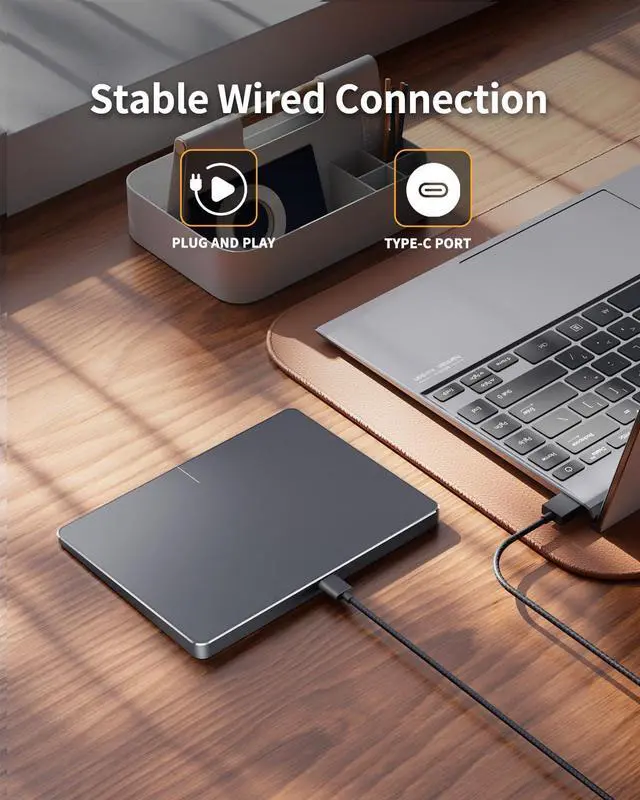
Wired Only: Connects only via wired, provides you with a stable connection via a USB-C cable.
It is not compatible with Mac/Chrome/Linux operating system devices
Note: It is not recommended to use on other systems. Some touchpad gestures or functions may be missing.
Why can't I find the DPI adjustment feature on the T1 wired touchpad?
The T1 wired touchpad does not include a DPI adjustment feature. However, you can customize cursor speed via:
Open Windows Settings ? Navigate to Bluetooth & other devices ? Select Touchpad.
Adjust the Cursor speed slider to match your preference (slower ? ? faster)
Tip: Test small incremental changes to find your ideal speed for productivity.
About Convenient left and right physical clicks
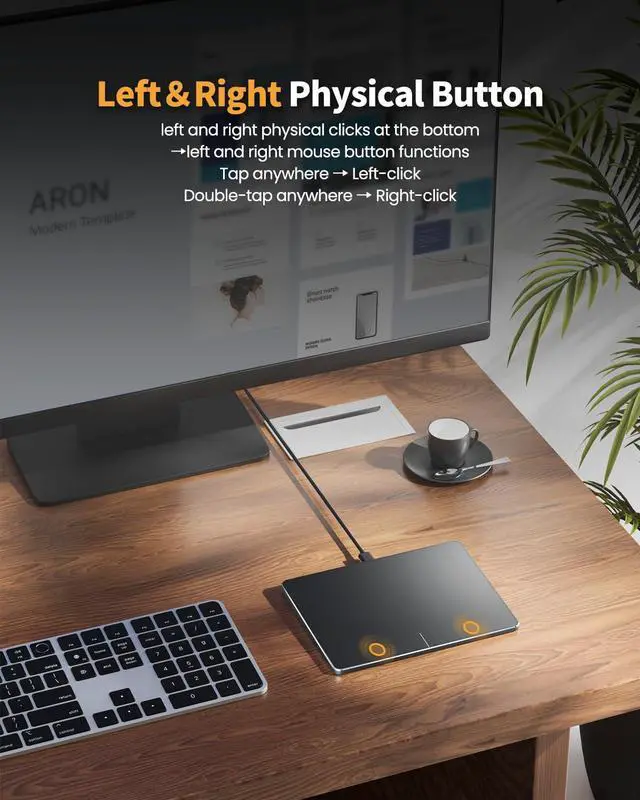
- The wired trackpad supports physical clicks of the left and right buttons at the bottom to realize the left and right mouse button functions. It also supports full-area single-click to realize the left mouse button function and two-finger single-tap for right mouse clicks
- How to drag files and select text: Double-click with one finger + hold/slide to drag files or select text
Multi Gesture Operations


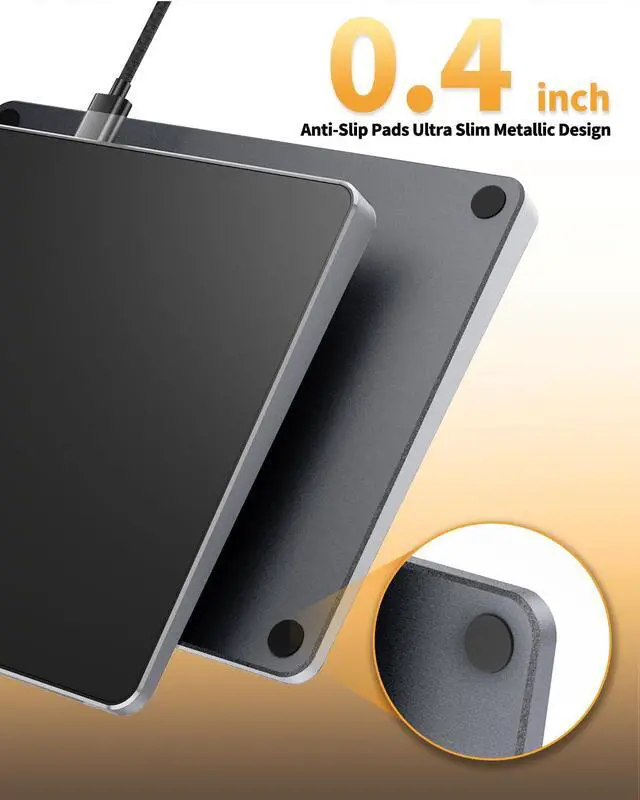
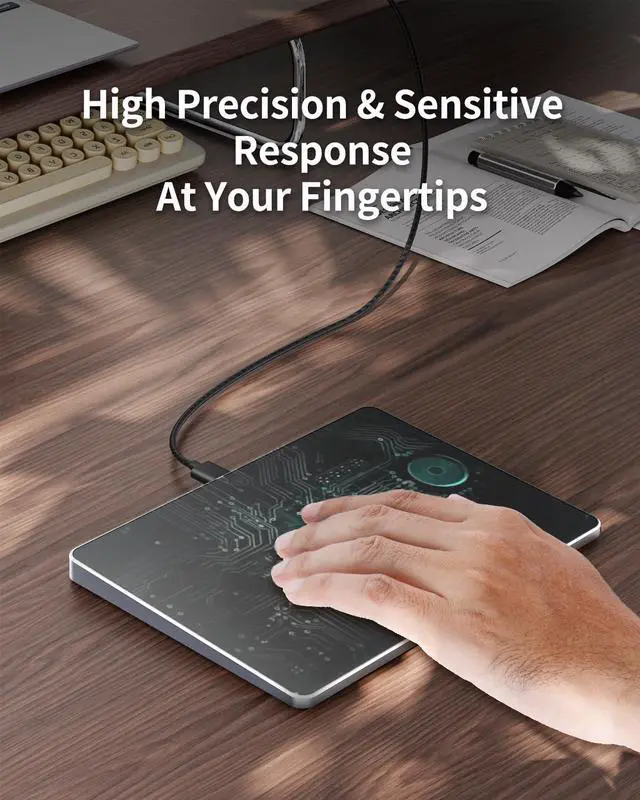
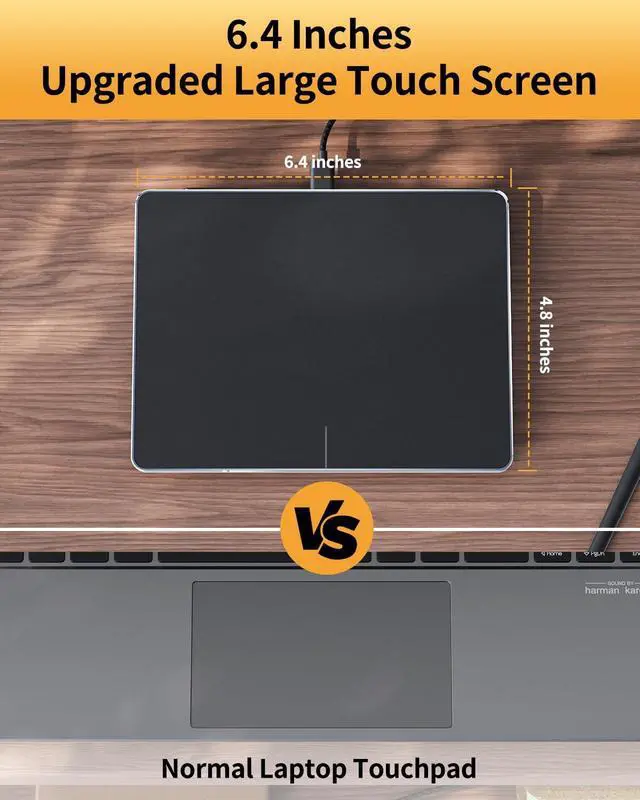
ProtoArc Wired Trackpad is a great alternative to computer mice when desk space is limited. In addition to being a space saver, trackpad can be easier to use than other input devices like mice
ProtoArc Wired Trackpad for Windows 10/11

Compatibility Warning for Wired Trackpad for Windows 10/11
Windows Only: T1 Wired Trackpad is compatible with Windows 10/11 only
Wired Only: Connects only via wired, provides you with a stable connection via a USB-C cable.
It is not compatible with Mac/Chrome/Linux operating system devices
Note: It is not recommended to use on other systems. Some touchpad gestures or functions may be missing.
Why can't I find the DPI adjustment feature on the T1 wired touchpad?
The T1 wired touchpad does not include a DPI adjustment feature. However, you can customize cursor speed via:
Open Windows Settings ? Navigate to Bluetooth & other devices ? Select Touchpad.
Adjust the Cursor speed slider to match your preference (slower ? ? faster)
Tip: Test small incremental changes to find your ideal speed for productivity.
About Convenient left and right physical clicks
- The wired trackpad supports physical clicks of the left and right buttons at the bottom to realize the left and right mouse button functions. It also supports full-area single-click to realize the left mouse button function and two-finger single-tap for right mouse clicks
- How to drag files and select text: Double-click with one finger + hold/slide to drag files or select text
Multi Gesture Operations


ProtoArc Wired Trackpad is a great alternative to computer mice when desk space is limited. In addition to being a space saver, trackpad can be easier to use than other input devices like mice
Mission
At ProtoArc, our mission is to deliver innovative workspace solutions that enhance comfort, boost productivity, and foster overall wellness.
Vision
We believe that everyone deserves a workspace that not only meets their functional needs but also empowers them to thrive. Our vision is a world where work environments promote health, happiness, and high performance.
Foldable Keyboard Series
Mac Keyboard and Mouse