


- Free 15-day Returns
$28.49
Ships from China.

Meet Your Seller

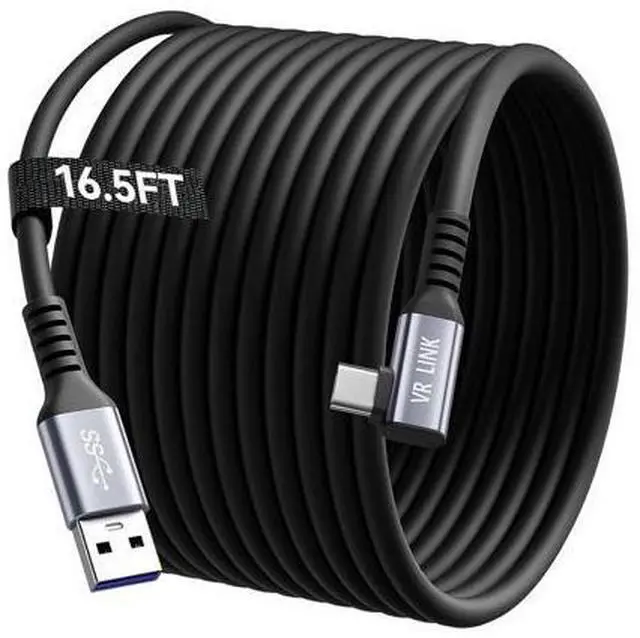
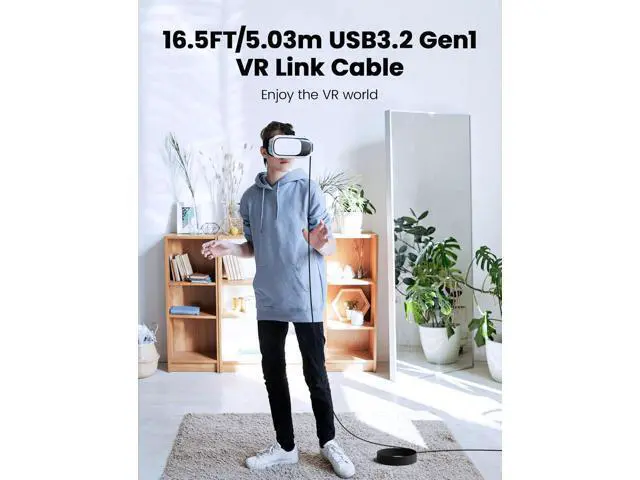
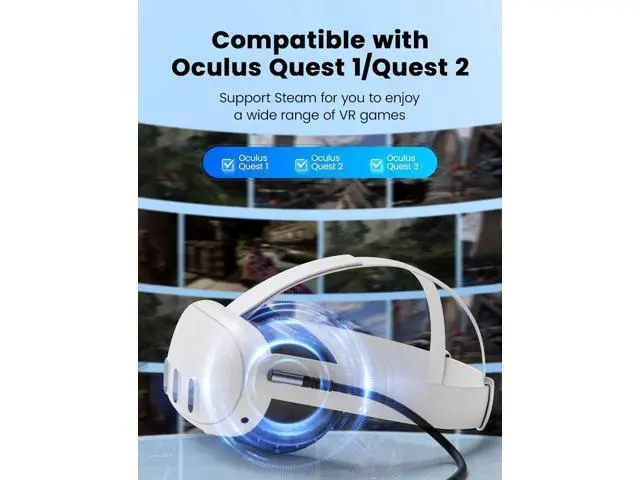
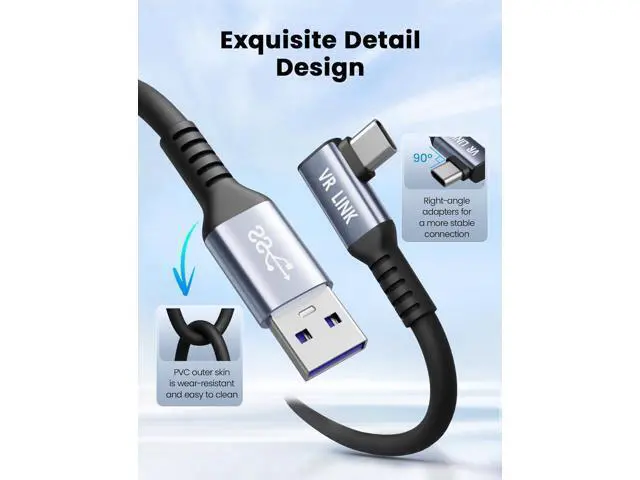
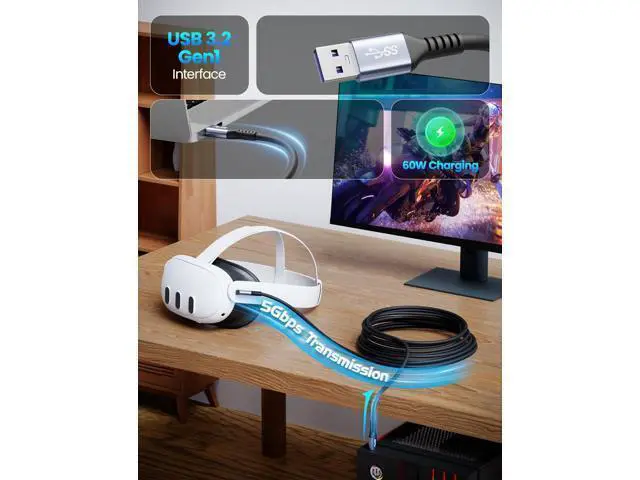
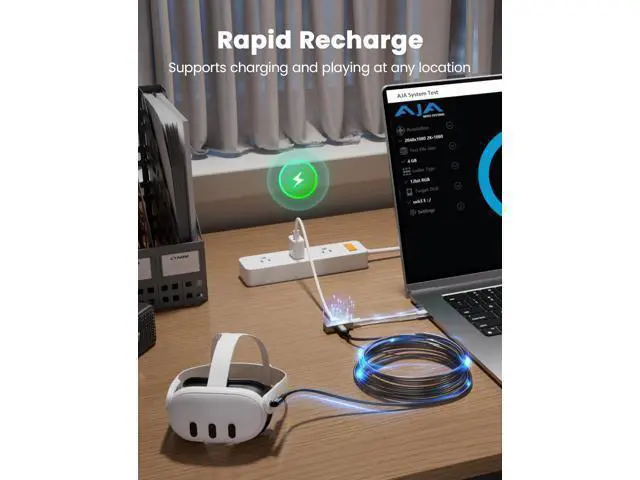


DIXSG Link Cable 16.5FT/5M USB A to C Link Cable Compatible with Ocu-lus Me-ta Quest 3/3S/Pro/Pico 4/Steam VR/PC, 5Gbps High Speed Charing Cable for VR Headset USB 3.0 to USB C for VR Accessories
- Compatibility:Our USB 3.2 Gen1(USB3.0) VR link cable is compatible with O-cu-lus Me-ta Quest 3/3S/pro/pico 4/steam VR/PC VR. It can connect your VR device to the game PC to provide a comfortable PC VR experience
- 5Gbps Super Speed Link Cable: Supports 5Gbp
+
+
Overview
Specs
Reviews
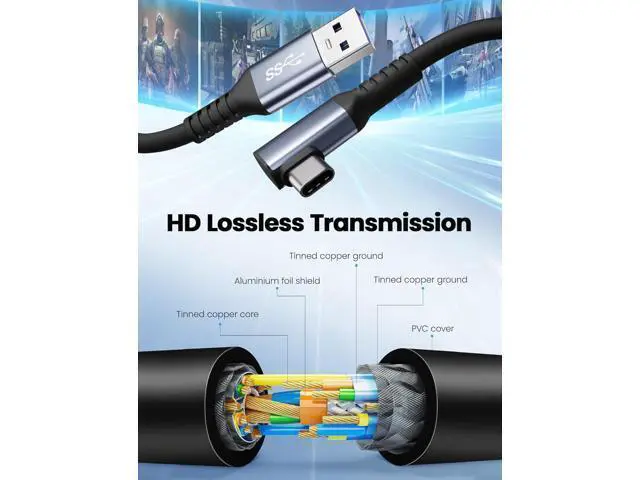
Thank you for choosing our USB 3.2 Gen1 VR link cable. Our link cord is made of one-piece injection molding to give you a comfortable experience. Built-in tinned copper thick core conductor, the transmission rate can reach 5Gbps.
Usage Steps: 1. USB-A connects to the host motherboard 3.0 / 3.1 port, Type-C connects to the VR helmet. 2. Use the hook and loop to fix the connector on this side of the 90-degree elbow. 3. Connect to the PC and turn on the wired streaming mode. 4. Open the VR cable.
Please Notes: 1. The maximum charging power of this link cable for VR Quest 2 is 60W. Please do not overload to avoid damage. 2. Please fix the elbow part of the connecting cable to avoid loosening the interface due to shaking. 3. The VR data cable cannot recognize USB 3, please check whether the 3.0 interface on the motherboard is connected. 4. Please store the USB extender cable when not in use to avoid tripping. Thank you for choosing our USB 3.2 Gen1 VR link cable. Our link cord is made of one-piece injection molding to give you a comfortable experience. Built-in tinned copper thick core conductor, the transmission rate can reach 5Gbps.
Usage Steps: 1. USB-A connects to the host motherboard 3.0 / 3.1 port, Type-C connects to the VR helmet. 2. Use the hook and loop to fix the connector on this side of the 90-degree elbow. 3. Connect to the PC and turn on the wired streaming mode. 4. Open the VR cable.
Please Notes: 1. The maximum charging power of this link cable for VR Quest 2 is 60W. Please do not overload to avoid damage. 2. Please fix the elbow part of the connecting cable to avoid loosening the interface due to shaking. 3. The VR data cable cannot recognize USB 3, please check whether the 3.0 interface on the motherboard is connected. 4. Please store the USB extender cable when not in use to avoid tripping.
Usage Steps: 1. USB-A connects to the host motherboard 3.0 / 3.1 port, Type-C connects to the VR helmet. 2. Use the hook and loop to fix the connector on this side of the 90-degree elbow. 3. Connect to the PC and turn on the wired streaming mode. 4. Open the VR cable.
Please Notes: 1. The maximum charging power of this link cable for VR Quest 2 is 60W. Please do not overload to avoid damage. 2. Please fix the elbow part of the connecting cable to avoid loosening the interface due to shaking. 3. The VR data cable cannot recognize USB 3, please check whether the 3.0 interface on the motherboard is connected. 4. Please store the USB extender cable when not in use to avoid tripping. Thank you for choosing our USB 3.2 Gen1 VR link cable. Our link cord is made of one-piece injection molding to give you a comfortable experience. Built-in tinned copper thick core conductor, the transmission rate can reach 5Gbps.
Usage Steps: 1. USB-A connects to the host motherboard 3.0 / 3.1 port, Type-C connects to the VR helmet. 2. Use the hook and loop to fix the connector on this side of the 90-degree elbow. 3. Connect to the PC and turn on the wired streaming mode. 4. Open the VR cable.
Please Notes: 1. The maximum charging power of this link cable for VR Quest 2 is 60W. Please do not overload to avoid damage. 2. Please fix the elbow part of the connecting cable to avoid loosening the interface due to shaking. 3. The VR data cable cannot recognize USB 3, please check whether the 3.0 interface on the motherboard is connected. 4. Please store the USB extender cable when not in use to avoid tripping.
Warranty & Returns
Warranty, Returns, And Additional Information
Warranty
- Please contact the Seller directly for warranty information. Warranty information may also be found on the Manufacturer's website.
- CONTACT
Return Policies
- Return for refund within: 15 days
- Return for replacement within: 30 days
- This item is covered by TechMax Depot Return Policy
Manufacturer Contact Info
- For a directory of all our manufacturers, please click below.
- Manufacturers Directory
LOADING...