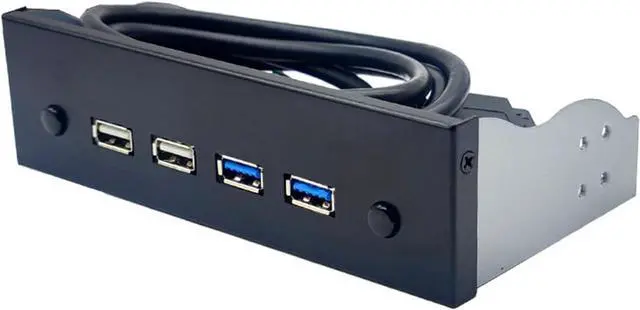
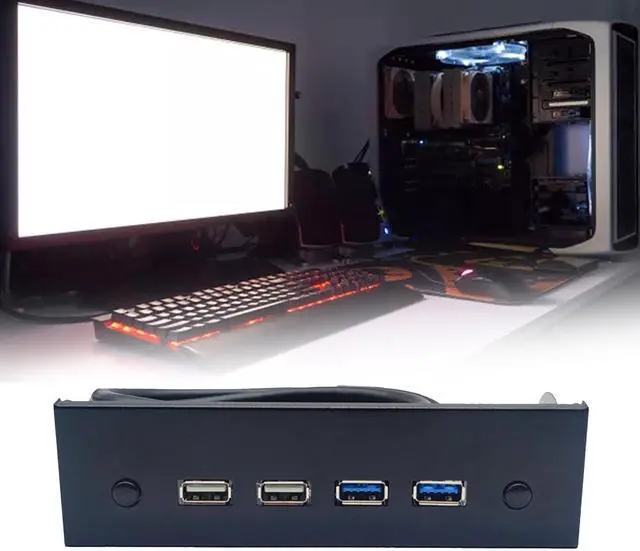
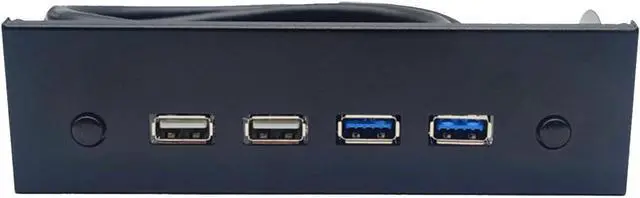
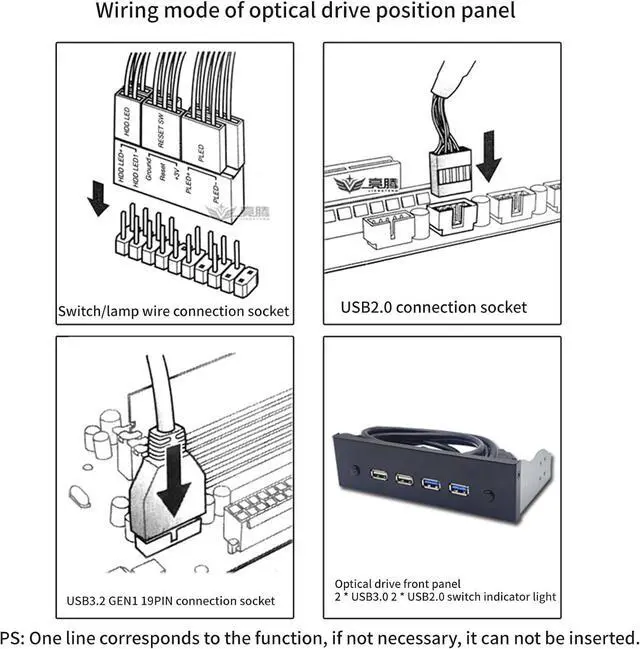
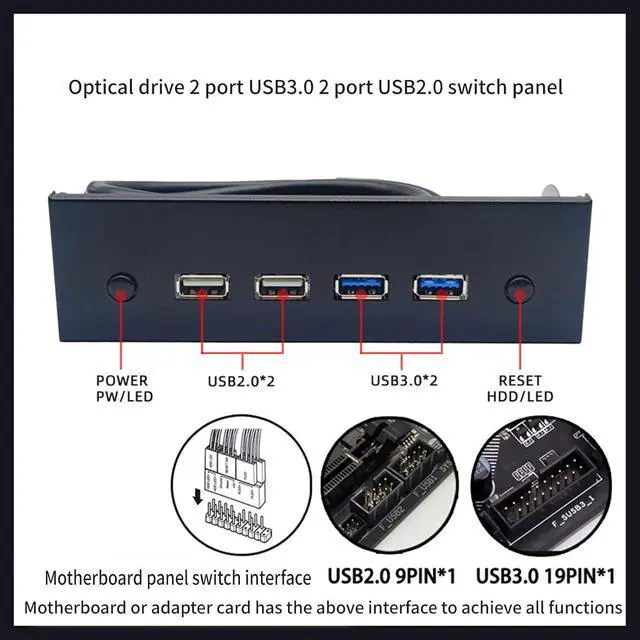
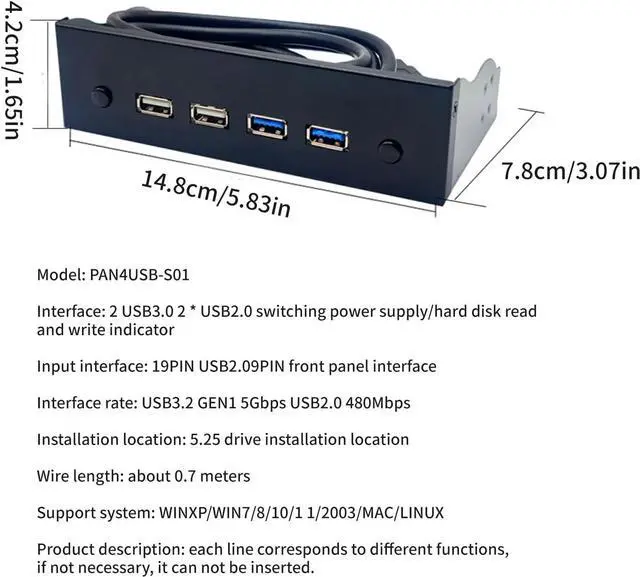
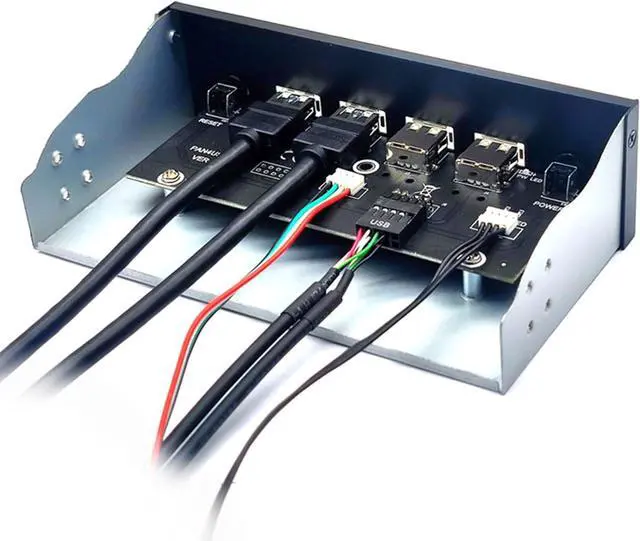
The USB port on the chassis is not enough, because the number of USB devices is increasing recently. Use this device to directly convert the USB 19 Pin + 9PIN interface on the board to two USB 3.0 interfaces + 2 USB 2.0 interfaces and turn the switch to the panel to install in the idle optical drive position. This provides a front USB interface, which eliminates the need to bend over to plug the cable, making it very convenient
Audio interface is HDAUDIO interface, motherboard must support HDAUDIO audio interface to use. All motherboards on the market today support HDAUDIO interface. If the audio output is set to AC97 in BIOS, please switch to HDAUDIO interface. Otherwise, it will not sound
When this panel is connected to the USB 2.0 interface, it will not be able to increase speed when using USB 3.0 devices. Please make sure the fixing screw holes in the optical drive location in the chassis is long when purchasing. For round holes, please check the size to avoid uneven chassis mounting or unnecessary trouble
Special Note: This panel is mounted on the chassis optical drive location, which is the size of a 5.25" optical drive
The audio is pulled directly from the motherboard, and the sound quality is only associated with the motherboard and playback device. The cable does not change the sound quality, what happens when the motherboard comes out?


 We‘re shipping as usual! The Canada Post strike only affects certain remote deliveries and PO Boxes. Details
 Holiday Shipping Details & Extended Holiday Returns


