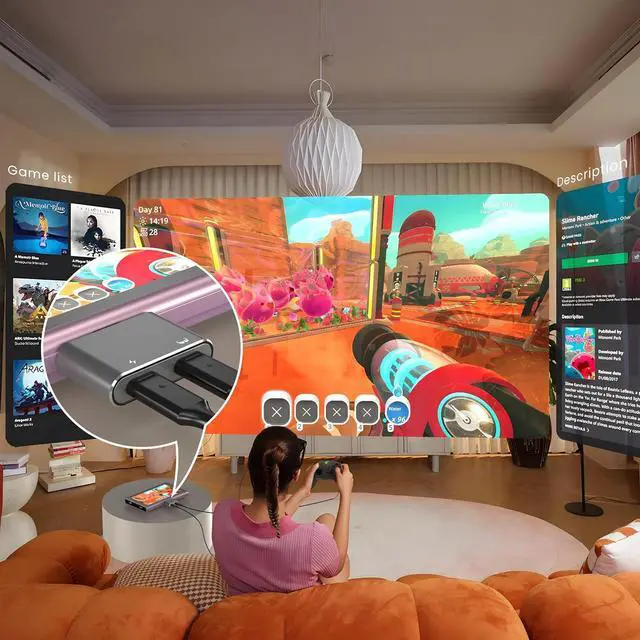
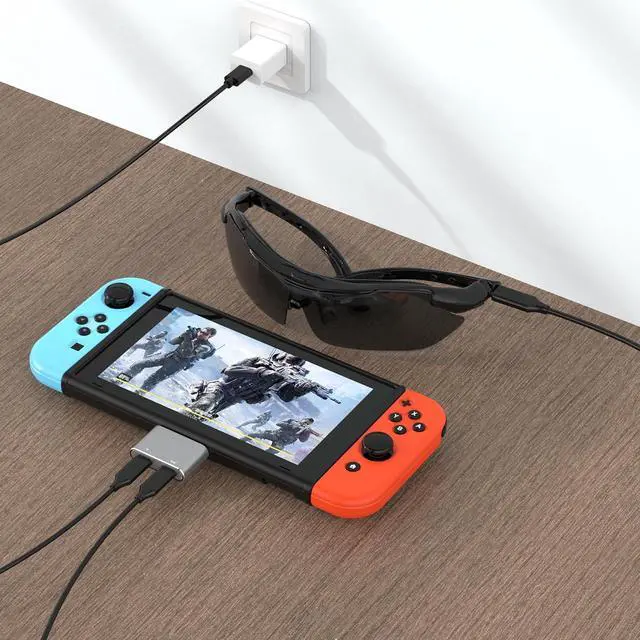
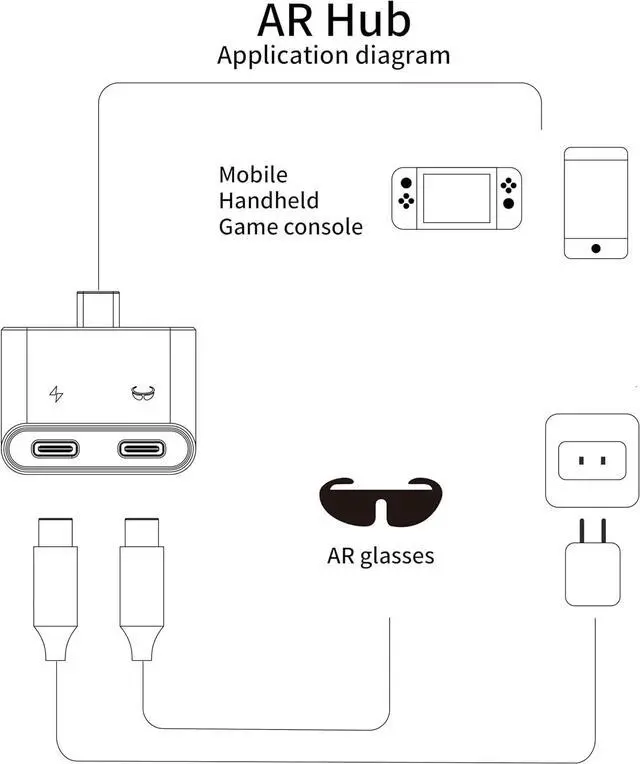
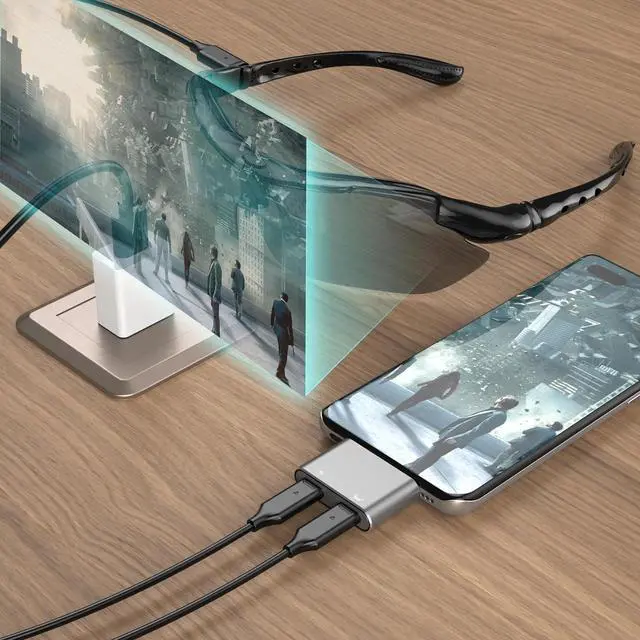
Use While Charging: By connecting AR glasses and smartphone with this mini hub, you will no longer worry about the problem of AR glasses and smartphone can not be charged, you can always enjoy the joy that AR glasses bring you, very convenient design.
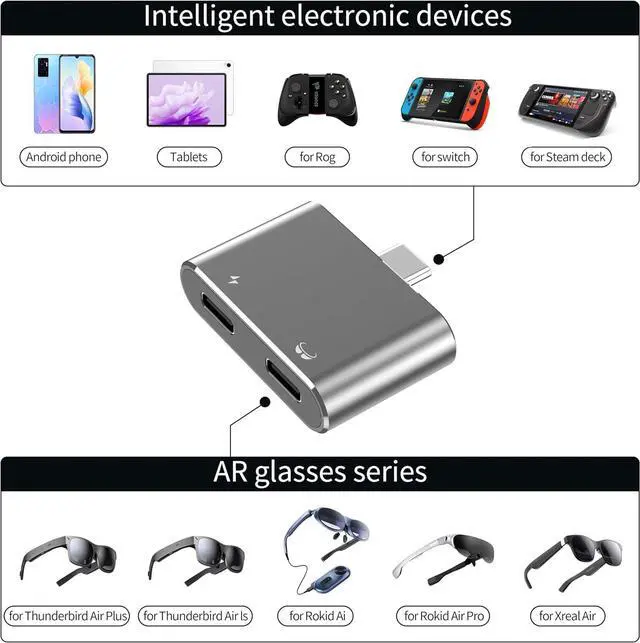
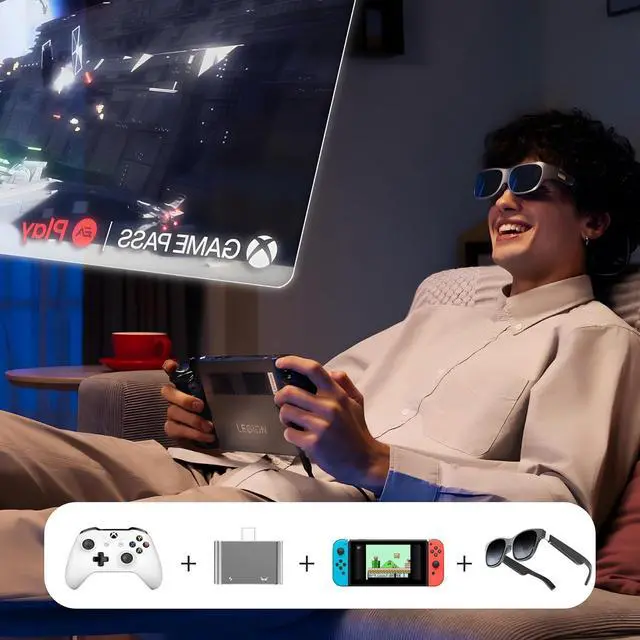
Video And Charging 2-in-1: This charging port is compatible(Note: It's compatibility not enhancement, you need to have a charger with the corresponding charging power) with 65W/100W USB-C fast charger that used in this hub allows the phone & gaming hendhleds to charge quickly. Newly upgraded customized chip with stable video transmission and better compatibility(Note: It's compatibility not enhancement, your device needs to have such high performance), Up to 4K@60Hz 1080P@120Hz, for Switch, Smart Phone, Steam Deck (Not compatible with Switch 2). Also suitable for Rokid, Xreal (Nreal) Ari, Thunderbird Ari series AR glasses, etc.
Attention: Many AR glasses cannot be used directly. If you connect the correct HUB but there is no video output, you need to switch the AR glasses to DP Mode(Displayport Audio) according to the AR glasses manual. At the same time, the portable display also needs to be switched to DP Mode.
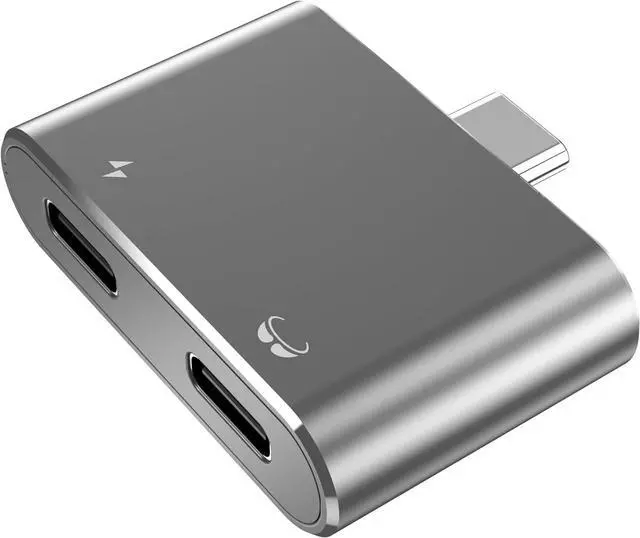
Mini HUB: The size of the hub is only the size of the palm of your hand, which makes it easy to carry, and the shells are all made of aluminum alloy material, which dissipates heat very well and safely when in use.
Adapter Type-C: If your device only supports HDMI but not Type-C, please choose HDMI. This is very important, this hub is not directly compatible with your HDMI and needs to be converted to Type-C. Moreover, the USB C port of this HUB is designed to be longer in size and is mainly suitable for devices with a protective case, if your device does not have a protective case we recommend you to buy our other product ASIN B0CYPQB2LM.
Friendly Service: The interface of the HUB is designed to be compact, this is to prevent the interface from shaking during use. If your glasses do not have sound, please set up your glasses to DP Mode(Displayport Audio) according to your AR Glasses instructions. If you have any questions, please leave a message through the manual or Amozon. We will actively help you to solve the problem.


 We‘re shipping as usual! The Canada Post strike only affects certain remote deliveries and PO Boxes. Details
 Holiday Shipping Details & Extended Holiday Returns


