Important:
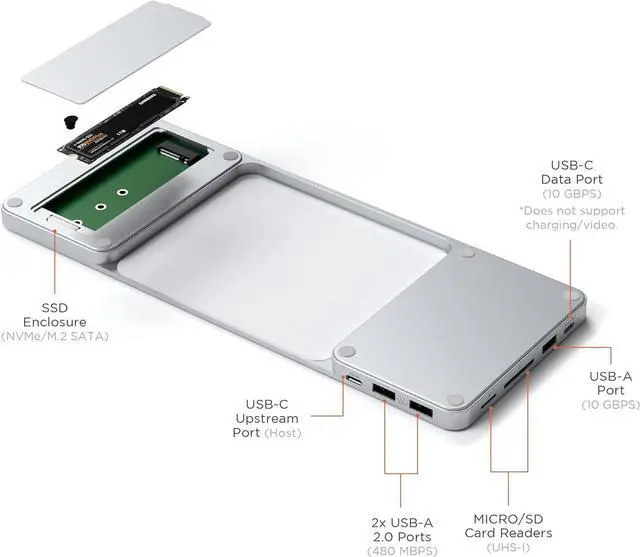
USB-C and USB-A data ports do not support charging or CD readers, including Apple USB SuperDrive.
SSDs must be formatted to work with host device operating system in order for SSD to mount and show up.
Transferspeeds may vary depending on the cable and host device being connected.
Not compatible with SSDs with Heat Sinks.
SSD Set up:
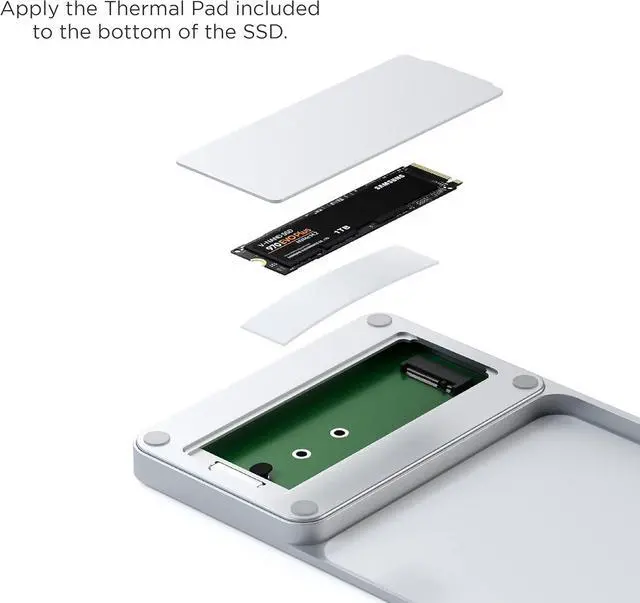
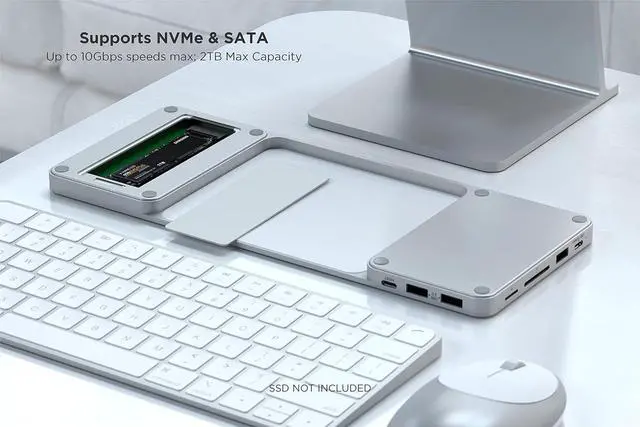
To install the SSD, lift the backside cover on the adapter. Apply the Thermal Pad included to the bottom of the SSD. Ensure pad is properly aligned.
Insert the SSD (not included) faceup at a 45-degree angle. Once installed, push down on the SSD and use the silicone pin to keep it in place.
Some NVMe SSDs compatibles:
Samsung 980 Pro, Samsung 970 EVO
Western Digital Black SN850, Western Digital Black SN750, Western Digital Blue SN550
Acer FA100
Crucial P2
Intel 670P Series
Siliconmotion SM2263XT
Some M.2 SATA SSDs compatibles:
Samsung 860 EVO, Samsung 850 EVO
Western Digital Green, Western Digital Blue
Kingston UV500, Kingston A400
Adata SU800
*Its not compatible with SSDs with Heat Sinks.
Other Devices:
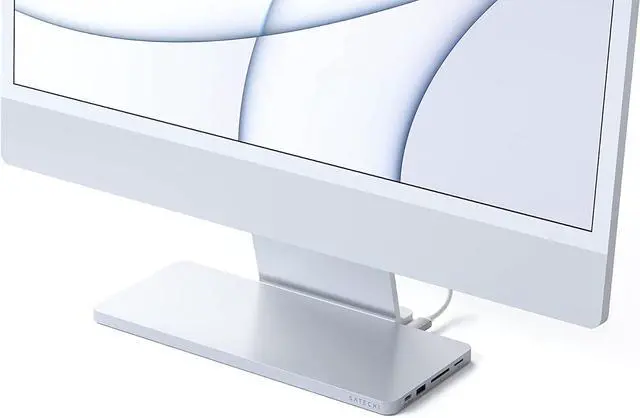
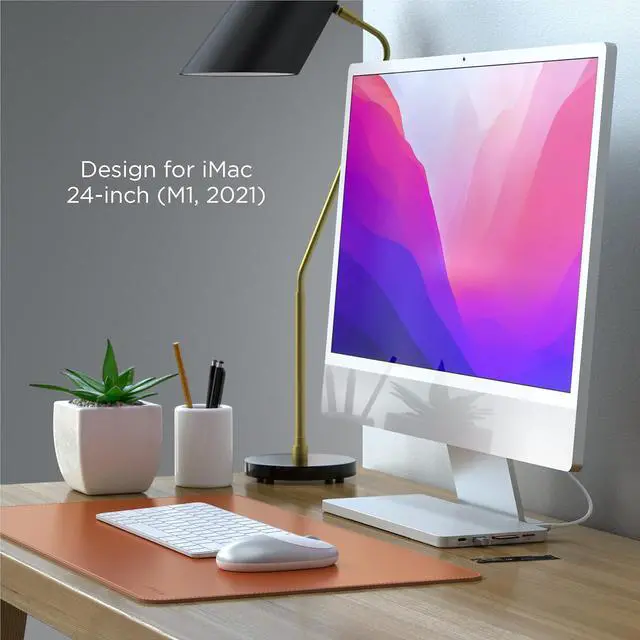
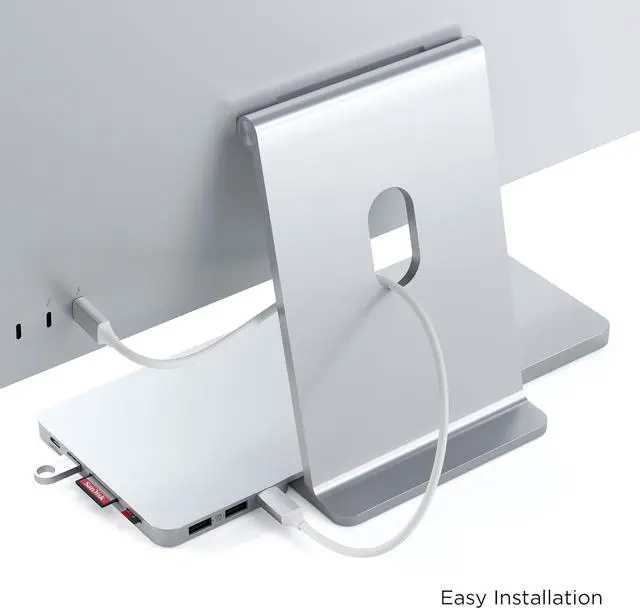
It will technically work when connected with an Apple Studio Display however the dock's cutout will not fit the base as it has a slightly wider base than the iMac M1 24 inch so it will not sit flush. Dock is technically compatible with most host devices that have a Thunderbolt 3 or 4 port, USB4 port, USB-C Data port.
Compatibility