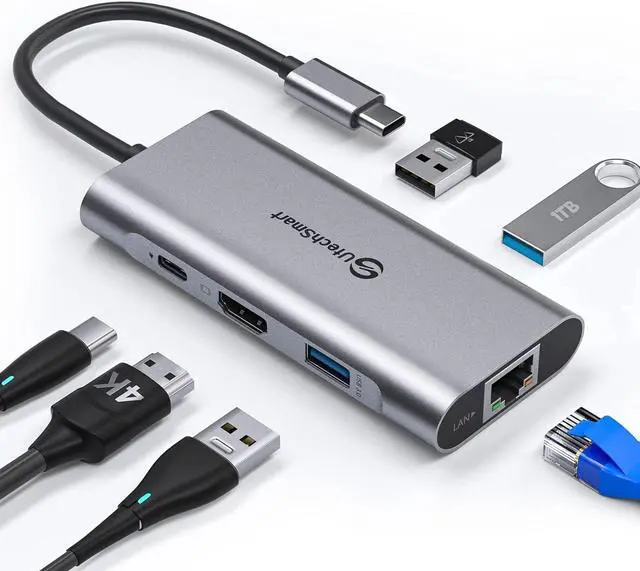
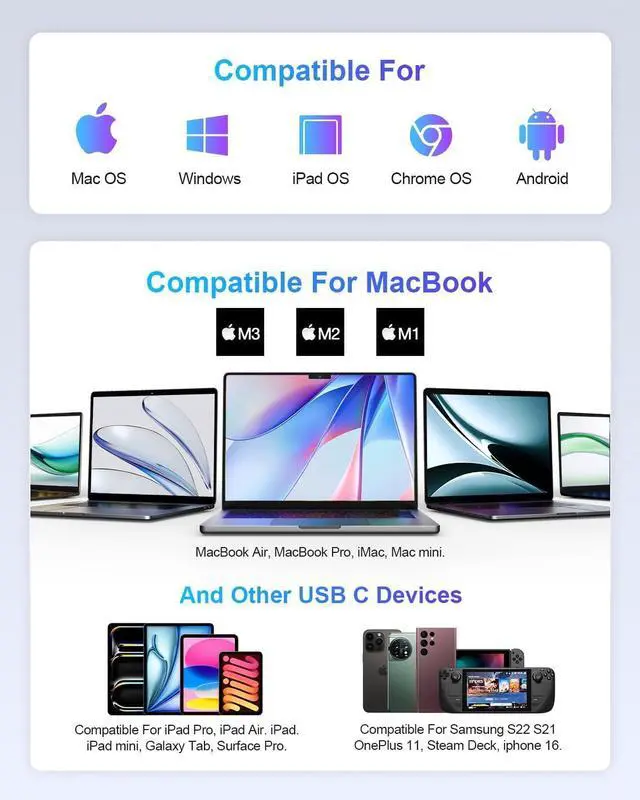
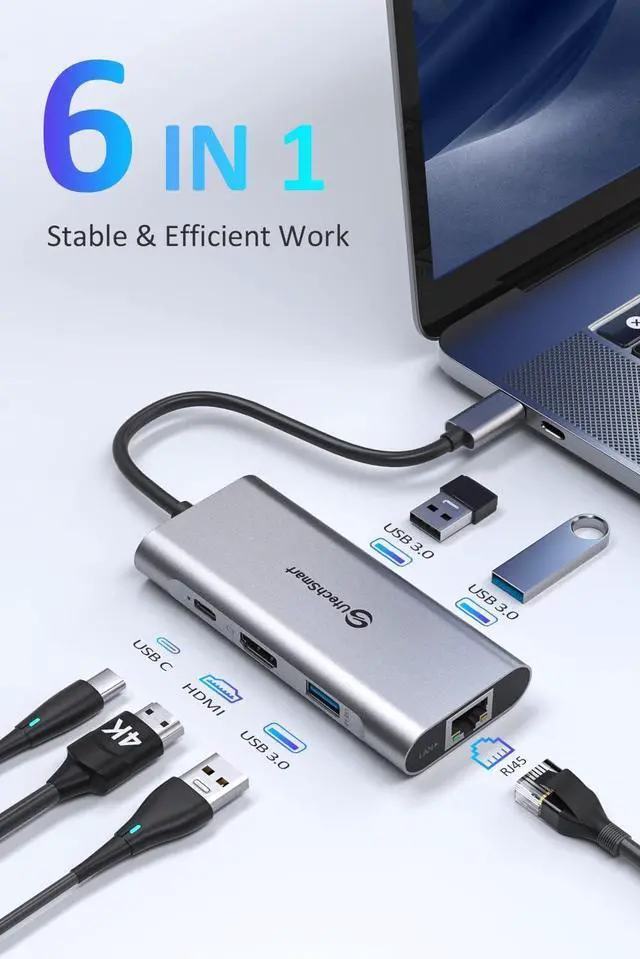
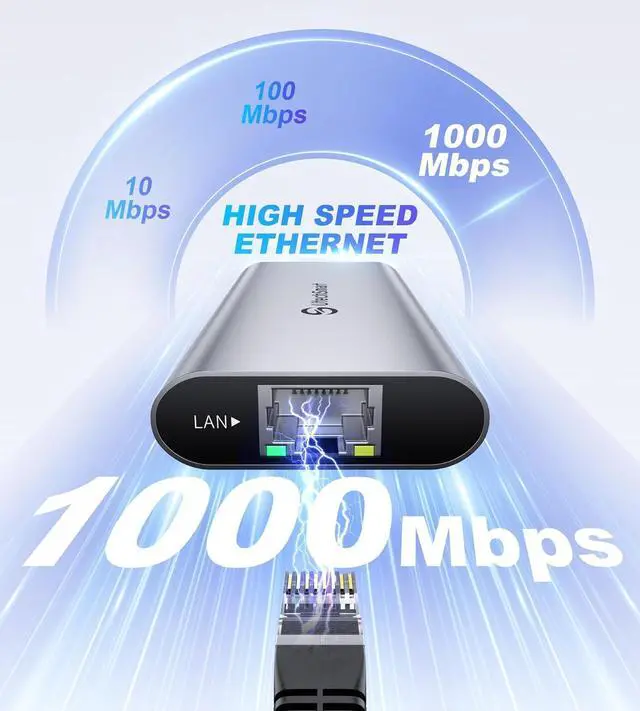
In today's era of popularization of USB-C, most smart devices began to use this port, while still exist some differences among these three "USB-C Ports":
Thunderbolt 3: Support at max 40Gb/s bandwidth, which also supports DisplayPort Alternate Mode, data transfer, charge(Support Three monitors)
USB-C 3.1 Gen 2: Support at max 10Gb/s bandwidth, which might support DisplayPort Alternate Mode(Support two or three monitors)
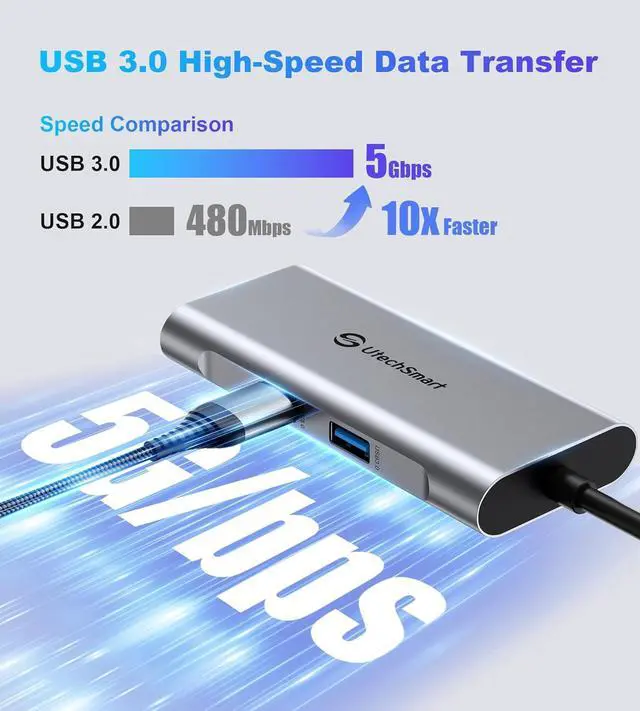
USB-C 3.1 Gen 1: Support at max 5Gb/s bandwidth, which may support DisplayPort Alternate Mode(Support one monitor only)
Before you purchase this usb c hub, you need to know:
Please check if your laptop owns a USB Type-cGen 2)/Thunderbolt 3 port, and support DisplayPort Alternate Mode, if you dont know how to recognize it, feel free to let us know, we welcome compatibility reports from users as well.
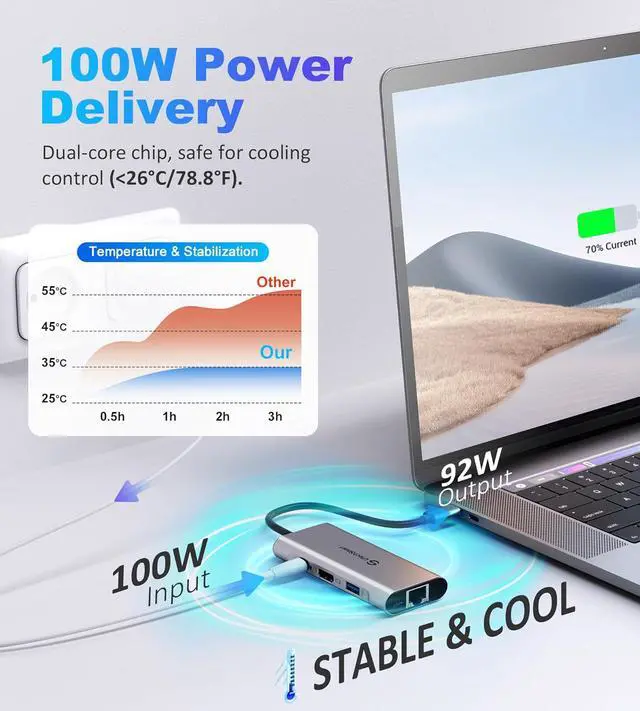
Plugin the Laptop's power adapter to the USB-C Power Delivery port before connecting an external hard drive or multiple devices to the hub.
Due to the process of EDID (Extended Display Identification Data) communication, once you plug the monitors, it might blackout screen for a few seconds. The recovery time depends on the and monitor (1 minute at max).
The HDMI-Displayport cable only support transfer Displayport to HDMI signal while not support HDMI to Displayport signal.
If the USB C hub doesn't work properly with your new Chromecast with Google TV do the following:
Unplug everything except the Chromecast is connected by HDMI to TV.
Plug the Ethernet cable into the usb c hub.
Plug Chromecast power cord into outlet and plug other end into Hub.
Plug USB C power coming out of hub into Chromecast.
Wait for Chromecast to completely boot and the hub should now work.