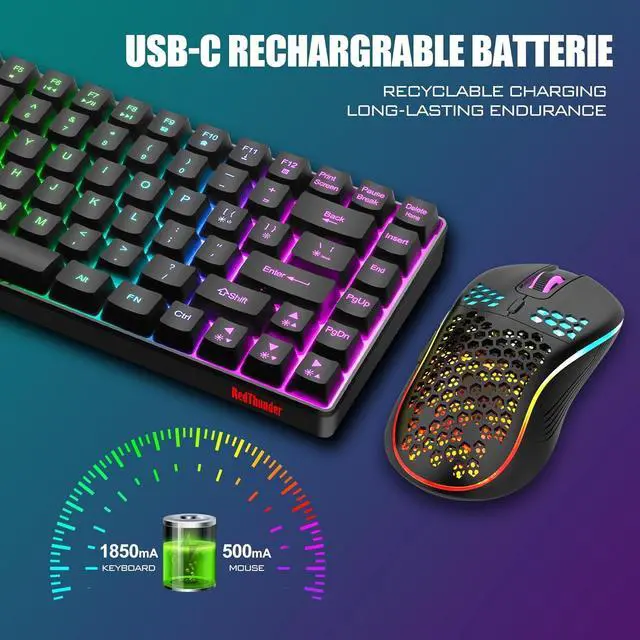
The upgraded detachable Type-C interface is made of high-quality metal to enhance the texture. It has the characteristics of faster transmission speed, more durable use, pluggable at any time, and more convenient to carry.
The wireless RGB mouse and the keypad are charged with the same Type-C data cable, and the mouse wheel will be illuminated by the indicator light when charging. The charging port is not easy to damage, more durable to use, simple to plug and unplug, and easy to carry.
1. Before using the product, please turn the switch at the bottom of the keyboard to the ON position, and turn the switch on the bottom of the mouse to the ON (no light) or LED (with light) position.
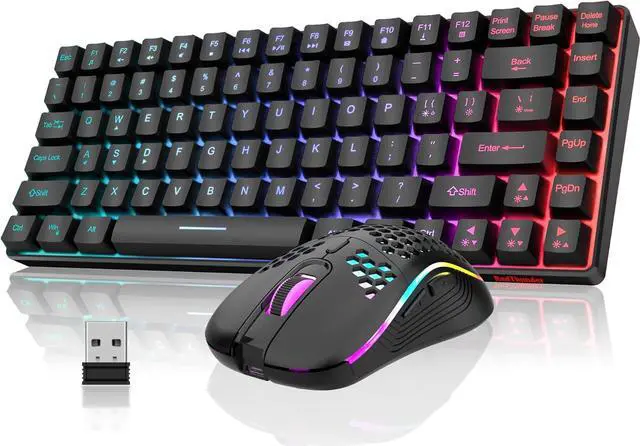
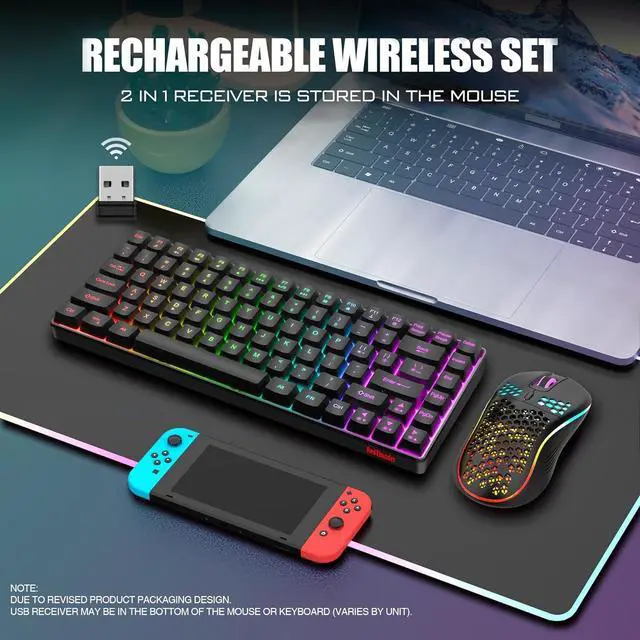
2. The keyboard and mouse share only one USB receiver, which is located at the bottom of the mouse. (Only when the receiver is plugged in, the lights of the keyboard and mouse will light up)
3. Please fully charge it before the first use, otherwise it will not last as long as expected when it is not fully charged. (Because we didn't fully charge the keyboard/mouse before shipment to ensure transportation safety)
4. There will be a little delay when the battery of the keyboard and mouse is too low, please use a DC:5V adapter to charge them, and the charging indicator will go out after fully charged. (If you use the USB port to charge them, the charging time will be very long because of the low current and large battery capacity)
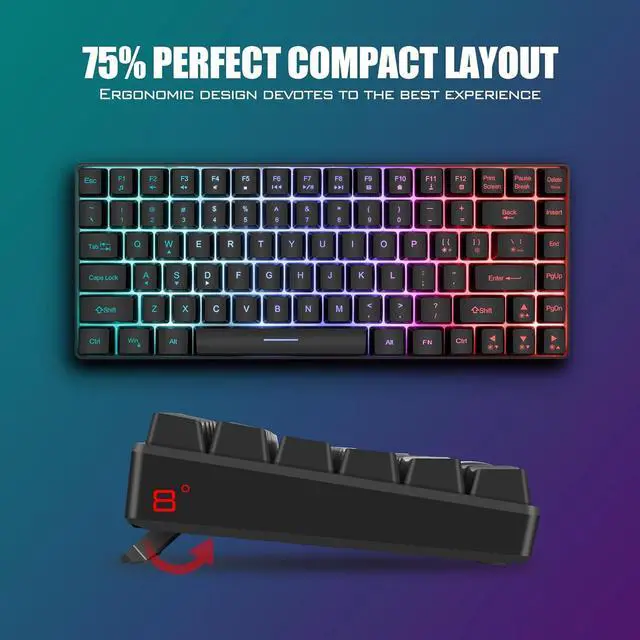
5. If you can't press "WASD" or "", don't worry, please check if the FN function key is enabled. FN+any one of "W/A/S/D" key can be used to switch between letter "WASD" keys and arrow "" keys at will.
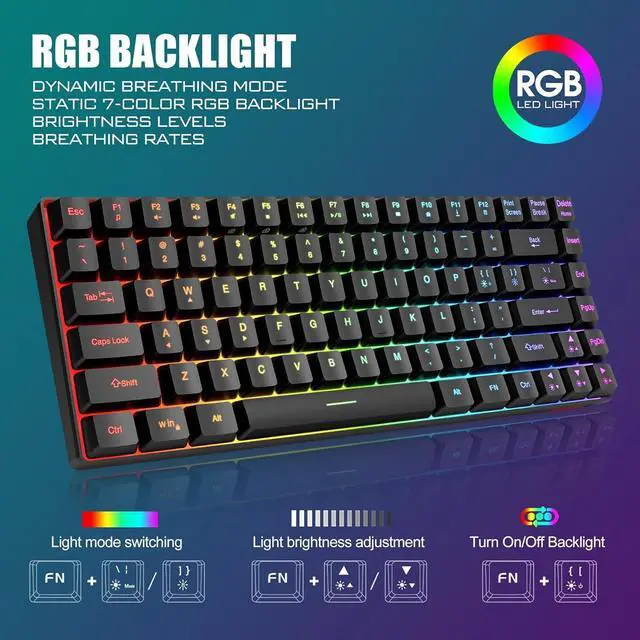
6. For RGB lighting adjustment, some shortcut keys and other information about the product, please refer to the user manual.
7. Turning off the keyboard light can extend the battery life of the keyboard moderately.
8. If you have any problem, please tell us at the first time, we will try our best to solve it.
Upgrade Type-C Charging Port Type-C Rechargeable Wireless Mouse



 We‘re shipping as usual! The Canada Post strike only affects certain remote deliveries and PO Boxes. Details
 Holiday Shipping Details & Extended Holiday Returns


