Specification:
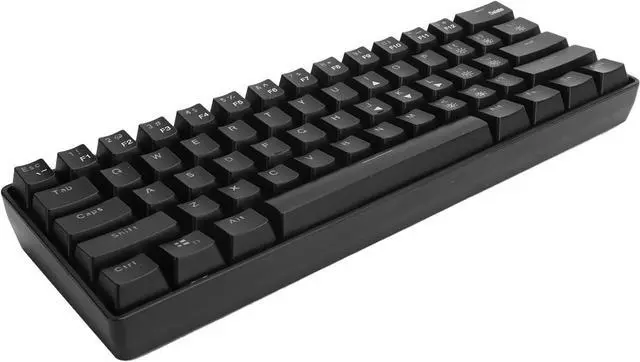
Item Type: Wired Keyboard
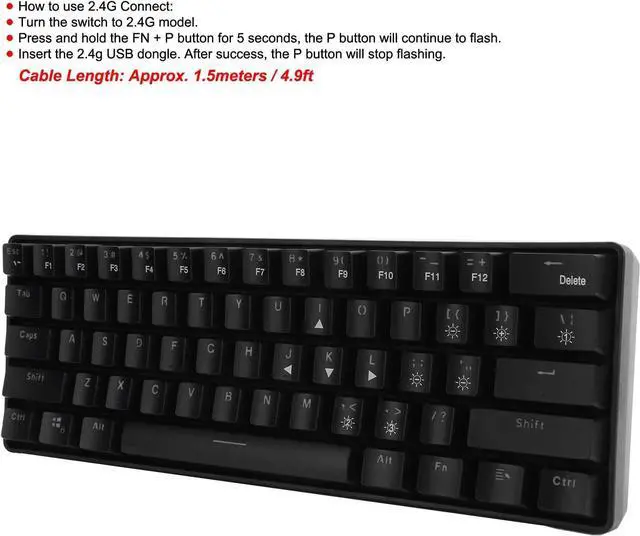
How to use 2.4G Connect:
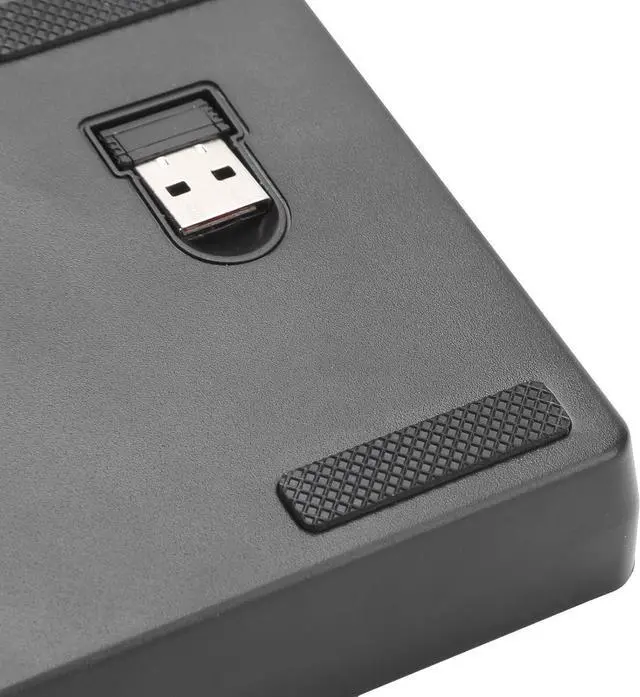
1. Turn the switch to 2.4G model.
2. Press and hold the FN + P button for 5 seconds, the P button will continue to flash.
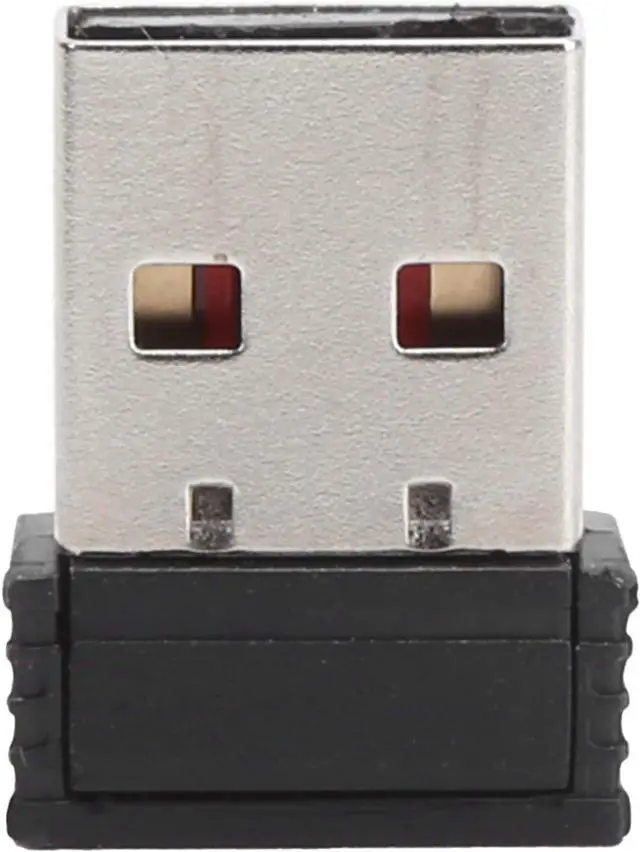
3. Insert the 2.4g USB dongle. After success, the P button will stop flashing.
Model: YK600
System Support: For WINXP / VISTA / / /
Connection: Wired/2.4G
Pressure: 60+ -20GF
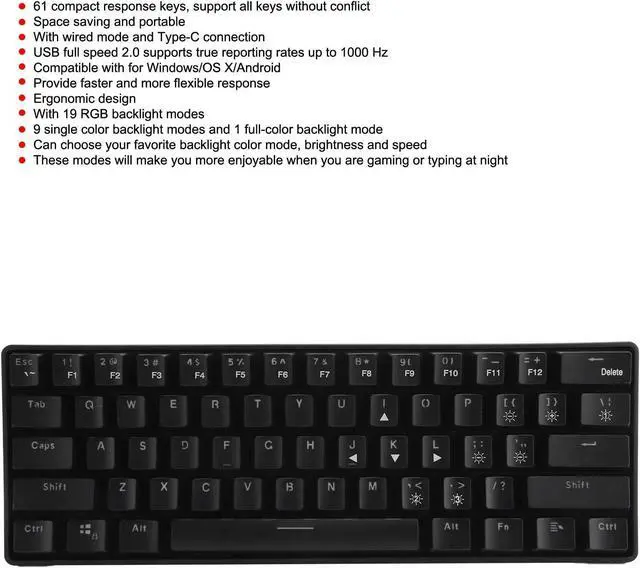
Interface: Type-C
Rechargeable Battery: 1850mAh
RGB backlight, 19 lighting modes
USB Full Speed 2.0 (12Mbps)
Cable Length: Approx. 1.5meters / 4.9ft
Package List:
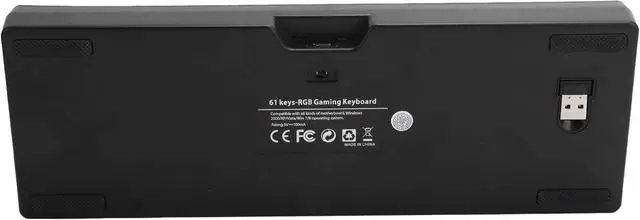
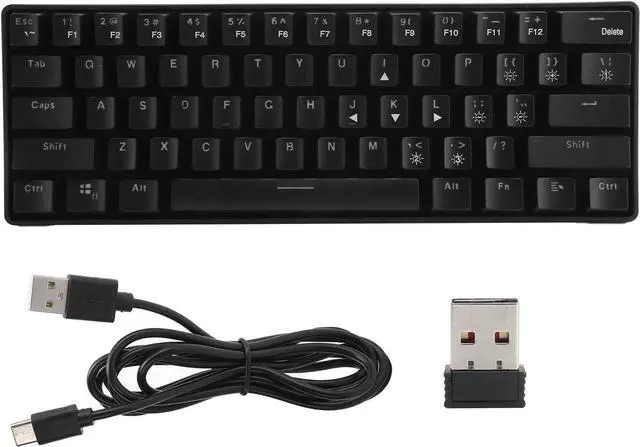
1 x Keyboard 1 x 2.4G Receiver
1 x Power Cable
1 x User Manual


 We‘re shipping as usual! The Canada Post strike only affects certain remote deliveries and PO Boxes. Details
 Holiday Shipping Details & Extended Holiday Returns


