Good PerformaceThe gaming keyboard k50 uses a new blue switch that is reinforced at the joint to make the button more stable and durable. Mechanical buttons provide medium resistance, audible clicks, and clear, precise tactile feedback for ultimate gaming performance.
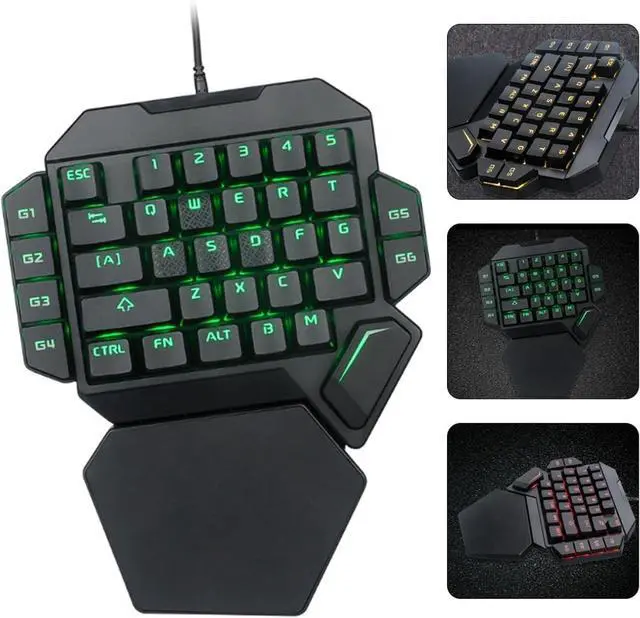
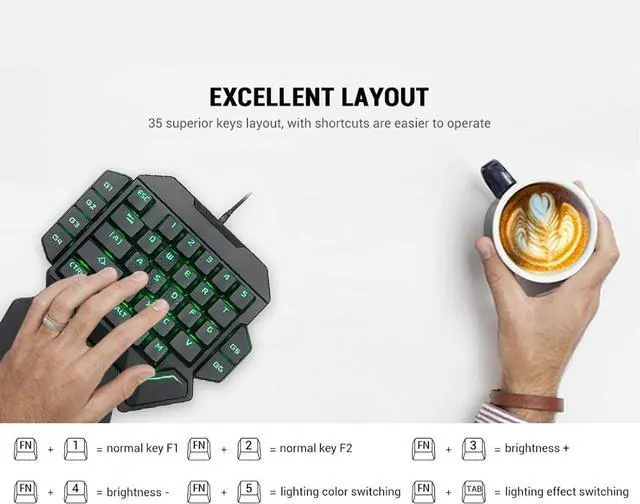
FeaturesThe one-handed keyboard is built-in 9 backlight colors, 5 backlight modes, press FN + 5 to change the backlight color, press FN + Tab to switch the backlight mode.
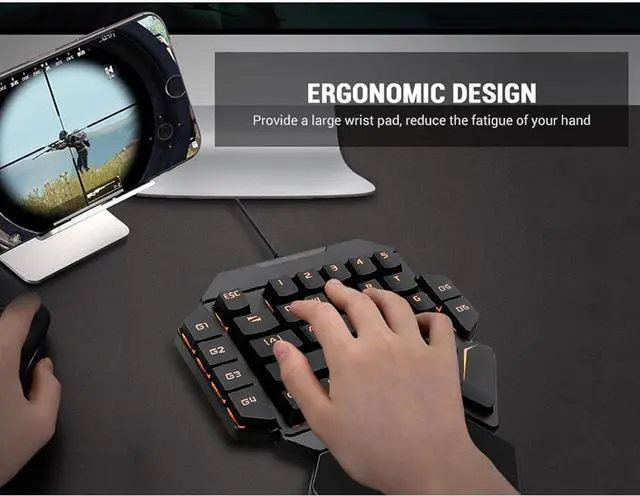
Well-designedThe mechanical keyboard is designed with a 35-key portable design and is compact, not only easy to carry, but also saves space. The big wrist and ergonomics give you a relaxed gaming experience.
Fit ForThe backlight keyboard is driver-free, plug and play, fully compatible: Fit for Win10/8/7/Vista/ME/OS X/Linux/IBM.
Functionmini gaming keyboard has Macro recording function: If there is no recording content in G1-G6, the default corresponds to F1, F2, F3, F4, F5, F6. If there is no recording in G1: press FN+G1 to enter the recording state. When the G1 lamp is flashing, you can input the recording content. After inputting FN+G1, the G1 lamp will return to the normal mode. Press FN+G1 again to clear the recording and change to the F1 function.






 We‘re shipping as usual! The Canada Post strike only affects certain remote deliveries and PO Boxes. Details
 Holiday Shipping Details & Extended Holiday Returns


