shippingWe‘re shipping as usual! The Canada Post strike only affects certain remote deliveries and PO Boxes. Details
shipping Holiday Shipping Details & Extended Holiday Returns
  • $132.99
  • Free 15-day Returns
  • Ships from China.
    Price alert
    Sold by POLING

    Shipped by POLING

    Shop it at NeweggBusiness.

    Meet Your Seller

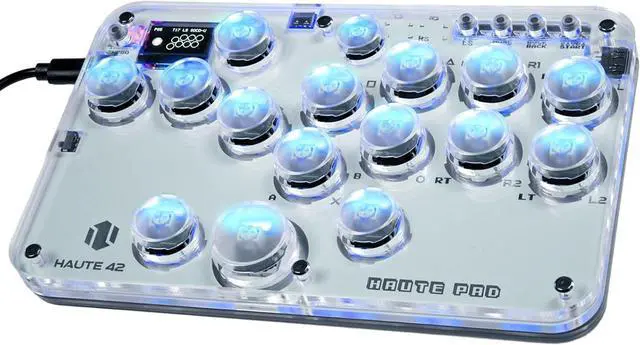
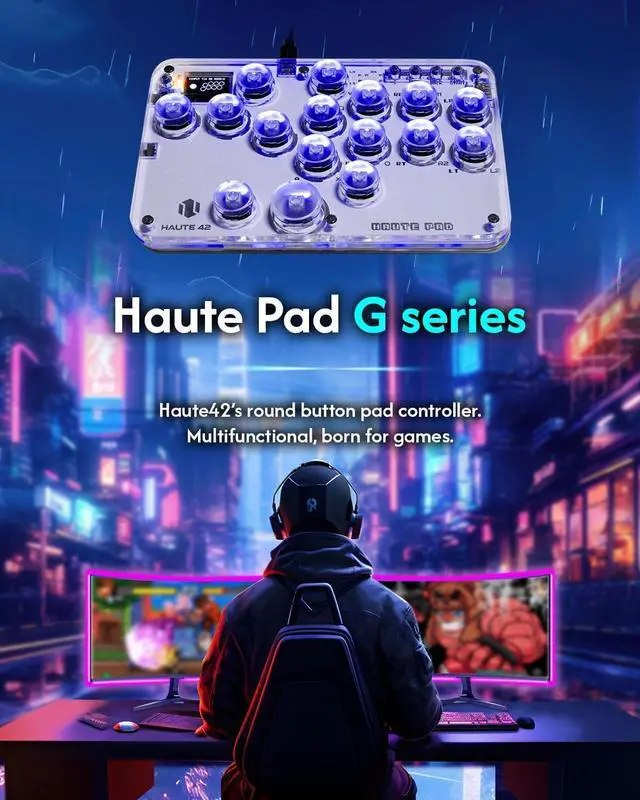
    Sehawei Haute42 Arcade Stick 16Keys All-Button Gamerfinger with Custom RGB & Turbo Functions,Arcade Controller Street Fight for PC/Ps3/Ps4/Switch/Steam Game Keyboard-Supports Hot Swap & SOCD

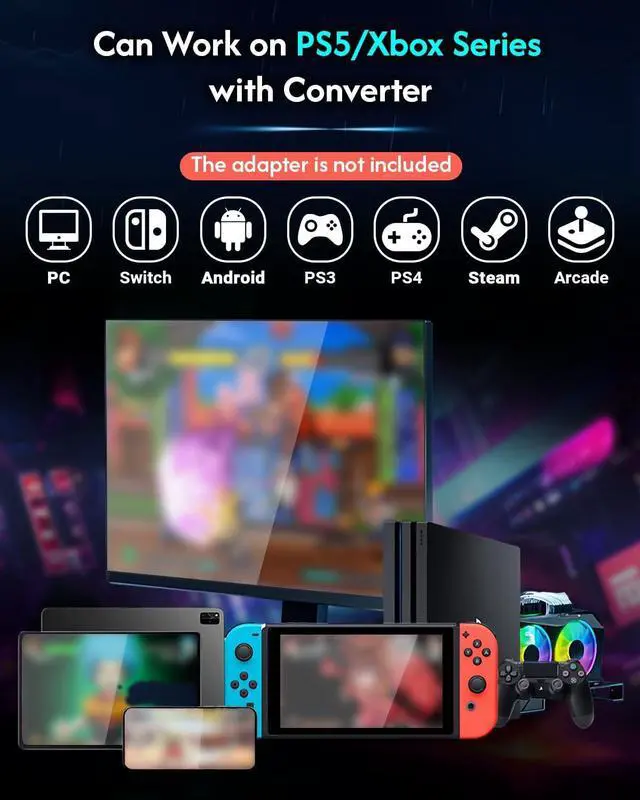
    • System CompatibilityOur Arcade keyboard suitable for Windows 10 or above / Steam Deck/Ps3/Ps4/Switch/Raspberry Pi(Lakka, RetroPie, Recalbox, Batocera)/MiSTer/Android, Linux, iPadOS, macOS, Windows (Keyboard mode only)Attention: Regarding the connection of PS4/PS5, please refer to the official website or manual to set it up. Please carefully check the manual or website link: haute42.com/supports/
    • Ultra Low 1ms DelayOur G16 keyboard is made of 40nm process node manufacturing, low dynamic power consumption, and low leakage,1ms delay, no frame leakage rate above 95%,Supports firmware updates
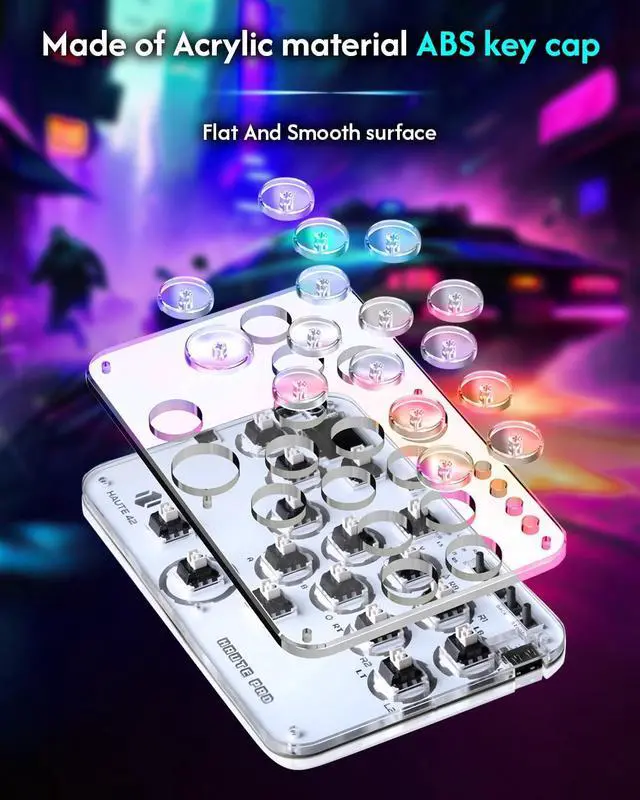
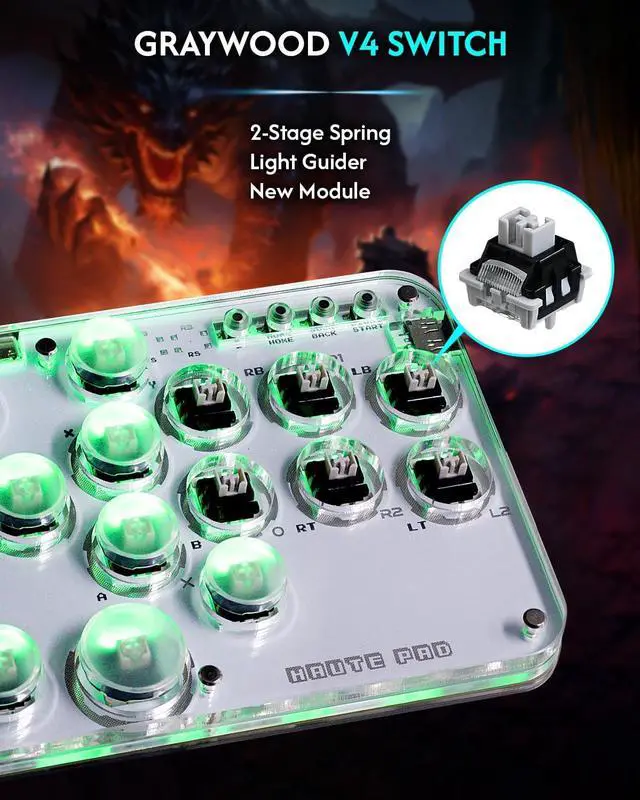
    • Hot-Swappable & DIY SupportOur mini keyboard adopts hot swappable technology, making it convenient for users to replace their favorite mechanical keys without any welding problems.It supports DIY and can be modified to your preferred skin color to make it look cooler.NoticeEXT. port is used for extension functions,please do not connect your game console through this port
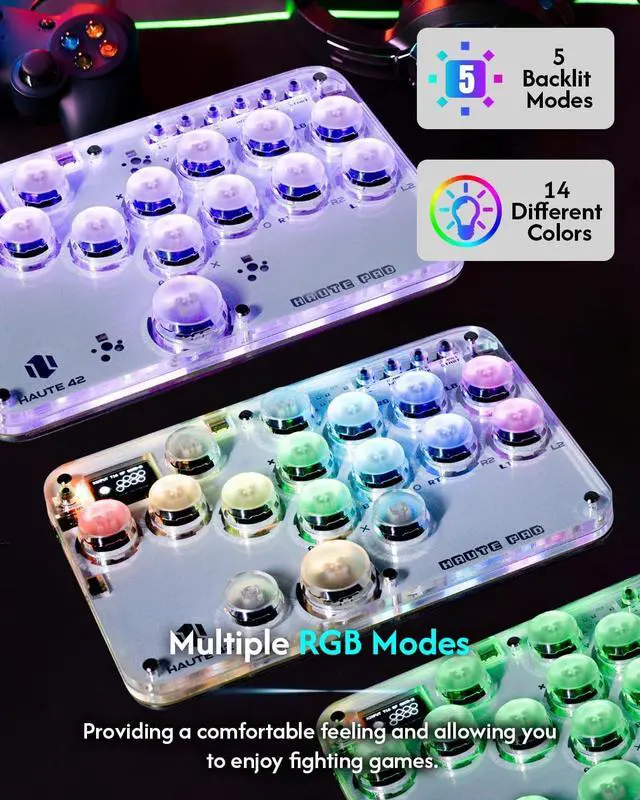
    • Custom RGB DesignT
    +
    +
    Overview
    Specs
    Reviews
    How to perform connection settings?
    You can press'start' while inserting the keyboard into the PC,Or press and hold start+x+y for five seconds while inserting the keyboard to start the
    application. Then visit 192.168.7.1 Configure in a web browser
    Unable to connect, how to upgrade version from 0.7.5 to 0.7.7?
    You can go to huate42.com Official website to get help
    Why does my controller stop responding after a while on PS4 or Ps5?
    PS4 and PS5 consoles use authentication to ensure only authorized controllers are used.Without this, controllers face an 8-minute timeout.When using a PS4 controller in PC mode, no timeout occurs, but Xinput is recommended for best compatibility.
    How do l avoid the 8-MlNUTE timeout?
    The GP2040-CE frmware enables fle uploads for device authentication via the Ps4 Mode add-on, resoving the timeout issue. With an OLED display,the input mode switches from PS4 to Ps4:AS upon successful authentication with the Ps4/Ps5 console.
    Can it play on PS5/Xbox Series console?
    How to perform connection settings?
    Unable to connect, how to upgrade version from 0.7.5 to 0.7.7?
    Why does my controller stop responding after a while on PS4 or Ps5?
    How do l avoid the 8-MlNUTE timeout?

    Warranty & Returns

    Warranty, Returns, And Additional Information

    Warranty

    • Please contact the Seller directly for warranty information. Warranty information may also be found on the Manufacturer's website.
    • CONTACT

    Return Policies

    • Return for refund within: 15 days
    • Return for replacement within: 30 days
    • This item is covered by POLING Return Policy

    Manufacturer Contact Info

    LOADING...