shippingWe‘re shipping as usual! The Canada Post strike only affects certain remote deliveries and PO Boxes. Details
shipping Holiday Shipping Details & Extended Holiday Returns
  • $520.99
  • Free 15-day Returns
  • Ships from China.
    Price alert
    Sold by POLING

    Shipped by POLING

    Shop it at NeweggBusiness.

    Meet Your Seller

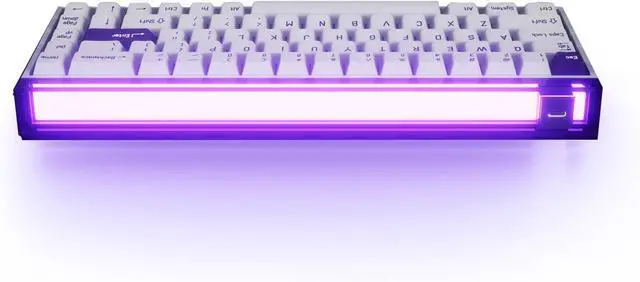
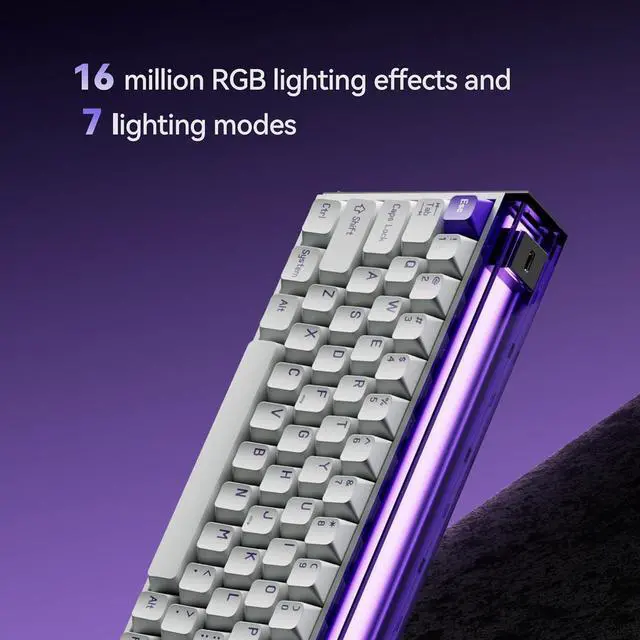
    MelGeek MADE68 Pro Wired Keyboard, Gaming Keyboard with Hall Effect Magnetic Switch, 65% Compact, RGB Backlit and Rapid Trigger, Hot-Swappable and 0.01mm Adjustable Actuation (Purple)

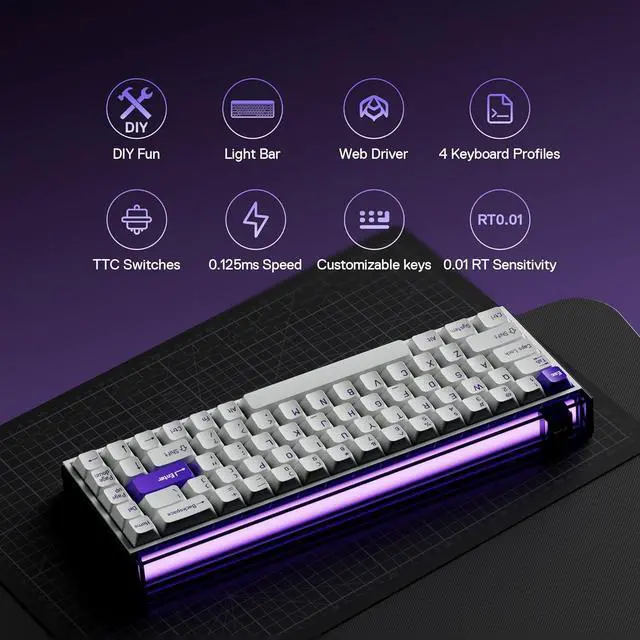
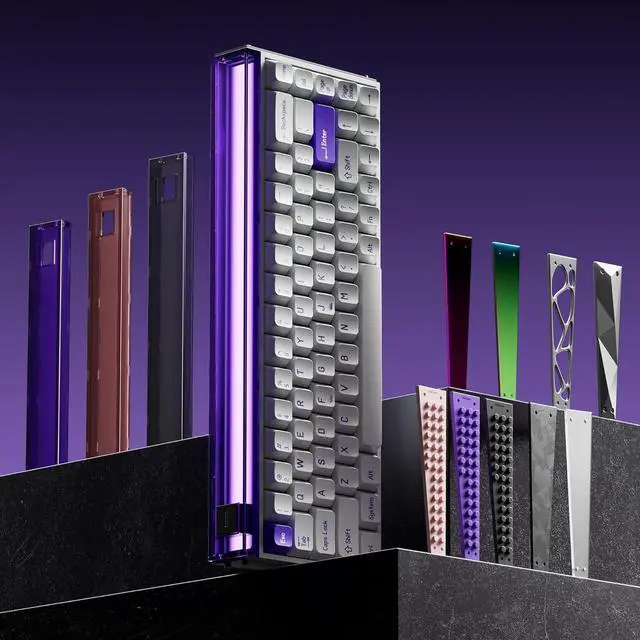
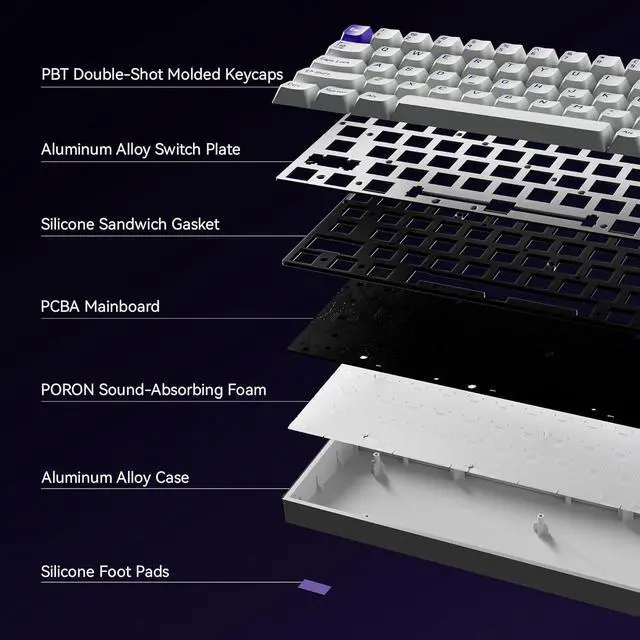
    • Creative and fun DIY design: To meet different user styles, weve created removable lightboxes and side panels, turning your keyboard into a fashion statement that keeps the excitement fresh.
    • 16k full-key scan rate with 0.125ms latency: Enjoy a zero-delay gaming experience, making this a top choice for many professional players.
    • Exclusive, self-developed W.I.N. algorithm: Ensures a stable connection with ultra-fast transmission. The RT precision reaches 0.01, offering quick and stable emergency stops.
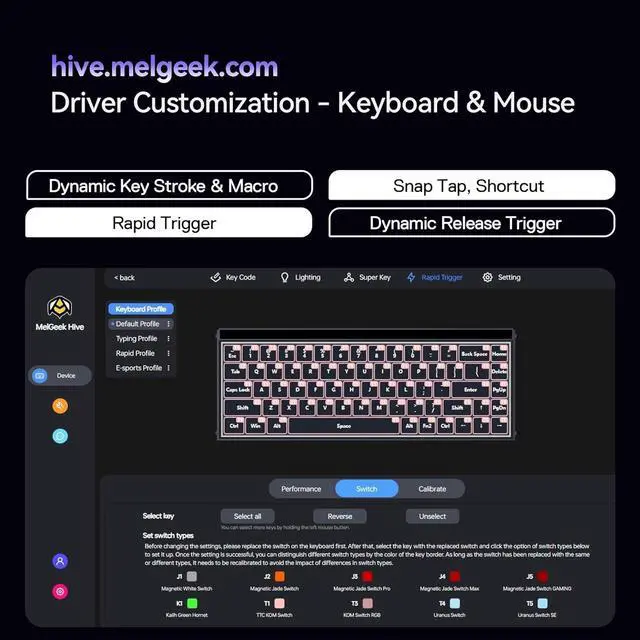
    • Custom-developed HIVE firmware: Available on both web(hive.melgeek.com) and app versions, it supports various shortcuts, SnapTap, RT, DKS, and more for complete keyboard customization.
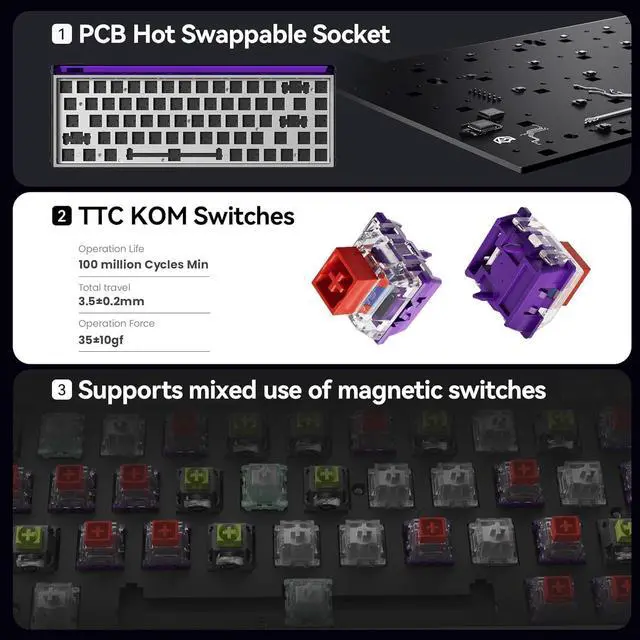
    • Supports mixed switches and hot-swappable keys: The keyboards built-in KOM switches have an RT precision of up to 0.01. Swap out switches anytime based on your sound preferences for a fully personalized typing experience.
    +
    +
    Overview
    Specs
    Reviews
    2. What is a Rapid Trigger Keyboard?
    Rapid Trigger lets keys trigger faster (press lightly) and reset quicker (release halfway), cutting delays for pro gamers needing instant reactions.
    3. What is Snap Tap?
    Snap Tap is a keyboard feature that prioritizes the most recent key press without requiring the previous key to be released. This enables faster reactions and smoother directional changes, especially in fast-paced FPS games.
    4. Whats the shortcut to switch between Windows and macOS on this keyboard?
    No default shortcut for switching between Win/Mac. To enable:
    1. Connect the keyboard viahive. melgeek. com
    2. Go to Second Layer (Fn Layer) Bind **"Toggle OS"** (under Special) to a key.
    3. Press Fn + assigned key to toggle systems.
    HIVE 0.125ms latency 1. Why do some magnetic keyboards require wired connections?
    2. What is a Rapid Trigger Keyboard?
    3. What is Snap Tap?
    4. Whats the shortcut to switch between Windows and macOS on this keyboard?

    Warranty & Returns

    Warranty, Returns, And Additional Information

    Warranty

    • Please contact the Seller directly for warranty information. Warranty information may also be found on the Manufacturer's website.
    • Read full details
    • CONTACT

    Return Policies

    • Return for refund within: 15 days
    • Return for replacement within: 30 days
    • This item is covered by POLING Return Policy

    Manufacturer Contact Info

    LOADING...